





 Laptop Computers
 Desktop Computers
 Printers

 Network
 Software
 Laptop Accessories
 Laptop Components
 Office
 Desktop peripherals
 Server
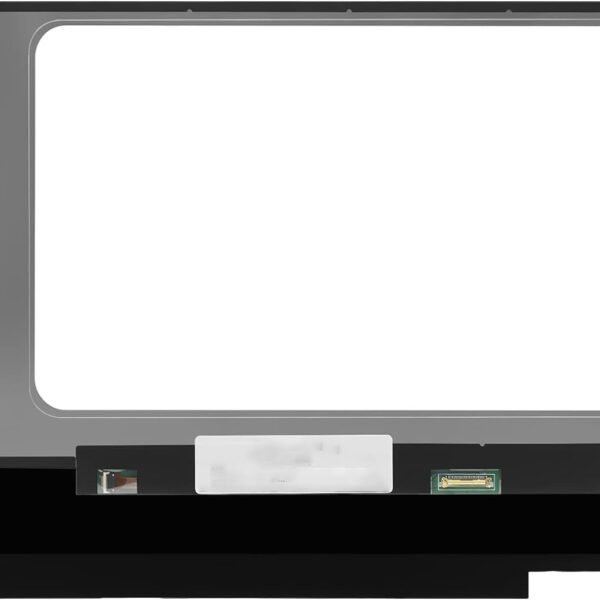
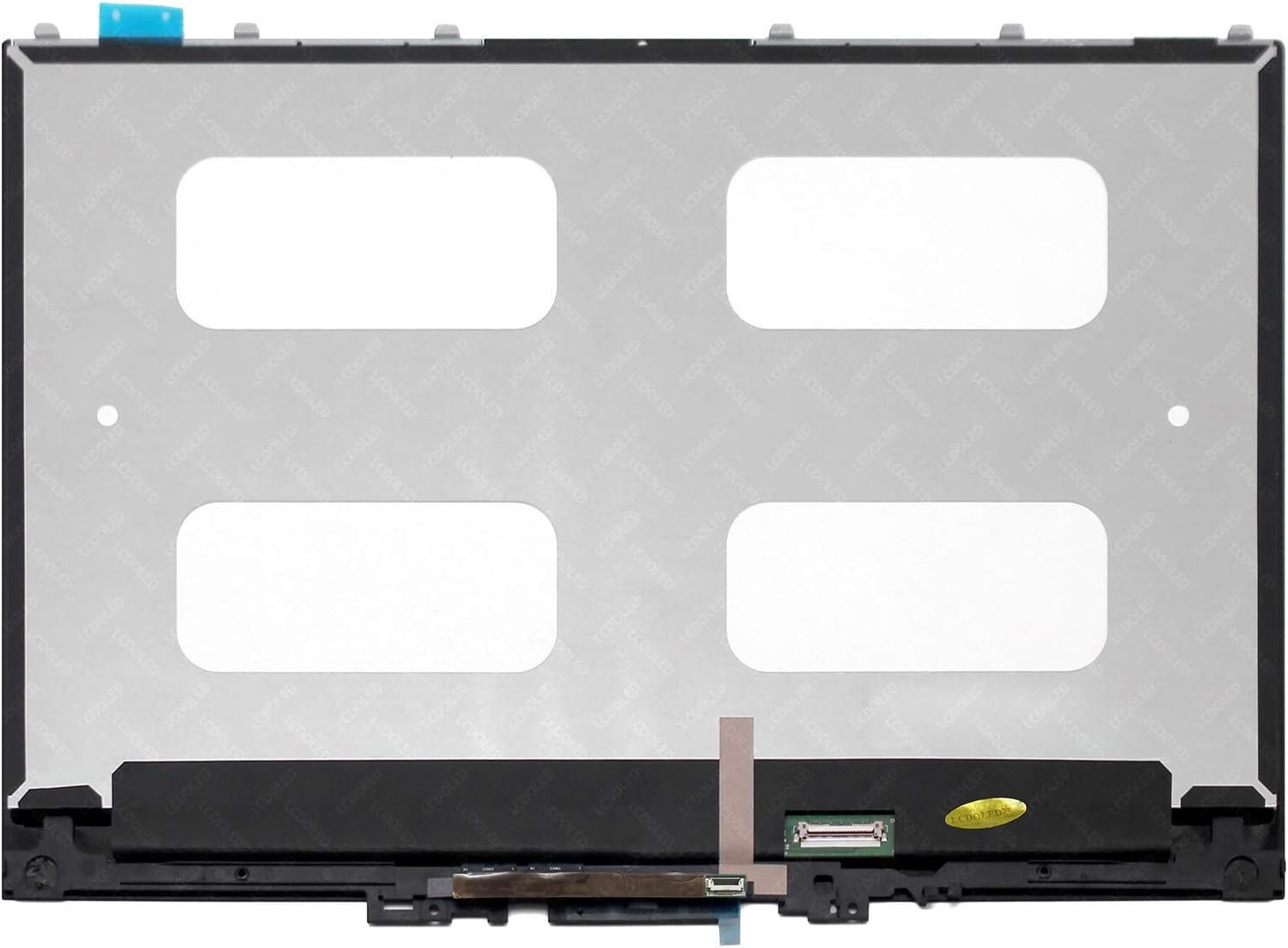
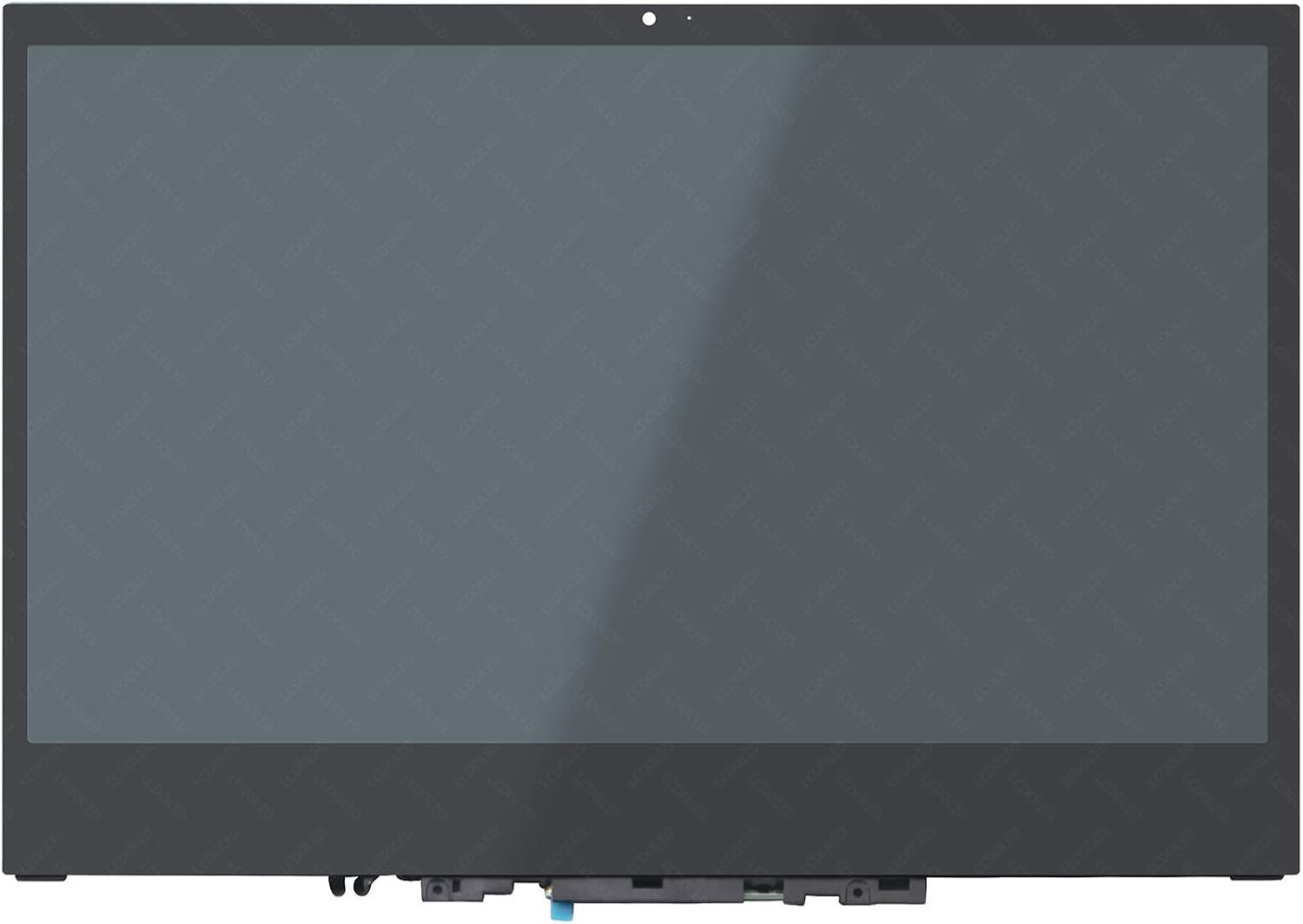
Size: 13.3″
Resolution: Full HD (1920 x 1080) / UHD 4K (3840 x 2160) – depending on model
Pixels: 1920 x 1080
Backlight Type: LED
Backlight Lamp: DIODE
Connector: EDP
Pin Connection: 30 Pins
Side: Bottom Right Connector
Finish: Glossy (Touchscreen with Digitizer)
Condition: NEW
Commodity: Touch Screen Assembly with Digitizer Glass
Technology: IPS Touch Display
Dead Pixel Policy: In Accordance with ISO 13406-2 norm
Source: Factory Direct
Packaging: Fragile Customized Package
Compatibility: OEM – Lenovo Yoga 720-13IKB models

Hurry and get discounts on all Apple devices up to 20%
Sale_coupon_15
KSh20,000.00 excl. VAT
Payment Methods:

At Lansotech Solutions, we are Nairobi’s trusted laptop sales and repair specialists, offering reliable solutions for all Lenovo models. One of the most common issues with the Lenovo Yoga 720-13IKB is a damaged or malfunctioning screen. Being a premium 2-in-1 convertible laptop, this model features a high-quality touch-enabled display, making screen replacement a delicate and technical task that should be handled by professionals.
This comprehensive guide provides everything you need to know about Lenovo Yoga 720-13IKB screen replacement, including signs of screen failure, specifications, the replacement procedure, and why Lansotech Solutions is the best choice in Nairobi.
The Lenovo Yoga 720-13IKB is designed for professionals and students who need a powerful, portable, and versatile laptop. Its 13.3-inch touchscreen display is one of its strongest features, but it’s also one of the most vulnerable components. Issues that often require screen replacement include:
Cracked or shattered touchscreen due to drops or pressure.
Touchscreen malfunction (unresponsive or ghost touches).
Display flickering, dimming, or black screen caused by internal damage.
Dead pixels, colored lines, or distorted visuals reducing usability.
A faulty screen not only limits functionality but also prevents you from fully utilizing the laptop’s 2-in-1 convertible design.
When replacing your screen, it’s crucial to ensure compatibility with the exact model. The Yoga 720-13IKB typically comes with:
Size: 13.3 inches
Resolution: Full HD (1920 x 1080) or 4K UHD (3840 x 2160), depending on the variant
Technology: IPS LCD, Touchscreen (with digitizer glass)
Backlight Type: LED
Connector: 40-pin EDP connector
Finish: Glossy with integrated touch panel
At Lansotech Solutions, we supply genuine OEM replacement screens for Lenovo Yoga 720-13IKB, available in both Full HD and UHD options, ensuring you receive the same quality as the original display.
Because the Lenovo Yoga 720-13IKB uses a touchscreen with integrated digitizer, the replacement process is more complex than standard laptops. At Lansotech Solutions, our trained technicians follow this careful procedure:
Power off the laptop completely.
Disconnect charger and remove external devices.
Use static-free tools for safety.
Heat is applied around the edges to soften the adhesive holding the touchscreen.
Carefully pry open the screen assembly using specialized tools.
Disconnect the 40-pin EDP connector from the motherboard.
Connect the replacement screen to the cable securely.
Align and fit the new touchscreen into the frame.
Seal the edges using manufacturer-grade adhesive.
Power on the laptop to check display quality and touchscreen responsiveness.
Test multi-touch functions and brightness adjustments.
Ensure there are no flickers, dead pixels, or touch delays.
This ensures your Lenovo Yoga 720-13IKB is restored to factory condition.
Choosing professional service for your Lenovo Yoga 720-13IKB screen replacement is vital due to the complex touchscreen assembly. At Lansotech Solutions, we guarantee:
Original OEM Lenovo Yoga 720-13IKB screens (FHD & UHD).
Professional technicians experienced in handling delicate touchscreens.
Same-day service for most replacements.
Affordable pricing with transparent costs.
Warranty on parts and installation for peace of mind.
Customer guidance on how to care for your new screen.
We are Nairobi’s leading experts in Lenovo laptop repairs, ensuring you get the best service and genuine parts.
After replacing your screen, proper care can extend its life. We recommend:
Always use a protective laptop sleeve when traveling.
Avoid pressing hard on the touchscreen.
Clean with a soft microfiber cloth only.
Keep liquids away to prevent touchscreen failure.
Apply a tempered glass screen protector for extra safety.
Get the Lenovo yoga 720 13ikb screen Replacement service from Lansotech Solutions now!

No account yet?
Create an Account











 ASUS
ASUS



