





 Laptop Computers
 Desktop Computers
 Printers

 Network
 Software
 Laptop Accessories
 Laptop Components
 Office
 Desktop peripherals
 Server

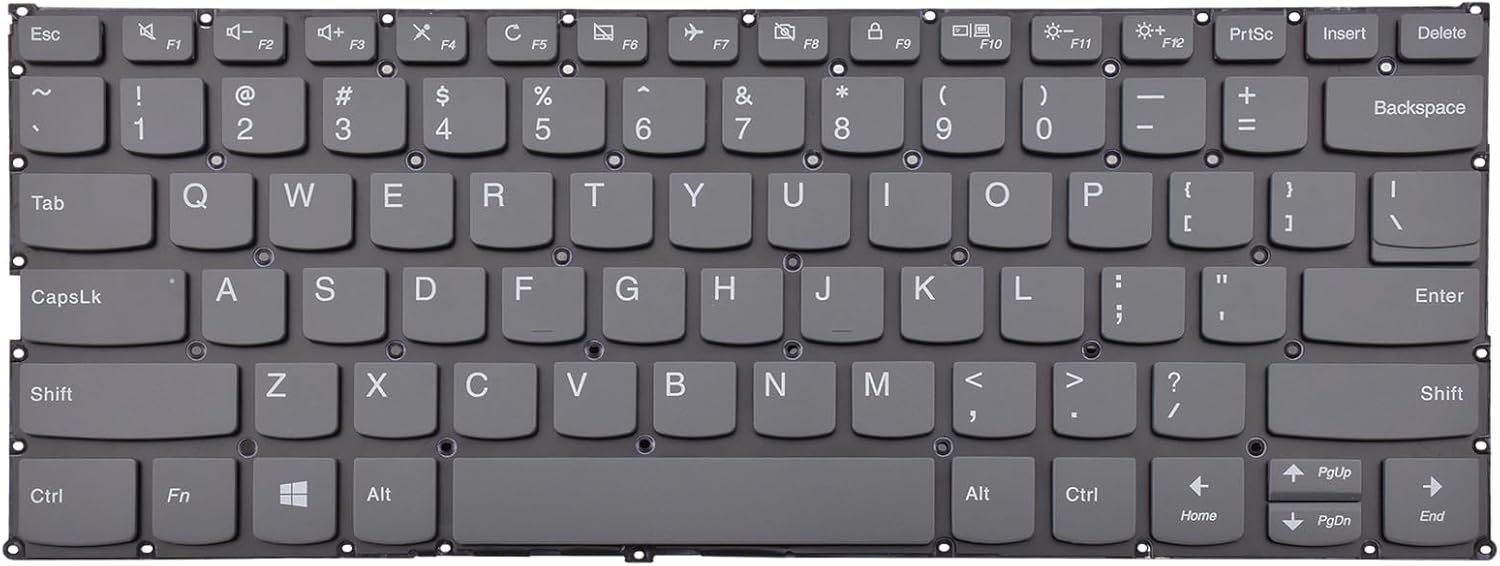
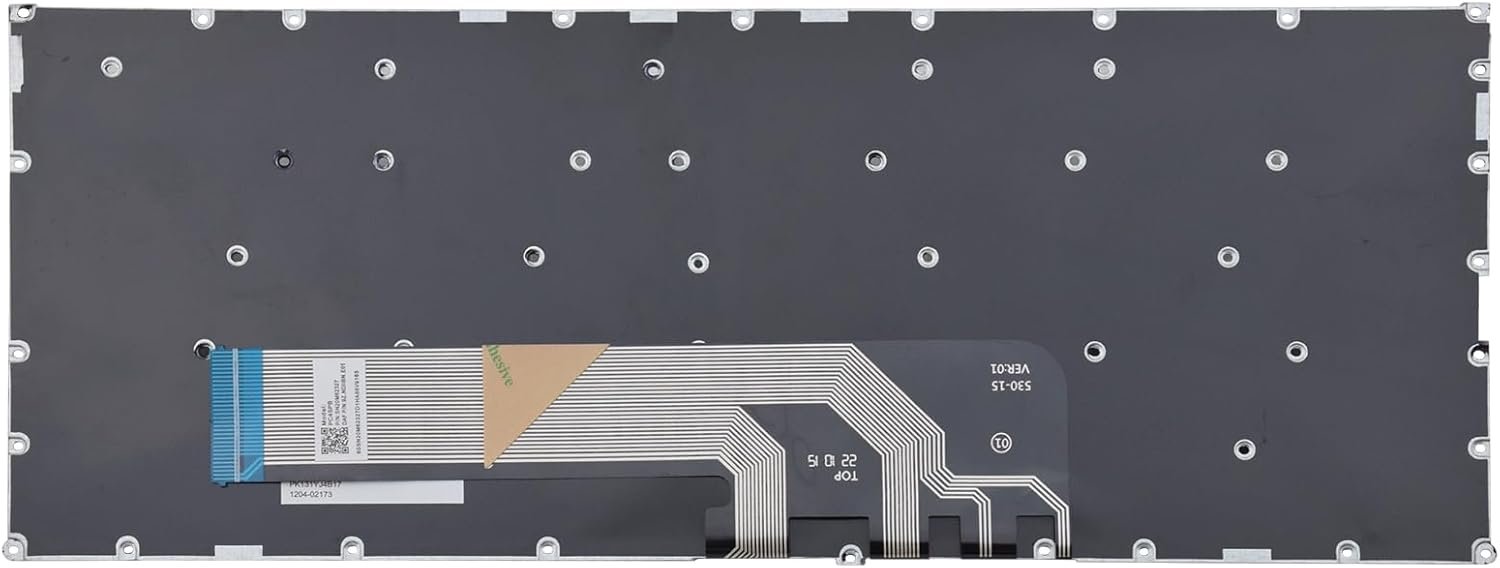
The Lenovo Yoga 730 keyboard is a high-quality replacement part designed specifically for the Yoga 730 series. This OEM keyboard features:
Durable construction to withstand heavy typing.
Sleek design that seamlessly integrates with your Yoga 730 laptop.
Responsive key mechanisms ensuring a smooth and accurate typing experience.

Hurry and get discounts on all Apple devices up to 20%
Sale_coupon_15
KSh3,300.00 excl. VAT
Payment Methods:

At Lansotech Solutions, we understand that a faulty keyboard can disrupt your workflow and cause immense frustration. As the leading laptop sellers and repair specialists in Nairobi, we have performed countless Lenovo Yoga 730 keyboard replacements with precision and professionalism. Below is a comprehensive guide detailing everything you need to know about replacing the keyboard on your Lenovo Yoga 730.
A malfunctioning keyboard is more than just an inconvenience. Sticky keys, unresponsive buttons, or damaged keycaps can severely impact productivity. In many cases, liquid spills, excessive wear, or accidental physical damage lead to the need for a full keyboard replacement rather than a simple repair.
At Lansotech Solutions Nairobi, we only use genuine Lenovo spare parts, ensuring the longevity and performance of your device after replacement.
To achieve a flawless replacement, having the right tools and authentic parts is essential. Our technicians use:
Genuine Lenovo Yoga 730 keyboard assembly
Precision screwdrivers (Torx T5, Phillips #0)
Plastic spudgers and pry tools
Anti-static wrist strap
Thermal paste (if disassembly involves cooling system inspection)
Magnetic screw tray to keep track of tiny screws
We emphasize authentic components because third-party or low-grade parts can compromise your laptop’s performance and durability.
We begin by shutting down the laptop completely and disconnecting the charger. Our team works on an anti-static mat to prevent static damage. Removing external devices and ensuring a clutter-free workspace is crucial.
The Yoga 730’s slim design means the keyboard is integrated beneath the top cover. We carefully remove all Torx screws on the bottom panel and use a plastic pry tool to lift the cover without scratching the chassis.
Safety first. We disconnect the internal battery connector to prevent electrical shorts during the repair process.
The Lenovo Yoga 730 keyboard is often secured beneath the top palm rest. We detach the ribbon cables connecting the keyboard and touchpad to the motherboard. Each step is done with extreme caution to avoid tearing delicate connectors.
The keyboard is typically held in place by miniature screws and clips. Our technicians unscrew, unclip, and gently lift the old keyboard out of its housing. We then install the new OEM Lenovo Yoga 730 keyboard, ensuring every clip and screw is correctly fastened.
After placing the new keyboard, we reconnect all ribbon cables, reinstall the battery connection, and reattach the back cover. We test every key before final sealing.
Before handing over your laptop, we perform a full diagnostic test:
Each key is tested for responsiveness.
The backlight functionality (if applicable) is verified.
The touchpad and palm rest sensors are double-checked.
A stress test ensures there are no loose connections or malfunctions.
We pride ourselves on being the best laptop sellers and service providers in Nairobi. When you bring your Lenovo Yoga 730 to us, you can expect:
Certified technicians with extensive experience.
Fast turnaround times so you’re not without your laptop for long.
Competitive pricing without compromising quality.
Warranty on parts and labor for peace of mind.
On-site support and consultation services.
Our expertise ensures that your device is restored to like-new condition quickly and efficiently.
Often, customers experiencing keyboard issues also report other problems. While replacing your keyboard, we can inspect and resolve:
Liquid damage to internal components
Battery swelling or reduced life
Thermal issues due to dust accumulation
Screen or hinge replacements if necessary
This holistic approach ensures your Lenovo Yoga 730 is not only functional but also optimized for long-term use.
After replacing your keyboard, follow these proactive maintenance tips:
Avoid eating or drinking near your laptop.
Clean the keyboard regularly using compressed air.
Invest in a keyboard protector to prevent dust and spills.
Always close the laptop gently to prevent pressure on the keys.
By following these simple guidelines, you can extend the life of your new keyboard and keep your laptop in top working condition.
If you are in Nairobi and facing keyboard problems with your Lenovo Yoga 730, Lansotech Solutions is your go-to service center. Our reputation as the best laptop sellers and repair experts comes from years of dedicated service and satisfied clients.
No account yet?
Create an Account











 ASUS
ASUS



