





 Laptop Computers
 Desktop Computers
 Printers

 Network
 Software
 Laptop Accessories
 Laptop Components
 Office
 Desktop peripherals
 Server

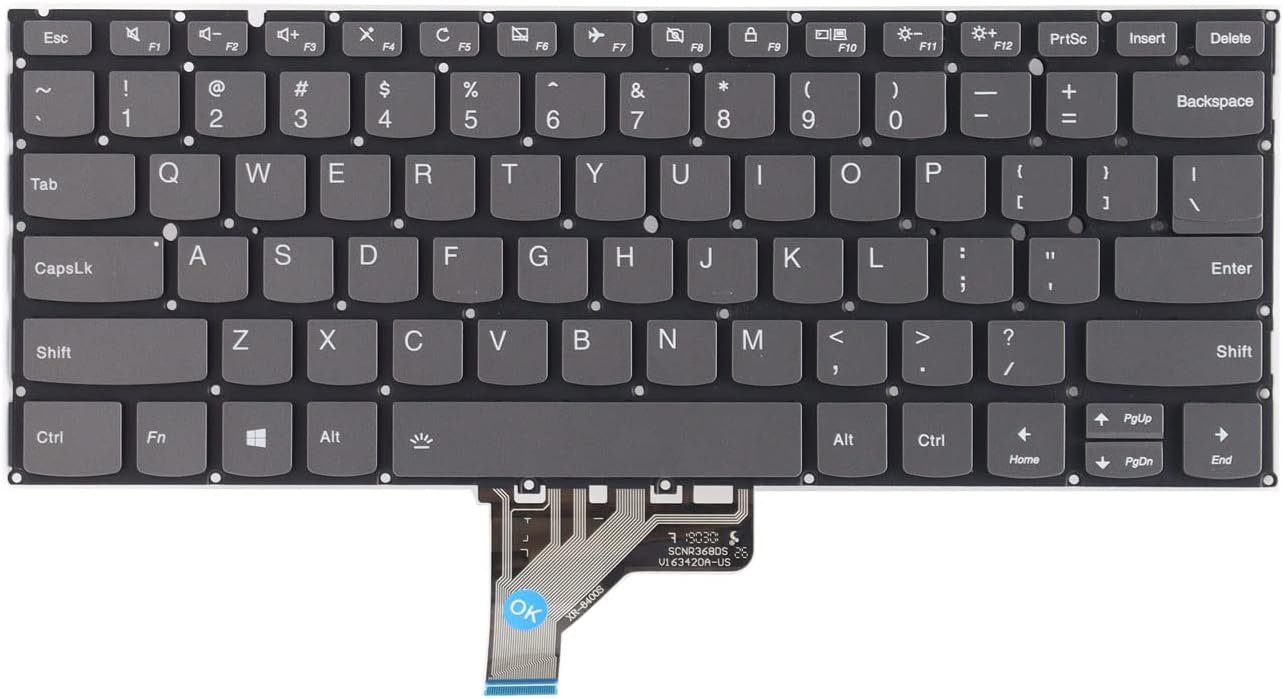
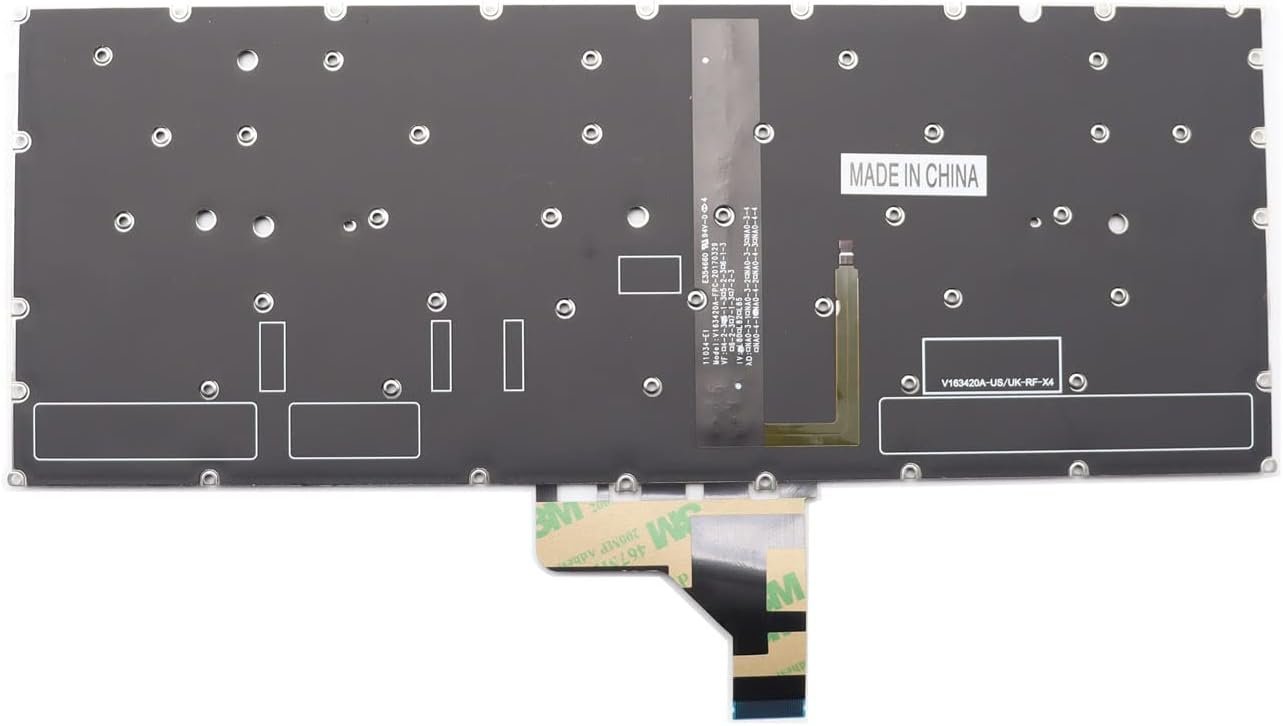
The Lenovo Yoga 920‑13IKB replacement keyboard is a genuine OEM component engineered for the 13.9‑inch Yoga chassis:
Type: Low‑profile chiclet with scissor mechanism.
Key Travel: ~1.3 mm for precise tactile feedback.
Backlight: White LED with adjustable brightness.
Connection: Gold‑plated FFC with ZIF latch.
Compatible Models: for Lenovo Yoga 920-13 920-13IKB Yoga 6 Pro Flex Pro-13IKB
Build: Spill‑resistant multilayer membrane and precision‑molded keycaps.

Hurry and get discounts on all Apple devices up to 20%
Sale_coupon_15
KSh5,000.00 excl. VAT
Payment Methods:

At Lansotech Solutions, we provide professional Lenovo Yoga 920‑13IKB keyboard replacement services with unmatched precision. As the leading laptop sales and service center in Nairobi, we use genuine Lenovo Field Replaceable Units (FRUs) and follow exact technical procedures to restore your ultrabook’s premium typing experience. Below is a detailed guide for technicians and advanced users.
The Yoga 920‑13IKB is a high‑end 13.9‑inch convertible with a thin unibody chassis. Its keyboard is an ultra‑slim backlit chiclet design integrated into the upper case.
Keyboard Layout: 6‑row, low‑profile keys with integrated function row.
Backlight: White LED, dual‑level brightness.
Interface: Flexible flat cable (FFC) with ZIF (Zero Insertion Force) connector to mainboard.
Mounting: Fixed under the palm rest using retention screws and tabs.
Special Features: Spill‑resistant membrane, precision scissor mechanisms.
Replacing this keyboard requires specialized tools and OEM components:
Precision screwdriver set (Torx T5, T4, Phillips #00).
Plastic pry tools and nylon spudgers for safe opening.
ESD wrist strap and antistatic mat to prevent static discharge.
Tweezers for handling delicate ribbon cables.
Magnetic parts tray for screw management.
Genuine Lenovo Yoga 920‑13IKB keyboard FRU (commonly 5N20R63971 or region-specific equivalents).
Shut down the laptop fully.
Disconnect the AC adapter and any peripherals.
Hold the power button for 10 seconds to drain residual power.
Unscrew all Torx T5 screws on the underside.
Use a plastic opening tool around the perimeter to release clips.
Lift off the aluminum base cover carefully.
Locate the main battery connector on the system board and unplug it gently.
This is crucial to avoid electrical damage during disassembly.
The Yoga 920’s keyboard is part of the upper chassis assembly.
Remove obstructing components such as:
Speaker modules.
Motherboard screws and brackets.
Carefully lift or tilt the board if needed to expose the keyboard’s retention points.
From the underside of the palm rest:
Locate screws marked with a keyboard icon.
Unscrew them and unclip any plastic tabs.
Turn the laptop over, lift the keyboard gently from the top edge, and disconnect the FFC from the ZIF connector.
Align the new OEM Lenovo Yoga 920‑13IKB keyboard within the upper case.
Connect the FFC to the ZIF connector and lock it.
Secure with the designated screws and ensure all clips engage properly.
Refit the motherboard, speakers, and any brackets removed.
Reconnect the battery.
Replace the bottom cover and fasten all screws securely.
Power on the laptop and run a full diagnostic:
Confirm all keys register correctly.
Test both backlight levels.
Verify function keys (volume, brightness, etc.) and overall tactile response.
At Lansotech Solutions, we perform:
BIOS input tests to confirm keyboard detection.
Key matrix scans for dead key detection.
Backlight uniformity inspections to ensure even illumination.
Mechanical alignment checks for proper fitment.
Authentic Lenovo parts with warranty.
Skilled technicians trained on Yoga ultrabooks.
Fast turnaround time with same‑day service available.
Comprehensive after‑service support including hinge, battery, or screen replacements.
No account yet?
Create an Account











 ASUS
ASUS



