






 Laptop Computers
 Desktop Computers
 Printers

 Network
 Software
 Laptop Accessories
 Laptop Components
 Office
 Desktop peripherals
 Server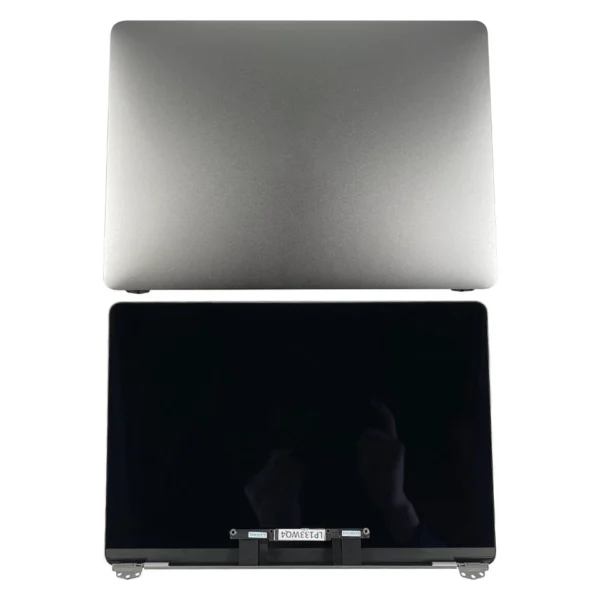

| Feature | Specification |
|---|---|
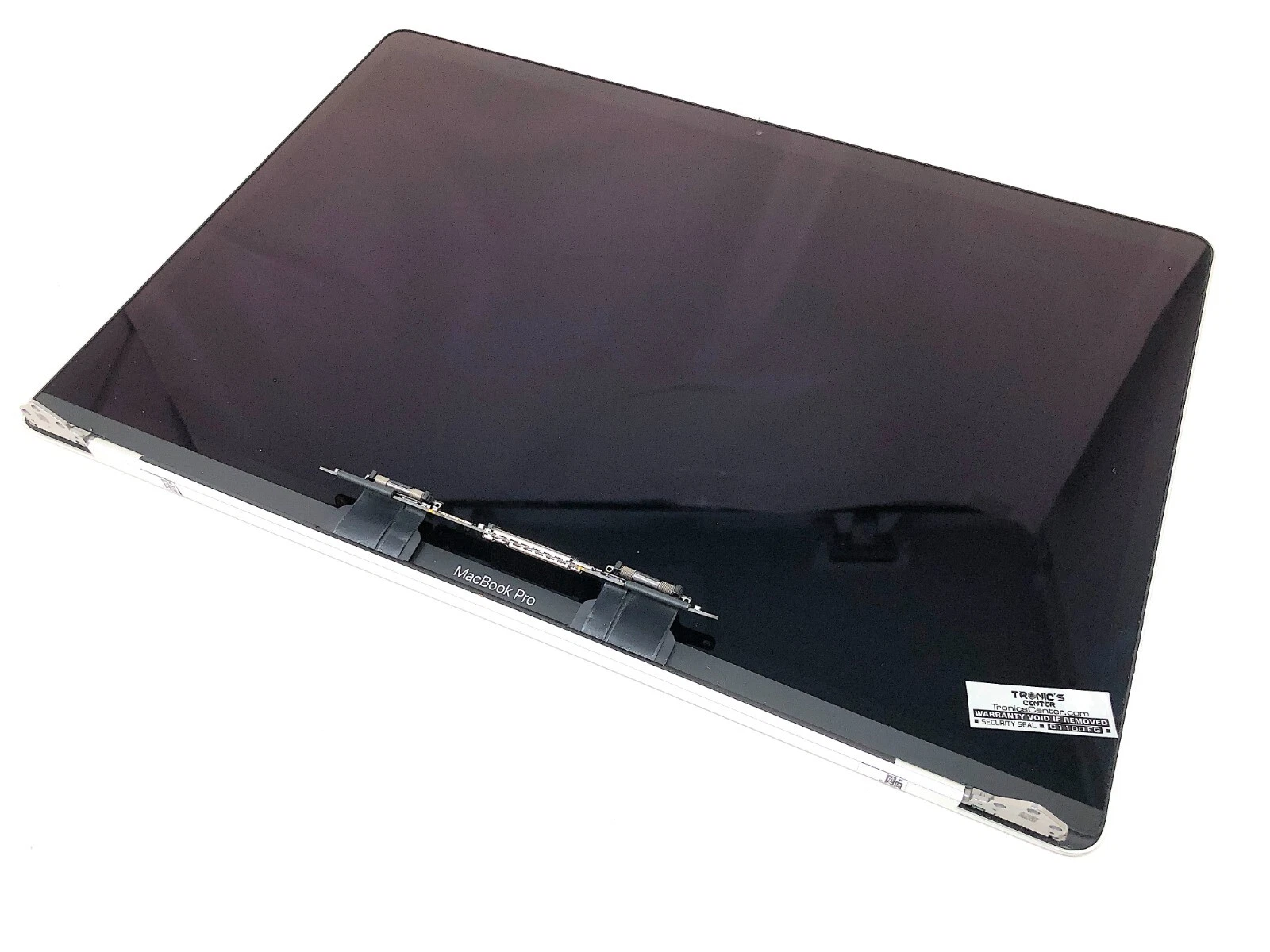
| Model Compatibility | MacBook Pro 15-inch (A1707) |
| Year Range | Late 2016 – Mid 2017 |
| Display Type | Retina LED-backlit IPS |
| Screen Size | 15.4 inches (diagonal) |
| Resolution | 2880 × 1800 pixels at 220 ppi |
| Brightness | 500 nits |
| Color Support | P3 wide color gamut |
| Technology | True Tone (select units), anti-reflective coating |
| Camera | Integrated 720p FaceTime HD |
| Touch Bar Support | Yes |
| Material | Aluminum lid with glass display assembly |
| Connector Type | Display flex cables (LVDS/EDP) |
| Backlight Type | LED backlit |
Lansotech Solutions is committed to delivering authentic parts, precise installation, and lasting performance for all MacBook Pro A1707 screen replacements. Trust Nairobi’s most reliable Apple repair center to bring your device back to life with unmatched clarity and quality.

Hurry and get discounts on all Apple devices up to 20%
Sale_coupon_15
KSh40,000.00 excl. VAT
Payment Methods:

When your MacBook Pro A1707 screen starts flickering, cracking, or goes completely black, it can disrupt your workflow and cause unnecessary stress. At Lansotech Solutions, we specialize in MacBook repair and screen replacement in Nairobi, Kenya, ensuring that your device looks and performs as good as new. This comprehensive guide explains everything you need to know about MacBook Pro A1707 screen replacement, from identifying screen problems to expert installation procedures and aftercare tips.
The MacBook Pro A1707 is part of Apple’s 15-inch lineup, originally released between 2016 and 2017. It features a Retina display, a Touch Bar, and a slim, lightweight aluminum body. However, despite its premium build, the screen can be prone to damage due to accidental drops, pressure, or internal display connector issues.
At Lansotech Solutions, we understand the unique structure of the A1707 Retina display, which includes:
Integrated LED backlighting
High-resolution IPS panel
Thin Retina glass assembly
Delicate screen flex cables (Flexgate issue)
Understanding these components helps us ensure a precise, factory-grade replacement that restores your MacBook’s display quality and color accuracy.
Before considering a replacement, it’s essential to recognize the common screen issues that affect the A1707 model:
Cracked or Shattered Screen – Caused by drops or pressure. The Retina glass can shatter even from minor impacts.
Backlight Bleeding or Flickering – A sign of the infamous “Flexgate issue” caused by worn-out display cables.
No Display or Black Screen – Could be due to a failed screen connector or GPU-related problems.
Distorted Colors or Lines – Typically caused by internal screen damage or liquid spills.
Touch Bar Display Malfunction – The small OLED screen above the keyboard may stop responding, often requiring replacement along with the main display.
If you notice any of these issues, do not delay—further use may worsen the damage or cause internal component failure.
As the leading MacBook repair specialists in Nairobi, Lansotech Solutions is known for professionalism, transparency, and technical excellence. Here’s what sets us apart:
Genuine OEM Apple Screens – We use only authentic Retina display assemblies that match Apple’s original specifications.
Highly Trained Technicians – Our Apple-certified technicians have years of experience repairing and replacing A1707 screens.
Quick Turnaround Time – Most replacements are completed within 24 hours.
Affordable Prices – We offer competitive rates in Nairobi without compromising on quality.
Warranty Coverage – All our screen replacements come with a warranty for parts and labor.
We take pride in restoring your device’s performance and appearance with precision, reliability, and care.
At Lansotech Solutions, we follow a professional and meticulous process for every screen replacement to ensure quality and longevity.
Our technicians perform a full diagnostic check to confirm that the issue lies within the display assembly. We provide a transparent quotation before any work begins.
The A1707 model features a unibody design that requires specialized tools to open. We carefully remove:
Bottom case screws
Logic board connectors
Battery cable
Display hinges and flex cables
Each component is handled with anti-static precautions to prevent damage.
Once disassembled, we gently detach the damaged screen from the housing. The Retina assembly is thin and fragile, so precision tools and steady hands are essential.
We install the new OEM screen assembly, ensuring perfect alignment and secure cable connections. The hinges are recalibrated to maintain smooth lid movement.
Before reassembly, we perform several display tests:
Brightness and backlight uniformity
Touch Bar and True Tone functionality
Color accuracy and pixel integrity
Lid open/close sensor calibration
Once verified, we reassemble your MacBook, clean the exterior, and ensure it’s functioning like new. Every device is double-checked before delivery.
Typically, a MacBook Pro A1707 screen replacement at Lansotech Solutions takes 2–3 hours, depending on availability of parts and the condition of your device. For complex cases involving Flexgate repairs or liquid damage, the process might take longer. However, our team always strives to deliver same-day service whenever possible.
Get the Macbook pro a1707 screen Replacement service from Lansotech Solutions now!
No account yet?
Create an Account











 ASUS
ASUS



