





 Laptop Computers
 Desktop Computers
 Printers

 Network
 Software
 Laptop Accessories
 Laptop Components
 Office
 Desktop peripherals
 Server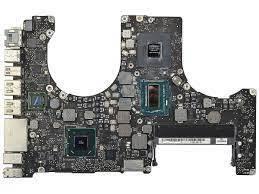
Model: A1502, EMC 2875 (MacBookPro11,1)
Processor: Intel Core i5 2.6 GHz (Turbo up to 3.1 GHz)
Graphics: Intel Iris 5100
Memory: 4 GB DDR3L 1600 MHz (soldered, non-upgradeable)
Storage: PCIe-based SSD 128 GB–1 TB (removable)
Display: 13.3″ Retina 2560×1600 IPS
Ports: 2× USB 3.0, 2× Thunderbolt 2, HDMI, SDXC, audio jack
Wireless: Wi-Fi 802.11ac + Bluetooth 4.0
Battery: 71.8 Wh (~9 hrs web use)
Weight: 1.57 kg (3.46 lbs)
OS Support: macOS Sonoma (legacy support via patch)

Hurry and get discounts on all Apple devices up to 20%
Sale_coupon_15
KSh16,000.00 excl. VAT
Payment Methods:

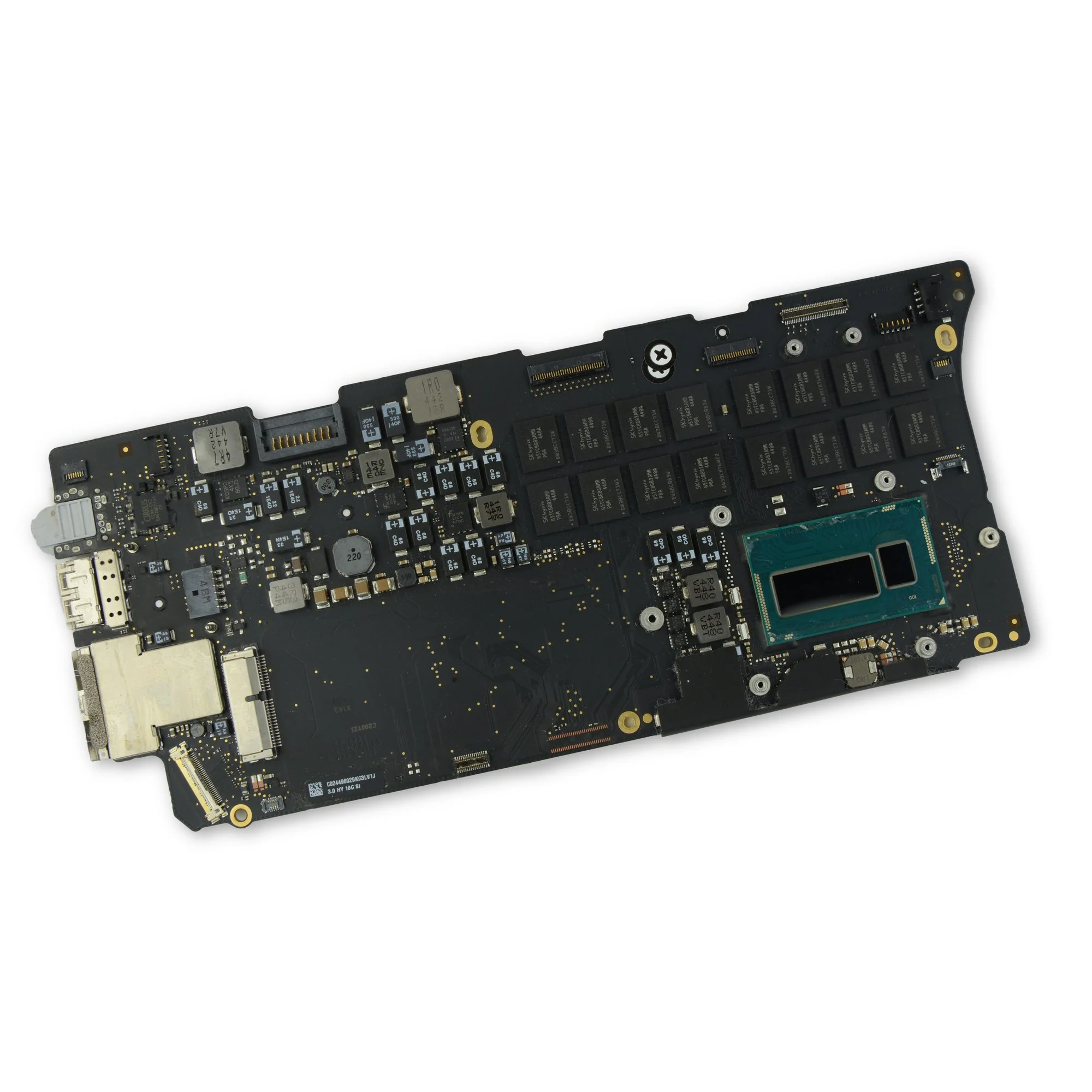
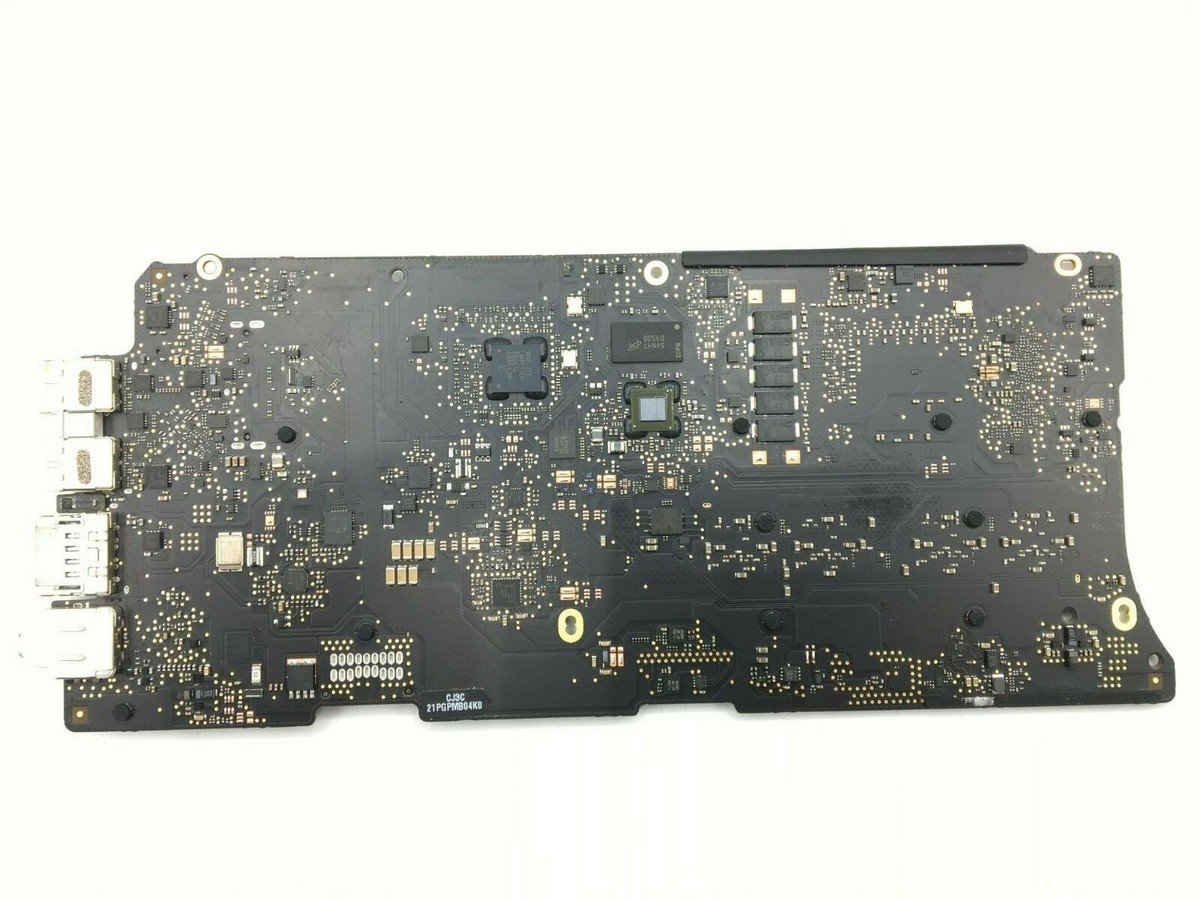
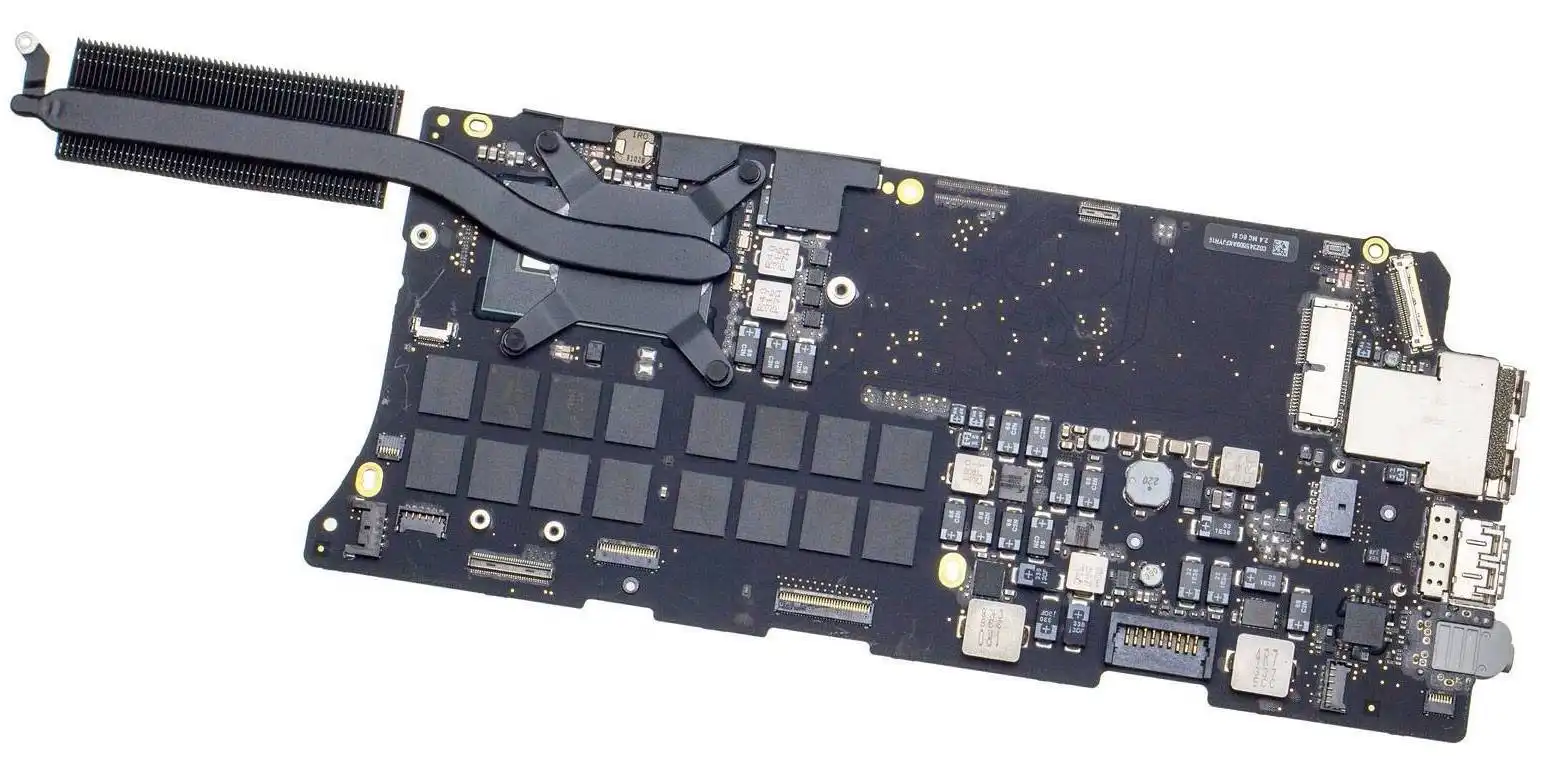
When the logic board fails on a MacBook, you’re essentially dealing with the computer’s “brain”. Replacing a faulty one can revive a machine that might otherwise be discarded. For the Mid 2014 MacBook Pro Retina 13-inch (Core i5) model, using the correct part means you keep compatibility, performance and longevity.
Here’s a brief rundown of the machine you’re servicing — this matters because the logic board must match the model exactly.
The 2014 13-inch Retina MacBook Pro (model identifier MacBookPro11,1, order number A1502, EMC 2875) shipped in July 2014. Apple History+2EveryMac+2
It has a 13.3-inch Retina display at 2560×1600 resolution. Apple Support+1
Standard configuration: 2.6 GHz dual-core Intel Core i5 (4278U) processor, 8 GB of onboard 1600 MHz DDR3L memory (though BTO could go to 16 GB) and integrated Intel Iris 5100 graphics. EveryMac+1
Introduced with faster processors and more memory compared with its predecessor. Apple History
Released and supported in Kenya by Apple. Apple Support
What this means: the logic board must be specifically for the Mid 2014 13-inch Retina model — boards for other models (2013, 15-inch, etc.) may physically or electronically differ.
Here are the reasons your customers should choose your offering:
Perfect fit for the Mid 2014 Retina 13″ model – we stock boards specifically matched to A1502 (EMC 2875) variant, guaranteeing compatibility.
Tested and quality-assured – each board is inspected, cleaned, and tested for key functions (USB, Thunderbolt, Wi-Fi, graphics, power) before sale.
Affordably priced in Kenya – logic boards can be a cost-effective way to extend the life of a MacBook compared to buying a whole new machine.
Local support & warranty – we provide warranty or return options (specify number of days), and local delivery within Kenya – no long overseas waits.
Sustainability & reuse – by replacing only the board, you’re reducing waste and keeping a good machine in service.
Advice and installation support – we can provide guidance for the installation or recommend a trusted technician if needed.
Before purchasing, the buyer should check the following:
Model identifier: On the MacBook click the Apple menu → About This Mac → System Report → Hardware Overview → look for “Model Identifier: MacBookPro11,1”.
Order/EMC number: On the bottom case of the MacBook you’ll find A1502 (for this model) and EMC 2875. Boards for other EMCs may not match.
Connector layout: The logic board must match the original MacBook’s layout – ports (USB, Thunderbolt, HDMI, SD card slot) must align.
Condition & history: Check for signs of damage (corrosion, missing components), and ask for test results or guarantee.
Firmware/SMC version: After installation the SMC (System Management Controller) and firmware may need to be reset or updated.
Installing a logic board is delicate. Offer these tips to your customers (or include in a PDF guide):
Work on a static-free surface, wear an anti-static wristband if possible.
Disconnect power (battery) first before removing other components.
Keep track of each screw and its location – the MacBook has many small screws of different lengths.
After installation, reset SMC and PRAM/NVRAM:
SMC: shut down → press Shift + Control + Option + Power simultaneously for 10 seconds → release → start Mac.
NVRAM/PRAM: restart while holding Option + Command + P + R until you hear second startup sound.
Run Apple Diagnostics (hold D on startup) to confirm no hardware errors.
Use a cooling pad or keep vents clear: a new board will work better if the machine is clean of dust and debris.
No account yet?
Create an Account











 ASUS
ASUS



