







 Laptop Computers
 Desktop Computers
 Printers

 Network
 Software
 Laptop Accessories
 Laptop Components
 Office
 Desktop peripherals
 Server

Hurry and get discounts on all Apple devices up to 20%
Sale_coupon_15
KSh12,000.00 excl. VAT
Payment Methods:

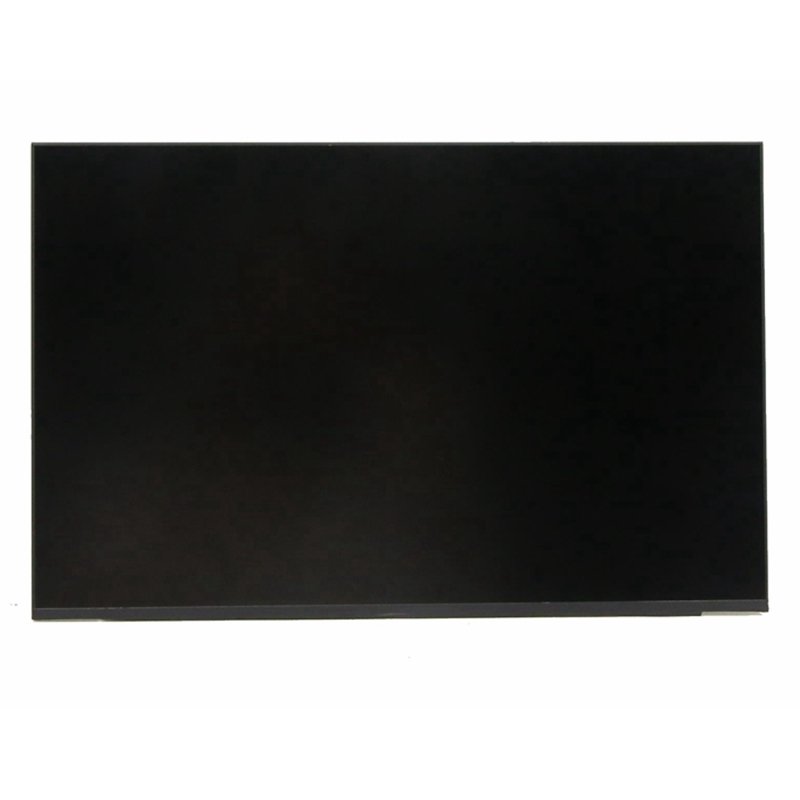
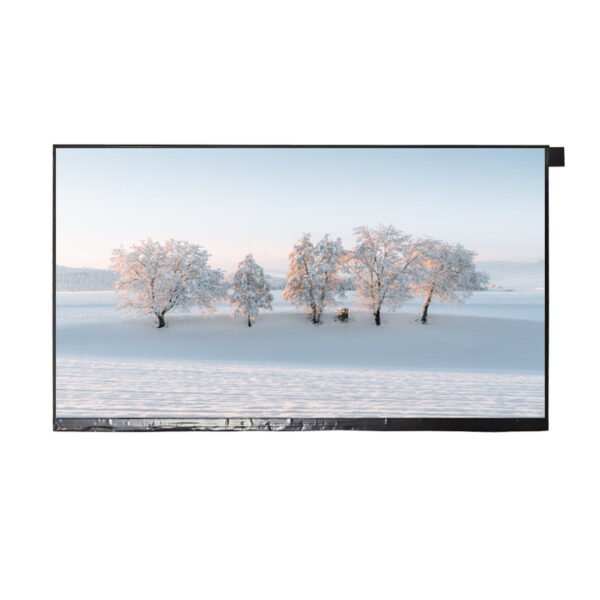
At Lansotech Solutions, we supply and professionally install the NE133WUM-N61 screen – a premium 13.3-inch WQXGA (2560×1600) IPS display designed for high-end ultrabooks, MacBooks, and other performance laptops. Whether your laptop screen is cracked, flickering, showing lines, or completely black, we provide a fast, affordable, and genuine replacement to restore your device’s display quality.
Original OEM Screen – We only use authentic manufacturer-grade panels.
Expert Technicians – Years of experience in delicate laptop screen handling.
Fast Turnaround – Same-day replacements available in Nairobi CBD.
Warranty Provided – Peace of mind with every replacement.
Competitive Pricing – Quality at a fair cost.
If you notice any of these issues, your laptop may require a NE133WUM-N61 replacement:
Cracks or visible damage to the display.
Flickering or unstable brightness.
Dead pixels or lines appearing on the screen.
Dim or completely dark display despite the laptop being powered on.
Replacing a laptop screen is an investment, so keeping it safe is important:
Use a Hard Shell Case when traveling with your laptop.
Avoid Excess Pressure on the lid or keyboard area.
Clean with a Microfiber Cloth and avoid harsh chemicals.
Keep Food and Drinks Away from your laptop to prevent spills.
When you search for cheap laptop screen replacements in Nairobi or original laptop screens in Kenya, Lansotech Solutions is your go-to destination.
Centrally located in Nairobi CBD for convenience.
We stock multiple high-quality laptop screens ready for installation.
We offer delivery across Kenya for customers outside Nairobi.
Why We Are a Trusted Laptop Screen Supplier in Nairobi
Our reputation is built on quality, transparency, and unmatched technical skill. Customers choose us for:
Genuine Parts Guarantee – We only sell and install authentic NE133WUM-N61 screens.
Professional Installation – No damage to your laptop casing or internals during replacement.
Customer Education – We explain how to maintain your new screen for long-term use.
Post-Service Support – Our team is always available for follow-up assistance.
Before buying, you need to ensure compatibility. Here’s how:
Check Your Model Number – This is usually printed on the back of the screen or in the laptop’s service manual.
Match Connector Type – NE133WUM-N61 uses a 40-pin eDP connector, so your replacement must match.
Confirm Resolution – Your laptop must support 2560×1600 WQXGA resolution for proper display output.
Screen Size – Ensure your laptop uses a 13.3-inch panel.
If you’re unsure, bring your laptop to Lansotech Solutions and we’ll identify the exact model for you.
A laptop screen is one of the most fragile and expensive parts of your device. Here’s why protecting it is important:
Prevents Cracks from Pressure – Carrying your laptop in a padded bag reduces accidental damage.
Avoids Costly Replacements – A damaged NE133WUM-N61 screen can be expensive to fix.
Maintains Display Quality – Scratches, dust, and smudges can degrade the viewing experience.
Enhances Longevity – Proper care ensures your screen lasts for years without issues.
To keep your screen looking sharp:
Use a soft microfiber cloth to wipe dust and fingerprints.
Avoid ammonia-based cleaners that can damage the anti-glare coating.
Turn off your laptop before cleaning to avoid electrical damage.
Use gentle circular motions to prevent streaks.
No account yet?
Create an Account











 ASUS
ASUS



