





 Laptop Computers
 Desktop Computers
 Printers

 Network
 Software
 Laptop Accessories
 Laptop Components
 Office
 Desktop peripherals
 Server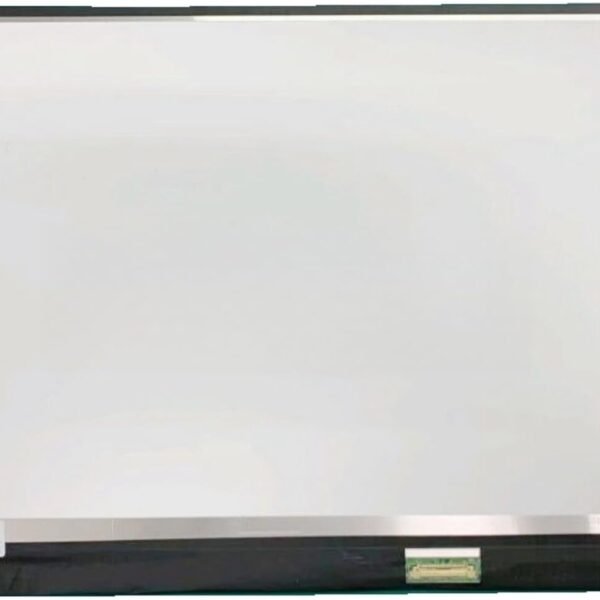

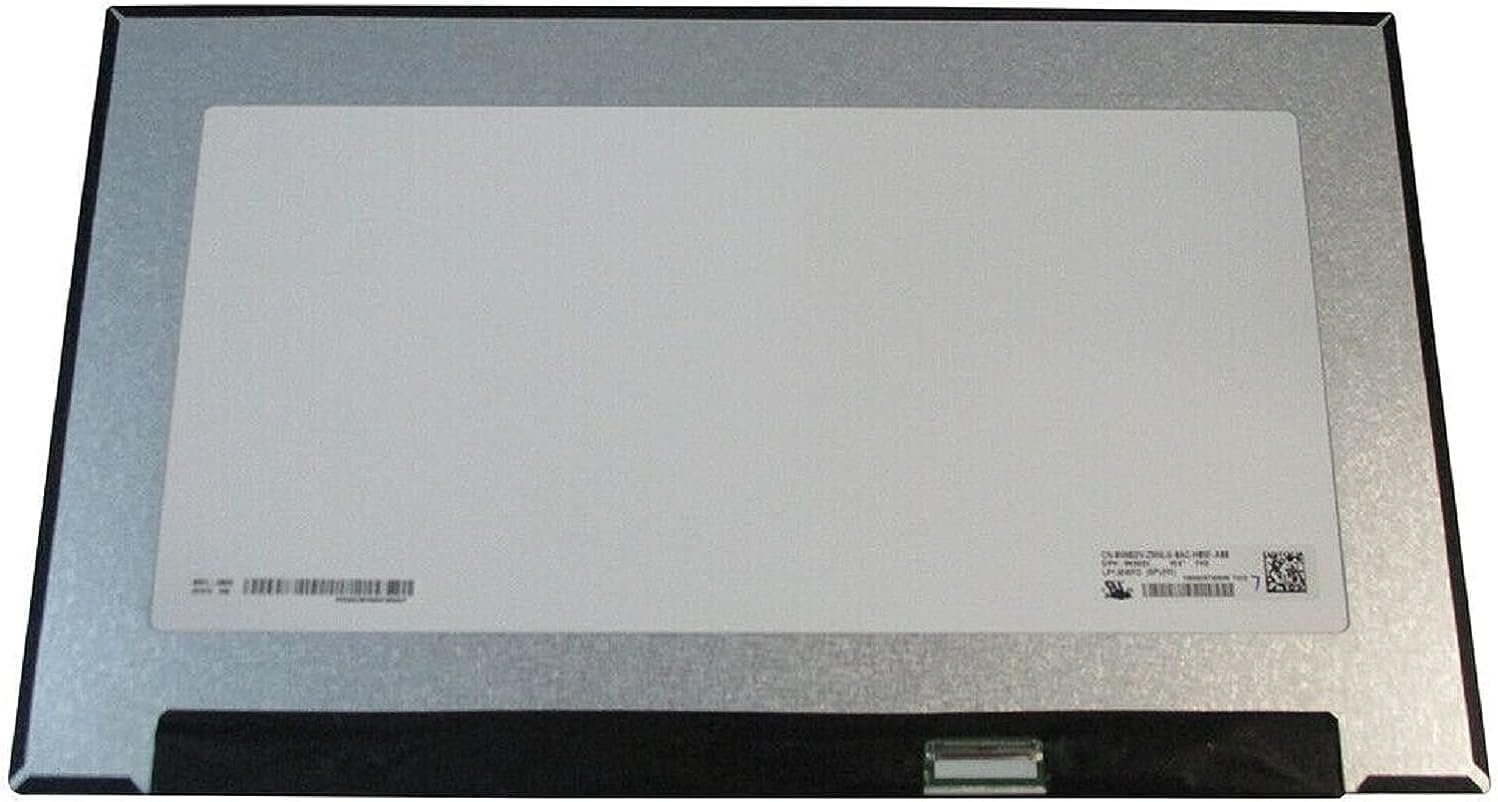
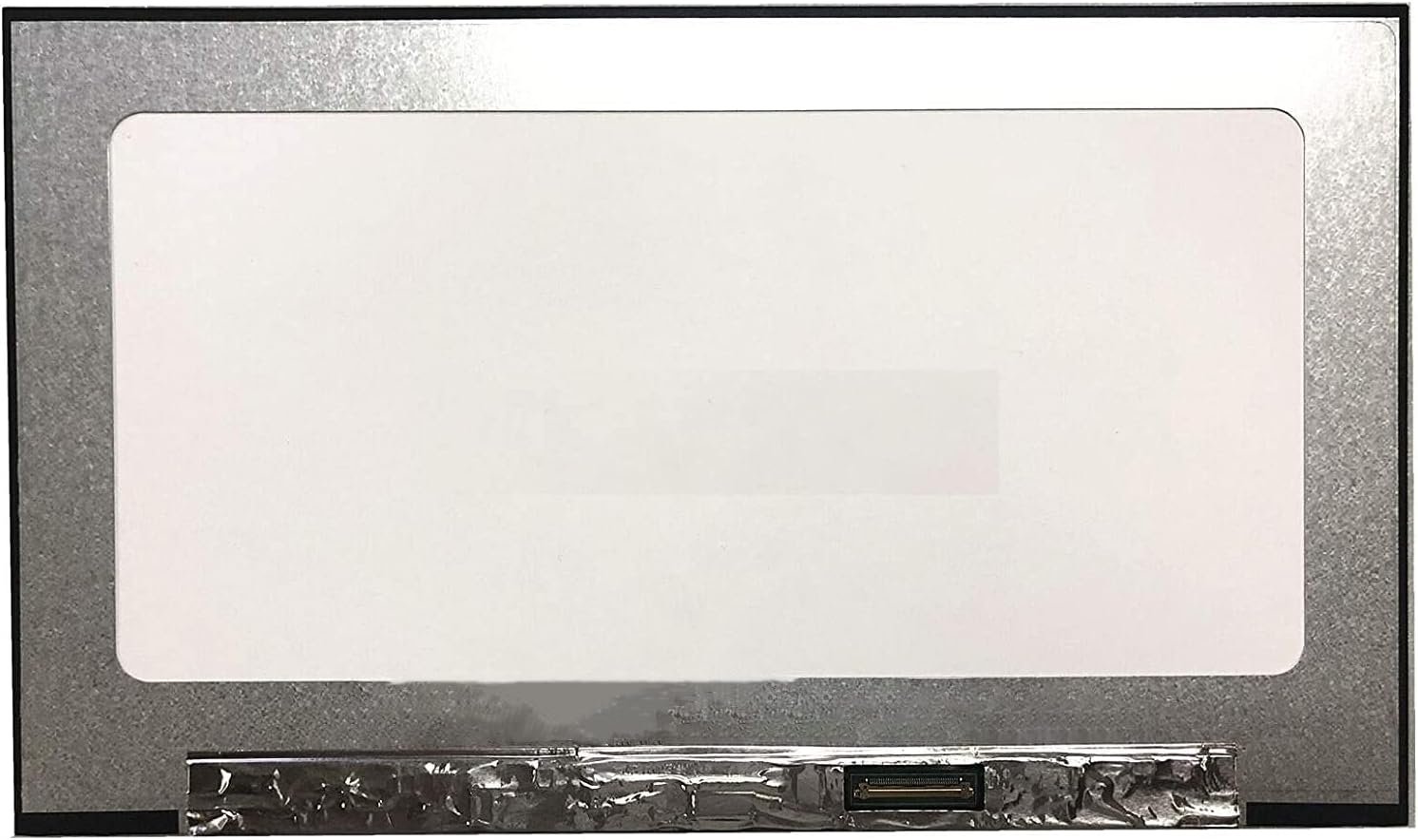
Model: NV140WUQ-T03
Size: 14.0-inch
Resolution: 1920(RGB)×1200, WUXGA
Panel Type: IPS
Finish: Matte / Anti-Glare
Connector: 30-pin eDP
Condition: Brand New, Original
Warranty: Available

Hurry and get discounts on all Apple devices up to 20%
Sale_coupon_15
KSh10,000.00 excl. VAT
Payment Methods:

At Lansotech Solutions, we supply and install the NV140WUQ-T03 — a premium 14.0-inch WQHD (2560×1440) laptop screen designed for high clarity, rich colors, and superior durability. Whether your current display is cracked, flickering, or showing distorted images, replacing it with the NV140WUQ-T03 will restore your laptop’s sharpness and performance.
The NV140WUQ-T03 offers:
Ultra-High Resolution – WQHD 2560×1440 pixels for crystal-clear visuals.
IPS Technology – Consistent colors at wide viewing angles.
Matte Anti-Glare Finish – Comfortable viewing in bright environments.
Energy-Efficient Design – Lower power consumption for better battery life.
Reliable Build Quality – Long-lasting performance from an original panel.
You should consider replacing your screen if you notice:
Cracks or Shattered Glass from drops or pressure.
Persistent Flickering or Blackouts affecting usability.
Dead Pixels or Color Distortion interfering with image quality.
Dim Lighting or No Display despite the laptop being powered on.
Horizontal or Vertical Lines that remain on the screen.
A damaged screen can get worse over time, so early replacement saves you from further repair costs.
This screen is commonly found in:
Lenovo ThinkPad high-resolution models
HP EliteBook 14-inch WQHD series
Dell XPS & Latitude ultrabooks
Other laptops with 14-inch WQHD, 30-pin eDP displays
Always confirm compatibility with our technicians before purchase.
Original Genuine Parts Only – No low-quality substitutes.
Expert Screen Installation – Quick and professional service.
Warranty Included – Peace of mind with every purchase.
Fast Turnaround – Same-day replacements available.
Trusted by Thousands – Ranked among the Top 10 laptop screen shops in Nairobi.
Use a laptop sleeve when traveling.
Avoid pressing hard on the lid or placing heavy items on it.
Clean with a microfiber cloth and screen-safe cleaner only.
Keep liquids away to prevent accidental damage.
Store your laptop in a cool, dust-free space.
No account yet?
Create an Account











 ASUS
ASUS



