





 Laptop Computers
 Desktop Computers
 Printers

 Network
 Software
 Laptop Accessories
 Laptop Components
 Office
 Desktop peripherals
 Server

Hurry and get discounts on all Apple devices up to 20%
Sale_coupon_15
KSh13,000.00 excl. VAT
Payment Methods:

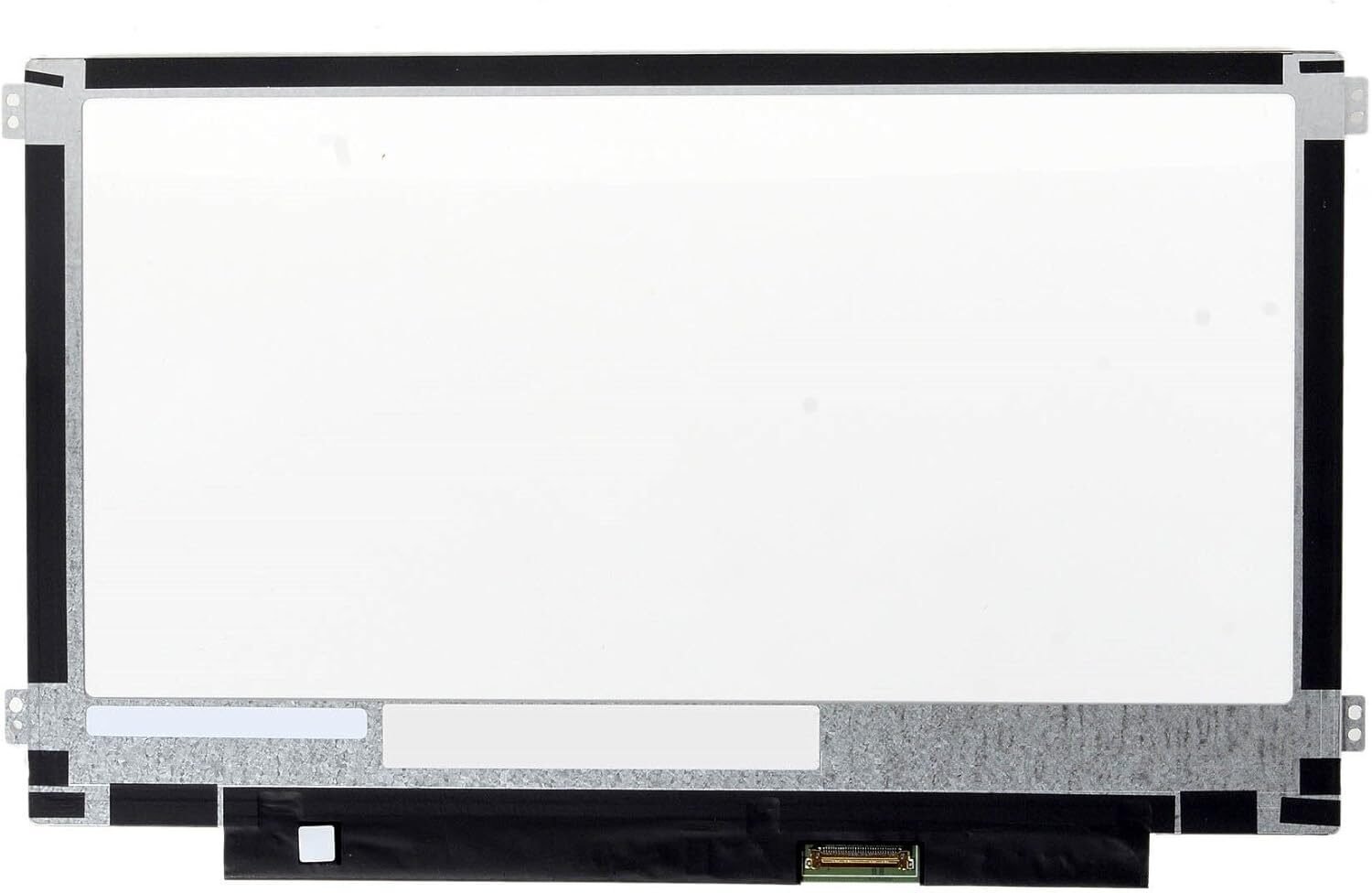
Is your Samsung Chromebook XE500C13 screen cracked, flickering, or displaying strange lines? At Lansotech Solutions, we specialize in genuine Samsung Chromebook screen replacements in Nairobi, Kenya, ensuring your laptop’s display is restored to its original clarity and performance.
As one of the leading laptop sellers and repair technicians in Nairobi, we are trusted for providing original parts, expert workmanship, and affordable screen replacement services for all Chromebook models — including the Samsung XE500C13 series.
The Samsung Chromebook XE500C13 is a popular model known for its sleek design, HD LED display, and dependable performance. However, physical damage, accidental drops, or pressure on the screen can cause cracks, discoloration, or dead pixels.
At Lansotech Solutions, we stock brand-new, genuine Samsung Chromebook XE500C13 replacement screens that perfectly match your laptop’s specifications. Every screen we install undergoes rigorous testing to ensure brightness, color accuracy, and long-term reliability.
You might need a new screen if your Chromebook shows any of these problems:
Cracked or broken screen glass
Flickering display or dim brightness
Colored lines or spots appearing across the screen
Blank screen even when the laptop is on
Unresponsive touch (if touchscreen version)
Low contrast or color distortion
If you notice any of these symptoms, it’s time to visit Lansotech Solutions for a professional screen replacement service. We’ll help you get your Chromebook back to perfect condition quickly and affordably.
Before purchasing a replacement, it’s important to confirm your laptop’s display specifications to avoid mismatches. Here’s how to do it:
Check your model number – Flip your laptop and look for the label “Samsung Chromebook XE500C13”.
Verify your screen type – Most XE500C13 models use a non-touch HD LED matte panel, but some versions include touchscreen functionality.
Check connector type – The screen typically uses a 30-pin eDP connector.
Match the resolution – Standard HD (1366×768) is the most common.
Ask a technician – Our experts at Lansotech Solutions can confirm compatibility for you before installation.
At Lansotech Solutions, we go beyond just selling screens — we provide complete display repair solutions for Chromebooks and all major laptop brands. Our team of qualified technicians ensures every screen replacement is done with precision and care.
No account yet?
Create an Account











 ASUS
ASUS



