






 Laptop Computers
 Desktop Computers
 Printers

 Network
 Software
 Laptop Accessories
 Laptop Components
 Office
 Desktop peripherals
 Server

Brand: Non Touch Screen
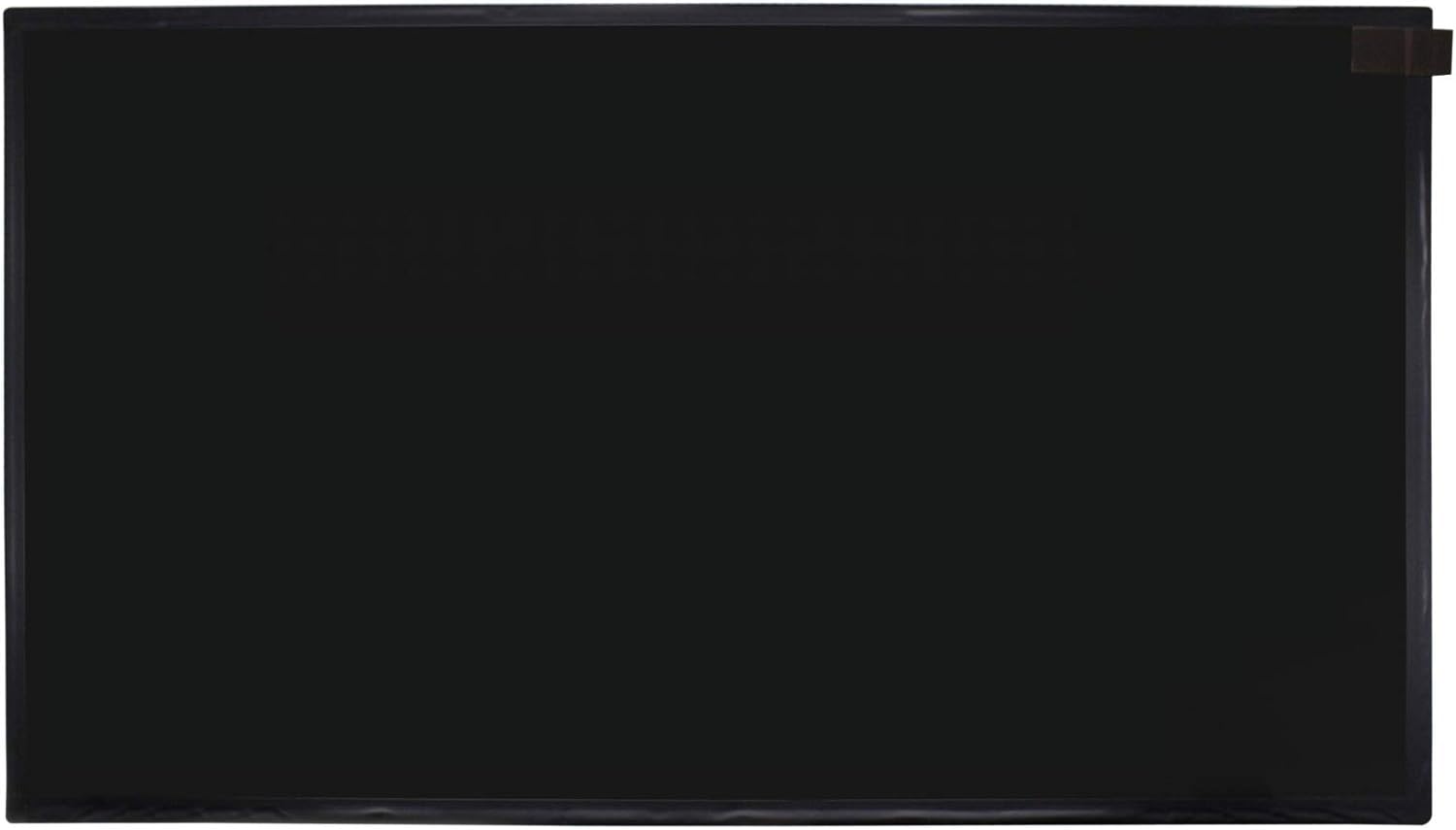
Size: 13.3 inches
Resolution: WXGA HD
Pixels: 1366 x 768
Type: LED
Backlight Lamp: DIODE
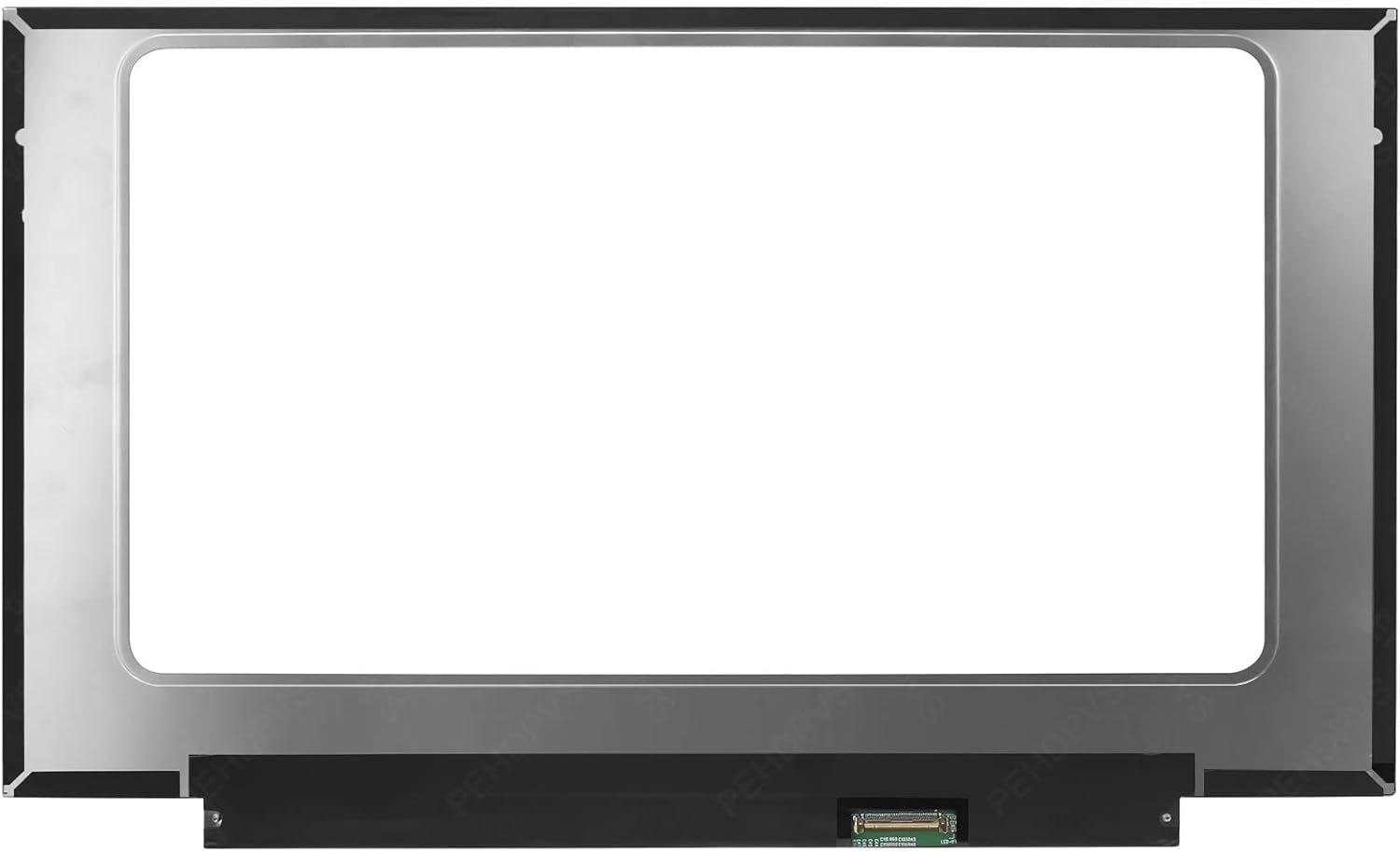
Pin Connection: 30/40 Pins (confirm before checkout)
Side: Bottom Right Connector
Finish: Matte/Glossy (choose at checkout)
Condition: NEW
Commodity: Replacement Laptop Screen
Technology: Non Touch
Category: Toshiba Laptop Screen
Dead Pixel Policy: In Accordance with ISO 13406-2 standard
Source: Factory Direct
Packaging: Fragile Customized Package
Compatibility: 101% OEM Compatible

Hurry and get discounts on all Apple devices up to 20%
Sale_coupon_15
KSh6,500.00 excl. VAT
Payment Methods:

Is your Toshiba CB35-B3340 laptop screen cracked, flickering, or displaying unusual lines? At Lansotech Solutions, we provide original Toshiba Chromebook screen replacements that guarantee clarity, durability, and a perfect fit. As one of the top laptop screen shops in Nairobi CBD, we specialize in affordable, high-quality screen replacements for Toshiba laptops and Chromebooks.
100% Original OEM Screens – directly sourced and factory tested.
Expert Installation Services – done by professional technicians in Nairobi.
Affordable Prices – high-quality screens at competitive rates.
Nationwide Delivery – securely packaged to prevent damage.
Trusted Laptop Screen Shop in Nairobi CBD – reliable service with years of experience.
You may need a replacement if you notice:
Cracks or black spots on the screen.
Dim or no backlight.
Flickering images or screen distortion.
Vertical or horizontal lines.
Complete display failure.
If you are experiencing these issues, visit Lansotech Solutions in Nairobi CBD for a quick and professional screen replacement.
Your Toshiba CB35-B3340 replacement screen will last longer if you maintain it well. Here are some tips on how to clean a laptop screen safely:
Use a microfiber cloth instead of rough materials that may scratch the display.
Spray a screen-safe cleaner on the cloth (never directly on the screen).
Wipe gently in circular motions to remove dust and fingerprints.
Avoid using harsh chemicals like alcohol or ammonia.
Always power off your laptop before cleaning to prevent electrical damage.
Proper cleaning not only maintains clarity but also extends the life of your screen.

No account yet?
Create an Account











 ASUS
ASUS



