






 Laptop Computers
 Desktop Computers
 Printers

 Network
 Software
 Laptop Accessories
 Laptop Components
 Office
 Desktop peripherals
 Server
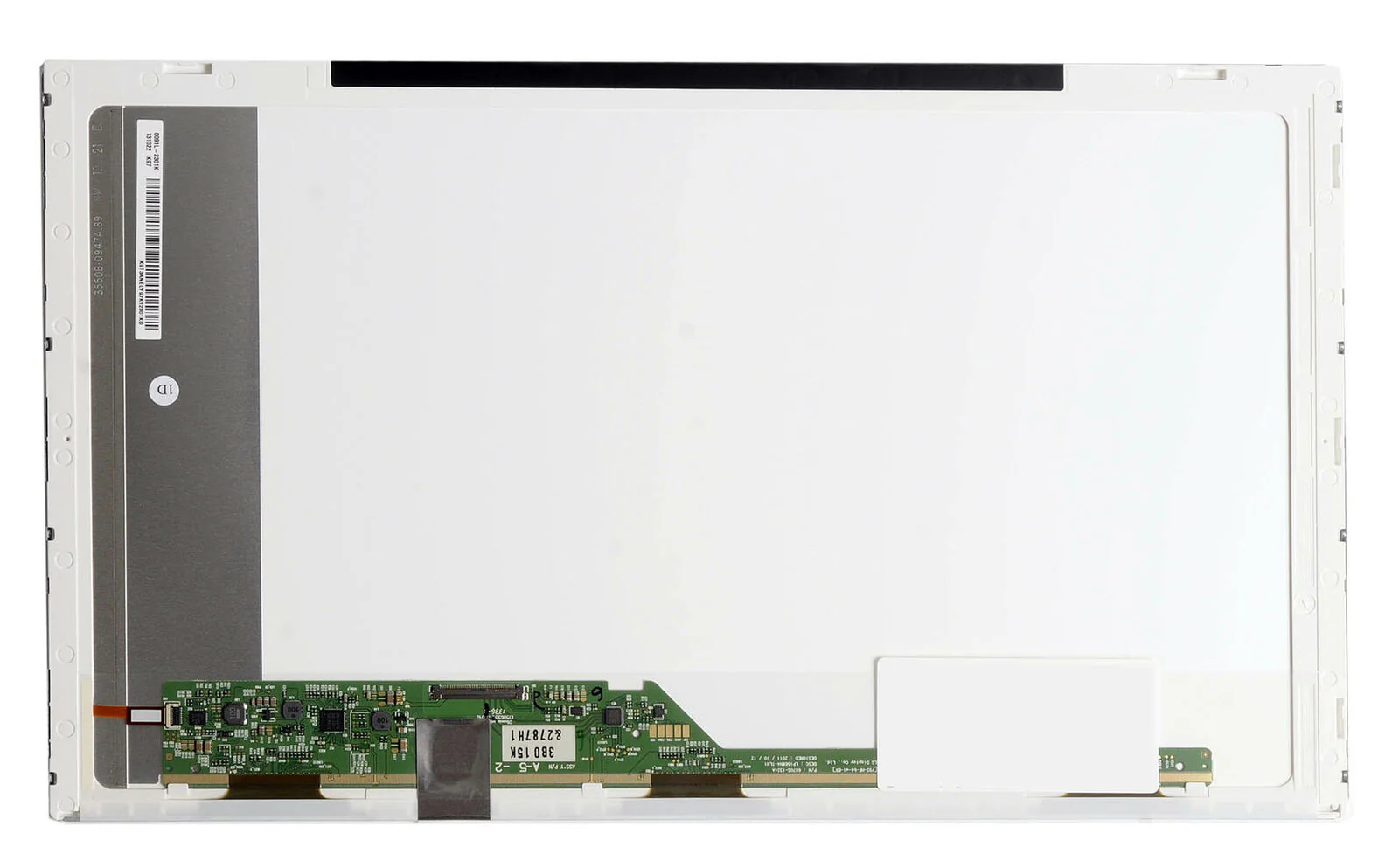
Brand: Non Touch Screen
Size: 15.6
Resolution: WXGA HD
Pixels: 1366 x 768
Backlight Lamp: DIODE
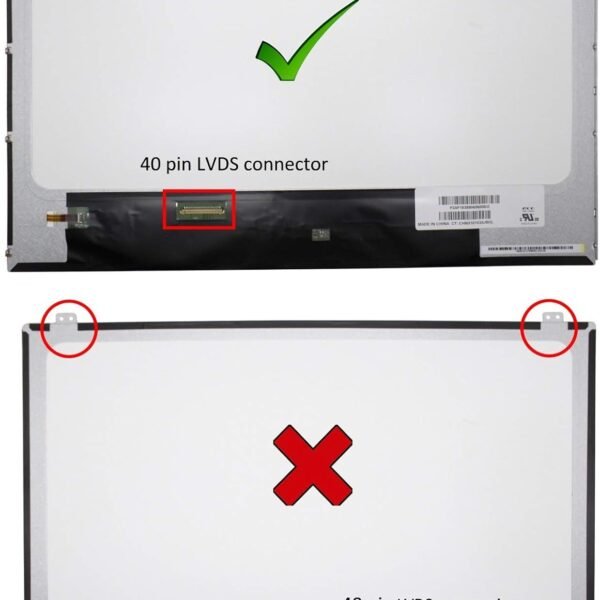
Pin Connection: 40 Pins
Side: Bottom Right
Finish: Matte/Glossy (specify on order)
Condition: NEW
Commodity: Non Touch Screen
Technology: Non Touch
Dead Pixel Policy: In Accordance with ISO 13406-2 norm
Source: Factory Direct
Packaging: Fragile Customized Package
Compatibility: 101% OEM Compatible

Hurry and get discounts on all Apple devices up to 20%
Sale_coupon_15
KSh5,000.00 excl. VAT
Payment Methods:

Is your Toshiba Satellite C850 screen cracked, broken, or not displaying correctly? At Lansotech Solutions, we specialize in laptop screen replacement in Nairobi CBD, offering original and reliable screens for Toshiba laptops, including the C850 series.
We stock factory-direct laptop screens that guarantee clear display, durability, and perfect compatibility. Whether you’re a student, business professional, or home user, we ensure your Toshiba C850 laptop is restored to full functionality.
✔ Genuine OEM Toshiba screens.
✔ Professional installation by skilled technicians.
✔ Same-day replacement service.
✔ Affordable prices with warranty.
✔ Delivery across Nairobi and nationwide.
✔ One of the best laptop screen shops in Nairobi CBD.
When you replace your broken screen with a genuine one from Lansotech Solutions, you enjoy:
Improved Clarity – A fresh display ensures sharp, clear visuals for work, study, and entertainment.
Extended Laptop Life – Avoid buying a new laptop by simply replacing the damaged screen.
Better Productivity – No more flickering screens, black patches, or eye strain.
Original Quality – We provide factory-direct screens that match your Toshiba Satellite C850 laptop perfectly.
After replacement, it’s important to take care of your laptop screen to prevent future issues:
Always clean the screen using a soft microfiber cloth and avoid harsh chemicals.
Use a laptop screen protector to minimize scratches.
Avoid pressing the screen too hard or closing the lid with objects on the keyboard.
Invest in a quality laptop bag to prevent accidental damage when traveling.
Keep liquids away from your laptop to avoid screen and motherboard damage.
Screen cracked or physically damaged.
Vertical or horizontal lines appearing.
Dim, flickering, or dark display.
Dead pixels or black spots.
Laptop powers on but screen remains blank.
If you notice these issues, it’s time to get a Toshiba C850 screen replacement to keep your laptop in top condition.


No account yet?
Create an Account











 ASUS
ASUS



