











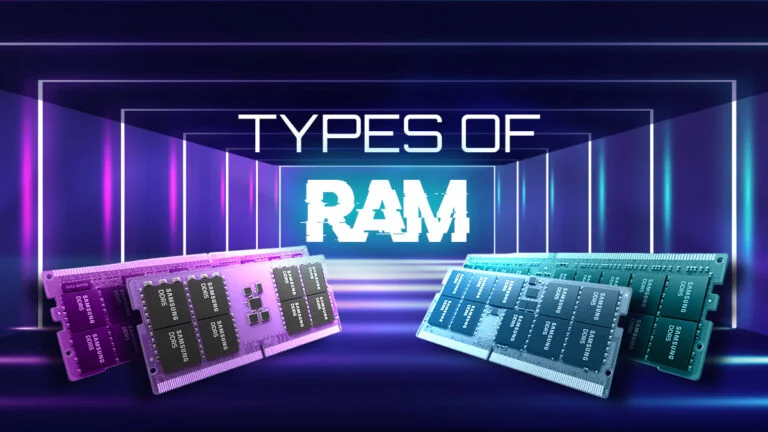
Random Access Memory plays a vital role in every computer system. It directly affects speed, multitasking ability, and overall performance. Therefore, understanding RAM types helps users choose the right upgrade.
As a technician I frequently repair and upgrade laptops. Many customers experience slow systems because they lack proper RAM knowledge. Consequently, selecting the correct RAM type dramatically improves performance.
This guide explains RAM types, their differences, and how they impact computer speed.
What is RAM and Why It Matters
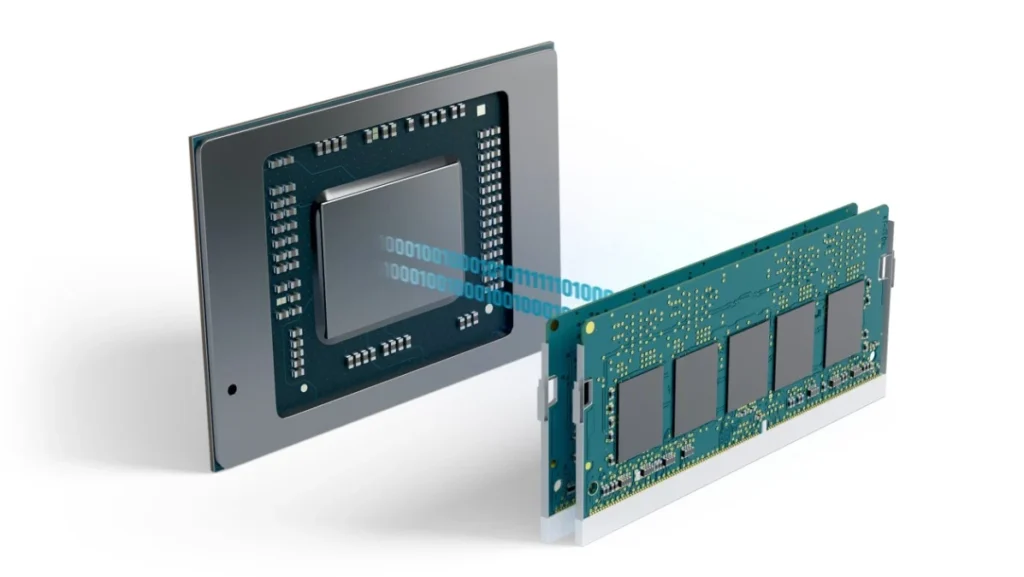
RAM stands for Random Access Memory. It temporarily stores data that the processor actively uses.
When you open applications, the system loads them into RAM. Therefore, RAM allows the CPU to access data quickly.
Unlike hard drives or SSDs, RAM does not store permanent information. Once the computer shuts down, the stored data disappears.
More RAM allows better multitasking. For example, users can open many programs without slowing down the computer.
However, insufficient RAM causes freezing, lagging, and slow system response.
Main Categories of RAM
Computer memory generally falls into two primary categories:
- Static RAM (SRAM)
- Dynamic RAM (DRAM)
Each type uses different technology to store data.
Static RAM (SRAM)
Static RAM stores data using flip-flop circuits. Therefore, it does not require continuous refreshing.
This design makes SRAM extremely fast. Consequently, processors use SRAM for cache memory.
CPU cache stores frequently used data close to the processor. Therefore, the system accesses information much faster.
However, SRAM has several disadvantages.
First, manufacturing SRAM costs more than other memory types. Second, SRAM consumes more physical space on the chip.
Because of these limitations, computers use SRAM only in small quantities.
Key Characteristics of SRAM
- Extremely fast performance
- No refresh cycles required
- High manufacturing cost
- Used mainly in CPU cache memory
Dynamic RAM (DRAM)
Dynamic RAM is the most widely used memory type in computers. It stores each data bit inside a capacitor.
However, capacitors lose electrical charge quickly. Therefore, DRAM must refresh thousands of times per second.
Although refreshing slows the process slightly, DRAM offers large storage capacity at low cost.
Consequently, most desktops and laptops rely on DRAM as the main system memory.
Key Characteristics of DRAM
- Affordable memory solution
- High storage capacity
- Requires constant refreshing
- Slightly slower than SRAM
Dynamic RAM (DRAM)
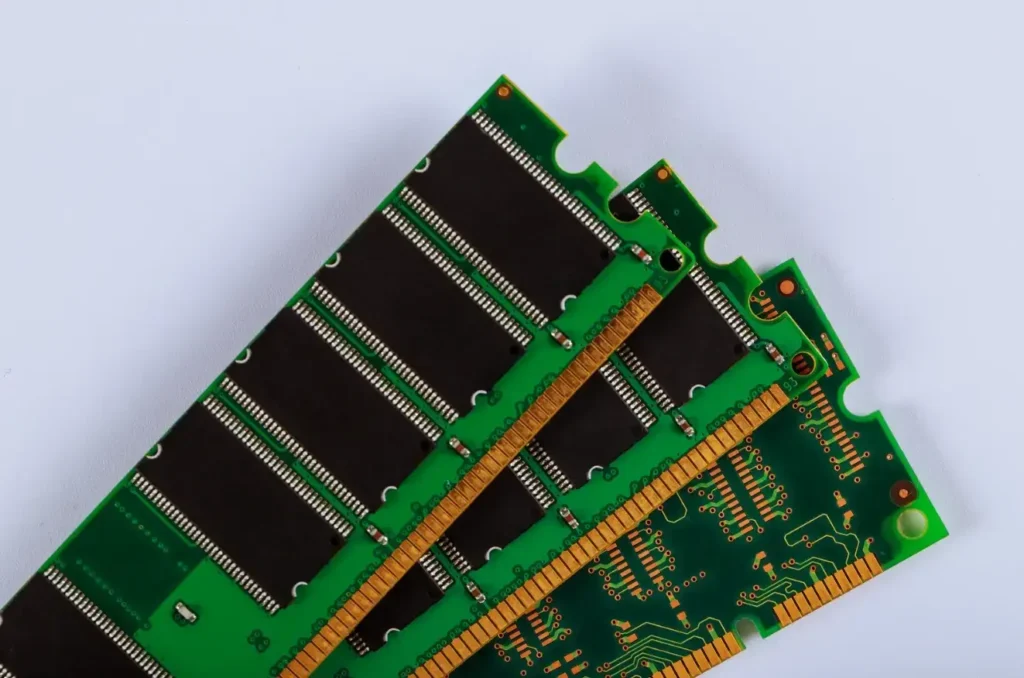
Dynamic RAM is the most widely used memory type in computers. It stores each data bit inside a capacitor.
However, capacitors lose electrical charge quickly. Therefore, DRAM must refresh thousands of times per second.
Although refreshing slows the process slightly, DRAM offers large storage capacity at low cost.
Consequently, most desktops and laptops rely on DRAM as the main system memory.
Key Characteristics of DRAM
- Affordable memory solution
- High storage capacity
- Requires constant refreshing
- Slightly slower than SRAM
Evolution of DRAM Technologies
Computer engineers continuously improve DRAM to increase speed and efficiency. Therefore, several generations of DRAM exist today.
The most common versions include:
- SDRAM
- DDR RAM
- DDR2 RAM
- DDR3 RAM
- DDR4 RAM
- DDR5 RAM
Each generation offers significant improvements in speed and power efficiency.
Synchronous DRAM (SDRAM)
SDRAM was one of the earliest major improvements in RAM technology. Unlike traditional DRAM, SDRAM synchronizes with the system clock.
This synchronization allows the memory controller to process commands in a predictable timing pattern.
Consequently, SDRAM transfers data more efficiently than older asynchronous DRAM.
However, newer DDR technologies eventually replaced SDRAM.
Advantages of SDRAM
Improved system stability
Better timing synchronization
Faster performance than early DRAM
Double Data Rate RAM (DDR RAM)
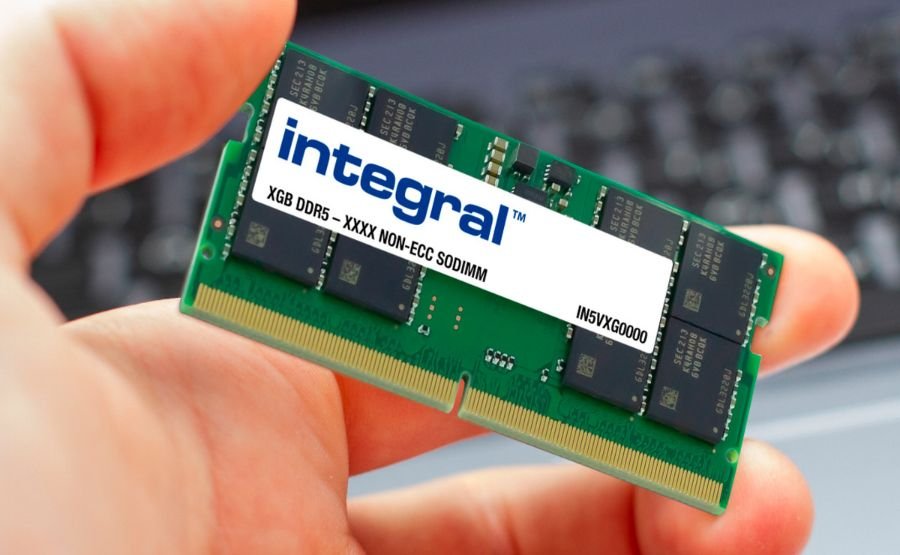
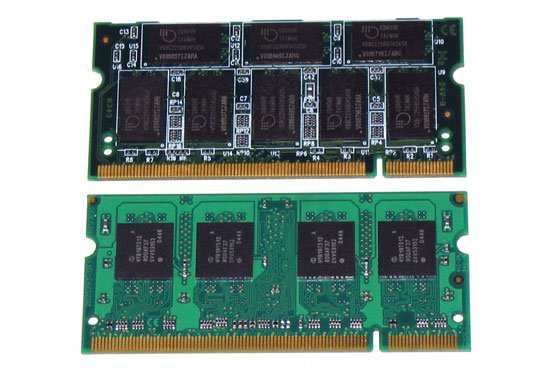
DDR RAM revolutionized computer memory performance. It transfers data twice during each clock cycle.
Therefore, DDR memory delivers higher speed compared to SDRAM.
Over time, engineers developed multiple DDR generations with improved capabilities.
DDR1 RAM
DDR1 introduced double data transfer technology. It significantly improved bandwidth compared to SDRAM.
However, modern computers no longer support DDR1. Therefore, it remains obsolete today.
DDR2 RAM
DDR2 improved memory architecture and power efficiency. It also introduced higher clock speeds and greater bandwidth.
However, DDR2 modules eventually became outdated as technology advanced further.
DDR3 RAM
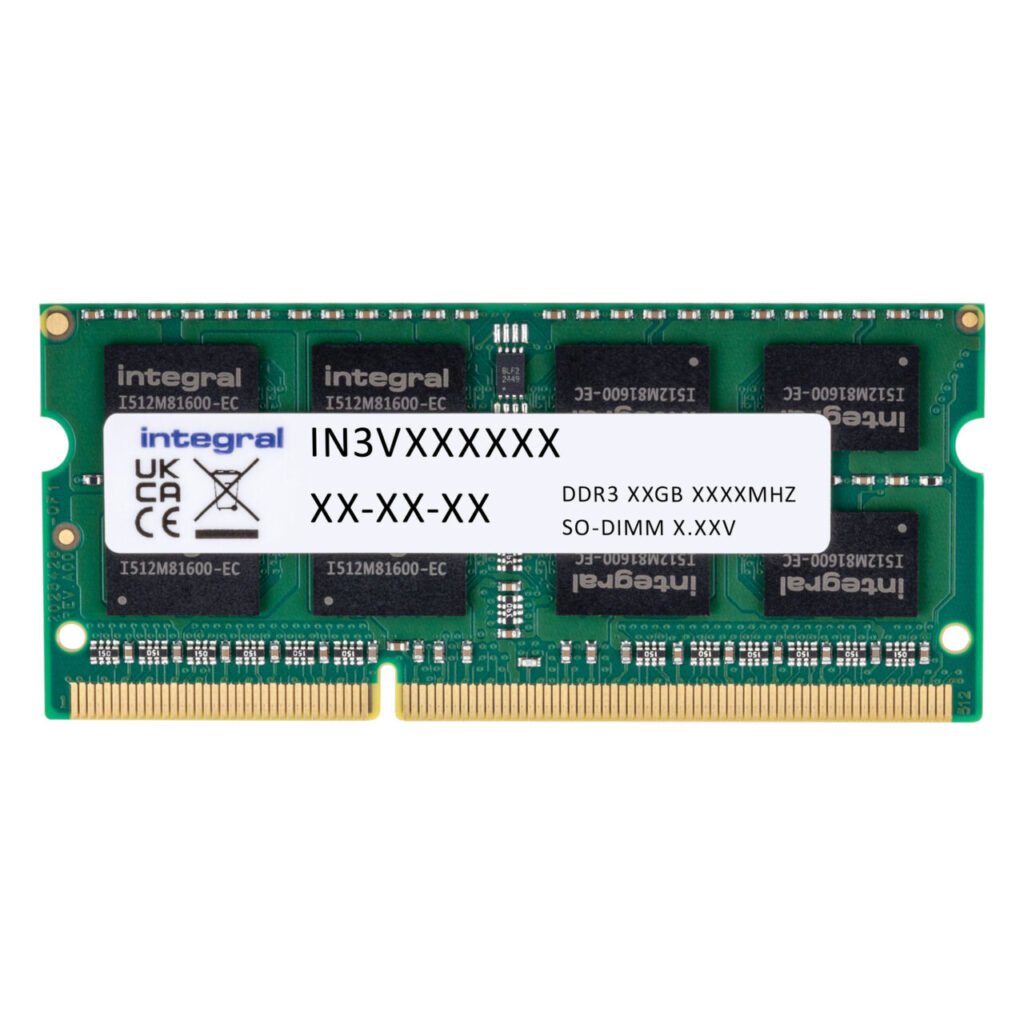
DDR3 became extremely popular for many years. It delivered faster speeds and reduced power consumption.
Many laptops and desktops manufactured between 2010 and 2016 still use DDR3 memory.
DDR3 also allowed larger memory capacities. Consequently, systems could support heavier workloads.
DDR4 RAM
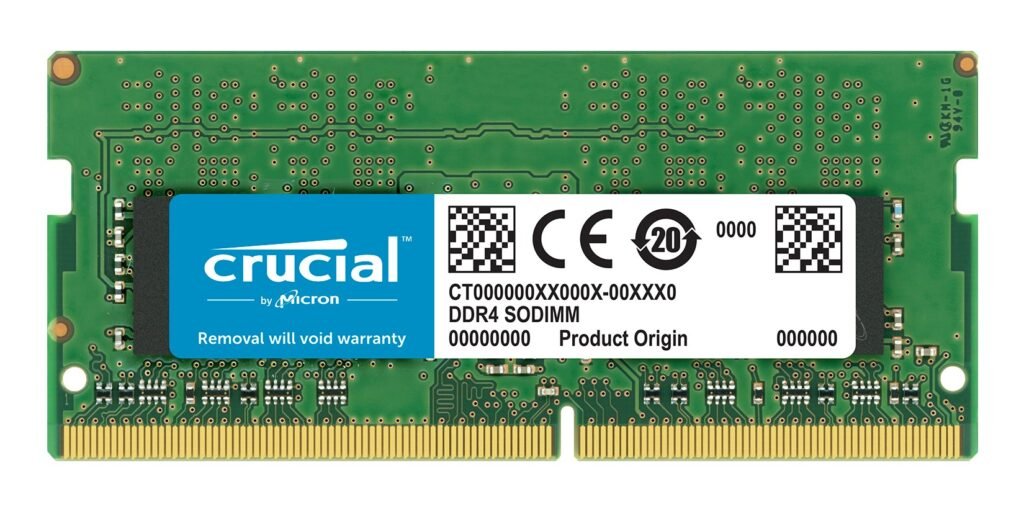
DDR4 significantly improved speed, bandwidth, and power efficiency.
Modern laptops, gaming PCs, and workstations widely use DDR4 memory.
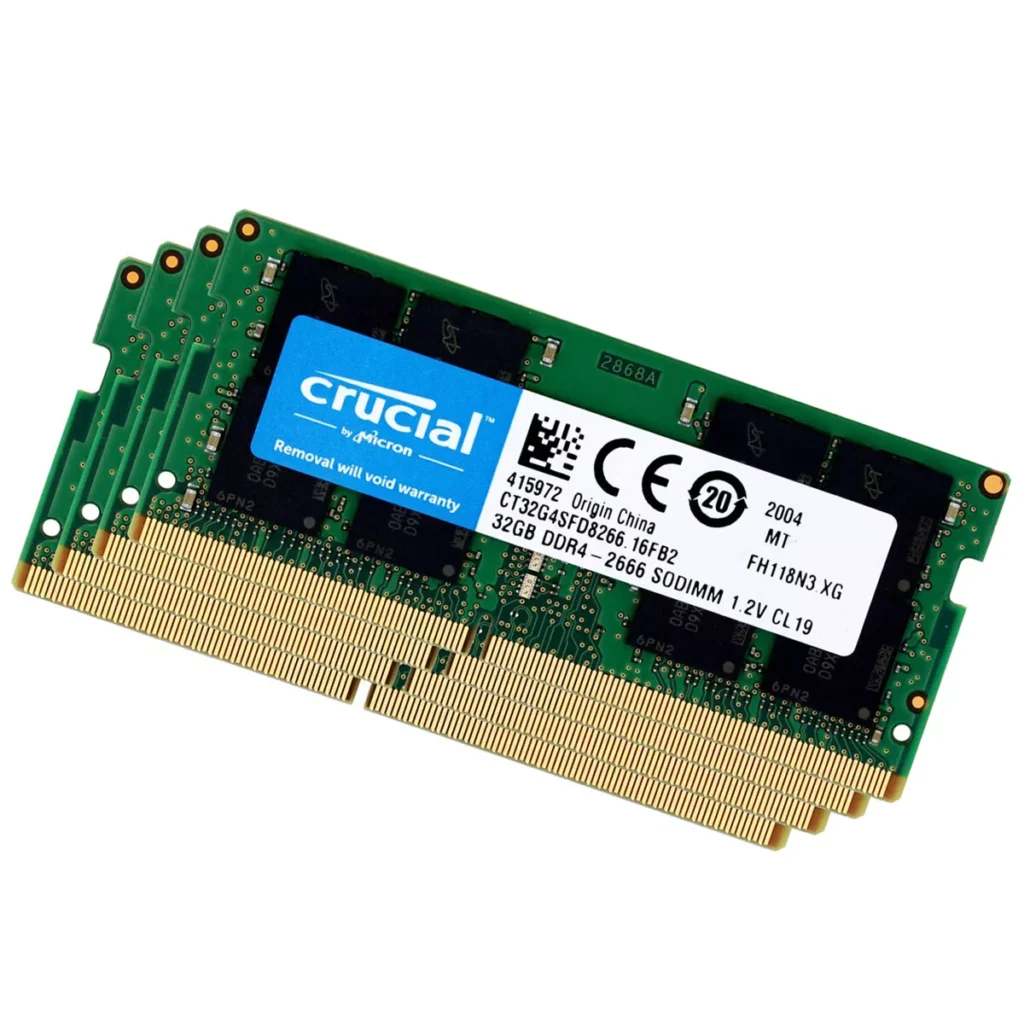
Additionally, DDR4 supports larger capacities per module. Therefore, systems can easily reach 32GB or even 128GB RAM.
Advantages of DDR4
- Higher data transfer speeds
- Improved multitasking capability
- Lower power consumption
- Better system stability
DDR5 RAM
DDR5 represents the newest generation of RAM technology.
It delivers significantly higher bandwidth and improved power management. Therefore, it supports modern workloads such as:
- Artificial intelligence
- Video editing
- Gaming
- Data processing
Furthermore, DDR5 modules support extremely large capacities.
Consequently, high-end systems and servers benefit greatly from DDR5 memory.
Important Differences Between RAM Types
1. Memory Speed
Newer RAM types transfer data faster. Consequently, systems load programs quicker.
For example, DDR5 operates far faster than DDR3.
2. Power Consumption
Modern RAM uses less electricity. Therefore, laptops achieve longer battery life.
DDR4 and DDR5 are particularly efficient in energy management.
3. Data Bandwidth
Bandwidth measures how much data transfers per second. Higher bandwidth improves system responsiveness.
Consequently, advanced RAM generations dramatically enhance computing performance.
How RAM Affects Laptop and Desktop Performance
RAM directly influences system speed. More memory allows computers to handle heavier workloads.
For example, graphic design software requires significant memory resources.
Similarly, modern browsers consume large amounts of RAM when many tabs open.
Consequently, upgrading RAM often provides the fastest performance improvement.
At Lansotech Solutions in Kenya, many slow laptops become faster after RAM upgrades.
Conclusion
RAM remains one of the most critical components in computer systems. Different RAM types offer varying speed, efficiency, and capacity.
Understanding these differences helps users select the best memory for their devices.
Whether upgrading a laptop or building a desktop PC, choosing the right RAM ensures smoother performance, faster processing, and improved productivity.












 ASUS
ASUS



