





 Laptop Computers
 Desktop Computers
 Printers

 Network
 Software
 Laptop Accessories
 Laptop Components
 Office
 Desktop peripherals
 Server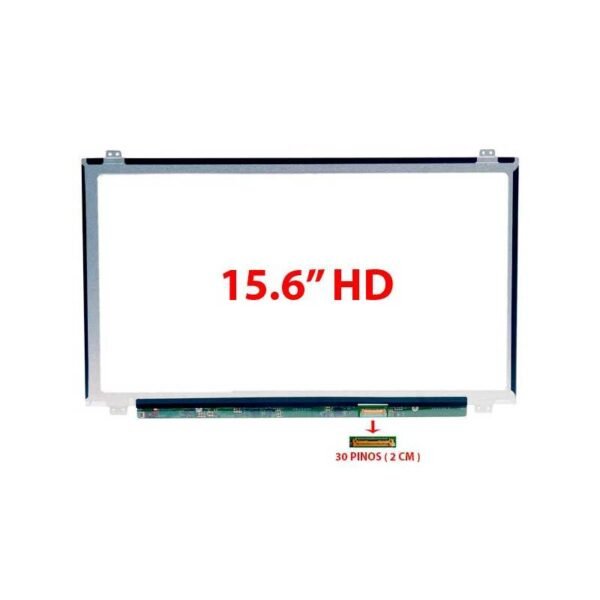


Hurry and get discounts on all Apple devices up to 20%
Sale_coupon_15
KSh6,500.00 excl. VAT
Payment Methods:

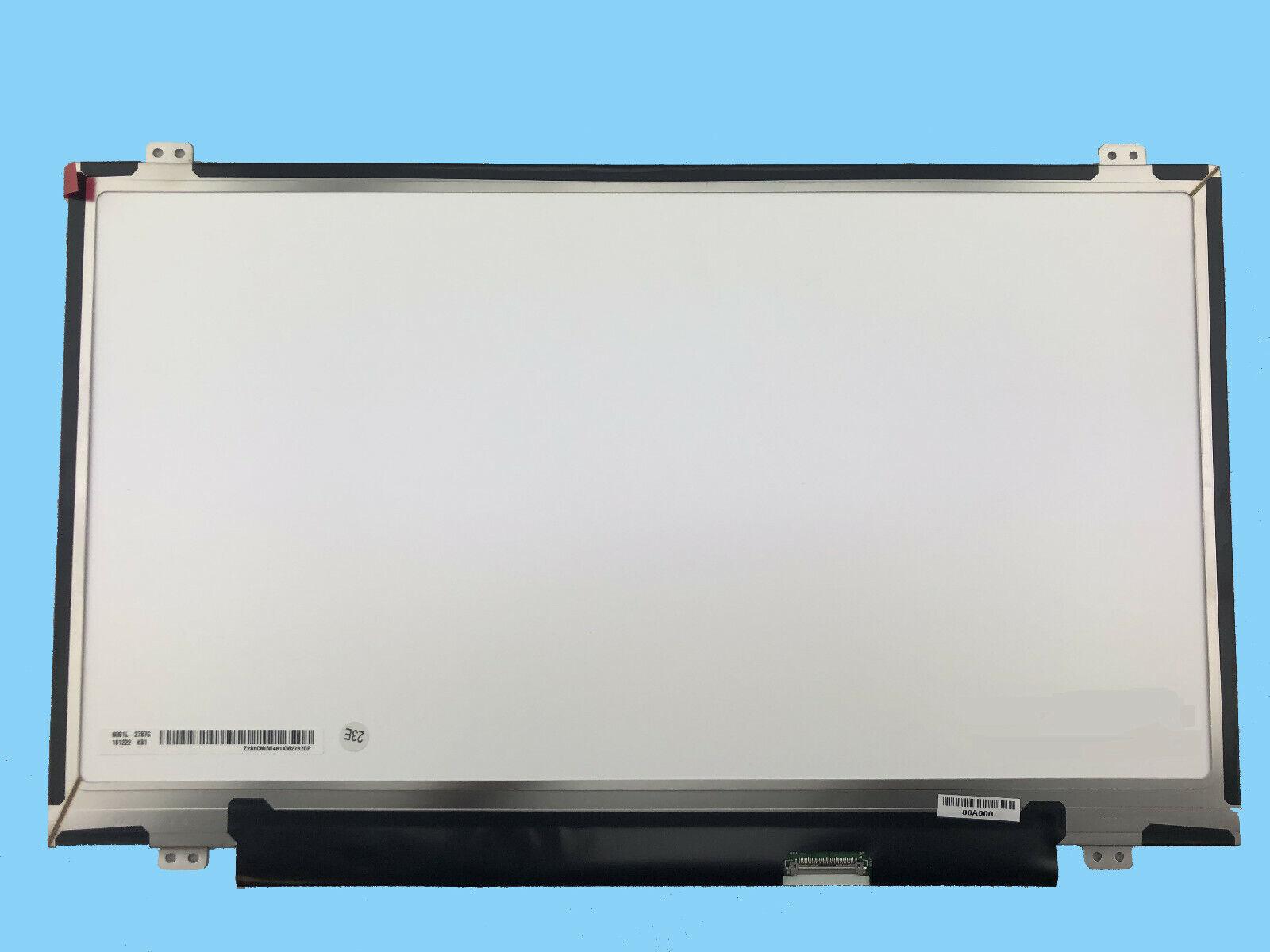
Are you looking for a new HP Chromebook 14-ca003cl screen replacement in Nairobi, Kenya? At Lansotech Solutions, we specialize in providing genuine HP Chromebook screens and professional installation services. Whether your display is cracked, flickering, or completely black, our expert technicians will restore your Chromebook to full working condition using original, high-quality replacement screens.
As one of Nairobi’s leading laptop sellers and repair centers, we are dedicated to offering affordable, fast, and reliable laptop screen replacements for all HP models — including Chromebooks, EliteBooks, and ProBooks.
The HP Chromebook 14-ca003cl is a popular lightweight laptop designed for school, business, and everyday use. Its HD and Full HD displays provide crisp visuals and low power consumption, but once damaged, they require the right type of screen to maintain performance and clarity.
At Lansotech Solutions, we supply brand-new, genuine HP Chromebook 14-ca003cl screens compatible with your laptop model. Whether you have a matte (anti-glare) or glossy finish, we’ve got the right replacement for you.
You should consider replacing your Chromebook screen if you notice any of the following signs:
Cracked or shattered screen
Blank or black display even when powered on
Flickering or distorted visuals
Horizontal or vertical lines across the screen
White or dark patches appearing on display
Dim brightness or color distortion
If your device shows these issues, visit Lansotech Solutions for a quick, professional diagnosis and genuine screen replacement.
Before purchasing a replacement, it’s essential to confirm that the new screen is compatible with your HP Chromebook 14-ca003cl. Here’s how you can check:
Confirm Your Model Number
Turn over your Chromebook and check the model label.
It should read “HP Chromebook 14-ca003cl” or a similar 14-ca0xx variant.
Check Resolution Type
Go to Settings → Device → Display → Resolution to see if you’re using an HD (1366×768) or Full HD (1920×1080) screen.
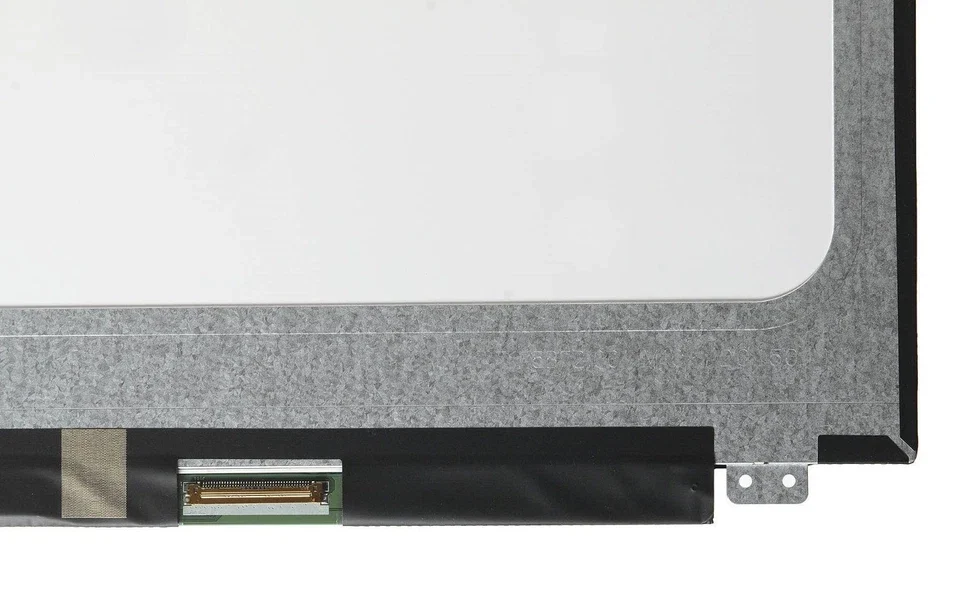
Verify Connector Type
The HP Chromebook 14-ca003cl typically uses a 30-pin eDP connector, but confirm this with a technician.
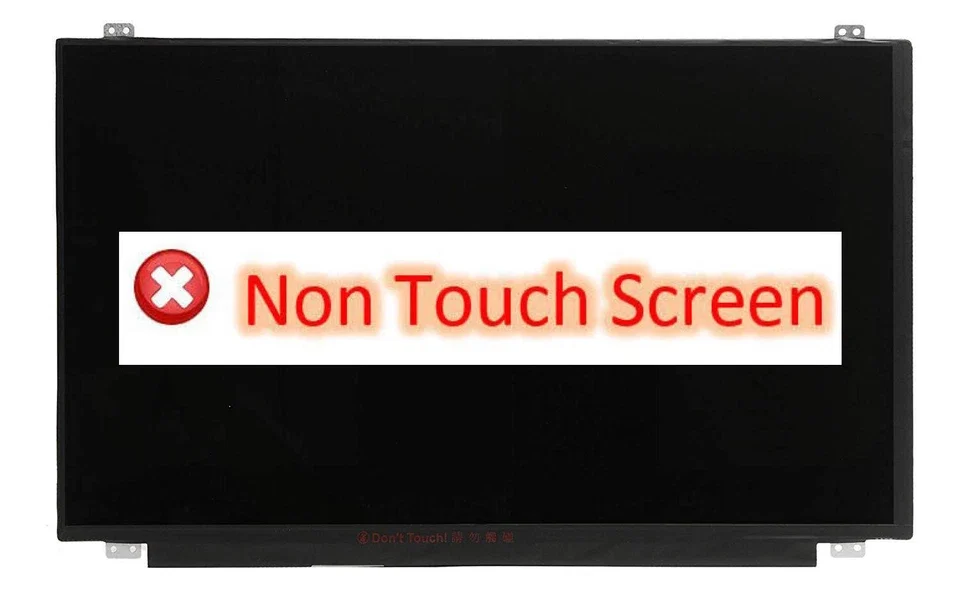
Check for Touchscreen Option
Most 14-ca003cl models are non-touch, but if your display responds to touch, you’ll need a touchscreen version.
At Lansotech Solutions, we handle compatibility checks for you. Simply bring your laptop, and we’ll match the exact replacement screen required.
When it comes to HP Chromebook screen replacement, Lansotech Solutions is the name Nairobi trusts. With years of experience and a commitment to excellence, we deliver superior quality and customer satisfaction.
No account yet?
Create an Account











 ASUS
ASUS



