





 Laptop Computers
 Desktop Computers
 Printers

 Network
 Software
 Laptop Accessories
 Laptop Components
 Office
 Desktop peripherals
 Server
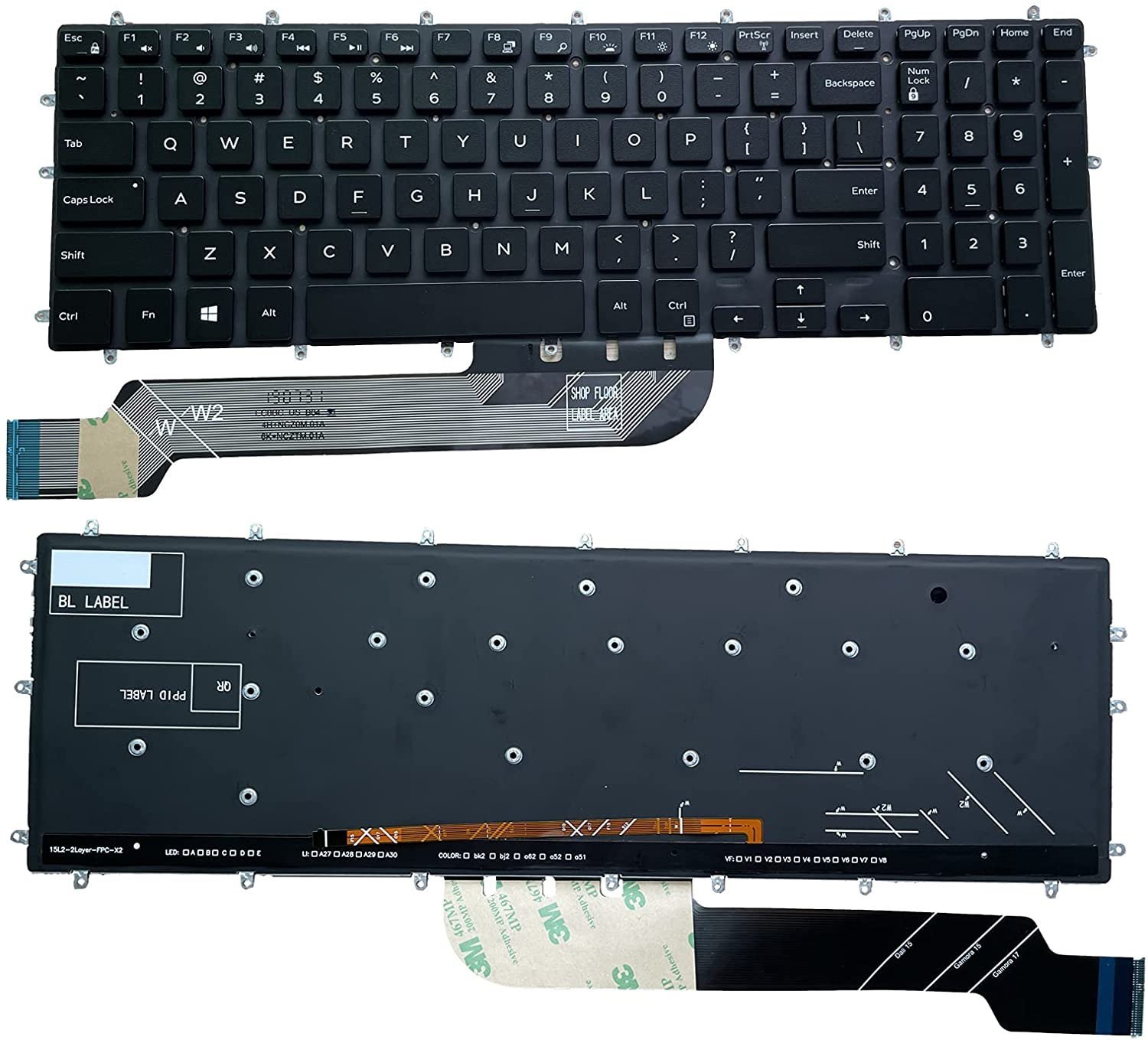
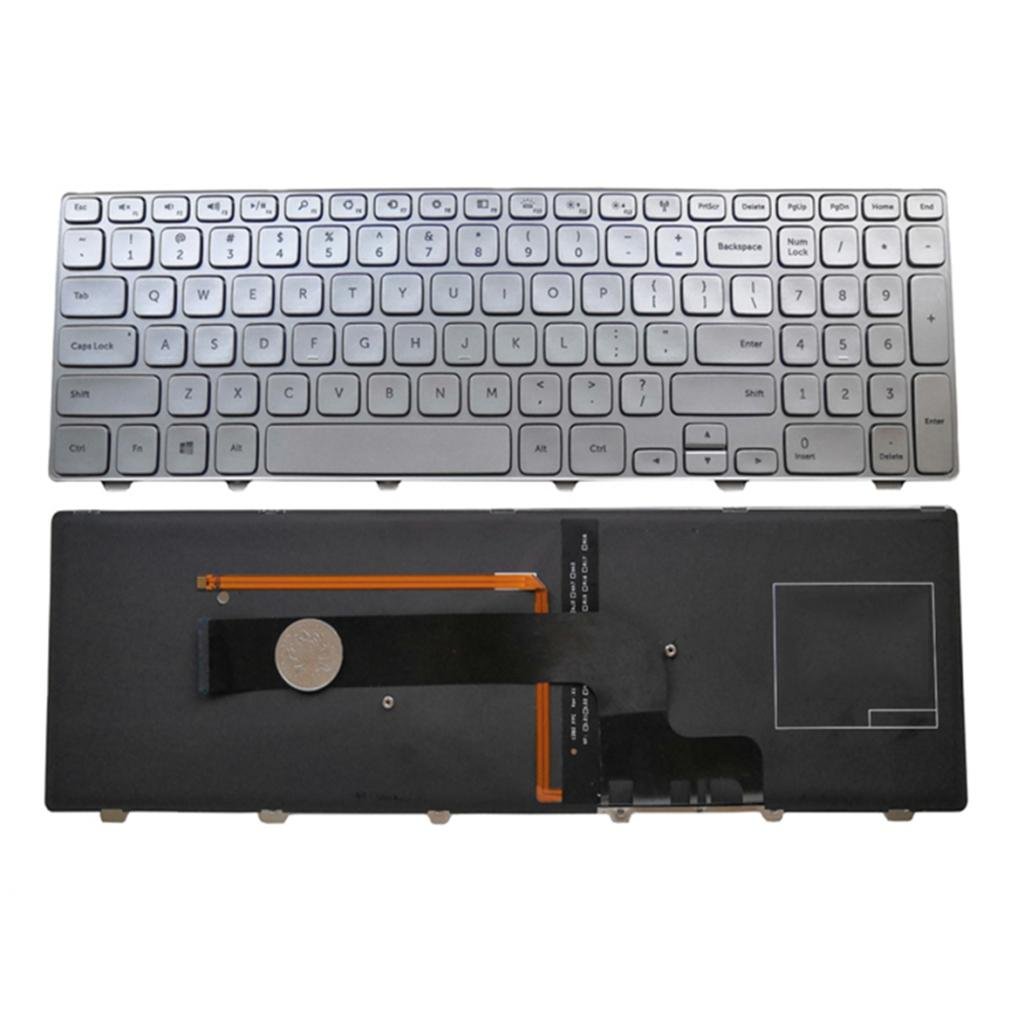
Compatible Models: Dell Inspiron 15 7000 Series (7559, 7567, 7570, 7580, etc.)
Layout: US QWERTY
Color: Black with backlight
Condition: Brand New
Features:
Backlit for low-light use
OEM-grade quality
Easy plug-and-play installation
Durable and responsive keystrokes
Seamless compatibility

Hurry and get discounts on all Apple devices up to 20%
Sale_coupon_15
KSh3,500.00 excl. VAT
Payment Methods:

Upgrade your laptop with the Dell Inspiron 15 7000 Keyboard Replacement, a high-quality backlit keyboard that restores your typing experience to like-new performance. Designed specifically for the Dell Inspiron 15 7000 series, this replacement keyboard is built with OEM-grade materials to ensure perfect fit, reliable performance, and long-term durability.
Whether your current keyboard has sticky keys, non-responsive buttons, or faded backlight, this product offers a seamless replacement solution. With a sleek, matte finish and soft key response, it guarantees comfortable and accurate typing across long hours of use. The integrated backlit function ensures easy visibility in low-light environments, making it ideal for students, professionals, and everyday users.
This keyboard is easy to install (no soldering required) and fully compatible with multiple Dell Inspiron 15 7000 variants, including 7559, 7567, 7570, and more. The sturdy build and US QWERTY layout ensure you get the performance and quality you expect from Dell, without the cost of a full system repair.
Backlit Keyboard – Perfect for typing in dark or dimly lit environments
OEM Grade Build – Matches original quality and feel
US QWERTY Layout – Standard layout for universal use
Plug & Play Installation – No technical expertise required
Durable Keys – Tested for over 10 million keystrokes
High Compatibility – Works with multiple Dell Inspiron 15 7000 series models
Dell Inspiron 15 7000 Series: 7559, 7567, 7570, 7580, 7590, and others
May also fit select Dell G3 / G5 / G7 gaming laptops with matching chassis design
Check the part number or consult your service manual to confirm fit
Power off your laptop and remove the battery (if applicable).
Remove the back panel using a precision screwdriver.
Carefully disconnect the old keyboard ribbon.
Align and connect the new keyboard.
Secure everything back in place and power on the device.
No special tools or advanced technical knowledge required.
Clean keys regularly using a soft cloth or compressed air
Avoid eating or drinking near the keyboard
Store your laptop in a dry and dust-free environment
Use a keyboard cover for added protection
Buy with confidence knowing you’re getting a genuine-grade product that will serve reliably.
No account yet?
Create an Account











 ASUS
ASUS



