





 Laptop Computers
 Desktop Computers
 Printers

 Network
 Software
 Laptop Accessories
 Laptop Components
 Office
 Desktop peripherals
 Server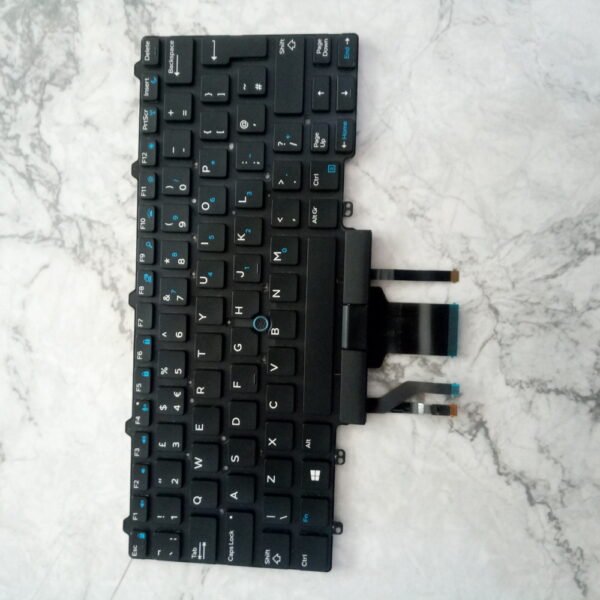
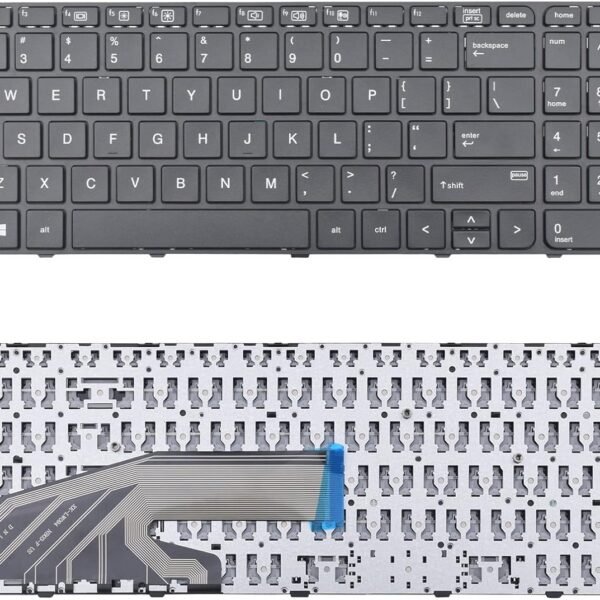
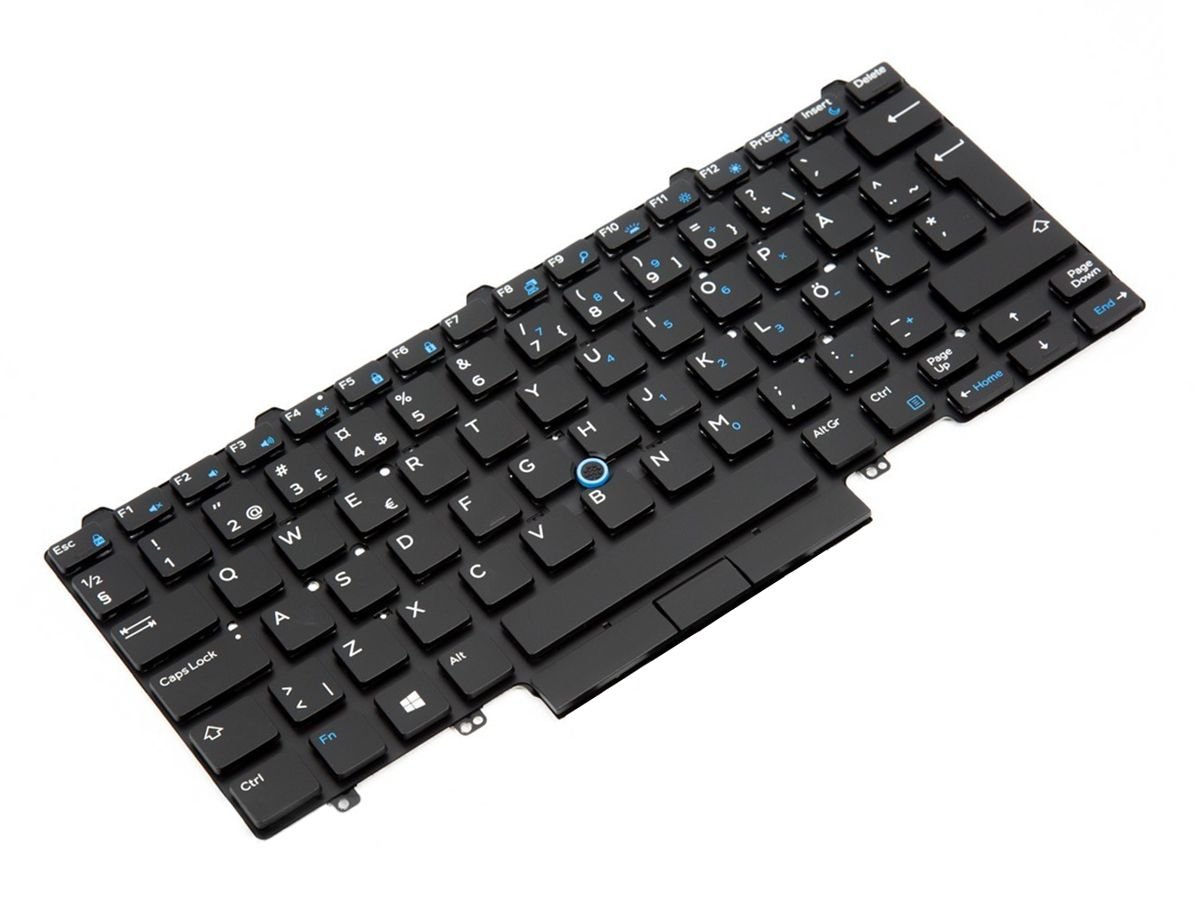
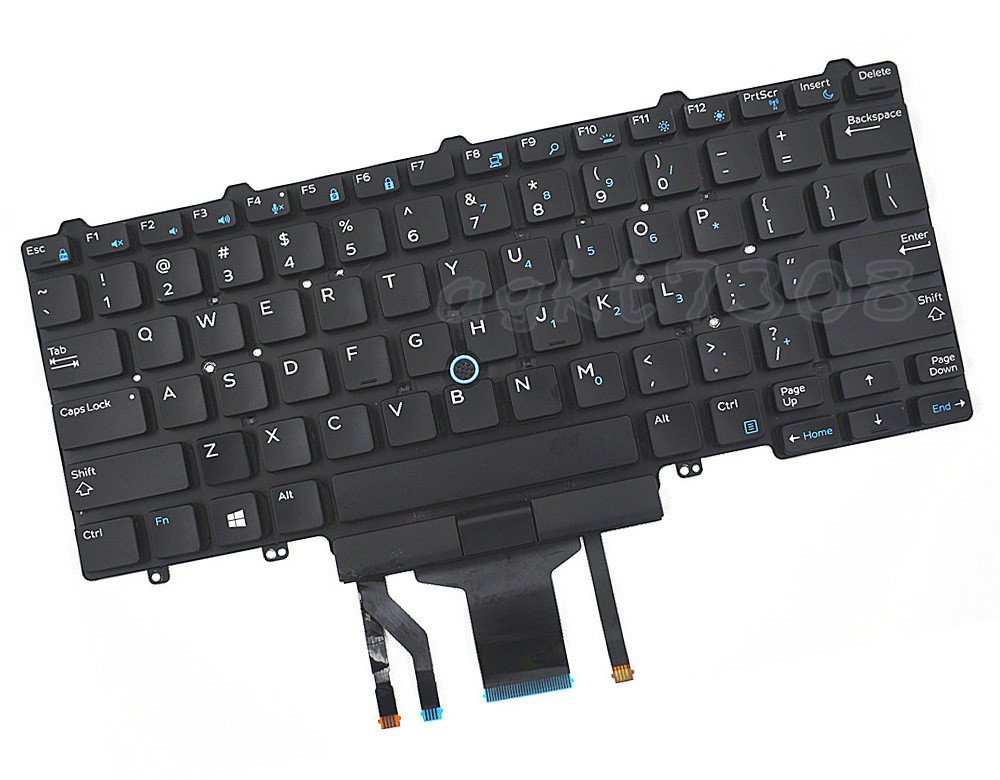
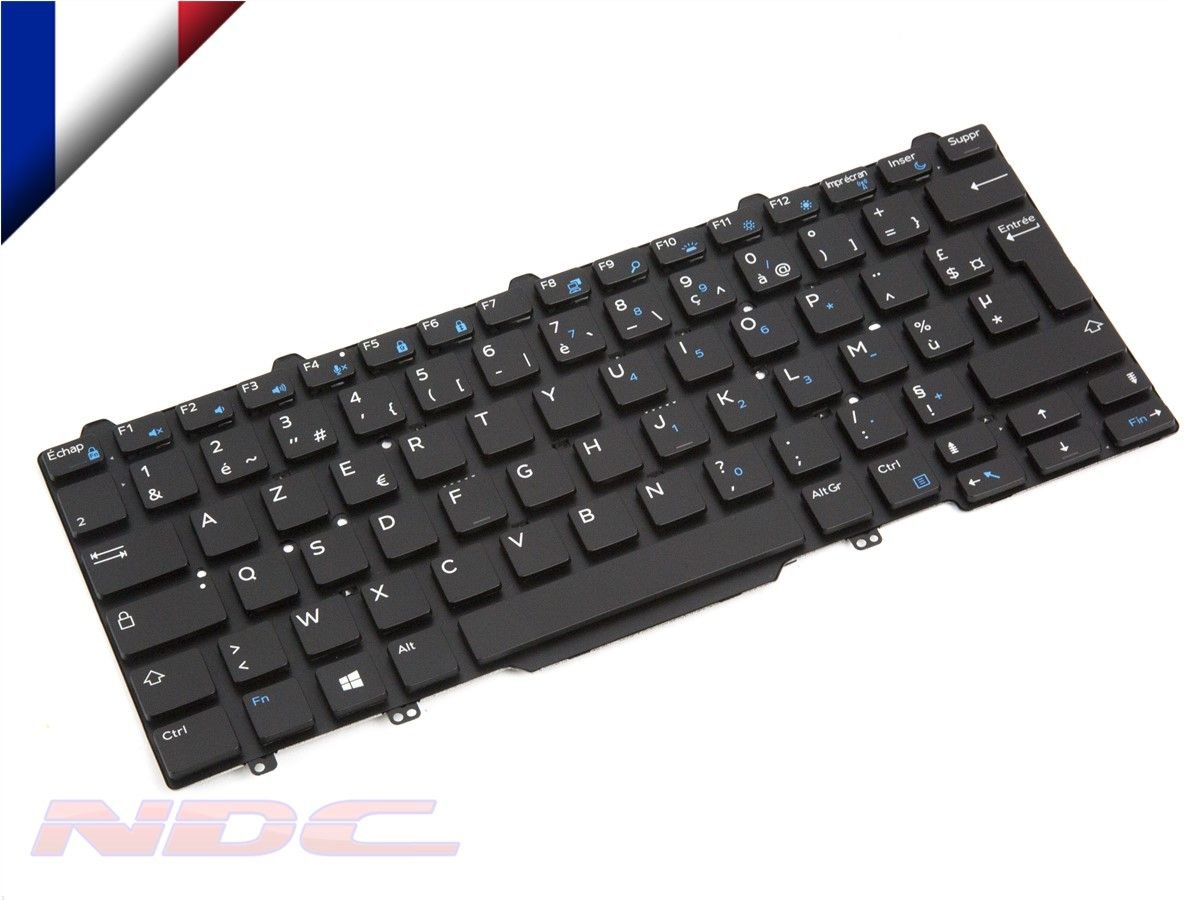
Compatible Models: Dell Latitude E5470
Layout: US Standard QWERTY
Color: Black
Condition: Brand New – Original Dell Part
Features:
Built-in backlighting for low-light usage
Comfortable, quiet keys for extended typing
Factory-fit design for smooth installation

Hurry and get discounts on all Apple devices up to 20%
Sale_coupon_15
KSh3,500.00 excl. VAT
Payment Methods:

At Lansotech Solutions, we specialize in providing original Dell keyboards tailored for users who value comfort, performance, and reliability. If your Dell Latitude E5470 keyboard is damaged, unresponsive, or missing keys, our US layout backlit keyboard is the perfect solution to restore your laptop to peak condition.
Engineered for smooth and accurate typing—even in low-light environments—this keyboard is ideal for students, developers, writers, and professionals who need consistent performance throughout the day or night.
Why Upgrade Your Dell Latitude E5470 Keyboard
✅ 100% compatible with the Dell Latitude E5470
✅ Built-in backlighting for efficient typing in dim environments
✅ Quiet, responsive keys suited for long typing sessions
✅ Durable construction with a precise factory fit
✅ Seamless installation support by our experienced team
Compatible Model
✔ Dell Latitude E5470
Layout: US Standard QWERTY
Color: Black
Backlight: Yes (Built-In)
Condition: Brand New – Original Dell Replacement
Step‑By‑Step Installation Process
Step 1 – Diagnosis
We confirm keyboard failure through expert testing.
Step 2 – Safe Disassembly
The laptop is carefully opened with anti-static tools.
Step 3 – Removal of Old Keyboard
The damaged or faulty keyboard is disconnected and taken out.
Step 4 – Installation of the New Keyboard
We install your new Dell backlit keyboard, aligned to factory precision.
Step 5 – Final Testing and Clean-Up
We test every key for performance and clean the laptop exterior.
Keyboard Maintenance Tips
Keep your keyboard dust-free using compressed air weekly
Wipe gently with a soft cloth and isopropyl alcohol
Avoid eating/drinking near your device to prevent spills
Use a keyboard protector in harsh or dusty environments
Type with care to maintain long-term responsiveness
Why Choose Lansotech Solutions
✔ Professional Dell laptop support in Nairobi
✔ Guaranteed authentic replacement parts
✔ Fast delivery and optional on-site installation
✔ Trusted by businesses, institutions, and everyday users
✔ Customer-first service with a satisfaction guarantee
No account yet?
Create an Account











 ASUS
ASUS



