





 Laptop Computers
 Desktop Computers
 Printers

 Network
 Software
 Laptop Accessories
 Laptop Components
 Office
 Desktop peripherals
 Server
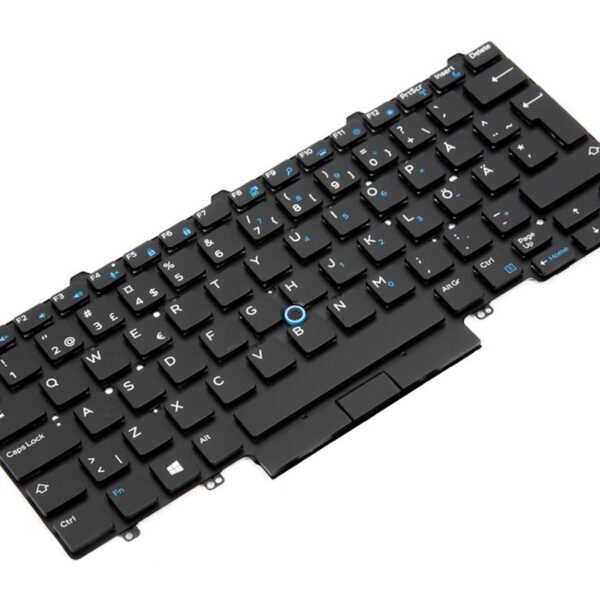
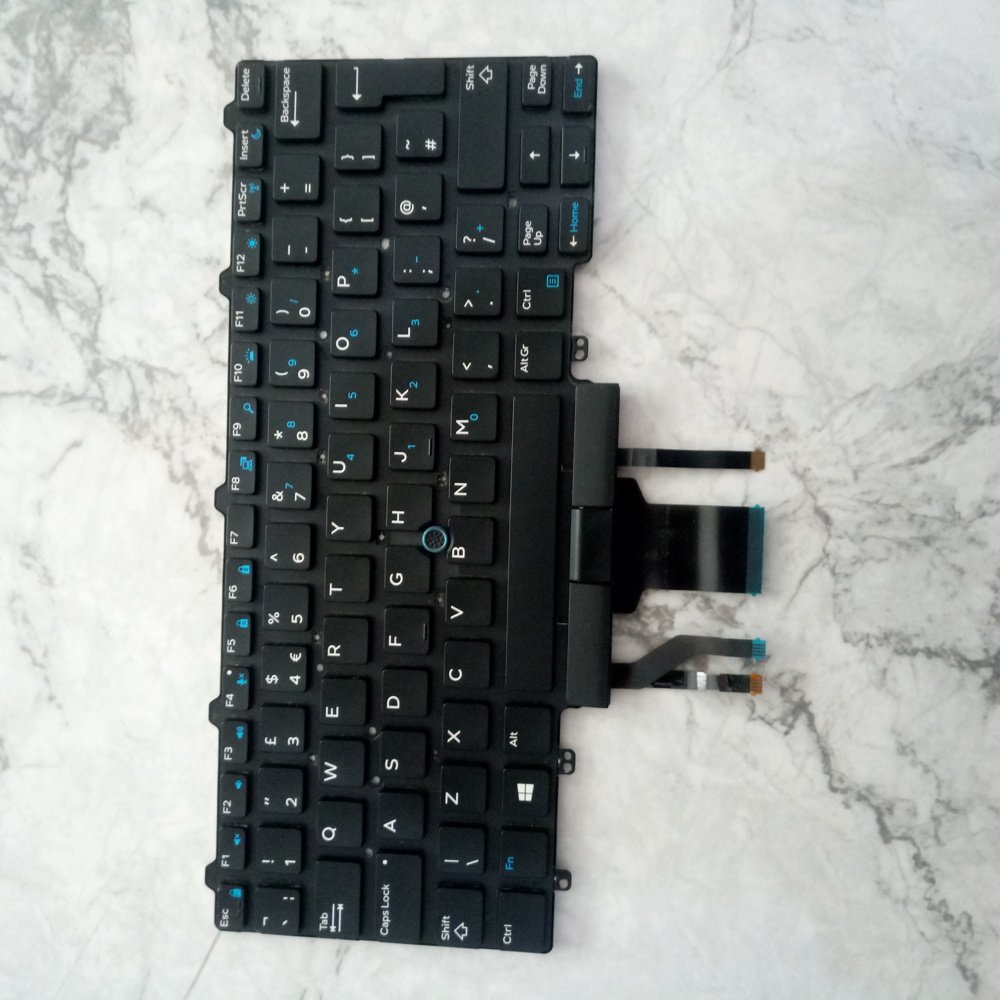
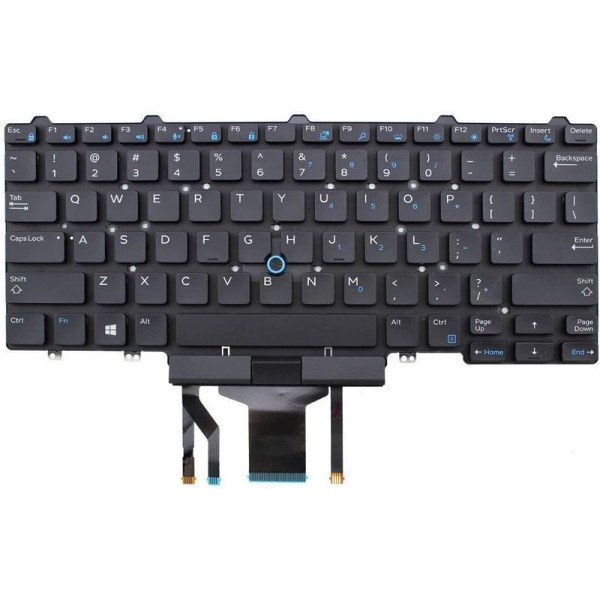
Compatible Models: Dell Latitude E5480
Layout: US Standard QWERTY
Color: Black
Condition: Brand New – Original Dell Part
Features:
Smooth, responsive keys ideal for professionals
OEM-grade fit for reliable installation
Optional backlit version for low-light use

Hurry and get discounts on all Apple devices up to 20%
Sale_coupon_15
KSh1,800.00 excl. VAT
Payment Methods:

At Lansotech Solutions, we provide high-quality original Dell keyboards to help you restore your laptop’s full performance and typing comfort. If your Dell Latitude E5480 keyboard is worn out, missing keys, or no longer responsive, our genuine US layout keyboard is the perfect fit for a seamless upgrade.
Whether you’re a student, software developer, or business user, this keyboard delivers a smooth and responsive typing experience—ideal for those who rely on their laptops daily.
Why Choose This Dell Latitude E5480 Keyboard
✅ 100% compatibility with Dell Latitude E5480 model
✅ Smooth, quiet, and responsive typing for long work hours
✅ OEM quality—designed to match factory specifications
✅ Easy installation with professional guidance available
✅ Trusted durability for daily productivity and performance
Compatible Dell Model
✔ Dell Latitude E5480
Layout: US Standard QWERTY
Color: Black
Backlight: Available (Optional models)
Condition: Brand New – Original Dell Keyboard
Step‑By‑Step Keyboard Installation Process
Step 1 – Assessment
We verify that the keyboard is the cause of the problem through initial testing.
Step 2 – Safe Disassembly
Using anti-static tools, we carefully open the laptop casing.
Step 3 – Old Keyboard Removal
The damaged keyboard is safely disconnected and removed.
Step 4 – New Keyboard Installation
We install the new keyboard, aligning it precisely to factory standards.
Step 5 – Testing and Cleaning
Each key is tested for responsiveness, and your laptop is cleaned before handover.
Keyboard Maintenance Tips
Avoid eating or drinking near your laptop
Use compressed air weekly to remove dust and crumbs
Wipe down with a microfiber cloth to maintain cleanliness
Type gently to protect internal mechanisms
Consider a keyboard cover if working in dusty environments
Why Lansotech Solutions is Trusted in Nairobi
✔ Original Dell parts with guaranteed compatibility
✔ Fast turnaround with professional service
✔ Affordable pricing and reliable delivery
✔ Support for individuals, offices, and learning institutions
✔ Backed by customer service and optional installation
No account yet?
Create an Account











 ASUS
ASUS



