





 Laptop Computers
 Desktop Computers
 Printers

 Network
 Software
 Laptop Accessories
 Laptop Components
 Office
 Desktop peripherals
 Server
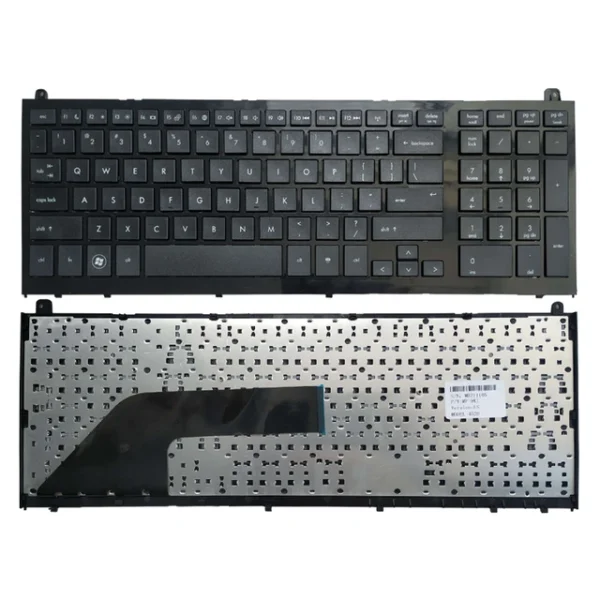
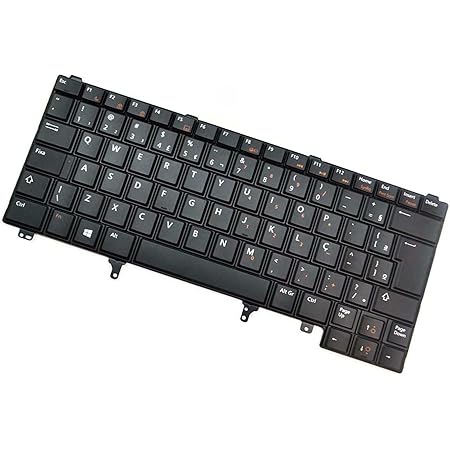
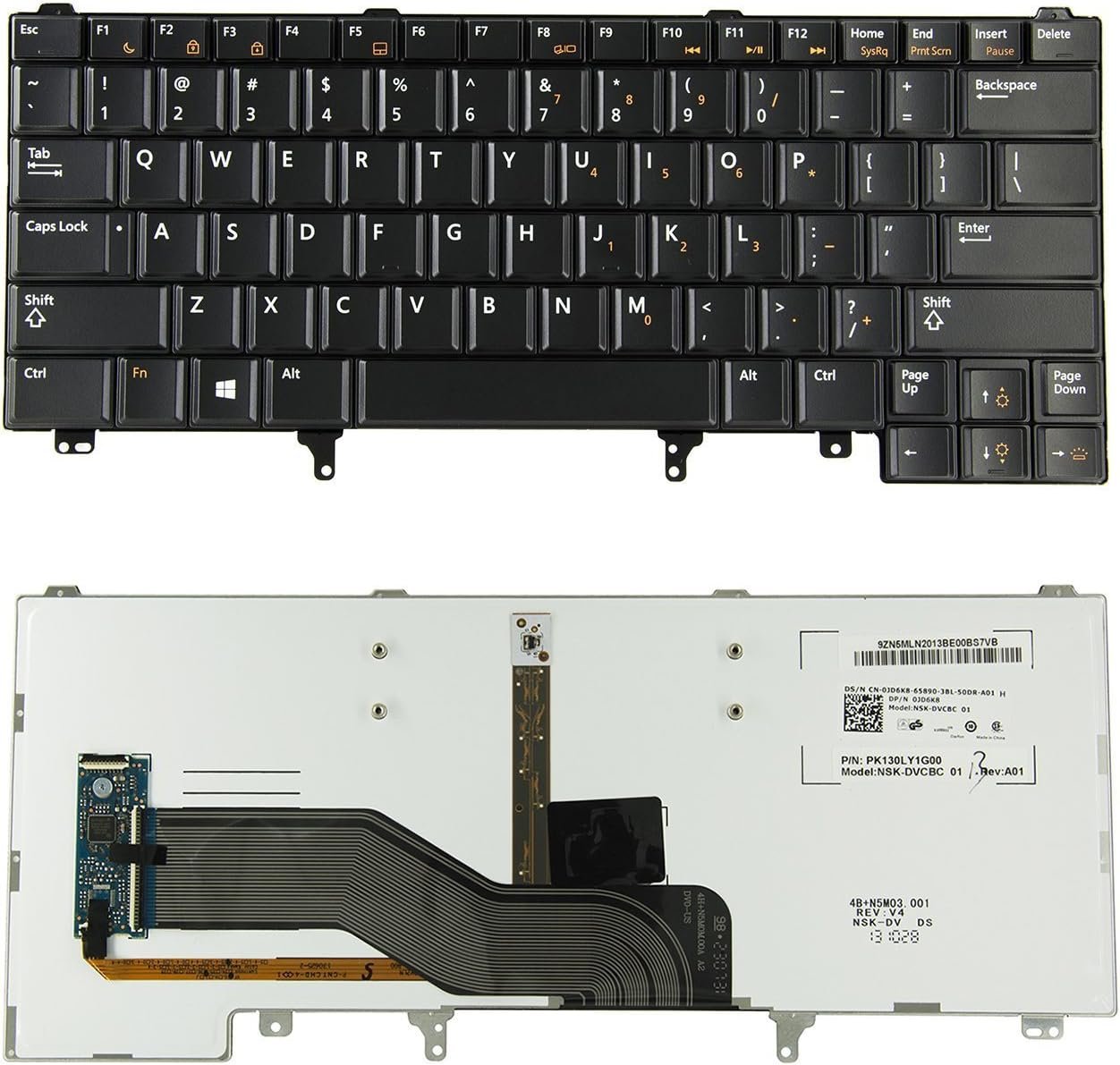
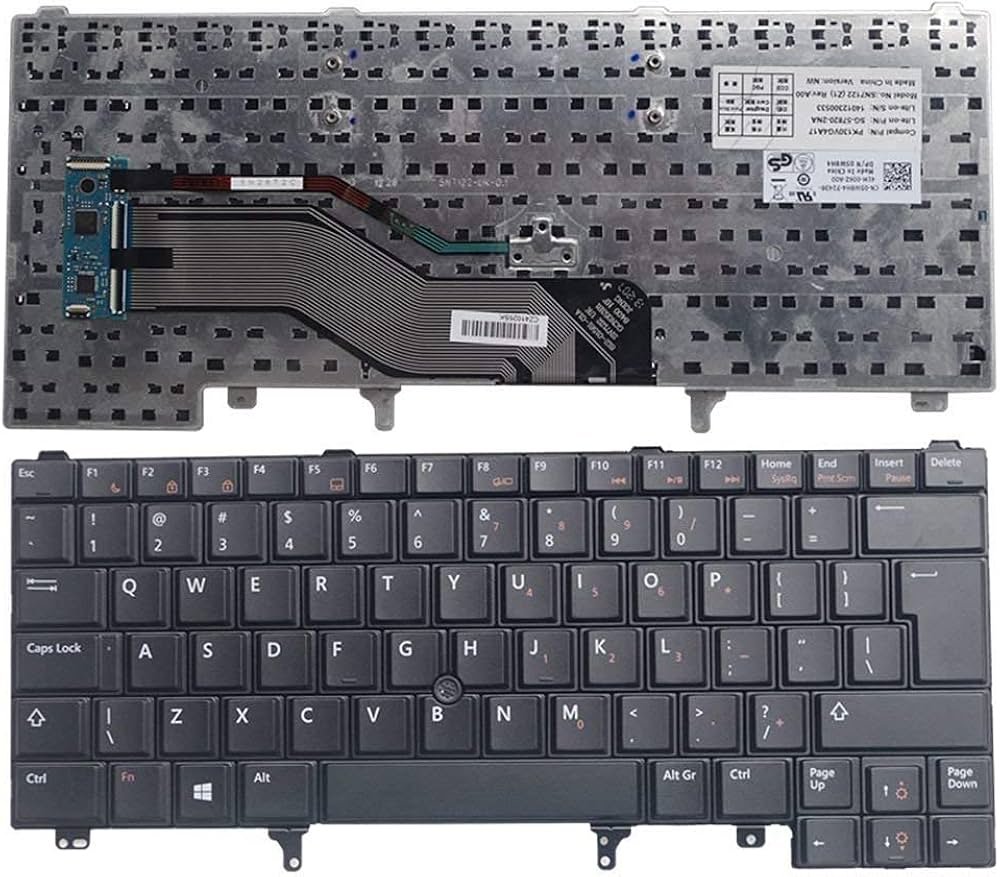
Compatible Model: E6440
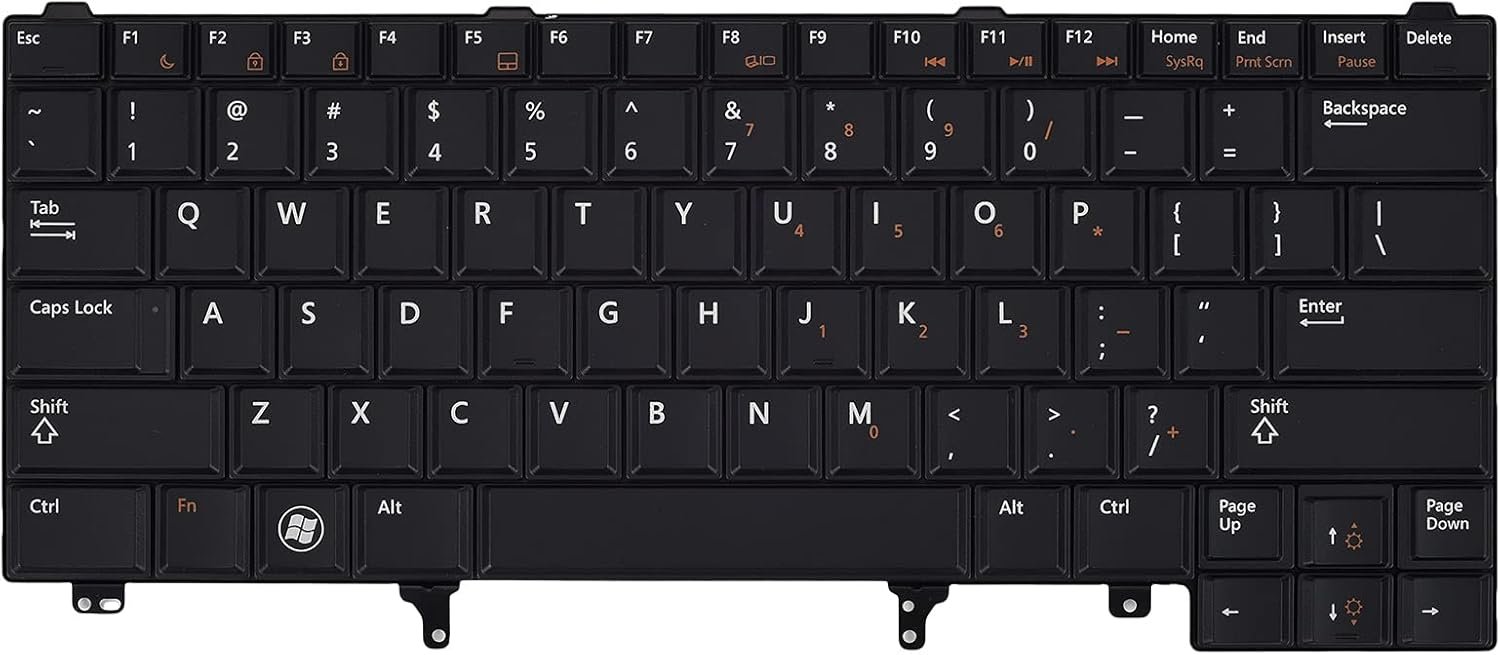
Layout: US Standard QWERTY
Color: Black
Condition: Brand New – Genuine Dell Replacement
Features:
Smooth, quiet keys ideal for professionals
OEM fit for perfect alignment and functionality
Built to withstand daily, high-volume typing
Optional backlit version (model-dependent)
Fast installation by certified technicians

Hurry and get discounts on all Apple devices up to 20%
Sale_coupon_15
KSh1,800.00 excl. VAT
Payment Methods:

At Lansotech Solutions, we provide professional Dell Latitude E6440 keyboard replacement services using genuine US layout keyboards that restore full functionality and typing precision to your laptop. If your keyboard is unresponsive, missing keys, or physically damaged, our high-quality replacement is designed to fit and perform just like the original—ensuring smooth, accurate typing and durability for long-term use.
Whether you’re a business user, developer, student, or tech enthusiast, we’ll get your Dell E6440 back to peak productivity.
A faulty keyboard slows down your workflow. Replacing it with a genuine Dell keyboard ensures:
✅ Perfect OEM fit for Dell Latitude E6440
✅ Responsive keys with quiet, comfortable typing
✅ Long-lasting key switches built for daily heavy use
✅ Simple installation with full compatibility
✅ Professional finish that maintains your laptop’s premium design
✔ Dell Latitude E6440
Layout: US Standard QWERTY
Color: Black
Backlit Option: May be available based on stock
Condition: Brand New – Genuine Dell Replacement
Step 1 – Initial Inspection
We verify keyboard failure and ensure it’s the component needing replacement.
Step 2 – Secure Disassembly
Your laptop is opened with Dell-specific tools, preserving internal parts.
Step 3 – Faulty Keyboard Removal
We safely disconnect the damaged keyboard without affecting nearby components.
Step 4 – Keyboard Installation
We install the new Dell E6440 keyboard, connecting and aligning it to manufacturer specs.
Step 5 – Final Testing & Cleaning
Every key is tested for accuracy and the laptop is cleaned before return.
Clean with compressed air to remove dust buildup
Use a microfiber cloth and isopropyl alcohol for sanitizing
Avoid eating or drinking near the keyboard
Type softly to reduce mechanical wear
Consider a keyboard protector in dusty or outdoor setups
✔ Experienced, Dell-certified technicians
✔ Use of authentic Dell replacement parts only
✔ Quick service turnaround and fair pricing
✔ Warranty protection with every install
✔ Trusted by companies, schools, and freelancers across Nairobi
Let Lansotech Solutions restore your Dell Latitude E6440 to its full performance with a keyboard replacement done right.
No account yet?
Create an Account











 ASUS
ASUS



