





 Laptop Computers
 Desktop Computers
 Printers

 Network
 Software
 Laptop Accessories
 Laptop Components
 Office
 Desktop peripherals
 Server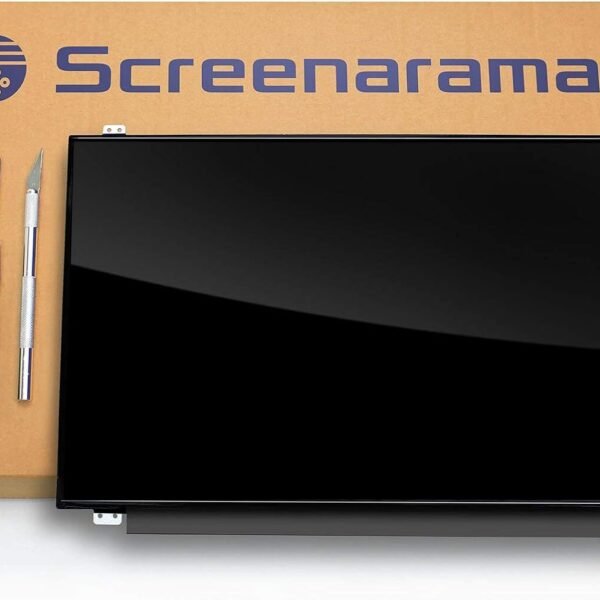

Hurry and get discounts on all Apple devices up to 20%
Sale_coupon_15
KSh5,500.00 excl. VAT
Payment Methods:

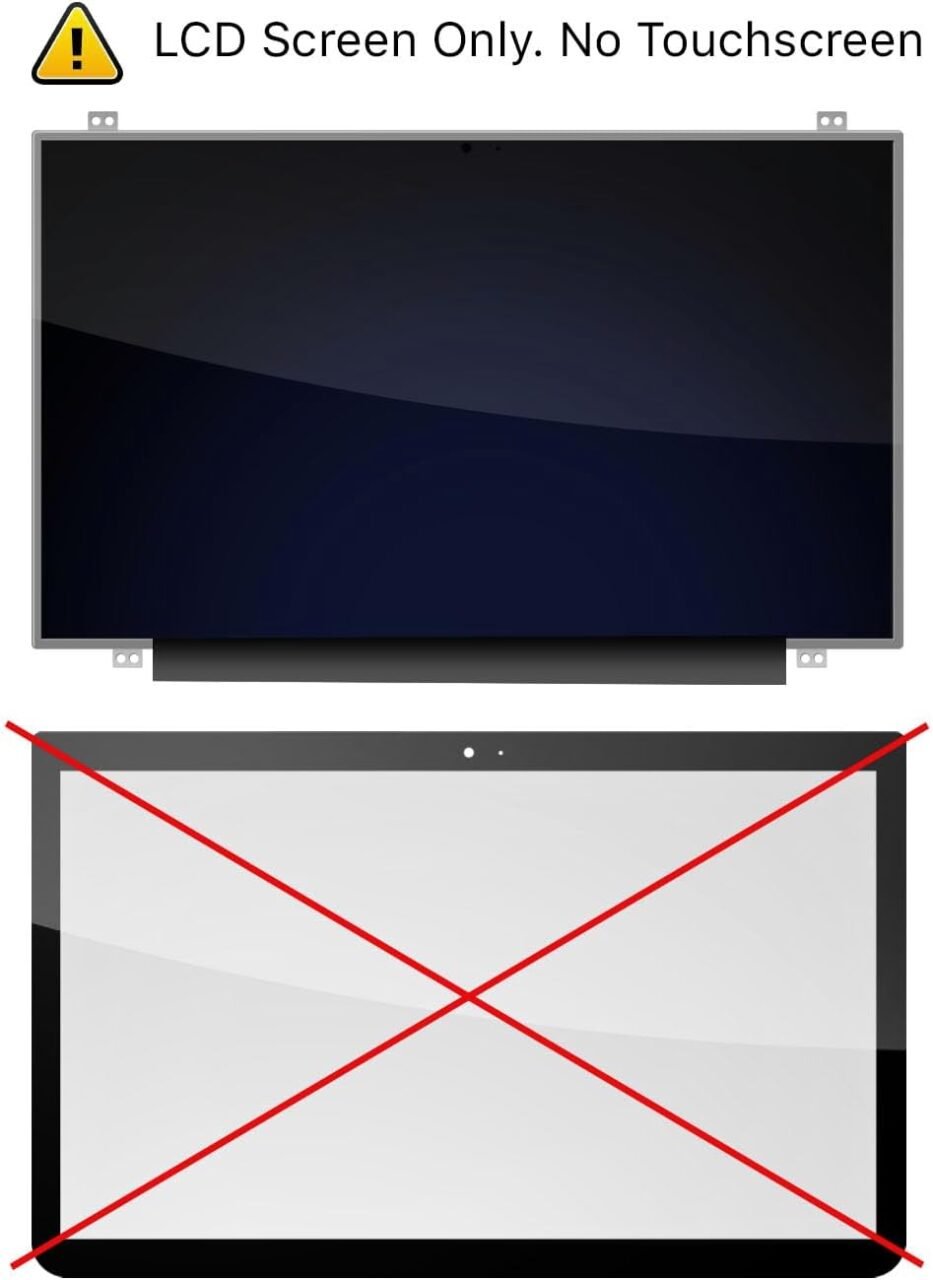
The HP Pavilion DM4 series is compact, stylish, and built for everyday computing. Despite its durability, the screen remains vulnerable to cracks, backlight issues, cable failures, and display malfunctions. Whether the damage is from accidental drops, pressure, or wear and tear, a screen replacement restores your device to perfect working condition.
Although the HP DM4 is a strong machine, its screen can easily be damaged due to:
Accidental drops
Pressure inside backpacks
Liquid spills
Manufacturing wear over years
Faulty backlight or internal cable issues
Most screen failures are repairable by simply replacing the display panel.
Visible cracks or shattered glass are clear signs you need a new screen.
Horizontal or vertical lines indicate internal screen damage or cable failure.
This often results from a failing backlight or damaged ribbon cable.
If you hear the fan but see no display, the screen could be dead.
HD (1366×768) screens are common and affordable.
HD+ (1600×900) screens offer sharper visuals and more workspace.
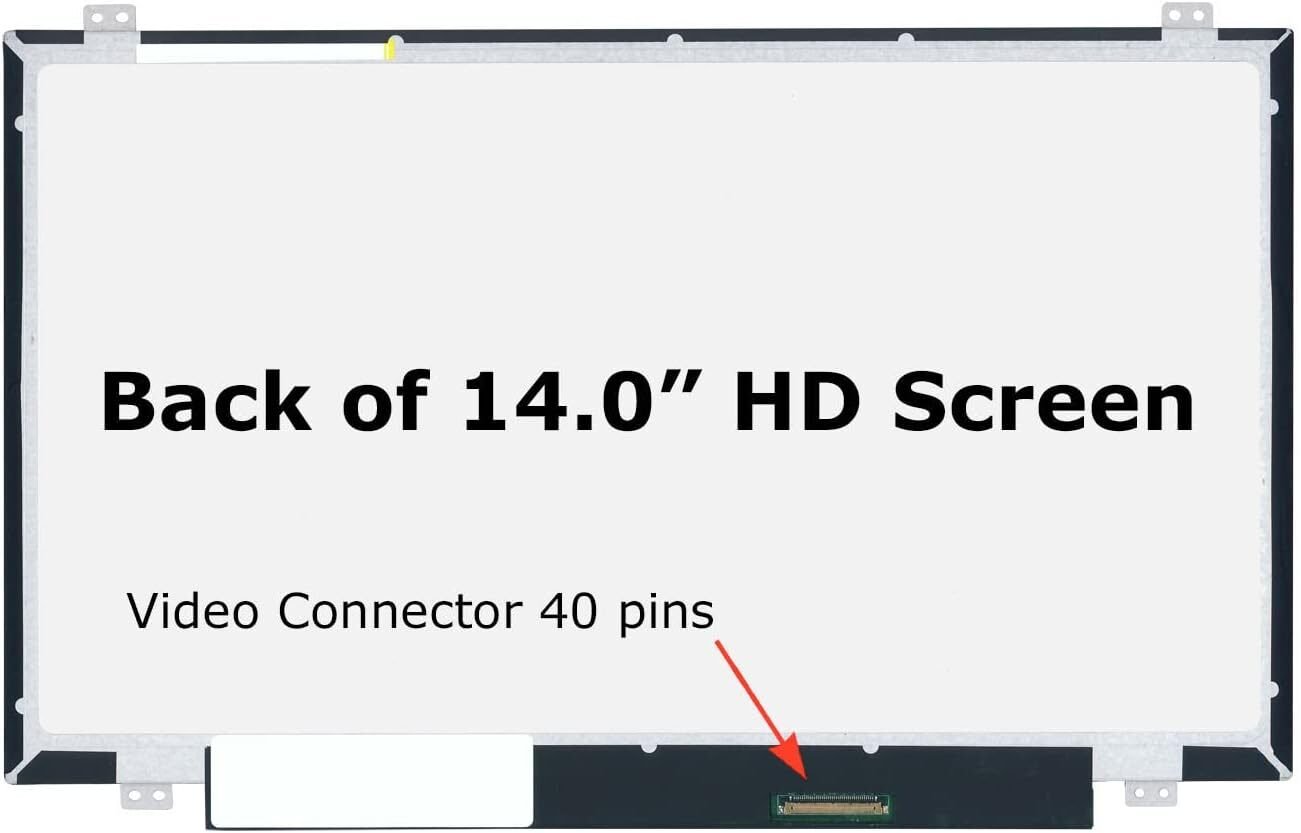
The HP DM4 uses a 40-pin LVDS connector, but confirming the model before buying is essential.
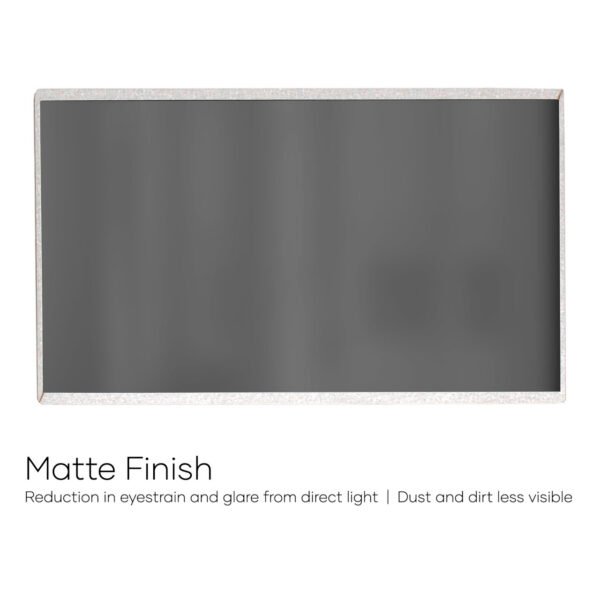
Matte screens reduce glare and fingerprints.
Glossy screens offer richer colors and deeper contrast.
You’ll need:
Small Phillips screwdriver
Plastic pry tools
Tweezers
Replacement HP DM4 screen
Anti-static wristband (optional but recommended)
Make sure the laptop is completely off and disconnected from external power.
Using a pry tool, gently remove the bezel surrounding the screen.
Unscrew the panel from the hinges and carefully tilt it forward.
Detach the 40-pin connector at the back of the screen.
Securely attach the cable to the new screen and align it with the hinge brackets.
Snap back the bezel, reconnect the battery, and test the display.
Always match resolution, size, and pin configuration.
Pulling the cable too hard can cause motherboard-level damage.
Loose screws can cause wobbling and future screen failures.
Professionals know how to handle delicate components without causing further damage.
A technician ensures correct alignment, cable handling, and secure installation.
Professionals can source original HP screens faster and at better prices.
Our team handles hundreds of laptop repairs every month.
We provide competitive rates for both parts and labor.
We stock original, high-quality HP DM4 screens.
Most repairs are completed in 20–30 minutes.
Pricing typically ranges from:
KSh 4,000 – KSh 6,000 for standard HD screens
KSh 7,000 – KSh 9,000 for HD+ screens
Labor costs range from KSh 500 – KSh 1,000 depending on complexity.
At Lansotech Solutions, the repair takes:
⏱ 20 to 30 minutes
including testing and quality checks.
Use a padded laptop sleeve
Avoid closing the lid with objects on the keyboard
Keep liquids away
Don’t apply pressure on the top cover
Clean the screen with microfiber cloths only
Replacing the screen on an HP Pavilion DM4 is a simple and effective way to restore your laptop’s usability. With genuine screens, expert technicians, and fast service, you can have your laptop looking and performing like brand new.
At Lansotech Solutions, we specialize in HP screen replacements and ensure every repair is done with precision and care. If your HP DM4 screen is cracked, dim, or malfunctioning, visit us for professional repair services.
Check the back of your old screen or ask a technician to confirm the model.
Yes, but it’s safer to let a professional handle it to avoid damaging components.
Yes, we offer a warranty for both parts and installation.
It may be a motherboard, cable, or GPU issue. We provide full diagnostics.
Yes, Lansotech Solutions stocks screens for all major HP laptop models.
No account yet?
Create an Account











 ASUS
ASUS



