





 Laptop Computers
 Desktop Computers
 Printers

 Network
 Software
 Laptop Accessories
 Laptop Components
 Office
 Desktop peripherals
 Server

Hurry and get discounts on all Apple devices up to 20%
Sale_coupon_15
KSh8,000.00 excl. VAT
Payment Methods:

If the screen on your HP ProBook 430 G5 is cracked, flickering, showing lines, discolored, or entirely blank, a screen replacement is often the solution. This guide explains what replacement screens fit, how to replace the display step-by-step, compatibility tips, required tools, and common mistakes to avoid.
Consider replacing your laptop screen if you notice any of the following:
Cracks or visible physical damage
Vertical or horizontal lines across the display
Flickering or unstable image
Dim, washed-out, or uneven brightness
Black screen with power on
Distorted colors or dead pixels
Partial display (half visible or scrambled)
Such issues usually indicate the LCD panel has failed or suffered impact damage and must be replaced.
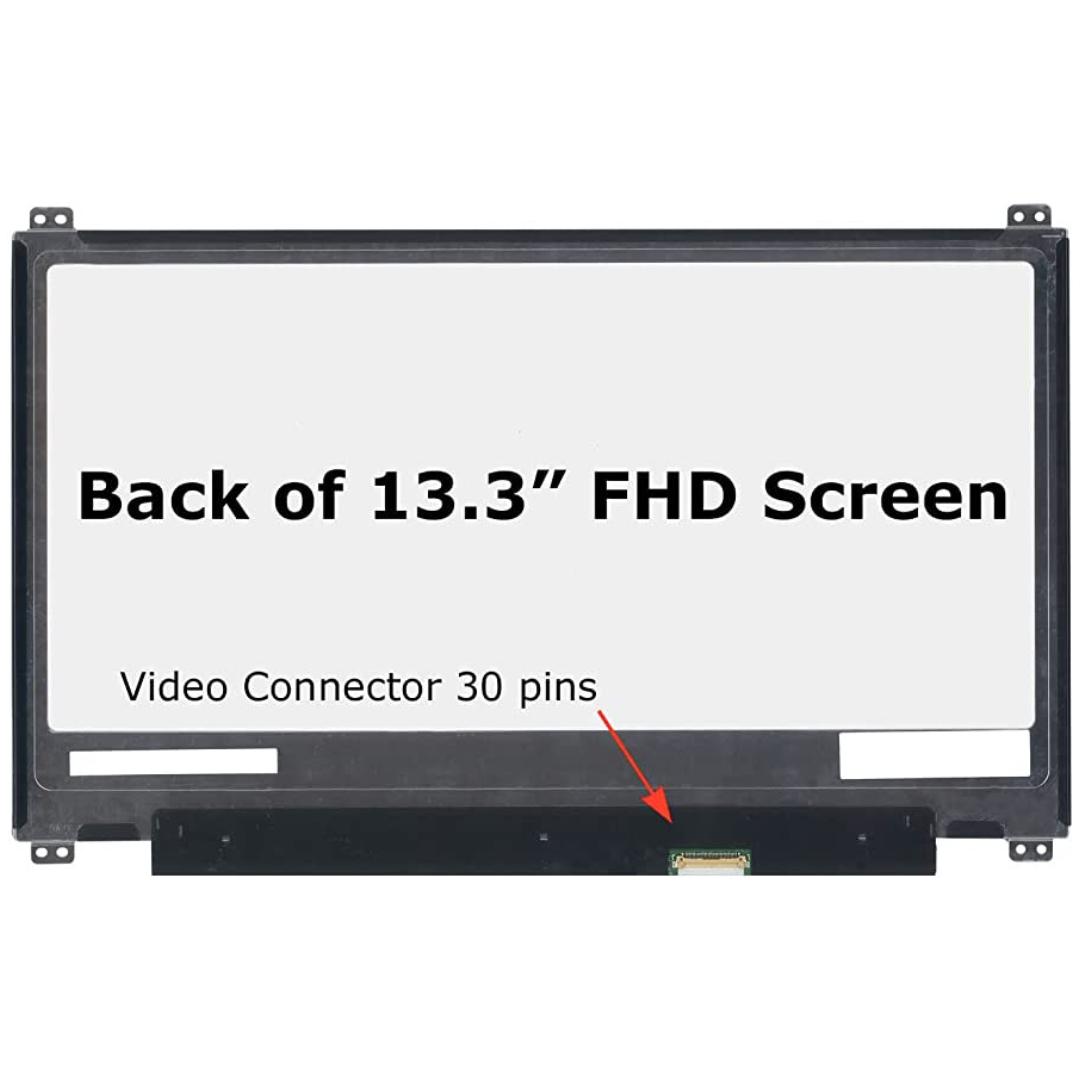
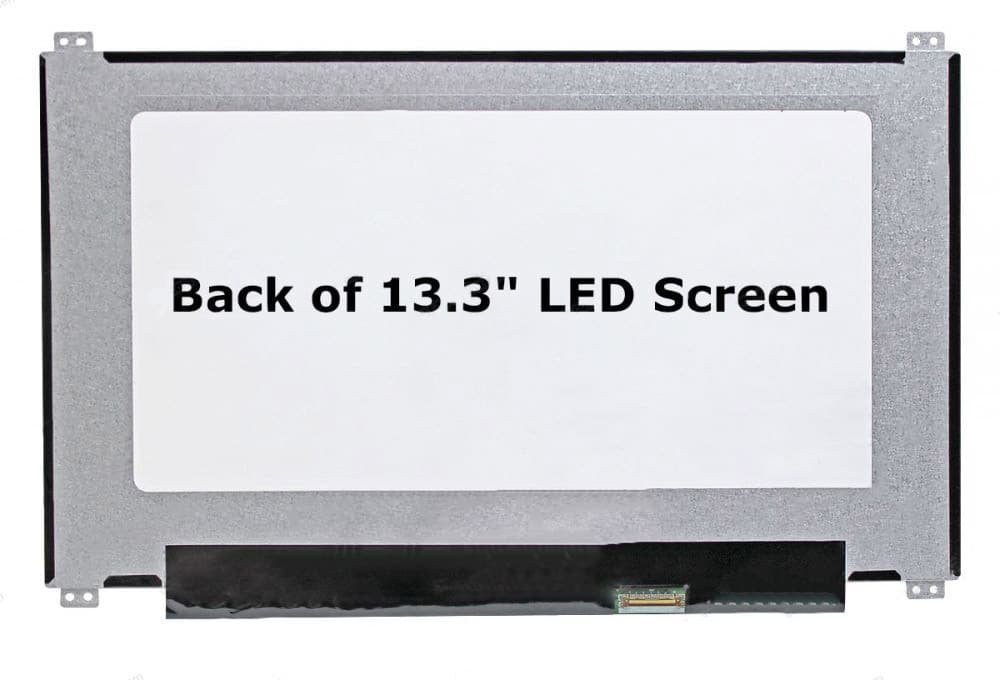
The HP ProBook 430 G5 uses a 13.3-inch LCD panel. Replacement screens typically come in two standard configurations:
✔ 13.3″ HD (1366 × 768) LED Replacement Screen – Standard resolution
✔ 13.3″ Full HD (1920 × 1080) IPS LED Replacement Screen – Higher clarity and better color
⚠ Important: Confirm your original screen resolution before purchasing. Full HD panels look sharper and more detailed, but must match the laptop’s system support.
Before starting the repair, gather:
Phillips #0 and #00 screwdrivers
Plastic pry tool / spudger
Tweezers
Anti-static wrist strap (recommended)
Clean microfiber cloth
No soldering is required — the screen connects via ribbons and screws only.
⚠ Safety First: Always shut down your laptop, unplug the power adapter, and remove the battery (if removable) before beginning.
Turn off the laptop completely.
Unplug the power adapter.
Remove the battery if it’s detachable.
Use a plastic pry tool to gently release the screen bezel (the front plastic frame).
Work slowly around the edges until all clips release.
Be patient to avoid cracking the bezel.
Once the bezel is removed, you’ll see screws holding the screen to the metal brackets on both sides.
Remove those screws carefully.
Gently tilt the screen forward.
Locate the display video cable on the back of the panel.
Carefully disconnect the cable — hold the connector, not the cable wires.
Position the replacement screen in place.
Reconnect the display ribbon cable securely.
Reinstall the screws to mount the screen.
Snap the bezel back onto the laptop frame, ensuring all clips click securely.
Reinstall the battery (if removed) and reconnect power.
Turn the laptop on and make sure the new screen displays correctly — check brightness, colors, and viewing angles.
Before ordering a replacement screen:
✔ Confirm the screen size (13.3 inches)
✔ Verify the resolution (HD vs Full HD)
✔ Confirm the backlight type (LED)
✔ Check the connector type and position
✔ Ensure the replacement panel’s mounting brackets align with your laptop
Matching these ensures the screen fits and functions properly.
Get the HP probook 430 g5 service from Lansotech Solutions now!


No account yet?
Create an Account











 ASUS
ASUS



