





 Laptop Computers
 Desktop Computers
 Printers

 Network
 Software
 Laptop Accessories
 Laptop Components
 Office
 Desktop peripherals
 Server

Compatible With:
Lenovo IdeaPad 510-15ISK
Lenovo IdeaPad 510-15IKB
Lenovo IdeaPad 510-15IAP
Other select models in the 510 15.6″ series (please confirm before purchase)
Keyboard Type:
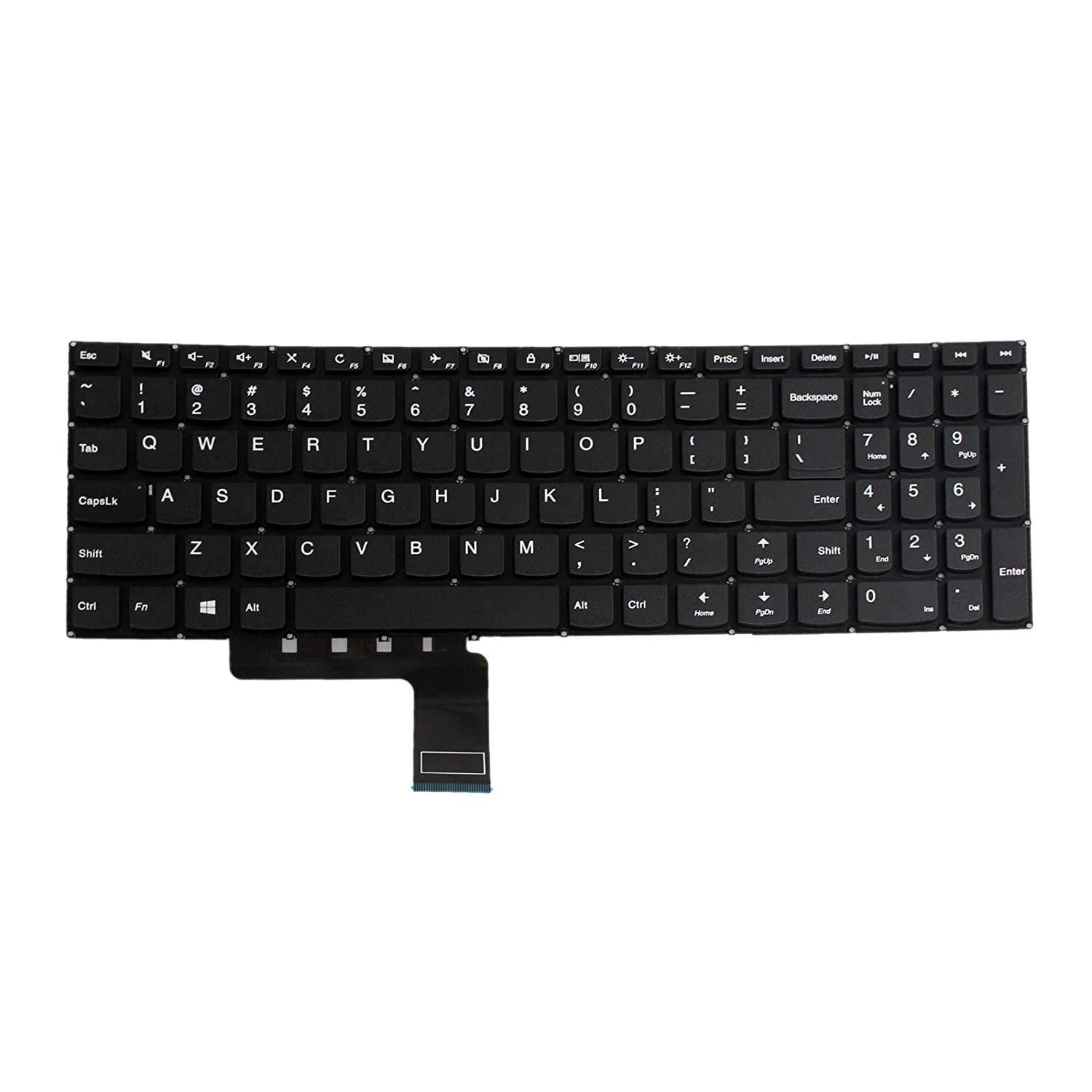
Full QWERTY layout
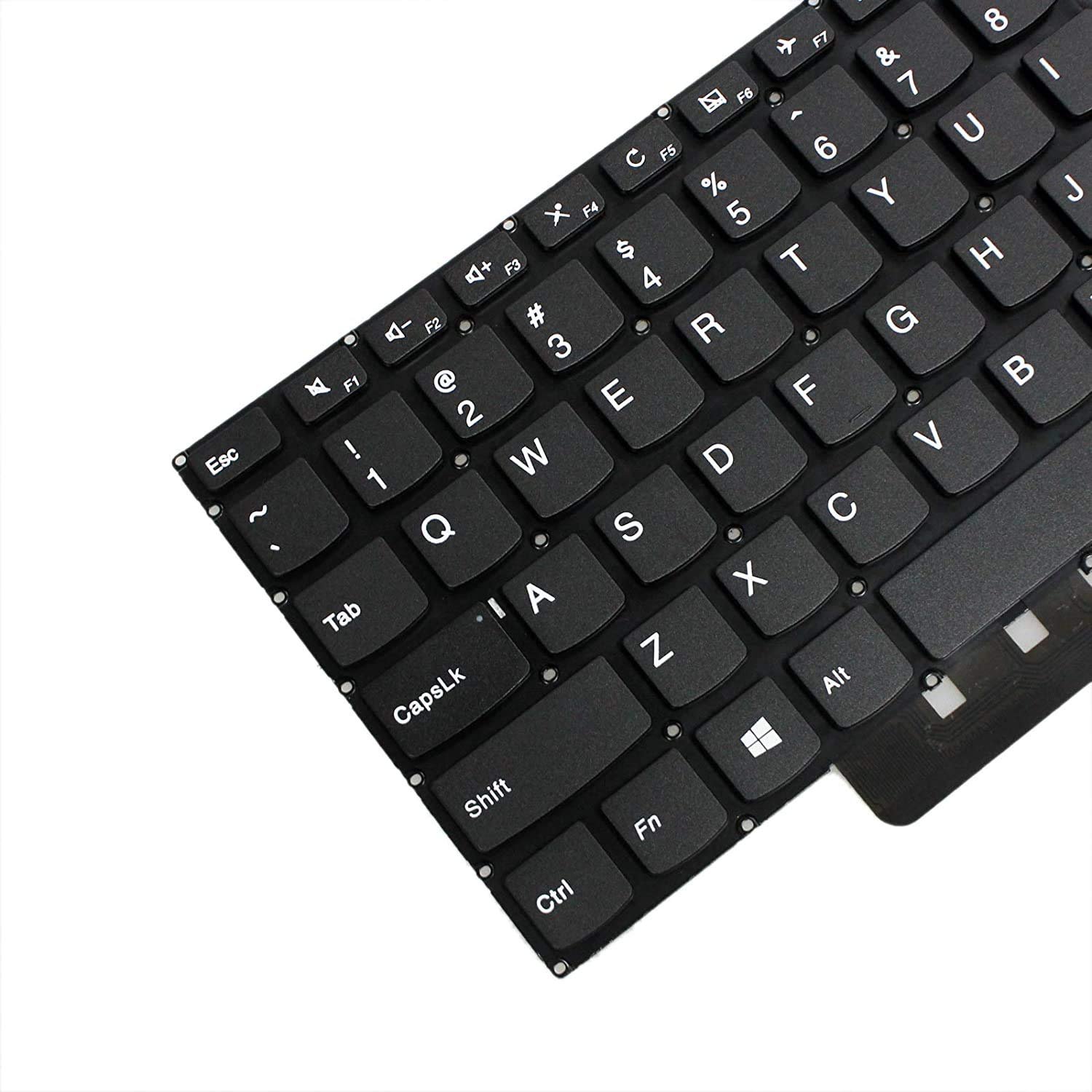
Chiclet-style (island-style) keys
Numeric keypad included
Non-Backlit option
Color:
Standard matte black
Condition:
Brand new, OEM certified, factory tested
Interface:
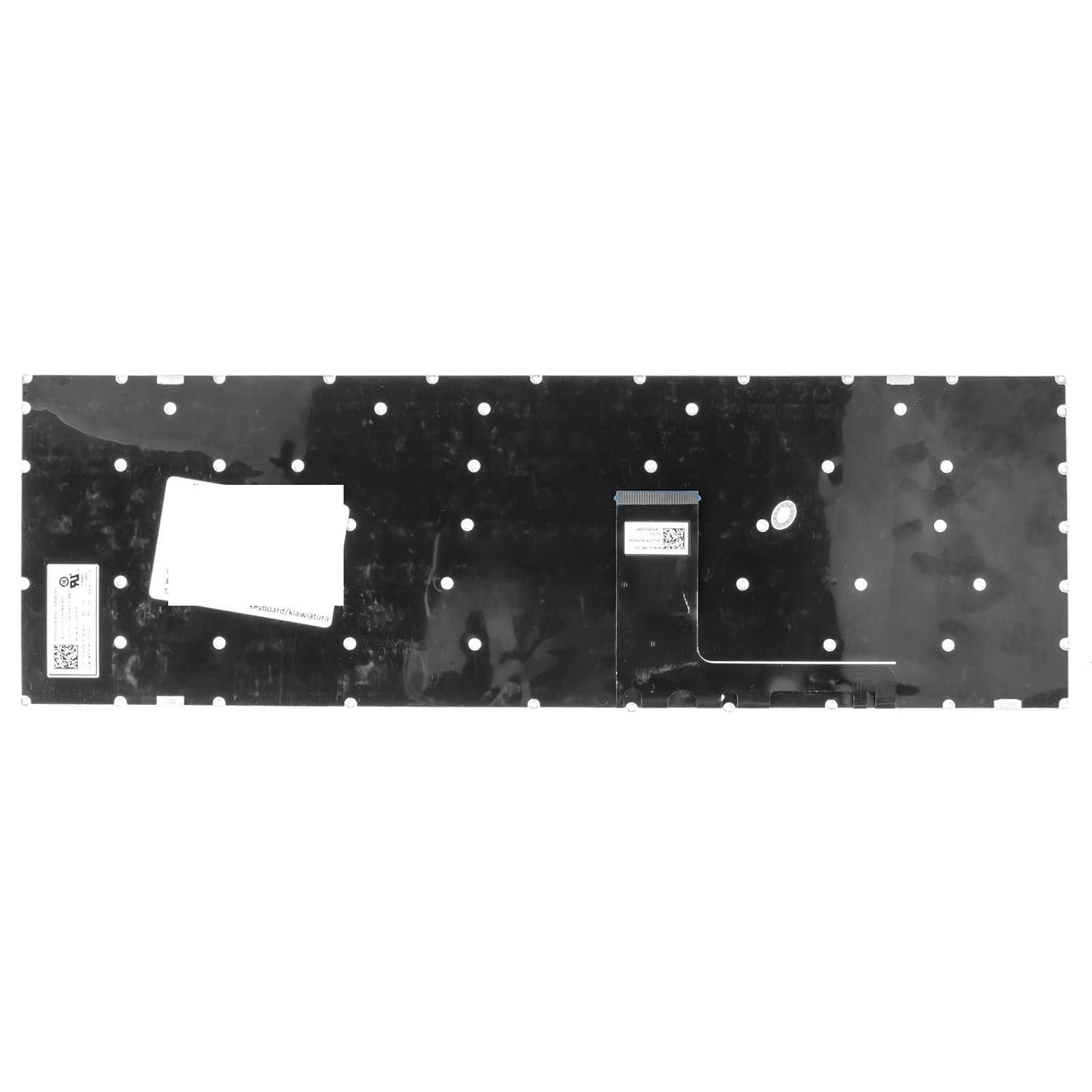
Flexible ribbon cable with ZIF (Zero Insertion Force) connector
Warranty:
6-month limited warranty
Availability:
In stock at Lansotech Solutions
Delivery Options:
Same-day delivery in Nairobi | countrywide

Hurry and get discounts on all Apple devices up to 20%
Sale_coupon_15
KSh2,700.00 excl. VAT
Payment Methods:

When your Lenovo IdeaPad 510 keyboard starts malfunctioning—whether from liquid damage, worn-out keys, or internal failure—a timely replacement is essential to restore your laptop’s full functionality. At Lansotech Solutions, we offer the most reliable and professional keyboard replacement services in Nairobi CBD, using genuine Lenovo parts and advanced repair techniques. As one of the best laptop keyboard shops in Nairobi CBD, we’ve written this in-depth guide to help you understand the replacement process and the technical specifications behind it.
This keyboard replacement guide applies to the following Lenovo IdeaPad 510 models:
Lenovo IdeaPad 510-15ISK
Lenovo IdeaPad 510-15IKB
Lenovo IdeaPad 510-15ABR
These models feature a 15.6-inch chassis and typically include a full numeric keypad, making the keyboard integral to both productivity and performance.
To ensure the best replacement and compatibility, it’s important to understand the specifications of the Lenovo IdeaPad 510 keyboard:
Keyboard Layout: Full-size 6-row chiclet keyboard with dedicated number pad
Key Mechanism: Quiet and durable scissor-switch with tactile feedback
Key Travel Distance: Approx. 1.5 mm, offering responsive typing
Backlighting: Available in non-backlit and white LED backlit variants
Connector Interface: Flat ribbon cable (FFC) with ZIF (Zero Insertion Force) connection
Mounting Style: Screw-in or rivet-type installation, integrated into the upper chassis
Material: ABS keycaps with printed legends; UV-coated for durability
Function Keys: Includes Fn keys for multimedia, brightness, and wireless toggles
Before starting the replacement, ensure you have the following:
OEM Lenovo IdeaPad 510 keyboard (genuine or FRU-compatible)
Torx T5 and Phillips #0/#00 screwdrivers
Plastic opening tools and pry bars
Tweezers and an anti-static wrist strap
Thermal paste (optional, if removing the heatsink)
ESD mat for static protection
Shut down the laptop completely and disconnect all external devices.
Remove the power adapter and press the power button for 10 seconds to discharge any residual power.
Flip the laptop and use a T5 Torx screwdriver to unscrew all visible screws on the underside.
Carefully pry open the bottom case using plastic tools. Take caution around the clips.
Locate the internal lithium battery and gently disconnect it from the motherboard.
This ensures safety while handling internal components.
Locate the keyboard ribbon cable and gently unlock the ZIF latch.
Slide the cable out and set it aside.
From the inner chassis, identify the small screws or plastic rivets securing the keyboard.
Unscrew or drill out the rivets (if applicable) carefully without damaging the frame.
Push the keyboard out through the top frame and remove it.
Insert the new Lenovo keyboard into the top chassis, aligning it with the mounts.
Secure with screws or rivet replacements.
Carefully reconnect the ribbon cable into the ZIF connector and lock it in place.
Reconnect the battery and reattach all internal components.
Replace the bottom cover and tighten the screws securely.
Boot up the system and test every key, including the number pad, function keys, and backlight toggle (if applicable).
After installation:
Open Notepad and test all keys to ensure no dead zones
Confirm the Fn + F5/F6/F9 combinations work
Check keyboard backlight (if equipped) using Fn + Spacebar
We stock a wide range of original Lenovo keyboards for all IdeaPad models.
Our expert technicians provide fast, same-day service with professional care.
We operate from the heart of Nairobi CBD, making it easy for walk-in customers.
All our repairs are backed by a warranty on both parts and labor.
We offer diagnostic services, motherboard repairs, and full keyboard assembly replacements.
If you’re looking for the best laptop keyboard replacement service in Nairobi, Lansotech Solutions is your go-to destination.


No account yet?
Create an Account











 ASUS
ASUS



