





 Laptop Computers
 Desktop Computers
 Printers

 Network
 Software
 Laptop Accessories
 Laptop Components
 Office
 Desktop peripherals
 Server

Hurry and get discounts on all Apple devices up to 20%
Sale_coupon_15
KSh11,000.00 excl. VAT
Payment Methods:

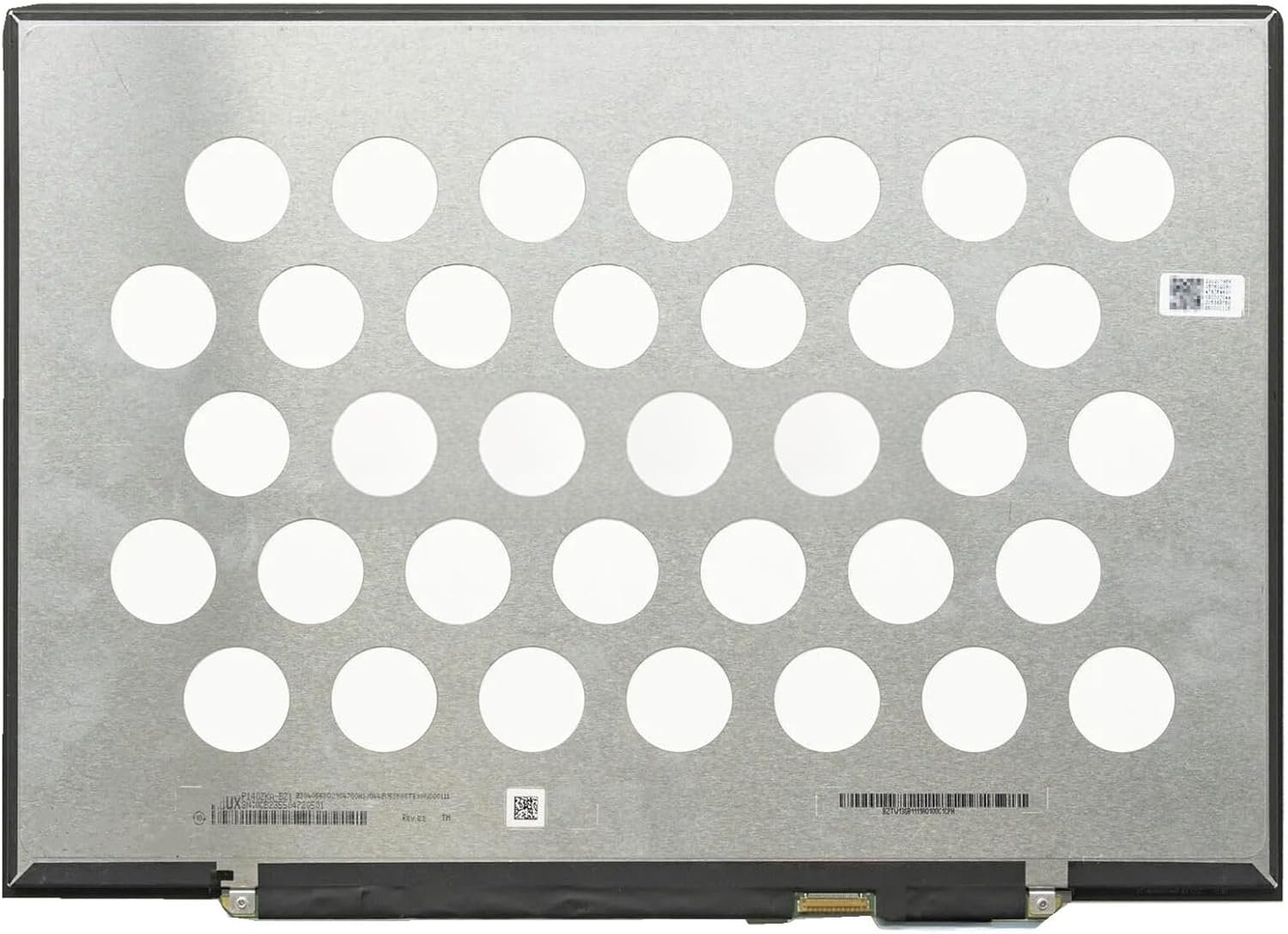
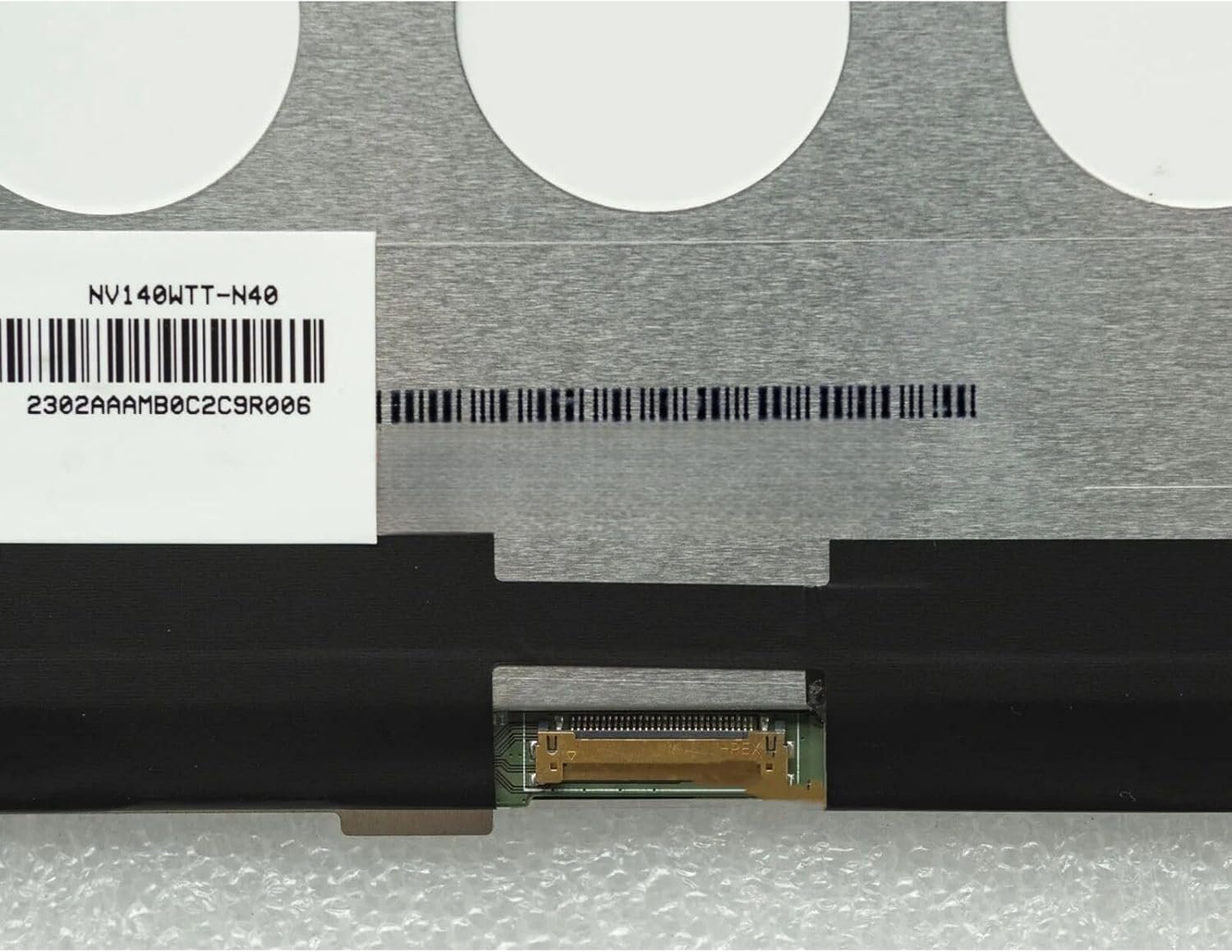
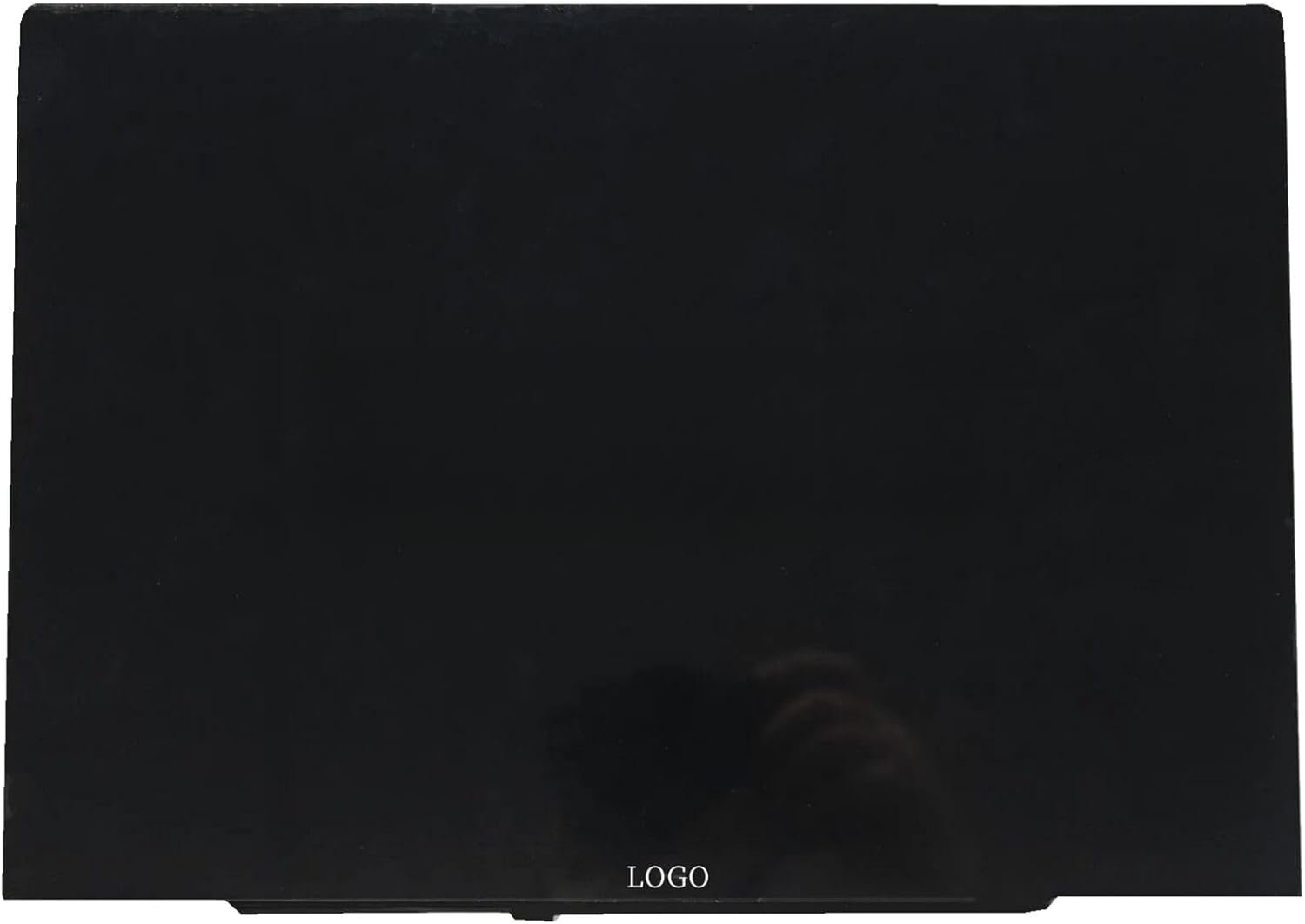
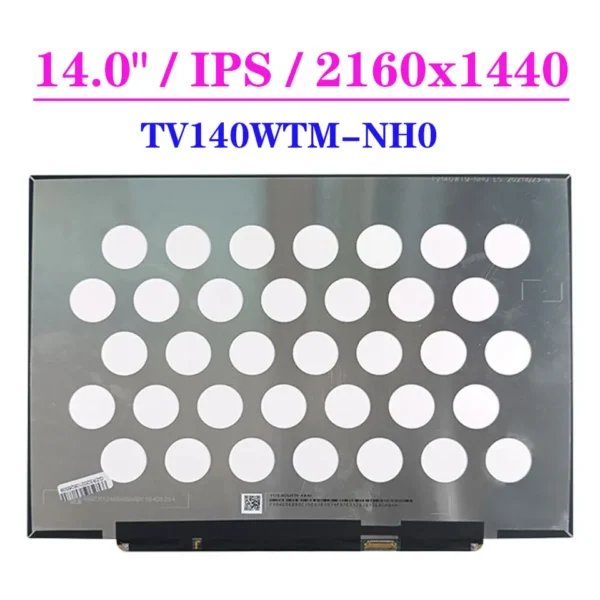
At Lansotech Solutions, we supply and install brand new NV140WTT-N40 laptop screens for customers who want superior display quality, durability, and professional fitting. This 14.0-inch Full HD (2160×1440) panel with IPS technology delivers vibrant colors, sharp images, and wide viewing angles, making it ideal for both business and entertainment use.
If your current laptop screen is cracked, flickering, dim, or showing distorted visuals, replacing it with the NV140WTT-N40 will restore your laptop’s performance and clarity.
Full HD Resolution (2160×1440) – Crisp and detailed display.
IPS Panel – Consistent and accurate colors from all angles.
Matte / Anti-Glare Finish – Reduces reflections and eye fatigue.
Energy Efficient – Low power consumption for longer battery life.
Original & Durable – Built to last with genuine components.
Knowing when to replace your laptop screen can save you from further damage:
Cracks or Physical Damage from accidental drops.
Persistent Flickering or display instability.
Washed-Out or Distorted Colors affecting visibility.
Dead Pixels or Black Spots that do not disappear.
Lines Across the Screen (horizontal or vertical).
Ignoring these issues can lead to more serious internal laptop problems.
This screen is commonly used in:
HP EliteBook & ProBook 14-inch series
Lenovo ThinkPad T-series & X-series
Dell Latitude & Inspiron ultrabooks
Other laptops with 14.0-inch, 30-pin eDP, FHD IPS screens
Genuine OEM Screens Only – No counterfeits.
Professional Installation – Done by skilled technicians.
Warranty Included – Extra peace of mind.
Fast Turnaround – Same-day screen replacement service.
Ranked among the Top 10 best laptop screen shops in Nairobi.
Always store your laptop in a padded bag when traveling.
Keep liquids and food away from your laptop to avoid spills.
Clean with a soft microfiber cloth—never use harsh chemicals.
Avoid placing heavy objects on top of your closed laptop.
You should consider replacing your screen if you notice:
Cracks or visible damage caused by impact or pressure.
Flickering or dim display, making it hard to work.
Washed-out colors or distorted images.
Black spots, dead pixels, or permanent lines on the display.
No image output even though the laptop powers on.
No account yet?
Create an Account











 ASUS
ASUS



