







 Laptop Computers
 Desktop Computers
 Printers
 Network
 Software
 Laptop Accessories
 Laptop Components
 Office
 Desktop peripherals

Hurry and get discounts on all Apple devices up to 20%
Sale_coupon_15
KSh11,000.00 excl. VAT
Payment Methods:

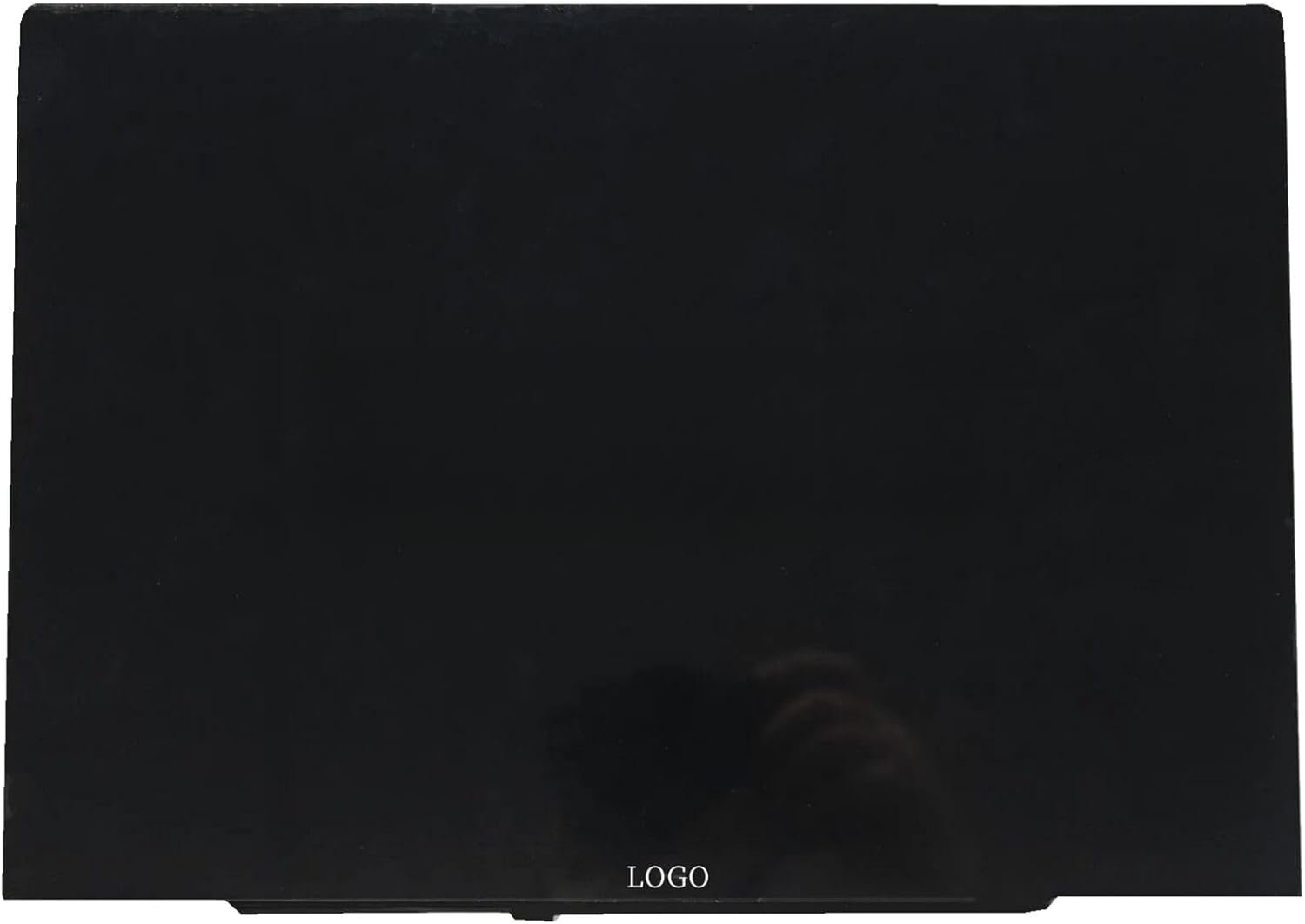
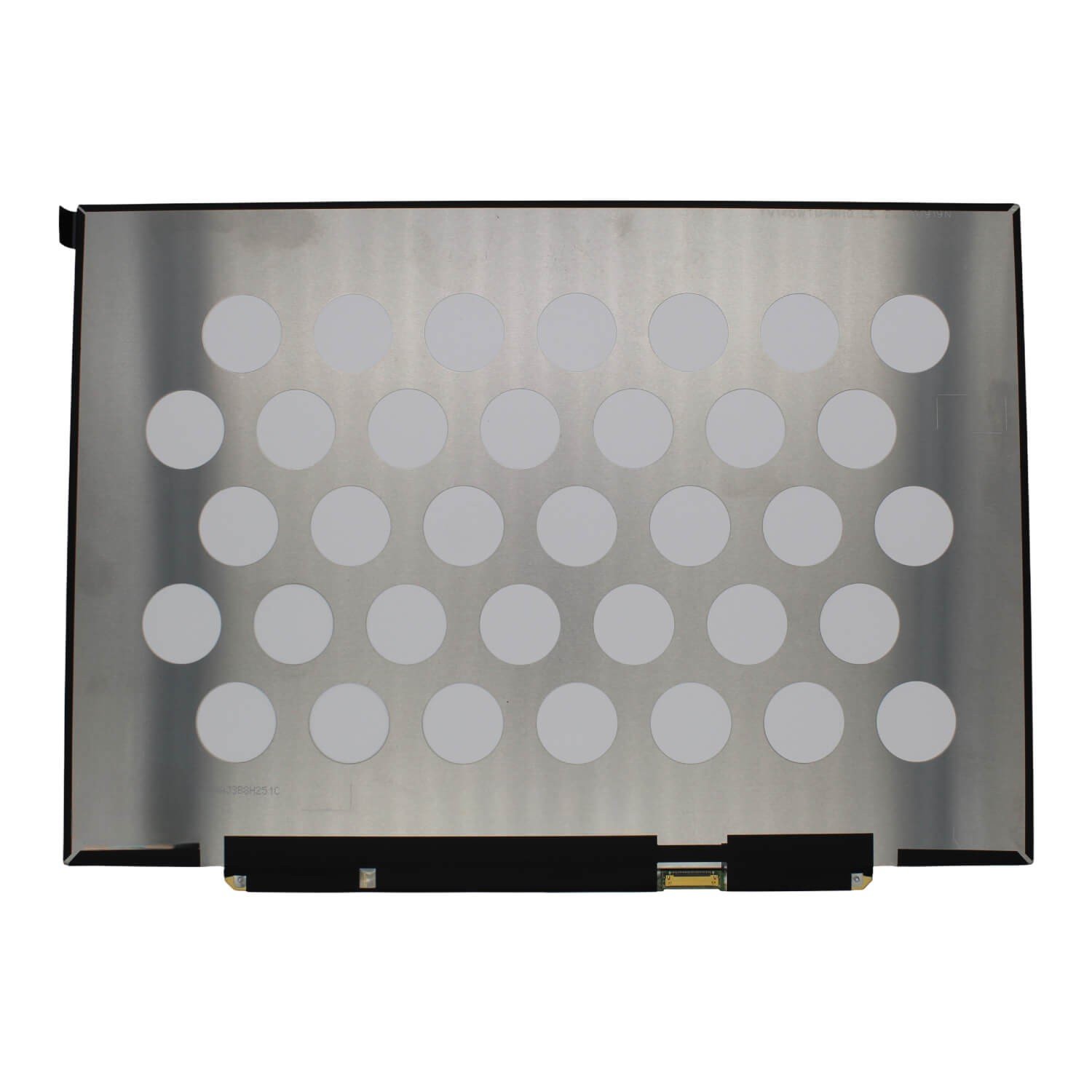
If your laptop display is cracked, flickering, or showing distorted colors, the TV140WTM-NH0 is the perfect replacement to restore your device’s screen quality. At Lansotech Solutions, we supply and install original TV140WTM-NH0 screens for a wide range of laptops, ensuring you get crisp visuals, true colors, and reliable performance.
14.0-inch Full HD Resolution (1920×1080) – Delivers sharp, vibrant visuals.
IPS Panel Technology – Wide viewing angles with consistent color accuracy.
Matte / Anti-Glare Finish – Reduces reflections, perfect for bright environments.
Low Power Consumption – Helps extend laptop battery life.
Durable OEM Quality – Built to meet original manufacturer specifications.
You should replace your screen if you notice:
Cracks or visible damage from impact.
Flickering, dim, or blank display.
Dead pixels or colored lines appearing permanently.
Distorted or washed-out images.
No display output even though the laptop powers on.
The TV140WTM-NH0 is compatible with several 14-inch laptops, including select models from Lenovo ThinkPad, HP EliteBook, Dell Latitude, and other ultrabooks that support 14-inch, 30-pin eDP, Full HD IPS screens.
Recognized among the Top 10 Best Laptop Screen Shops in Nairobi CBD.
We stock only genuine OEM laptop screens for guaranteed quality.
Professional installation services by experienced technicians.
Warranty included for peace of mind.
Same-day delivery and installation within Nairobi.
Store your laptop in a padded protective bag when traveling.
Avoid placing heavy objects on the laptop lid.
Keep liquids away from your laptop to prevent accidental spills.
Clean your screen with a soft microfiber cloth and approved cleaning solution.
If your current laptop screen shows any of the following, it’s time for a replacement:
Persistent flickering or brightness issues.
Cracks or physical damage.
Washed-out or incorrect colors.
Black spots or horizontal/vertical lines.
Screen remains blank despite laptop powering on.
Replacing a laptop screen can be costly, so prevention is always better. Protect your TV140WTM-NH0 by:
Using a screen protector to guard against scratches.
Avoiding heavy pressure on the laptop lid.
Keeping your laptop in a shockproof bag.
Cleaning with microfiber cloths instead of paper towels.
No account yet?
Create an Account







 ASUS
ASUS






