









 Laptop Computers
 Desktop Computers
 Printers
 Network
 Software
 Laptop Accessories
 Laptop Components
 Office
 Desktop peripherals
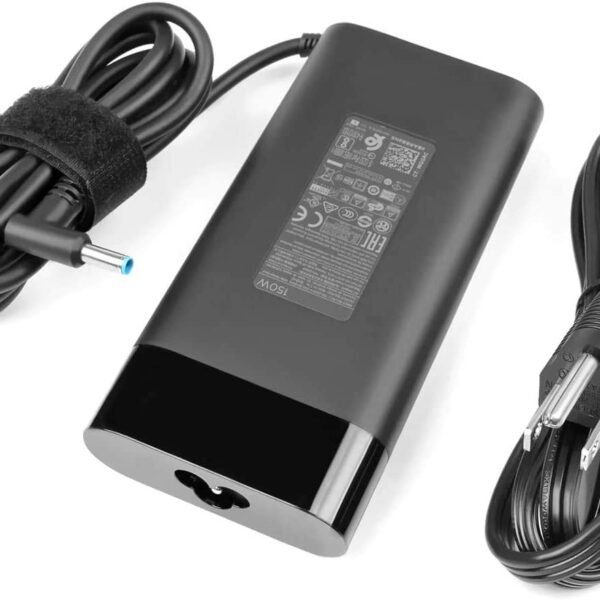
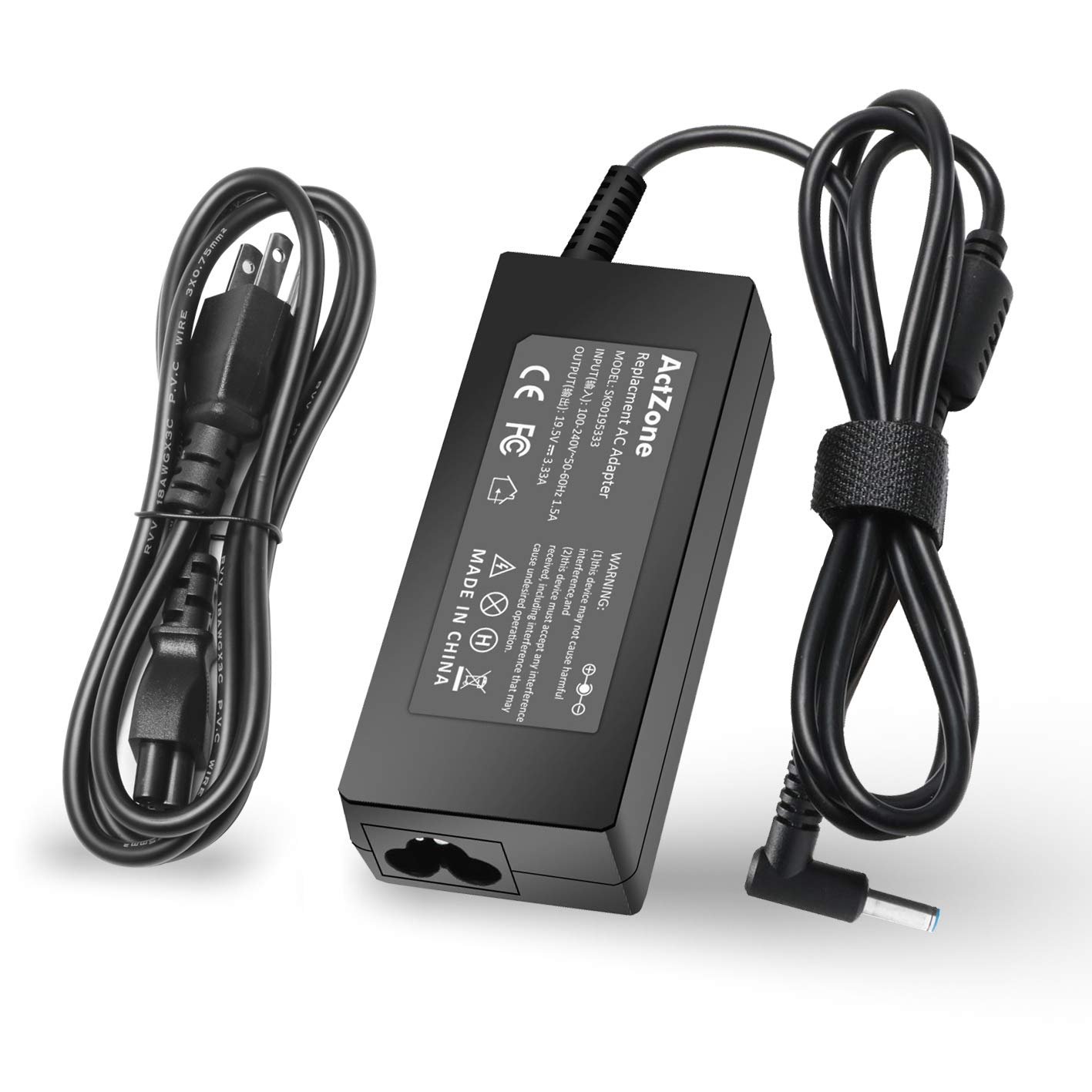
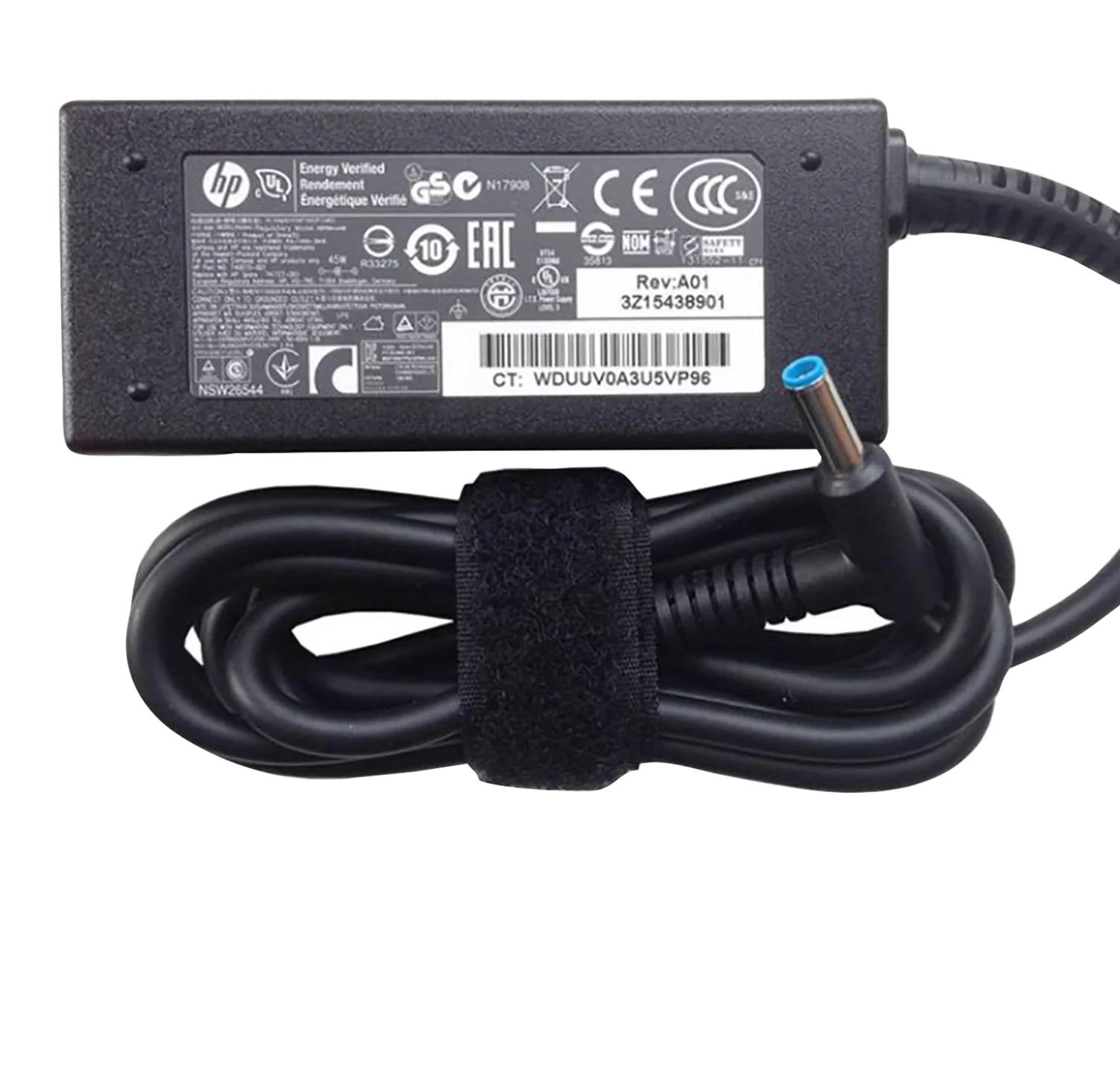
| Feature | Details |
|---|---|
| Product | HP EliteBook 820 G3 Charger |
| Output Voltage | 19.5V |
| Current Output | 3.33A (65W) |
| Connector Type | 4.5mm x 3.0mm (Blue-tip Barrel) |
| Input Voltage | 100–240V AC, 50–60Hz |
| Power Output | 65W / 90W (Model Dependent) |
| Condition | Brand New |
| Warranty | 90-Day Replacement Guarantee |
| Compatibility Testing | Available in-store at Lansotech |
| Availability | In Stock |
| Delivery Locations | Nairobi & All Major Towns in Kenya |

Hurry and get discounts on all Apple devices up to 20%
Sale_coupon_15
KSh1,400.00 excl. VAT
Payment Methods:

The HP EliteBook 820 G3 is a compact and ultra-reliable business laptop, perfect for professionals who need portability without compromising performance. To keep this machine running at peak efficiency, it’s vital to use the right charger that delivers stable power and matches your laptop’s original specifications.
At Lansotech Solutions Nairobi, we supply genuine HP EliteBook 820 G3 chargers, trusted by professionals, corporates, students, and technicians all across Kenya. In this guide, we’ll show you exactly what charger you need, why using the correct wattage matters, and offer essential tips on how to take care of your laptop charger to make it last longer.
Your HP EliteBook 820 G3 is engineered to work with a 65W Smart AC Adapter using a 4.5mm x 3.0mm barrel-pin connector (blue tip). Using a mismatched or low-quality charger may lead to:
Charging errors such as “plugged in, not charging”
Overheating of both charger and laptop
Battery swelling or premature wear
System instability or boot failure
Burnout of internal charging IC or motherboard components
At Lansotech, we test every charger before sale and ensure it’s 100% compatible with your device, eliminating guesswork and ensuring peace of mind.
To safely and efficiently power your EliteBook 820 G3, your charger must meet these factory-recommended specs:
Input: 100–240V ~ 1.6A, 50–60Hz
Output Voltage: 19.5V
Output Current: 3.33A
Power Output: 65W
Connector Size: 4.5mm x 3.0mm (blue-tip barrel pin)
Cable Length: 1.5 meters
Adapter Type: HP Smart AC Adapter
Protections: Surge protection, overcurrent protection, overheating protection
For higher performance needs, we also offer a 90W version which is safe to use—your laptop will only draw what it needs.
Your laptop charger is just as important as your battery. Here are smart charger care tips to extend its life and avoid expensive replacements:
Voltage fluctuations in Kenya can be rough on electronics. Use a surge protector or UPS to protect your charger and laptop from spikes.
Tightly coiling the cable can cause internal wire damage. Instead, gently loop the cord and store it neatly.
Never cover your charger with blankets or place it on soft surfaces. Allow airflow to prevent overheating.
The most common failure point is at the tip. Handle gently and avoid yanking the cord out of the laptop.
If your laptop is off or fully charged overnight, unplug the charger to reduce heat and electrical stress.
Avoid using universal or low-grade aftermarket chargers—they may damage your EliteBook and void warranties.
The charger only works when held at an angle
Laptop shuts down or restarts while charging
Charger heats up more than usual
“Plugged in, not charging” error persists
Charging LED on your laptop doesn’t light up
If you notice any of these signs, visit Lansotech Nairobi for free charger testing and professional diagnosis.
We supply original HP adapters and certified OEM replacements—guaranteed to meet or exceed factory specs.
Bring your laptop in-store and our technicians will test the charger live—no compatibility risks.
Every charger comes with a 3-month replacement warranty, offering total protection.
We offer competitive pricing with bulk discounts available for IT departments, schools, and corporate buyers.
We deliver same-day in Nairobi and ship countrywide across Kenya—including Mombasa, Kisumu, Eldoret, Nakuru, and more.
Business users with HP EliteBook 820 G3
Students and researchers using HP laptops
Laptop repair technicians
Corporate IT teams managing HP fleets
Resellers and tech entrepreneurs
Yes, it’s safe. Your laptop will only pull the required 65W, and a 90W charger may reduce charging time slightly under heavy load.
The HP EliteBook 820 G3 uses a barrel-pin charger with a 4.5mm x 3.0mm blue-tip connector—not USB-C.
Absolutely. We offer same-day delivery within Nairobi and ship countrywide across Kenya within 24–48 hours.
Avoid the risks of using fake or underpowered adapters. Get the right charger with expert assistance, warranty, and fast delivery—only from Lansotech Solutions.
 Laptop Computers
 Desktop Computers
 Desktop peripherals
 Laptop Accessories
 Laptop Components
 Network
 Printers
 Server
 Software
No account yet?
Create an Account






