






 Laptop Computers
 Desktop Computers
 Printers
 Network
 Software
 Laptop Accessories
 Laptop Components
 Office
 Desktop peripherals
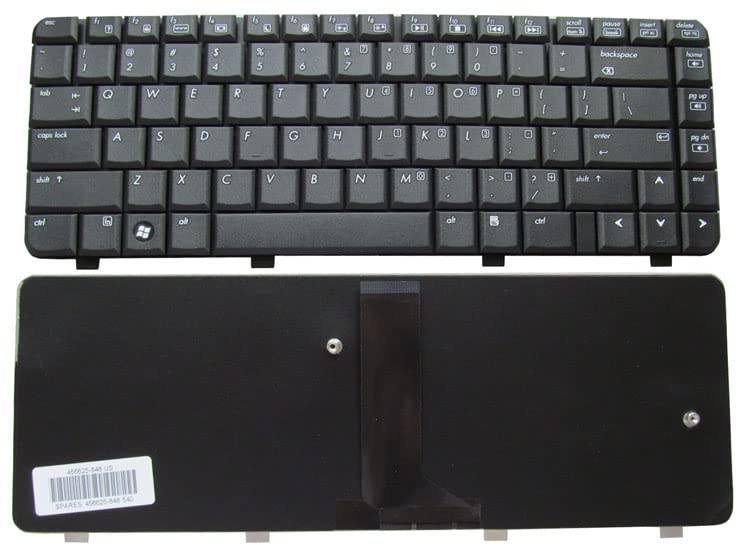
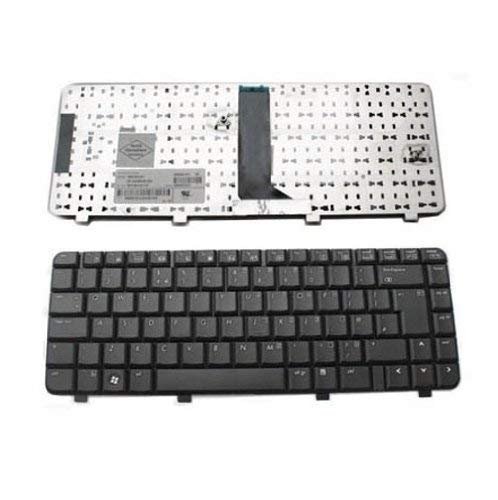
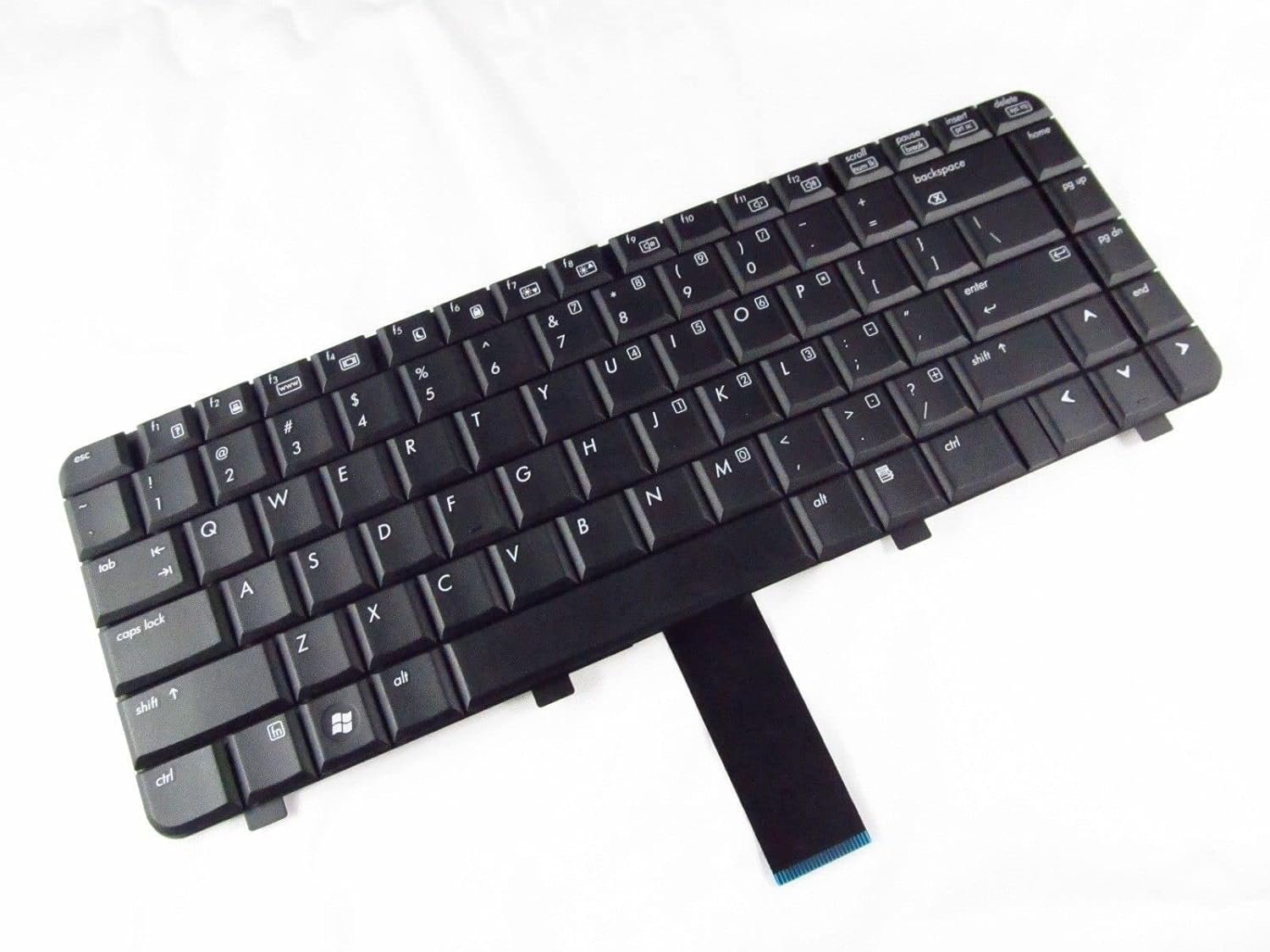
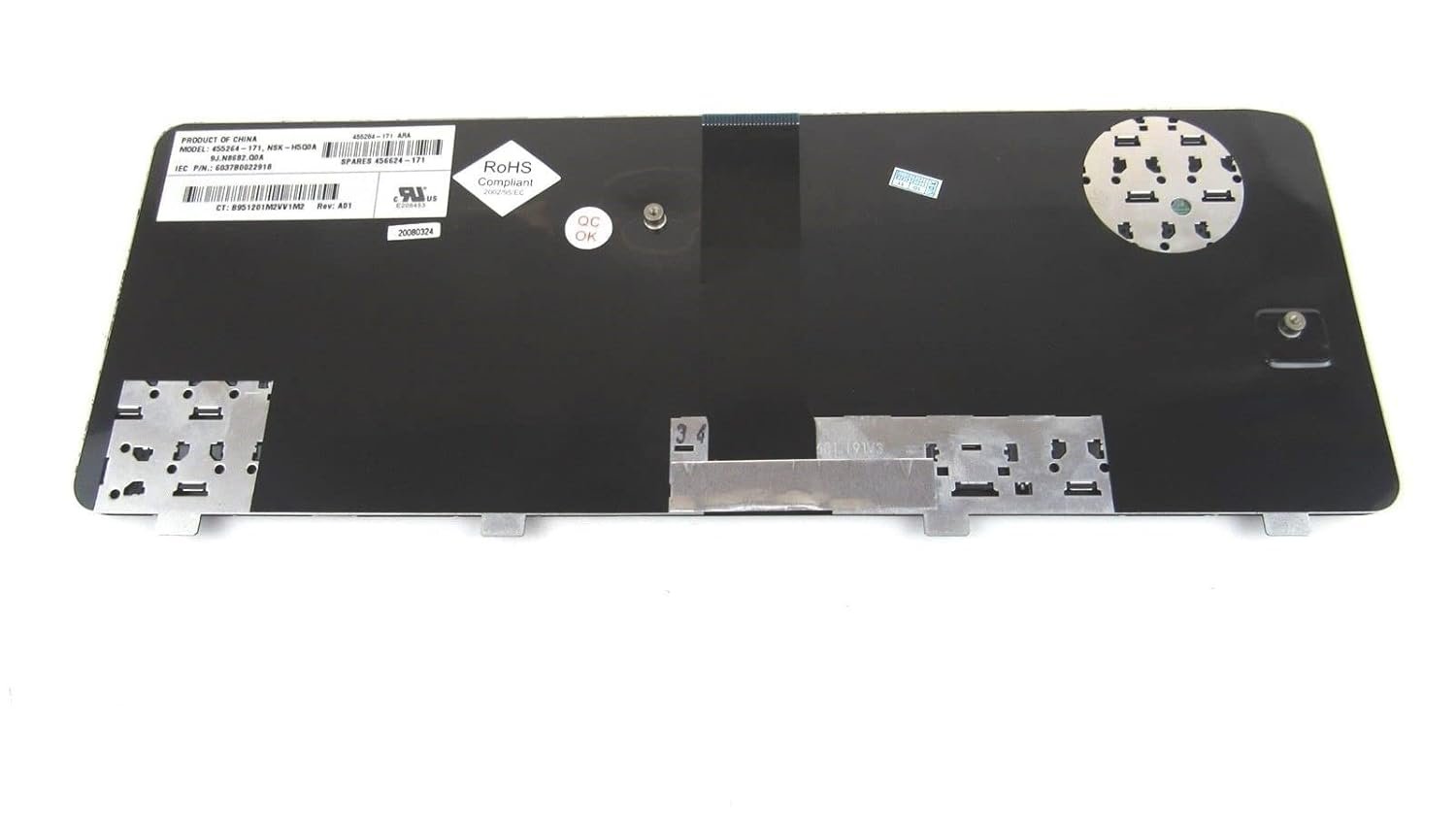
Model Compatibility: HP Compaq 6720s series
Layout: Full-size QWERTY layout with chiclet-style keys
Color: Black
Features: Spill-resistant, durable build, soft-touch typing
Condition: Brand new OEM part
Installation: Free professional installation at Lansotech Solutions
Warranty: Included for peace of mind.

Hurry and get discounts on all Apple devices up to 20%
Sale_coupon_15
KSh1,800.00 excl. VAT
Payment Methods:

At Lansotech Solutions, we know how frustrating it feels when your laptop keyboard stops responding. If your HP Compaq 6720s has keys that are stuck, missing, or completely dead, it can bring your workflow to a halt. Don’t let a faulty keyboard slow you down—our HP Compaq 6720s keyboard replacement service in Nairobi CBD is fast, reliable, and backed by genuine parts.
Your keyboard is your gateway to productivity. A damaged or malfunctioning keyboard can make even the simplest tasks—like sending an email or writing a report—painful. With our replacement keyboard for HP Compaq 6720s, you get:
Smooth and accurate typing.
A full-size layout identical to the original.
Durable keys that last for years.
Our replacements are sourced from trusted suppliers to ensure you get the highest quality OEM parts every time.
This keyboard is designed specifically for the HP Compaq 6720s. No modifications, no issues—just a perfect fit and seamless installation.
With soft-touch keys and an ergonomic layout, typing becomes effortless and comfortable, even during long hours of use.
Life happens—spills happen too. The spill‑resistant construction protects your laptop’s internal components from minor liquid accidents.
Built to withstand heavy daily use, each key is tested for thousands of keystrokes, so you can type confidently without worrying about early wear and tear.
As one of the most trusted laptop keyboard shops in Nairobi CBD, we at Lansotech Solutions provide unmatched services that our customers rely on:
🔧 Genuine HP replacement keyboards only
🔧 Quick installation – often while you wait
🔧 Competitive prices and warranty
🔧 Friendly and professional technicians
🔧 After-sales support whenever you need it
We know how important your laptop is to your work and life, so we treat every repair with care and urgency.
Sometimes a keyboard problem might be caused by dust buildup rather than damage. If your HP Compaq 6720s keyboard is dusty, follow these steps before replacing it:
Power off your laptop and unplug it.
Turn it upside down and gently tap to dislodge debris.
Use compressed air to blow out dust from between the keys.
Wipe the surface with a soft microfiber cloth.
If the keyboard still doesn’t respond, bring it to us for a thorough check or a full replacement.
 Laptop Computers
 Desktop Computers
 Desktop peripherals
 Laptop Accessories
 Laptop Components
 Network
 Printers
 Server
 Software
No account yet?
Create an Account






