






 Laptop Computers
 Desktop Computers
 Printers
 Network
 Software
 Laptop Accessories
 Laptop Components
 Office
 Desktop peripherals
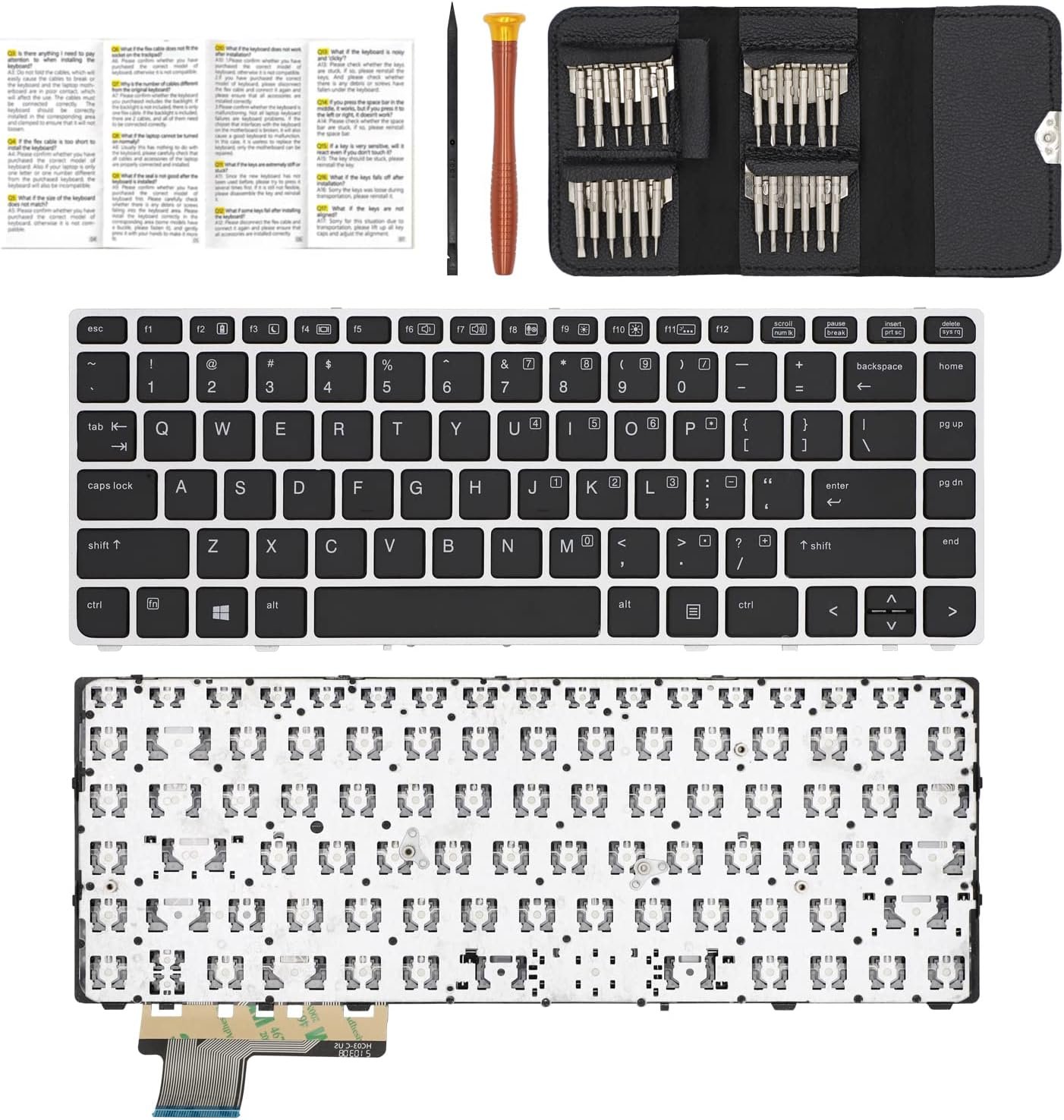
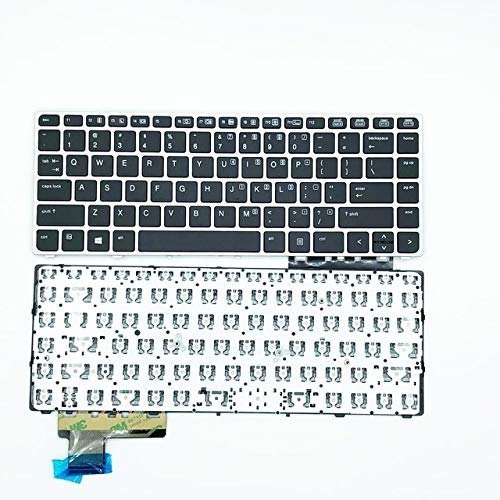
HP EliteBook Folio 9470M / 9470 / 9480 / 9480M Non‑Backlit Keyboard Replacement
Compatibility: HP EliteBook Folio 9470M, 9470, 9480, 9480M
Layout: Full‑size QWERTY, chiclet-style keys
Color: Classic black
Features: Non‑backlit design, spill‑resistant, soft-touch keys
Condition: Brand new OEM-grade replacement

Hurry and get discounts on all Apple devices up to 20%
Sale_coupon_15
KSh1,800.00 excl. VAT
Payment Methods:

At Lansotech Solutions, we know how essential your laptop is to your daily life. When the keyboard on your HP EliteBook Folio 9470M, 9470, 9480, or 9480M begins to fail—keys sticking, letters missing, or repeated keystrokes—it can slow you down and cause unnecessary stress. That’s why we offer genuine non‑backlit keyboard replacements that will bring your EliteBook back to flawless typing performance.
The EliteBook Folio series is known for its durability and premium design, but over time, even the best keyboards can wear out. Replacing with an original OEM non‑backlit keyboard ensures:
Accurate keystrokes without delays or errors.
Seamless compatibility with your HP EliteBook.
A fresh, reliable typing experience that feels like new.
This replacement keyboard is fully compatible with:
HP EliteBook Folio 9470M, 9470, 9480, and 9480M.
It installs perfectly without any modifications, so your laptop retains its original structure.
Made from high‑quality materials, the keyboard is designed to endure heavy daily use, whether you are working in the office, at home, or on the go.
With a comfortable key layout and soft-touch chiclet keys, typing is effortless and quiet, reducing fatigue during long hours of work.
Minor spills won’t ruin your day thanks to the integrated spill‑resistant layer that protects your laptop’s internal components.
When searching for laptop keyboard shops in Nairobi CBD, you deserve a team you can trust. At Lansotech Solutions, we guarantee:
🔧 Authentic HP non‑backlit keyboards with warranty
🔧 Quick same‑day installation by expert technicians
🔧 Affordable pricing and reliable after‑sales service
🔧 Years of experience handling HP EliteBook repairs
We are committed to giving you a keyboard that feels brand new, so you can type confidently every day.
Sometimes keyboard issues are caused by dust or debris. If your HP EliteBook Folio keyboard is dusty, follow these quick tips:
Power off and unplug your laptop completely.
Turn the laptop upside down and gently tap to dislodge dirt.
Use compressed air to blow dust from between the keys.
Wipe gently with a soft microfiber cloth to keep the surface clean.
If problems persist, bring it to us for a professional cleaning or replacement.
 Laptop Computers
 Desktop Computers
 Desktop peripherals
 Laptop Accessories
 Laptop Components
 Network
 Printers
 Server
 Software
No account yet?
Create an Account






