






 Laptop Computers
 Desktop Computers
 Printers
 Network
 Software
 Laptop Accessories
 Laptop Components
 Office
 Desktop peripherals
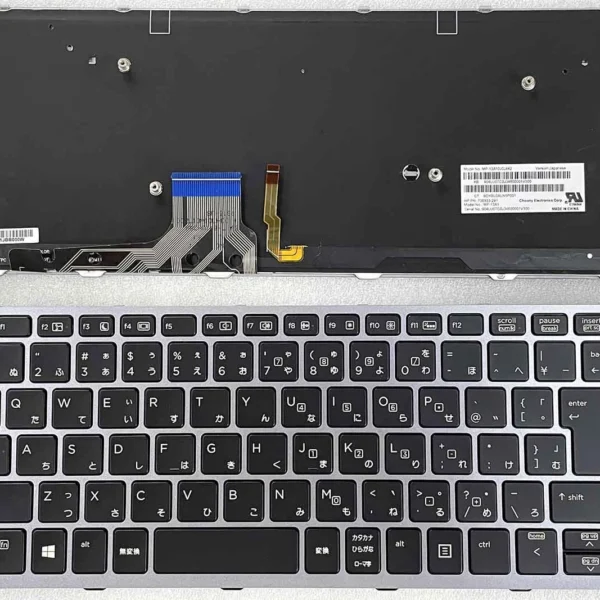
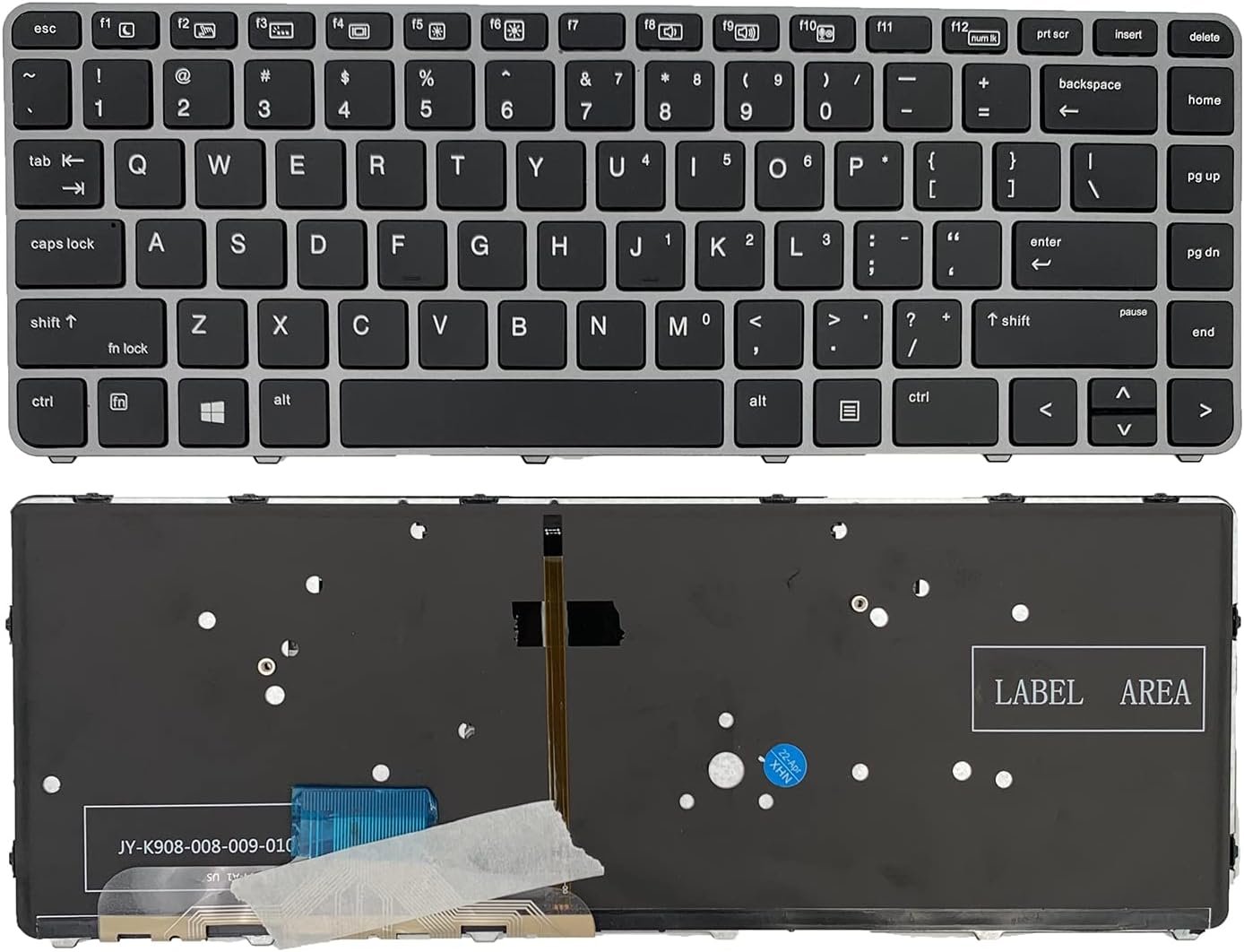
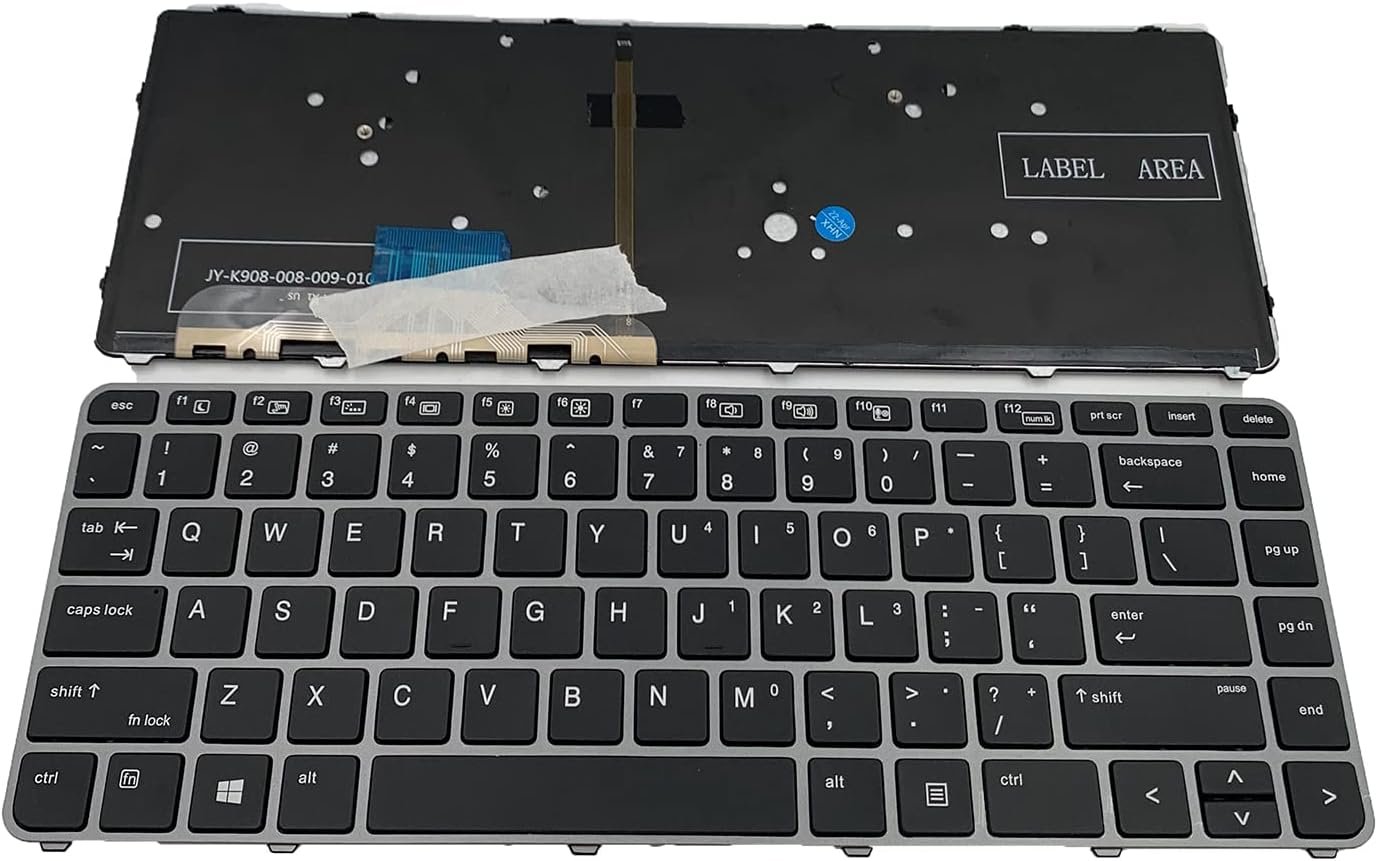
Compatible Model: HP EliteBook Folio 1040 G3
Layout: US Standard (QWERTY)
Color: Black
Condition: Brand New, Original HP Part
Features:
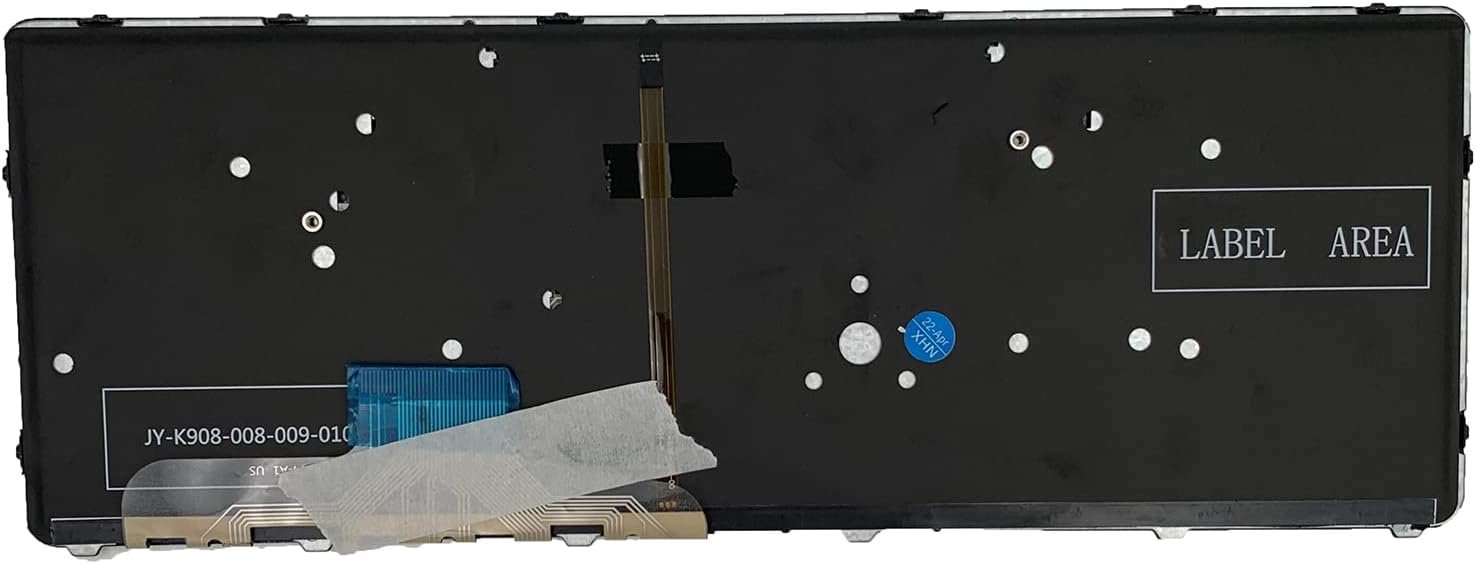
Integrated Backlit illumination for low‑light typing
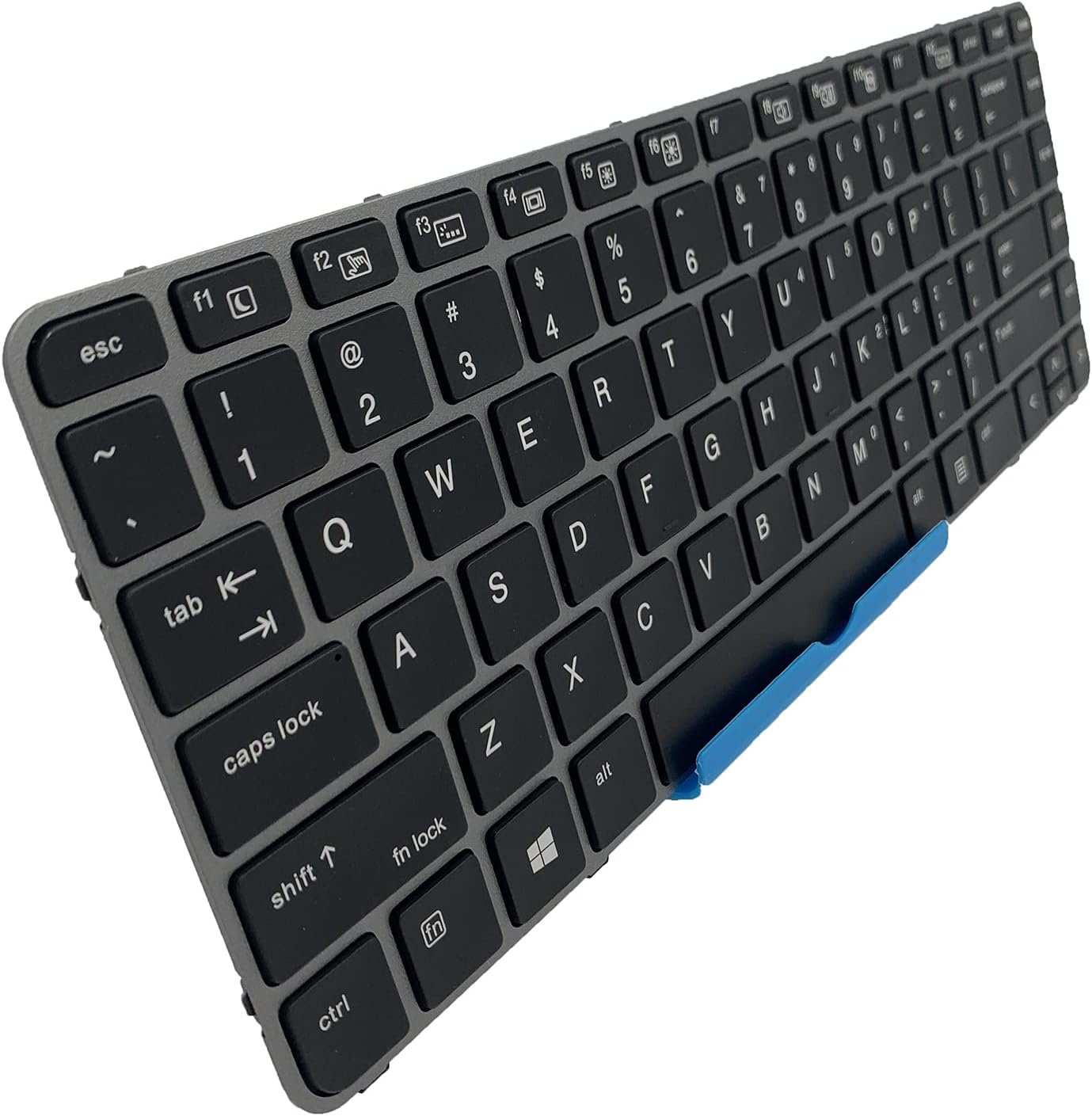
Comfortable, tactile keys with excellent travel
Built for long‑term durability
Warranty: Provided by Lansotech Solutions

Hurry and get discounts on all Apple devices up to 20%
Sale_coupon_15
KSh3,500.00 excl. VAT
Payment Methods:

At Lansotech Solutions, we are proud to be the leading laptop repair and parts supplier in Nairobi, trusted by businesses, developers, and professionals for premium solutions. If your HP EliteBook Folio 1040 G3 keyboard is unresponsive, has broken keys, or has lost its backlight functionality, we provide a genuine backlit keyboard replacement that restores your laptop to its original elegance and productivity.
For users who spend hours typing, coding, or working late at night, having a comfortable keyboard for developers with reliable backlighting makes all the difference—and we guarantee exactly that.
Replacing your faulty keyboard with an original HP backlit keyboard offers numerous benefits:
Perfect compatibility with the HP EliteBook Folio 1040 G3.
Backlit functionality for typing in low‑light environments.
Smooth, responsive key travel to improve typing speed and comfort.
Durable build quality tested to withstand heavy daily use.
US standard layout with professional black styling.
At Lansotech Solutions, we stock only factory-tested, brand-new HP parts, ensuring your laptop feels as good as new.
This replacement fits seamlessly into the following series:
✔ HP EliteBook Folio 1040 G3
Layout: US Standard QWERTY
Color: Black with integrated Backlit feature
We follow a precise and professional step-by-step approach to ensure flawless installation:
Step 1 – Diagnostic Check
We confirm that the keyboard is the issue and inspect for other potential faults.
Step 2 – Safe Disassembly
Using precision tools, we carefully open your laptop, preserving the sensitive components.
3 – Removal of Faulty Keyboard
The old keyboard is detached, including its backlight connections, with meticulous care.
Step 4 – Installation of Genuine Backlit Keyboard
We fit the new HP keyboard, align all ribbon cables, and secure everything firmly in place.
5 – Final Testing and Cleaning
Every key and backlight level is tested to ensure full functionality before returning your device, polished and ready to use.
Once your new keyboard is installed, following these simple maintenance tips will keep it performing perfectly:
Regular Dusting: Use compressed air to remove dust and crumbs weekly.
Surface Cleaning: Wipe gently with a microfiber cloth and isopropyl alcohol.
Avoid Spills: Keep liquids and food away from your laptop at all times.
Keyboard Protector: Consider using a silicone cover to block dirt and moisture.
Gentle Typing: Avoid pressing keys too hard to extend the keyboard’s lifespan.
These habits will ensure your backlit keyboard stays comfortable for developers and heavy typists.
✔ Certified HP technicians with proven expertise
✔ Genuine parts in stock for fast service
✔ Same‑day keyboard replacement available
✔ Affordable pricing with warranty on parts and installation
✔ Trusted by developers, students, and companies throughout Nairobi
 Laptop Computers
 Desktop Computers
 Desktop peripherals
 Laptop Accessories
 Laptop Components
 Network
 Printers
 Server
 Software
No account yet?
Create an Account






