







 Laptop Computers
 Desktop Computers
 Printers
 Network
 Software
 Laptop Accessories
 Laptop Components
 Office
 Desktop peripherals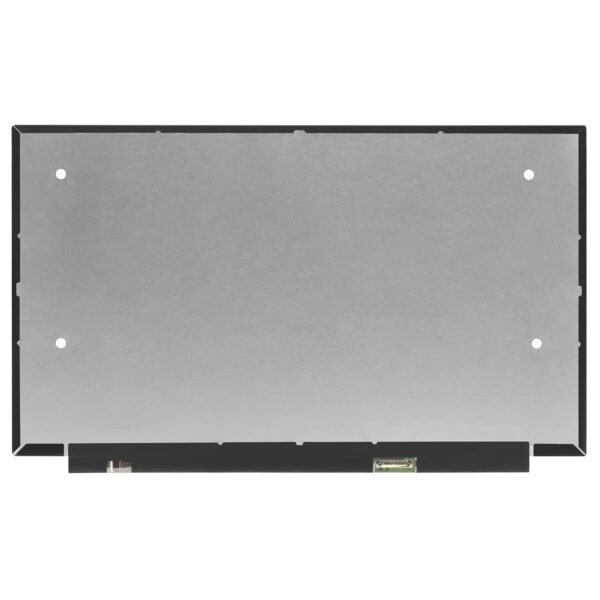

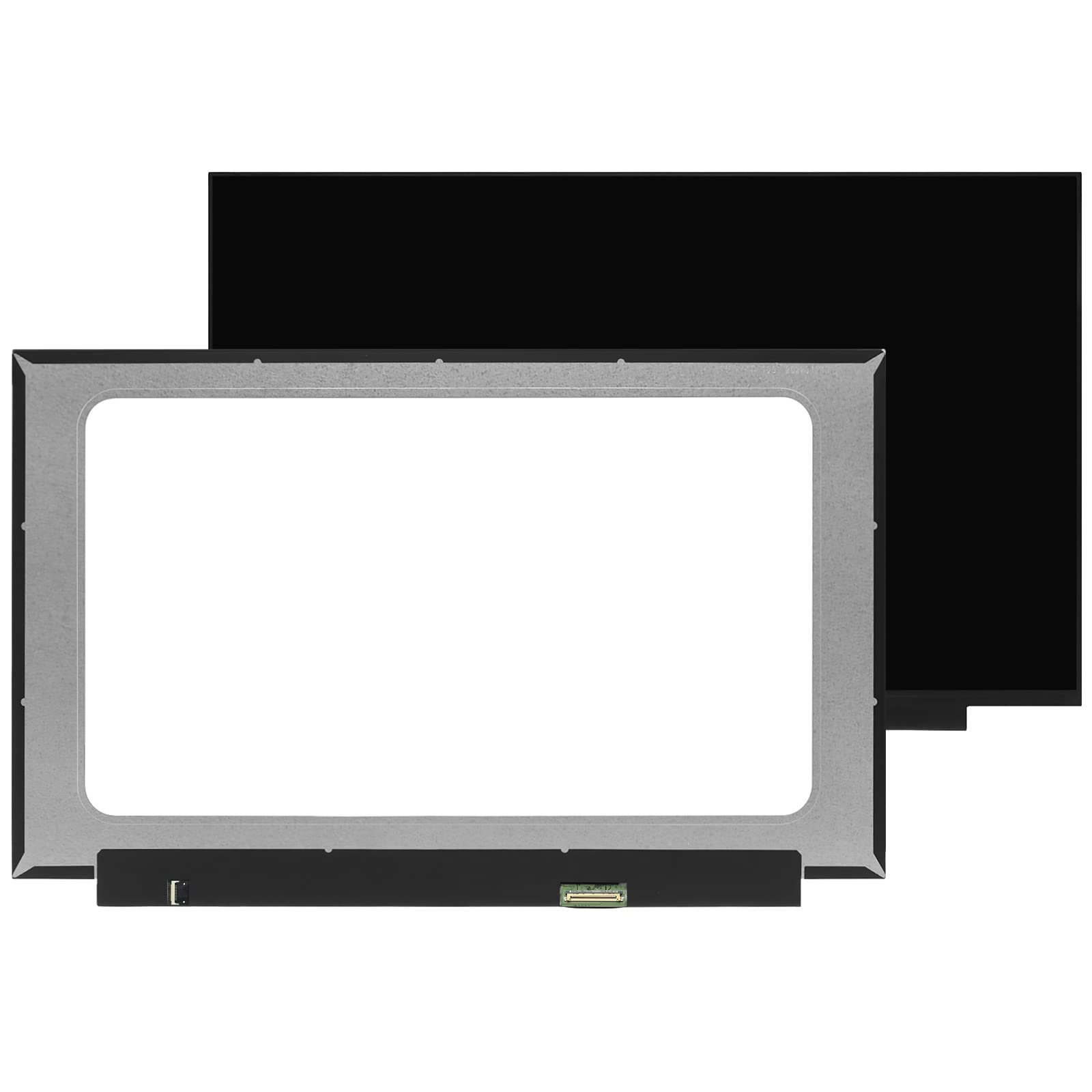
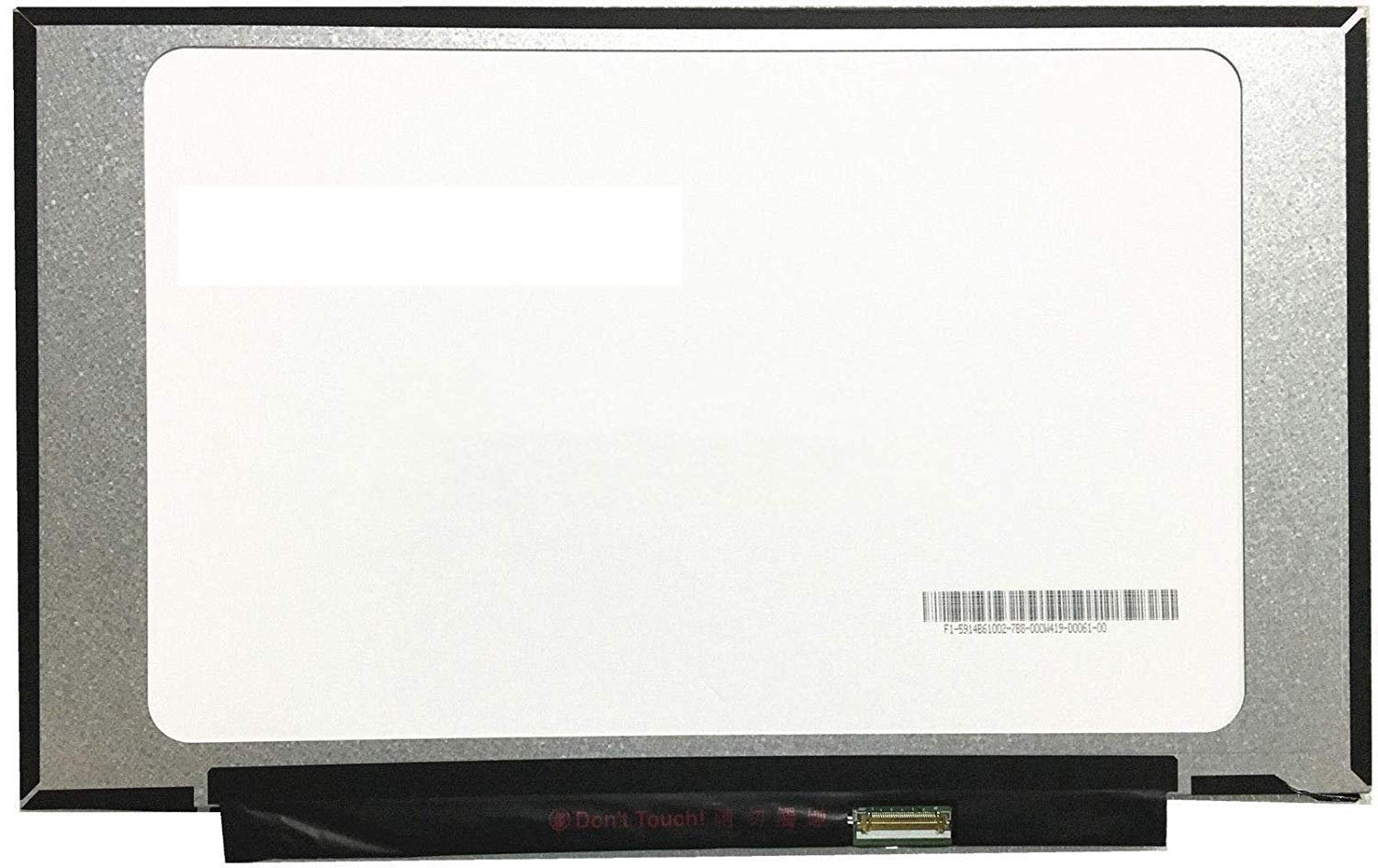
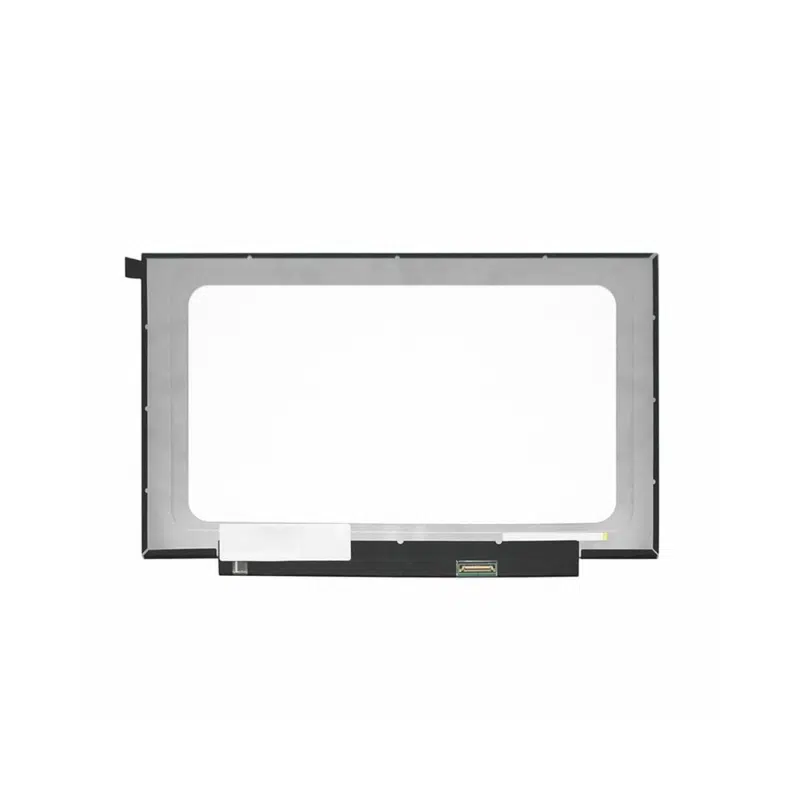
Product Name: ASUS E410M Laptop Screen Replacement
Screen Size: 14.0 Inches
Resolution: HD (1366×768) or FHD (1920×1080)
Display Type: LED-backlit LCD
Surface Finish: Matte or Glossy (based on availability)
Connector: 30-pin eDP
Touch: No
Condition: Brand New – A+ Grade
Estimated Replacement Time: 1–2 Hours
Warranty: 90 Days
Price Range: KES 6,500 – 9,500

Hurry and get discounts on all Apple devices up to 20%
Sale_coupon_15
KSh9,000.00 excl. VAT
Payment Methods:

A damaged laptop screen can quickly disrupt your workflow, school projects, or entertainment. If you’re dealing with a cracked, flickering, or black display on your ASUS E410M, don’t panic. At Lansotech Solutions, we specialize in ASUS E410M screen replacement in Nairobi, offering premium repair services that are fast, affordable, and backed by a warranty.
We understand how important your laptop is, and that’s why we deliver same-day screen replacements using original or high-quality OEM screens, fitted professionally by our experienced technicians.
The ASUS E410M is a popular entry-level laptop designed for students, remote workers, and light users. Its lightweight design, 14-inch HD or Full HD display, and long battery life make it ideal for on-the-go use. However, due to frequent mobility and slim construction, its screen is vulnerable to:
Cracks from accidental drops
Screen pressure damage
Flickering due to cable loosening
Water damage or screen bleeding
When this happens, a full screen replacement is the most effective solution to restore performance.
You should consider screen replacement if your ASUS E410M is showing:
Cracked or shattered screen
Dead pixels or colored vertical lines
Screen goes black even when the laptop is on
Dim or flickering display
White patches or ghosting
Water damage signs (blurry zones, moisture inside screen)
At Lansotech, we source only A+ grade or OEM-compatible replacement screens. These match all the technical specifications of your original ASUS E410M display:
Screen Size: 14.0 inches
Resolution: 1366×768 (HD) or 1920×1080 (FHD) depending on the variant
Panel Type: LED-backlit LCD
Surface: Matte or Glossy
Connector: 30-pin eDP
Touchscreen Support: Not included in standard E410M variants
We always verify your laptop’s serial number and part number before selecting the screen to ensure perfect compatibility.
We know how critical your laptop is for daily use. Our expert technicians offer same-day screen replacement, usually completed within 1–2 hours. No long waits, no compromises on quality.
We understand that clients want to be sure they’re getting an authentic replacement. Here’s how we guarantee transparency:
Manufacturer Sticker Check – Each screen has visible branding from AUO, BOE, LG, or other top-tier suppliers.
Part Number Matching – We open your laptop and match the existing panel’s part number (e.g., B140XTN02.1 or N140BGA-EA4).
Live Testing in Front of You – You see the new screen’s clarity, resolution, and brightness before taking the laptop home.
Warranty Assurance – All screens come with a 90-day warranty.
After replacing your screen, take these steps to avoid costly damage in the future:
Spilled water, soda, or coffee can leak into the screen bezel and cause blurring, flickering, or total failure. Use your laptop in dry areas and never place drinks nearby.
The ASUS E410M is light and slim. Without proper padding, it can suffer screen pressure damage inside a backpack. Always use a padded laptop sleeve or bag.
This model is not a touchscreen — pressing or poking the display with your fingers or stylus can damage the LCD.
Use a microfiber cloth with a small amount of screen cleaner. Never spray liquids directly onto the screen.
Closing the laptop lid with objects like pens or earphones on the keyboard is a common reason for internal cracks.
Diagnosis and Part Confirmation
We identify your laptop’s exact model and verify the correct replacement screen using the part number and connector type.
Bezel and Display Panel Removal
We use specialized tools to remove the bezel and old screen without damaging surrounding parts.
New Screen Installation
The new screen is fitted with precision, using anti-static tools and protective gloves.
Testing and Quality Assurance
We verify resolution, color accuracy, brightness, and alignment before reassembling your device.
Final Delivery with Warranty
You walk away with a fully working laptop and a 90-day warranty.
“My ASUS E410M screen had flickering lines. Lansotech replaced it in just over an hour and gave me tips to avoid liquid damage. Excellent service!”
— Ann W., Ngong Road
“Quick and professional. They showed me the original sticker on the screen before installation. I highly recommend them.”
— Brian M., CBD
If your ASUS E410M screen is cracked, blacked out, or unresponsive, don’t wait. Visit Lansotech Solutions, Nairobi’s trusted laptop repair center. We promise genuine screens, fast service, and fair prices.

No account yet?
Create an Account







 ASUS
ASUS






