







 Laptop Computers
 Desktop Computers
 Printers
 Network
 Software
 Laptop Accessories
 Laptop Components
 Office
 Desktop peripherals


Hurry and get discounts on all Apple devices up to 20%
Sale_coupon_15
KSh6,000.00 excl. VAT
Payment Methods:

At Lansotech Solutions, we are Nairobi’s trusted experts in HP laptop repair and screen replacement services. If your HP 15-f233wm screen is cracked, flickering, or showing distorted colors, our certified technicians can replace it with a brand new genuine HP screen that restores your laptop’s brightness, sharpness, and display quality.
As the leading laptop repair specialists in Nairobi, Kenya, we pride ourselves on delivering fast, reliable, and affordable screen replacement services backed by genuine HP parts and expert workmanship.
The HP 15-f233wm is part of HP’s popular 15-inch notebook series, known for reliability and everyday performance. It features a 15.6-inch HD LED display, Intel Pentium or Celeron processor, and a durable design, making it perfect for students, professionals, and home users alike.
Despite its build quality, the laptop screen is sensitive and can easily get damaged due to accidental drops, impact, or liquid exposure. When this happens, a screen replacement is the best and most cost-effective solution to bring your laptop back to life.
If your HP 15-f233wm laptop is showing any of the following symptoms, it’s time to consider replacing the screen:
Cracked or shattered display glass
Flickering or flashing screen
Vertical or horizontal lines on the screen
Black or dim display despite power on
Discoloration or fading brightness
Dead pixels or distorted images
At Lansotech Solutions, our experts run a free diagnostic test to determine whether the problem is with the screen itself, the display cable, or the graphics chip—ensuring you only pay for what’s needed.
We follow a systematic, safe, and professional procedure to replace your HP 15-f233wm screen. Our certified technicians ensure the process is quick, clean, and precise.
We begin with a complete visual inspection and diagnostic test to confirm the nature of the display problem and determine if a full screen replacement is necessary.
For safety, we remove the battery and unplug the charger to prevent short circuits during the replacement.
Using professional plastic pry tools, we gently remove the bezel (screen frame) without damaging the clips or laptop casing.
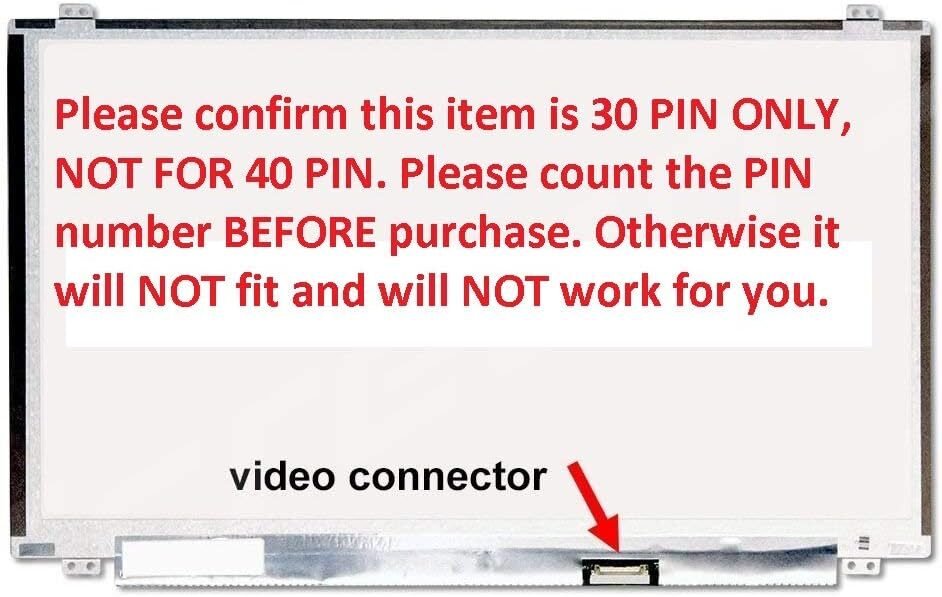
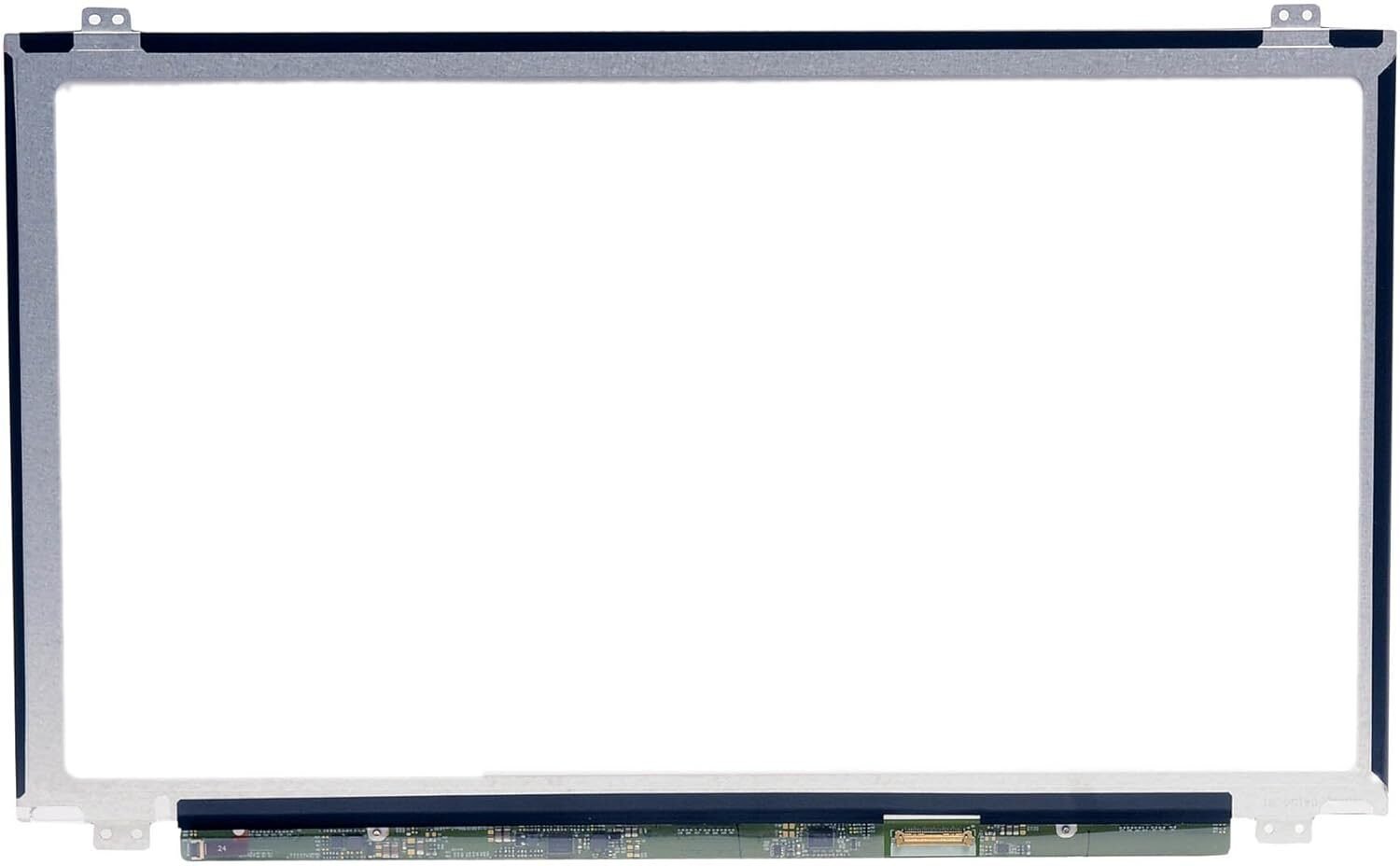
The damaged screen is unscrewed and disconnected from the 30-pin video connector. This step requires precision to avoid harming the display cable or the hinges.
We install a new genuine HP 15-f233wm HD screen, connect it securely, and test it before screwing it back into place.
Before sealing the bezel, we power on the laptop to check brightness, resolution, and color uniformity. Once confirmed, we reassemble and clean the screen for a flawless finish.
While you may find DIY laptop screen replacement tutorials online, we highly recommend professional installation for the HP 15-f233wm.
Attempting to replace the screen yourself could result in:
Damage to the motherboard or display cable
Improper fitting or misalignment
Static short circuits
Voided warranty
By choosing Lansotech Solutions, you benefit from expert care, the right tools, and a guaranteed professional finish.
After replacing your laptop screen, follow these easy maintenance tips to extend its life:
Use a microfiber cloth to clean your screen—avoid paper towels or harsh chemicals.
Always close the lid gently and avoid placing objects on top of the laptop.
Store your device in a protective sleeve or laptop bag when traveling.
Avoid exposing your laptop to extreme heat or moisture.
Consider applying a screen protector for extra protection against scratches.
Proper care ensures your new HP 15-f233wm screen remains bright, clear, and durable for years to come.
If your HP 15-f233wm screen is cracked, flickering, or displaying incorrectly, don’t wait—bring it to Lansotech Solutions Nairobi today for genuine screen replacement and expert service.
 Laptop Computers
 Desktop Computers
 Desktop peripherals
 Laptop Accessories
 Laptop Components
 Network
 Printers
 Server
 Software
No account yet?
Create an Account






