







 Laptop Computers
 Desktop Computers
 Printers
 Network
 Software
 Laptop Accessories
 Laptop Components
 Office
 Desktop peripherals

Hurry and get discounts on all Apple devices up to 20%
Sale_coupon_15
KSh9,000.00 excl. VAT
Payment Methods:

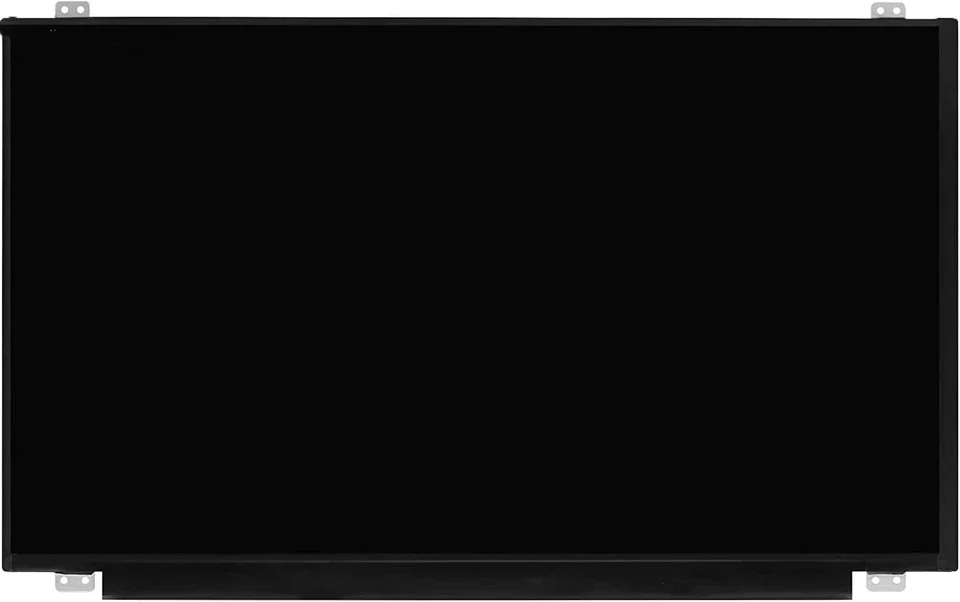
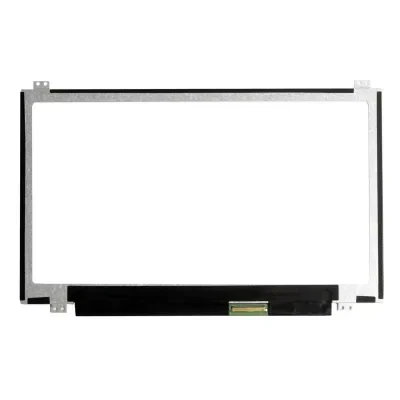
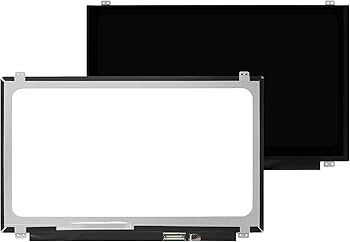
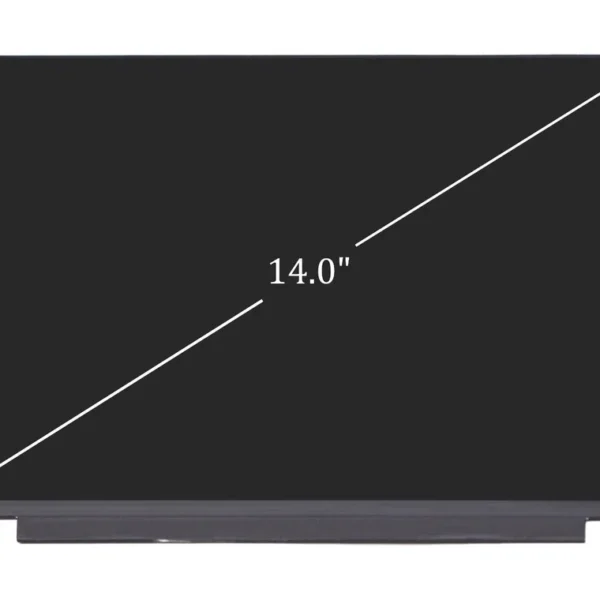
At Lansotech Solutions, we proudly offer brand new HP 14-dk0028wm screen replacement services in Nairobi, Kenya, using only genuine HP displays and professional repair techniques. If your HP 14-dk0028wm laptop screen is cracked, dim, flickering, or completely blank, we can restore it to full working condition quickly and affordably.
As Nairobi’s leading HP laptop repair specialists, we combine authentic parts, technical expertise, and excellent customer service to ensure your laptop looks and performs like new again.
The HP 14-dk0028wm is a compact and efficient 14-inch laptop from HP’s popular 14-dk series. It features a sleek design, AMD A4 or Ryzen processor, and an HD LED display that delivers sharp visuals and great portability.
However, due to accidental drops, physical pressure, or backlight failure, the screen can get damaged — resulting in poor visibility or no display. When this happens, the best solution is a brand new, genuine HP screen replacement performed by trained technicians.
If your HP laptop shows any of the issues below, it’s time for a screen replacement:
Cracked or shattered display glass
Black screen even though the laptop powers on
Flickering or distorted images
Lines or patches across the display
Dim backlight or uneven brightness
White or black spots on the screen
Screen showing only part of the image
At Lansotech Solutions Nairobi, we follow a precise and careful process to replace your screen efficiently and safely.
We begin by testing your laptop to confirm the display issue and ensure the screen is the component that needs replacement.
We disconnect the battery and charger to prevent any electrical damage during the repair process.
Our technicians carefully remove the front bezel (the plastic frame around the screen) using specialized tools to avoid cracking or scratching the casing.
The old, damaged screen is unscrewed and the 30-pin video connector is detached gently to avoid cable damage.
A brand new, genuine HP 14-dk0028wm screen is fitted into place, properly aligned, and reconnected.
Before reassembly, the new screen is thoroughly tested for brightness, color balance, and pixel integrity to ensure flawless functionality.
After successful testing, we reinstall the bezel, clean the screen, and return your laptop looking and working like new.
While it might seem tempting to replace your HP 14-dk0028wm screen yourself, doing so without proper tools or experience can lead to:
Damage to display cables or connectors
Short-circuiting or motherboard failure
Incorrect screen alignment or flickering issues
Voiding of your warranty
Avoid these risks — trust the professionals at Lansotech Solutions to get the job done safely, quickly, and correctly.
After installing your new screen, proper care ensures long-lasting performance. Follow these simple tips:
Close your laptop lid gently — avoid slamming it shut.
Use a screen protector to prevent scratches.
Clean the screen with a soft microfiber cloth only.
Avoid exposing your laptop to heat, pressure, or moisture.
Store your laptop in a padded sleeve or bag when traveling.
Following these tips will keep your new display looking sharp and functioning perfectly for years.
If you need a brand new HP 14-dk0028wm screen replacement or any other HP laptop repair service, contact Lansotech Solutions Nairobi today. We guarantee fast service, authentic parts, and professional results every time.

 Laptop Computers
 Desktop Computers
 Desktop peripherals
 Laptop Accessories
 Laptop Components
 Network
 Printers
 Server
 Software
No account yet?
Create an Account






