







 Laptop Computers
 Desktop Computers
 Printers
 Network
 Software
 Laptop Accessories
 Laptop Components
 Office
 Desktop peripherals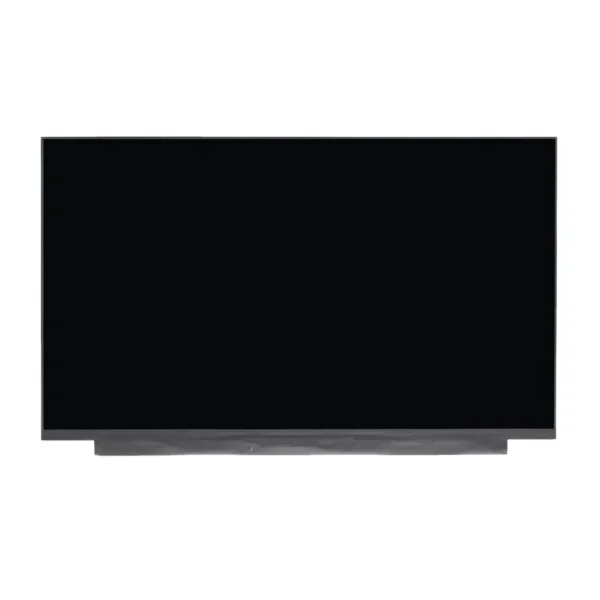

Hurry and get discounts on all Apple devices up to 20%
Sale_coupon_15
KSh9,000.00 excl. VAT
Payment Methods:

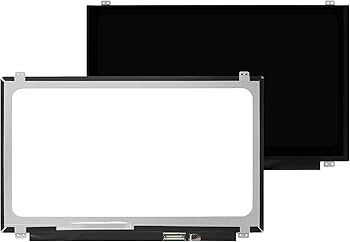
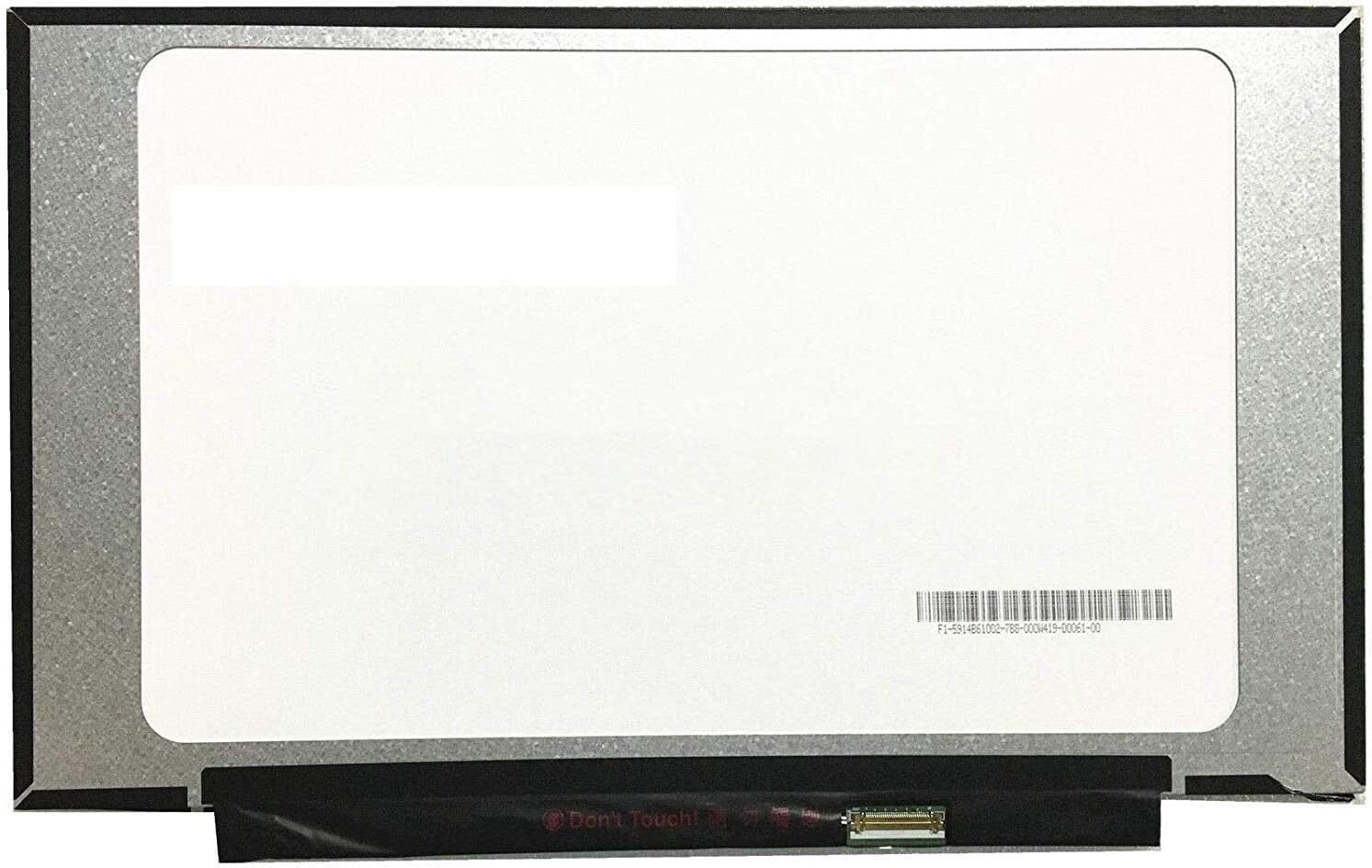
When the screen of an HP 14-df laptop cracks, flickers, or goes completely black, productivity comes to a halt. At Lansotech Solutions, we provide professional HP 14-df screen replacement services in Nairobi, Kenya, ensuring fast turnaround, premium parts, and exceptional technical care. Below is an in-depth, SEO-rich guide on everything you need to know about diagnosing, replacing, and maintaining your HP 14-df laptop screen.
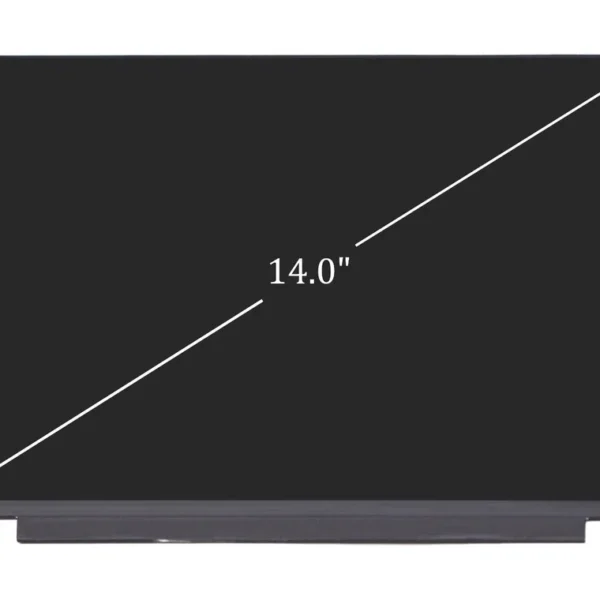
The HP 14-df series typically uses a 14.0-inch LED display, most commonly featuring:
HD (1366 × 768) resolution
Slim connector (30-pin) interface
Non-touch or touch options, depending on the model
Matte or glossy finishes
Identifying the exact specification before replacement ensures compatibility and optimal performance. At Lansotech Solutions, we always verify your laptop’s model number and screen type before beginning the replacement process.
A damaged laptop screen may not always show physical cracks. Some issues are internal. Common symptoms include:
Accidental drops or screen pressure often cause visible cracks. These require immediate replacement, as the damage can spread.
A flickering display may result from internal screen damage or connector issues. If troubleshooting fails, replacement becomes necessary.
If the laptop turns on but the screen stays dark, the backlight or display panel may be faulty.
Lines across the screen often indicate panel damage rather than software malfunction.
A malfunctioning touch panel may require a complete screen assembly replacement.
We diagnose all these issues in detail to ensure accurate repair.
Attempting a DIY screen replacement without experience risks:
Damaging internal motherboard components
Breaking hinges or bezels
Incorrect installation of connectors
Invalidating your warranty
Our technicians at Lansotech Solutions handle screen replacements using precision tools, ensuring safe and correct installation every time.
Below is the professional procedure we follow to guarantee reliable results:
We inspect your laptop to confirm the issue is screen-related and not caused by:
GPU failure
Loose LVDS/eDP cable
Software glitches
This ensures customers only pay for necessary repairs.
We power down the laptop, remove the battery (where applicable), and discharge static to avoid internal damage.
Using soft pry tools, we remove the thin plastic frame surrounding the screen, avoiding damage to clips and hinges.
Four to six screws typically hold the HP 14-df screen in place. These are carefully removed.
We gently detach the display cable, ensuring adhesive and connectors remain intact.
A high-quality, compatible screen is positioned, connected, and secured with screws.
The bezel is snapped back into place, and final alignment is checked.
After assembly, the laptop undergoes:
Brightness calibration
Touch functionality testing (for touch models)
Display color and pixel testing
This ensures the screen works perfectly without flickering or dead pixels.
At Lansotech Solutions, most screen replacements take:
depending on:
Touch vs. non-touch model
Frame and hinge condition
For rare models, sourcing may take longer, but we always communicate timelines clearly.
While prices fluctuate based on screen type, you can generally expect:
HP 14-df Non-touch Screen: Affordable standard LED panel
HP 14-df Touch Screen: Higher cost due to complex assembly
We provide competitive pricing while maintaining strict quality standards. Contact us for an accurate quote based on your exact model.
We have established a strong reputation in Nairobi due to:
All our parts are sourced from trusted suppliers and tested for durability.
Our experienced team specializes in HP laptop hardware.
We prioritize efficiency to ensure minimal downtime for our clients.
All screen replacements come with a service warranty for peace of mind.
We guide users on care tips to prolong screen lifespan.
To avoid repeated damage, we recommend:
A padded laptop bag protects against impacts.
Pens, earbuds, and flash drives are common culprits in screen cracking.
Forceful handling strains hinges and the screen.
Especially useful for touch models to prevent scratches.
Liquid spills cause irreversible screen and motherboard damage.
Following these guidelines ensures your display stays in excellent condition for longer.
Lansotech Solutions provides reliable laptop repair services across Nairobi. Whether you are experiencing display problems, cracked screens, or touch failures, our team is ready to assist.
We offer:
Walk-in repairs
Same-day service (subject to parts availability)
Professional diagnosis
Warranty-backed repairs
For fast, dependable HP 14-df screen replacement, visit us today.
A damaged screen should not bring your work or studies to a halt. With expert HP 14-df screen replacement services, high-quality parts, and experienced technicians, Lansotech Solutions ensures your laptop returns to full functionality quickly and reliably. Our thorough diagnostic process, professional repair steps, and customer-focused service set us apart as a trusted laptop repair partner in Nairobi.

 Laptop Computers
 Desktop Computers
 Desktop peripherals
 Laptop Accessories
 Laptop Components
 Network
 Printers
 Server
 Software
No account yet?
Create an Account






