







 Laptop Computers
 Desktop Computers
 Printers
 Network
 Software
 Laptop Accessories
 Laptop Components
 Office
 Desktop peripherals

Hurry and get discounts on all Apple devices up to 20%
Sale_coupon_15
KSh8,000.00 excl. VAT
Payment Methods:

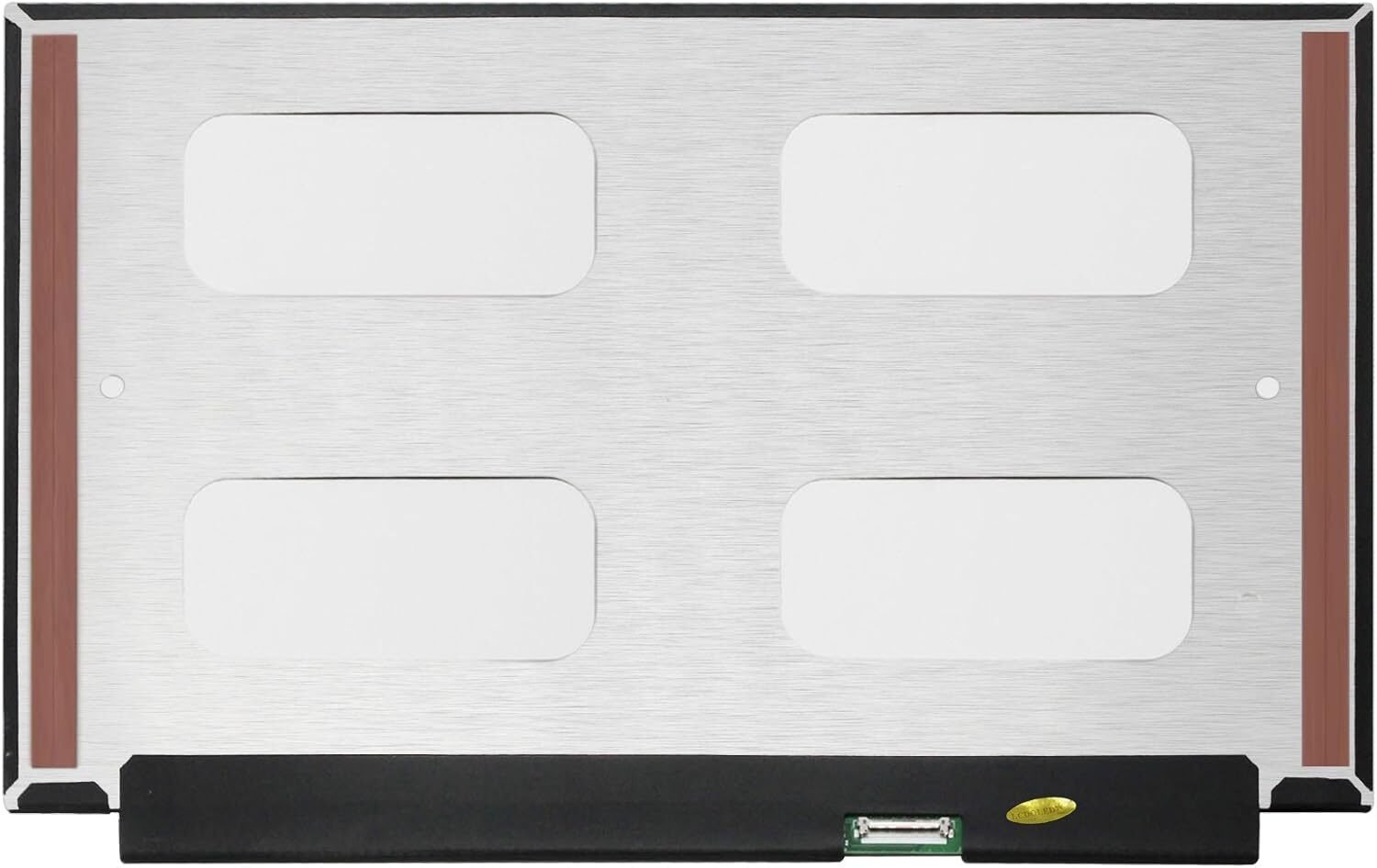
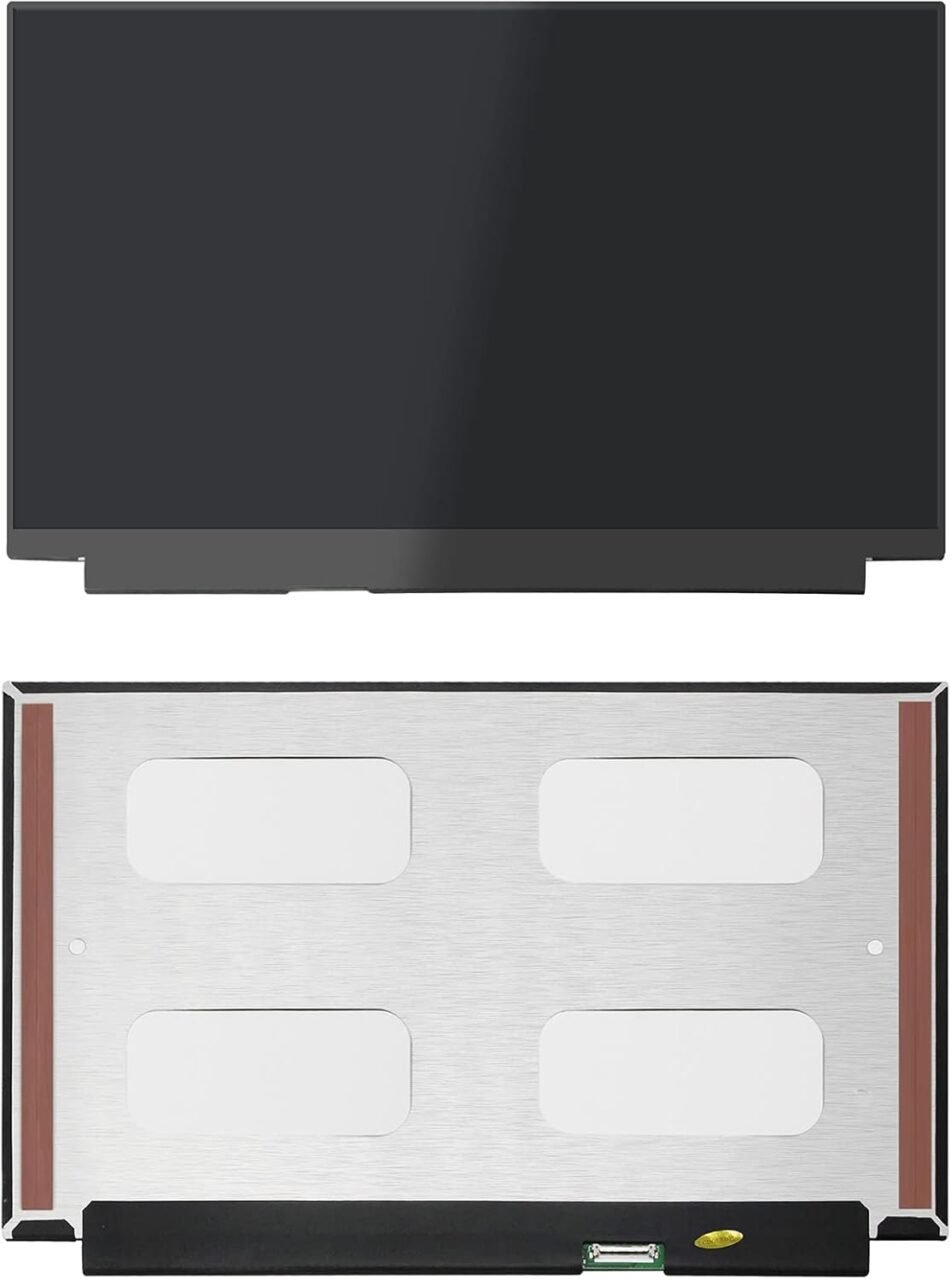
The HP EliteBook 830 G5 is a premium business laptop designed for professionals who need reliability, performance, and portability. But even the sturdiest laptops are not immune to accidents or wear and tear, and the screen is often the first to show signs of damage. Whether it’s a crack, flicker, or complete display failure, a screen replacement is the solution.
At Lansotech Solutions, Nairobi’s leading laptop experts, we specialize in HP EliteBook 830 G5 screen replacements, providing genuine parts, fast service, and expert installation. Here’s everything you need to know.
Physical damage is the most obvious sign you need a replacement. Even a small crack can worsen over time.
Horizontal or vertical lines, flickering, or color distortion often indicate internal panel damage or a loose display cable.
The laptop powers on, but no image appears. This can be caused by a dead screen or a damaged backlight.
If colors look washed out or the screen is extremely dim even at max brightness, the panel or backlight may be failing.
A single drop or impact can crack the glass or damage the internal display layers.
Placing heavy items on your laptop or closing it with objects on the keyboard can lead to screen failure.
Even minor spills can cause permanent damage to the display and backlight.
HD (1366×768) – basic display, affordable replacement
Full HD (1920×1080) – sharper image, better clarity and workspace
Matte – reduces glare, ideal for bright environments
Glossy – deeper contrast, richer colors
Some EliteBook 830 G5 models come with touch displays. Replacement must match the original type.
Original OEM screens offer the best quality and durability, while generic replacements may vary in color accuracy and brightness.
Phillips screwdriver
Plastic pry tools
Tweezers
Anti-static wrist strap (optional)
Replacement HP EliteBook 830 G5 screen
Ensure the laptop is powered down and unplugged from any power source.
Use a plastic pry tool to gently remove the bezel surrounding the screen.
Carefully detach the display cable from the old screen.
Unscrew the damaged panel and lift it away from the hinges.
Connect the display cable to the new screen and secure it in the frame.
Snap the bezel back on, reconnect the battery, and test the display to ensure proper function.
Make sure the replacement screen matches your laptop’s resolution, connector type, and size.
Be gentle when disconnecting or connecting the display cable to avoid damage.
Screws should be snug but not overly tight to prevent cracking the new screen.
Professional technicians ensure safe handling, accurate installation, and avoid further damage.
Access to OEM parts guarantees quality, durability, and color accuracy.
Professional services often include a warranty on both parts and labor, offering peace of mind.
Our team is trained and experienced in HP EliteBook 830 G5 repairs, ensuring high-quality work.
We provide only original or OEM-grade screens for lasting performance and optimal display.
Most screen replacements are completed within 30–45 minutes, with competitive rates.
We guide you through the repair process, answer questions, and provide after-sales support.
With a skilled technician, your HP EliteBook 830 G5 screen replacement is usually completed within 30–45 minutes, including testing.
Use a padded laptop bag
Avoid pressing on the lid
Keep liquids away
Clean gently with microfiber cloths
Avoid stacking heavy objects on the laptop
Replacing the screen on your HP EliteBook 830 G5 restores full functionality, clarity, and productivity. Choosing Lansotech Solutions in Nairobi ensures genuine parts, professional installation, quick service, and a warranty for peace of mind. Don’t let a damaged screen slow you down—get it replaced by experts you can trust.

 Laptop Computers
 Desktop Computers
 Desktop peripherals
 Laptop Accessories
 Laptop Components
 Network
 Printers
 Server
 Software
No account yet?
Create an Account






