






 Laptop Computers
 Desktop Computers
 Printers
 Network
 Software
 Laptop Accessories
 Laptop Components
 Office
 Desktop peripherals

Hurry and get discounts on all Apple devices up to 20%
Sale_coupon_15
KSh8,000.00 excl. VAT
Payment Methods:

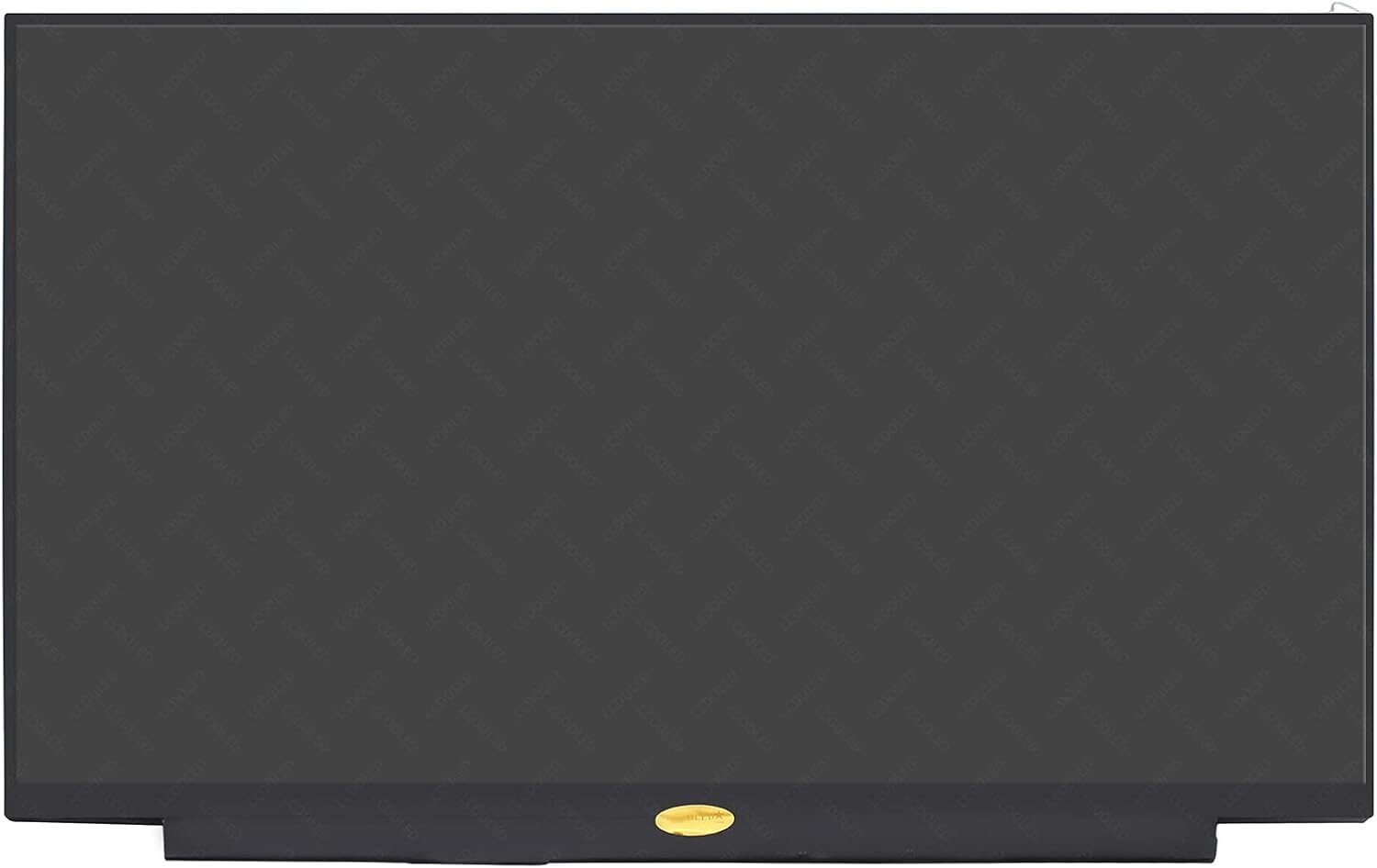
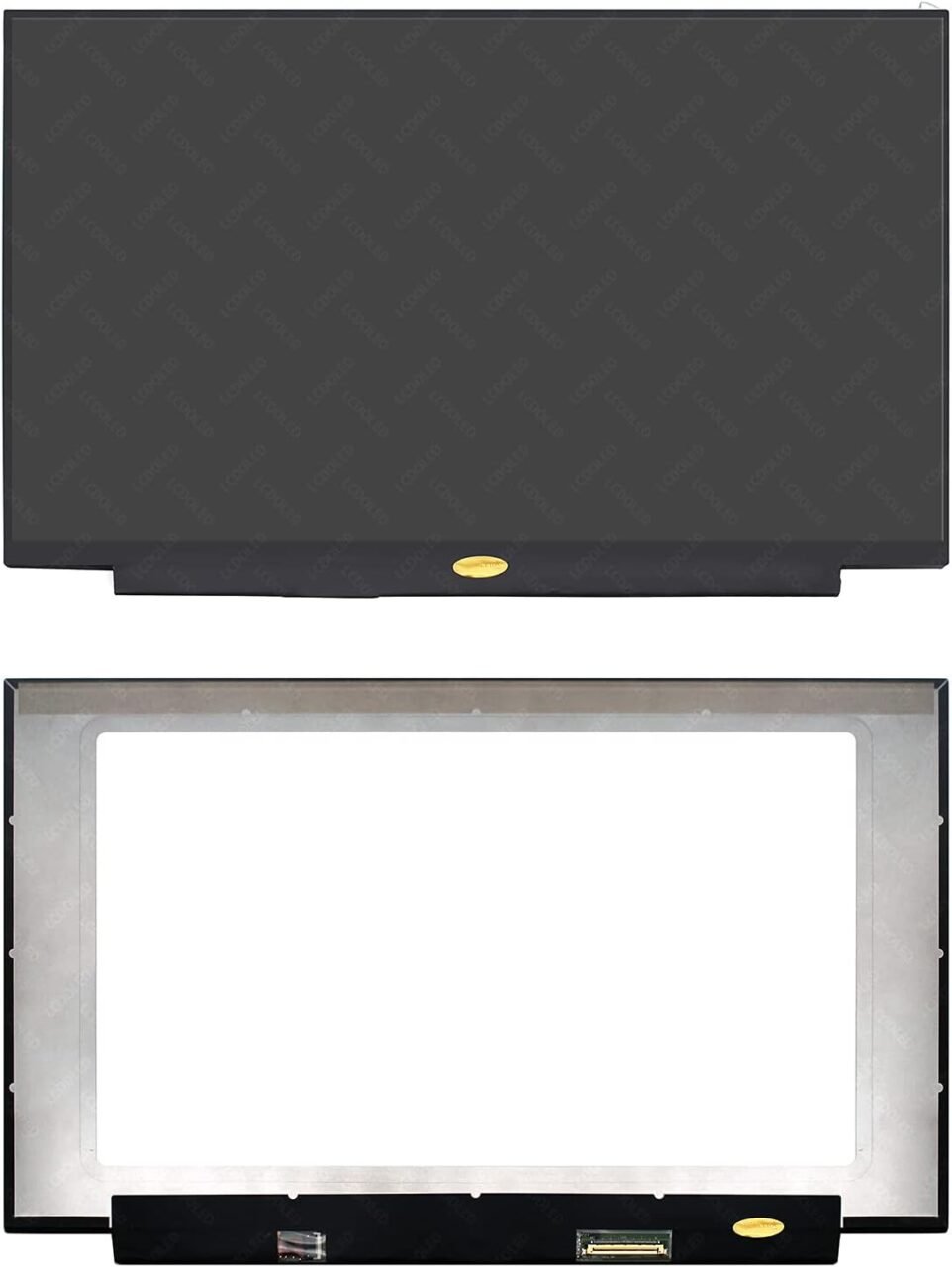
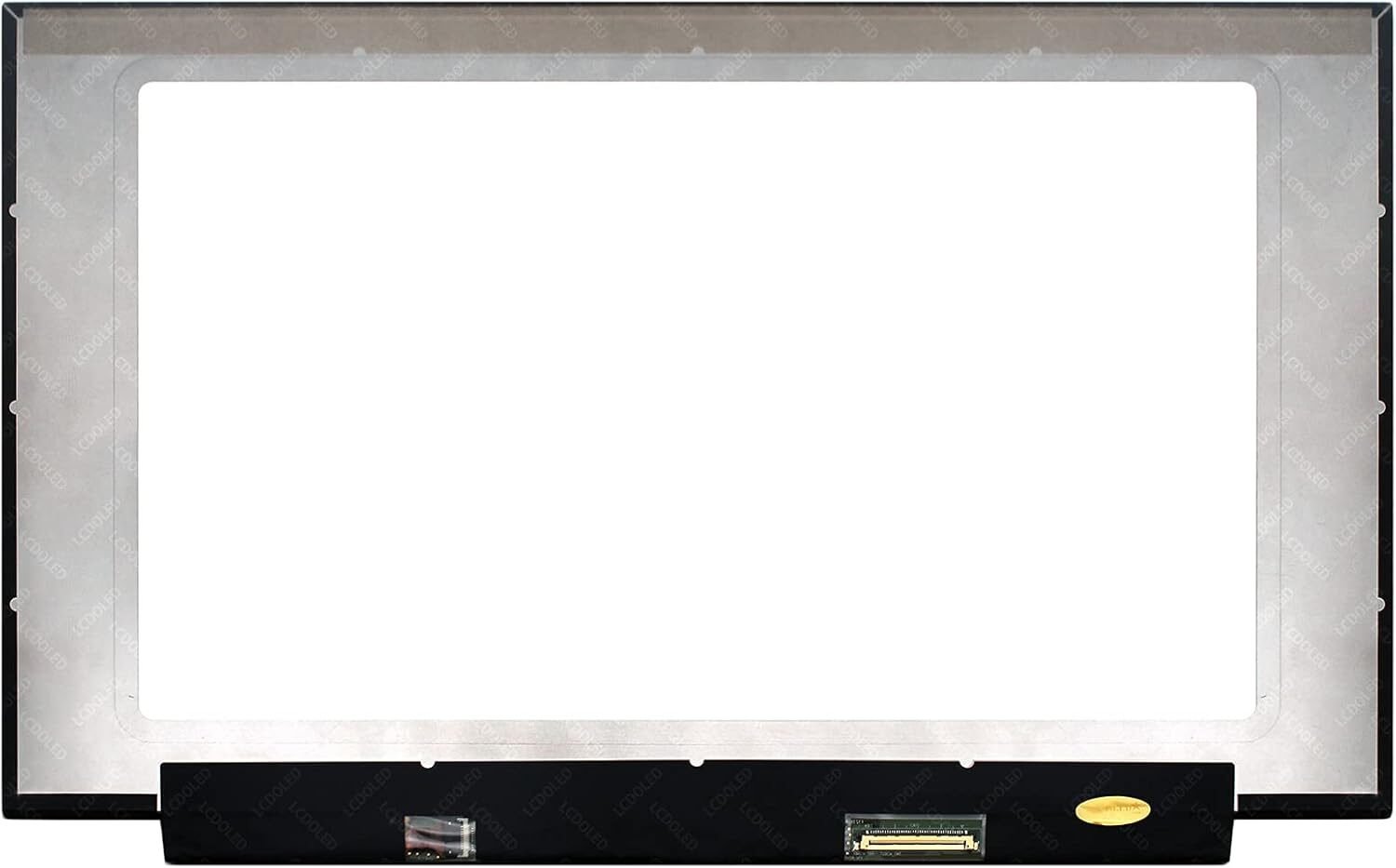
The HP EliteBook 830 G6 is a high-performance business laptop designed for professionals who value reliability, speed, and portability. However, accidents happen, and screens can get cracked, flicker, or fail completely. Choosing a genuine HP EliteBook 830 G6 screen replacement ensures optimal performance, color accuracy, and durability.
At Lansotech Solutions, Nairobi’s trusted laptop repair and sales experts, we specialize in genuine HP screen replacements, providing professional service, fast turnaround, and affordable pricing.
Using genuine or OEM screens guarantees:
Accurate color reproduction and brightness
Longer lifespan and durability
Full compatibility with your laptop hardware
Warranty support, which is often void with generic replacements
Avoid cheap knock-offs that may fail early or damage other laptop components.
Visible cracks, shattered glass, or bleeding edges are clear indicators for replacement.
Horizontal or vertical lines, screen flicker, or color distortions can signal internal panel failure.
The laptop powers on, but the screen remains blank — often caused by backlight or panel failure.
A dim display or faded colors indicate backlight failure or deteriorating LCD.
Even minor drops can crack the screen or damage internal layers.
Closing the laptop with objects on the keyboard or stacking heavy items can cause damage.
Spilled liquids may damage the panel or backlight, requiring replacement.
Over time, hinges or internal components can stress the screen, causing cracks or flickering.
HD (1366×768) – standard resolution, affordable
Full HD (1920×1080) – sharper image and better clarity
Matte – reduces glare, ideal for bright environments
Glossy – vibrant colors and contrast
Ensure your replacement matches your laptop’s original touchscreen or non-touch model.
Phillips screwdriver
Plastic pry tools
Tweezers
Anti-static wrist strap (optional)
Genuine HP EliteBook 830 G6 replacement screen
Turn off the laptop, unplug from power, and remove the battery if possible.
Use a plastic pry tool to gently detach the bezel without cracking it.
Unscrew the damaged screen, disconnect the display cable carefully, and remove it.
Connect the display cable to the new screen, secure it with screws, and ensure alignment.
Replace the bezel, reconnect the battery, power on the laptop, and test the display for proper function.
Using a non-genuine screen
Mishandling the display cable
Over-tightening screws, which may crack the panel
Skipping proper testing after installation
Professional technicians ensure delicate parts are handled properly, avoiding additional damage.
Professional repairs often come with a warranty on parts and labor for peace of mind.
Our team is highly trained in HP EliteBook 830 G6 repairs.
We use genuine screens for the best performance and longevity.
Most replacements are completed within 30–45 minutes, with competitive pricing.
We provide guidance throughout the repair process and offer after-sales support.
Use a padded laptop bag
Avoid pressing or stacking heavy objects
Keep liquids away
Clean gently with a microfiber cloth
Open/close the laptop lid carefully
Replacing the screen on your HP EliteBook 830 G6 with a genuine HP panel ensures clarity, durability, and optimal performance. Choosing Lansotech Solutions in Nairobi guarantees professional installation, genuine parts, fast service, and excellent customer support. Don’t risk cheap alternatives—trust certified experts for a reliable replacement.


 Laptop Computers
 Desktop Computers
 Desktop peripherals
 Laptop Accessories
 Laptop Components
 Network
 Printers
 Server
 Software
No account yet?
Create an Account






