







 Laptop Computers
 Desktop Computers
 Printers
 Network
 Software
 Laptop Accessories
 Laptop Components
 Office
 Desktop peripherals

Hurry and get discounts on all Apple devices up to 20%
Sale_coupon_15
KSh6,000.00 excl. VAT
Payment Methods:

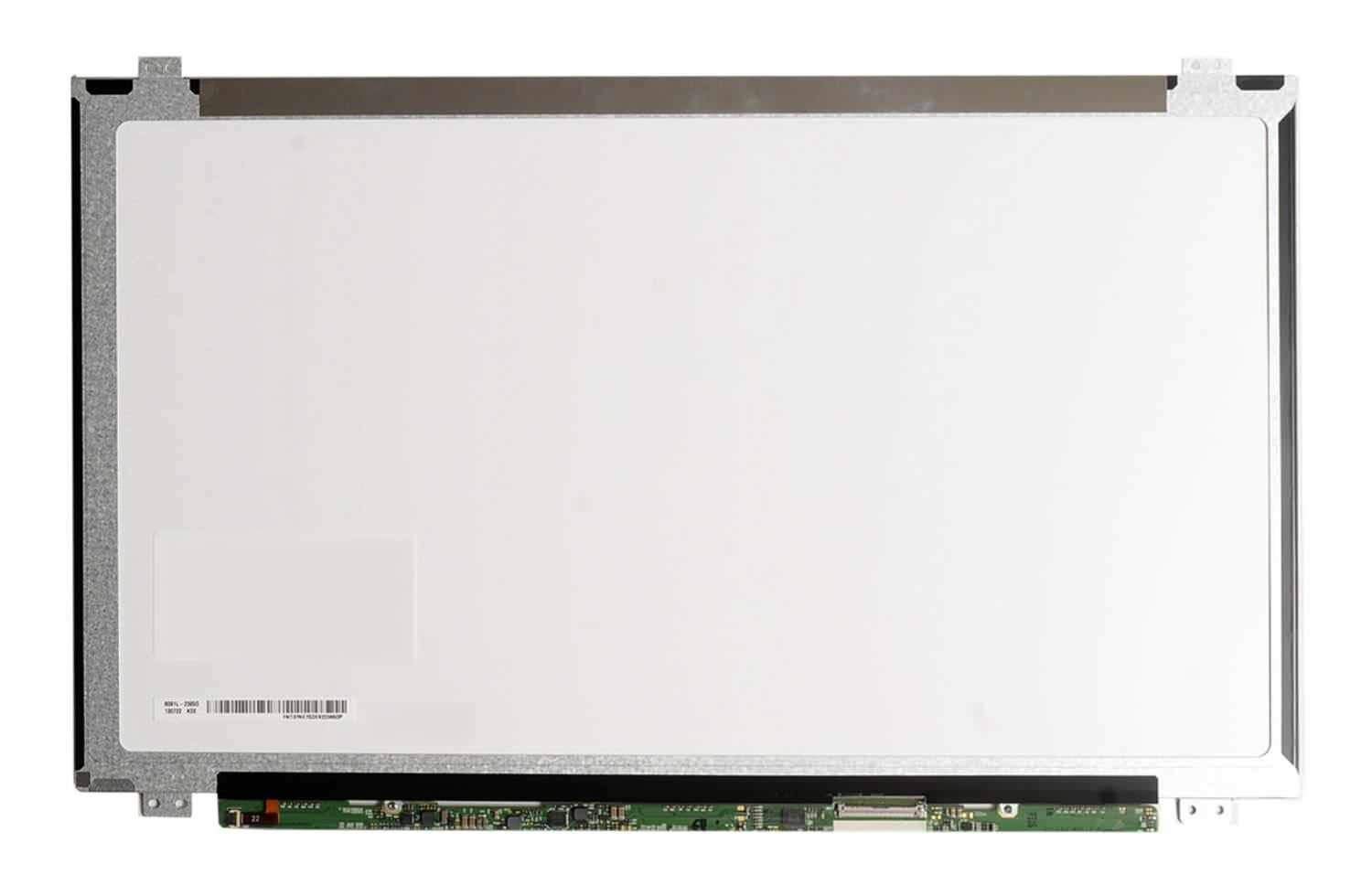
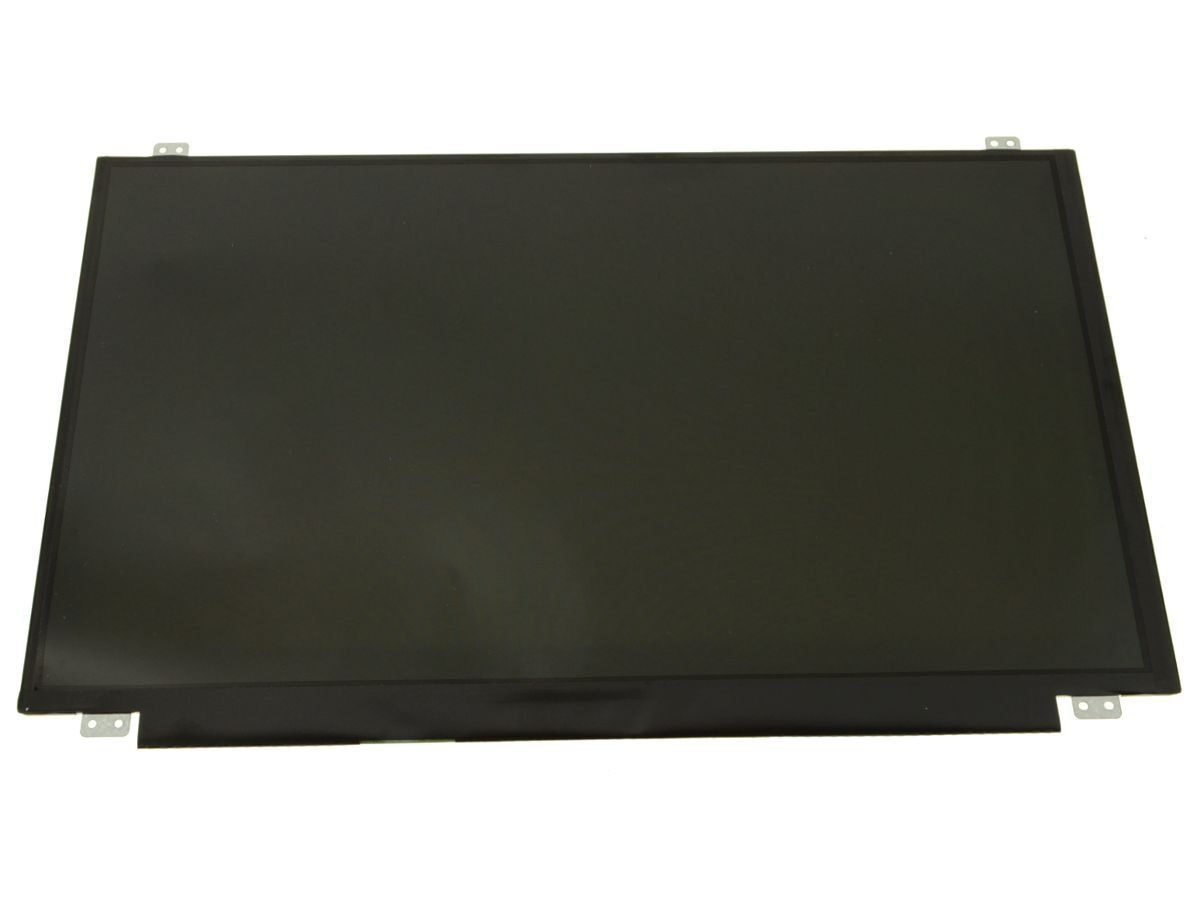
If you own an HP Envy 15t‑j100 and are facing a cracked screen, flickering display, or complete blackout, then a screen replacement might be exactly what you need. Rather than risking a subpar or incompatible part, opting for an authentic HP screen ensures long-term durability and the best visual performance.
At Lansotech Solutions, Nairobi’s trusted laptop experts, we provide genuine HP Envy 15t‑j100 screen replacements, paired with expert installation, quality assurance, and a reliable warranty.
Cracked or shattered panel: Physical impact is a major culprit.
Lines, flickers, or distortion: These may come from internal damage or a failing cable.
Black or blank screen: The laptop powers on, but nothing shows on the display.
Dim or dull colors: Weak or failing backlight, or degraded screen quality.
These problems can make your device frustrating to use and, in many cases, are not fixed by software — making screen replacement the natural solution.
Accidental drops or knocks
Pressure or weight on the lid (e.g., objects in a bag)
Liquid spills that penetrate the lid or keyboard
Normal wear and tear — hinges or cables degrade over time
Understanding how the damage happened helps prevent future issues once the screen is replaced.
HD (1366×768): Cheaper, standard clarity
Full HD (1920×1080): Higher clarity and better visual workspace
Matte: Less glare — great for work and bright lighting
Glossy/BrightView: Sharper contrast and more vibrant colors
If your Envy 15t‑j100 had a touchscreen, you’ll need a digitizer + LCD assembly. HP Support Community
Installing a non-touch screen on a laptop originally equipped with touch may lead to incompatibility or unusable features.
Genuine/OEM: Made by or for HP — best color, brightness, and durability
Aftermarket: Cheaper, but may compromise quality and longevity
Small Phillips screwdriver
Plastic pry tool / spudger
Tweezers (for cables)
Anti-static wrist strap (recommended)
Replacement HP Envy 15t‑j100 screen (genuine is best)
Shut down the laptop, unplug the charger, and if possible, remove the battery to avoid any power being sent through the device.
Using a plastic pry tool, gently unclip the bezel around the screen. Work carefully around the edges so you don’t crack the frame.
Unscrew the hinges, carefully tilt the screen forward, and locate the display cable (usually 40‑pin). Gently detach it.
Align the new screen to the hinges, screw it in place, and reconnect the eDP / ribbon cable securely but gently.
Put the bezel back on, reconnect the battery, power on the laptop, and test the new screen. Make sure brightness, color, and touch (if applicable) are working properly before finishing.
Using a screen with the wrong resolution or pin count
Not matching a touchscreen model with the correct digitizer assembly
Pulling or bending the display cable too forcefully
Over-tightening screws, which could crack the new panel
Forgetting to test before fully closing the laptop back up
Safety & Precision: Technicians handle delicate parts properly, reducing risk of damaging motherboard or cable.
Correct Part Matching: Pros can identify the right OEM screen for your exact model.
Warranty & Support: Professional installation often comes with a parts + labor warranty.
Time Saving: A technician can replace it faster and more reliably than a DIY attempt.
Certified Technicians in Nairobi
Our technicians are experienced with HP Envy series, including the 15t-j100.
Authentic / OEM HP Panels
We source genuine HP Envy 15t‑j100 screens, ensuring optimal brightness, color, and longevity.
Fast Service & Competitive Pricing
We aim to complete most screen replacements within 30–60 minutes, and our prices are fair and transparent.
Warranty & After-Sales Support
Every screen replacement comes with a parts and labor warranty, plus guidance if anything isn’t right after installation.
Convenience & Trust
Based in Nairobi, we are easily accessible and trusted by local customers for professional laptop repair.
Use a padded laptop bag to reduce impact from daily transport
Avoid placing heavy objects on top of the closed laptop
Be gentle when opening and closing the lid — use both hands
Keep your workspace liquid‑free, especially near your laptop
Clean the screen with a microfiber cloth; avoid harsh chemicals
Getting a screen replacement for your HP Envy 15t‑j100 is not just about restoring functionality — it’s about investing in quality. By choosing an authentic OEM panel, you’re ensuring that your display remains bright, accurate, and durable. At Lansotech Solutions, we deliver this quality with professional installation, fast turnarounds, and warranties. Let us help you bring your Envy laptop back to its best.


 Laptop Computers
 Desktop Computers
 Desktop peripherals
 Laptop Accessories
 Laptop Components
 Network
 Printers
 Server
 Software
No account yet?
Create an Account






