






 Laptop Computers
 Desktop Computers
 Printers
 Network
 Software
 Laptop Accessories
 Laptop Components
 Office
 Desktop peripherals
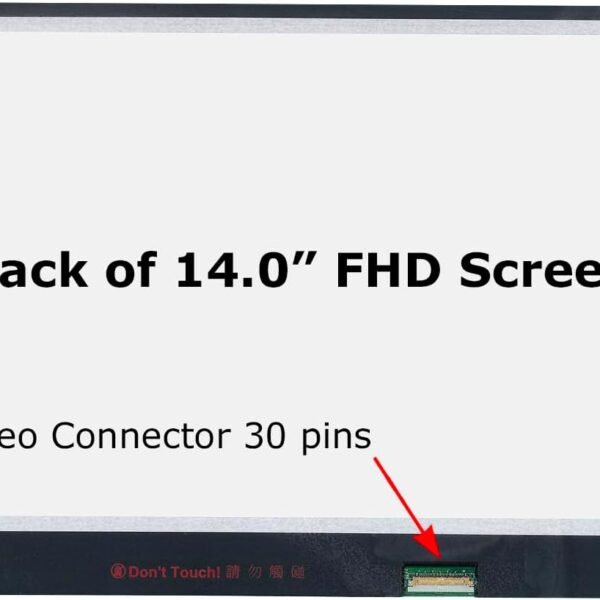
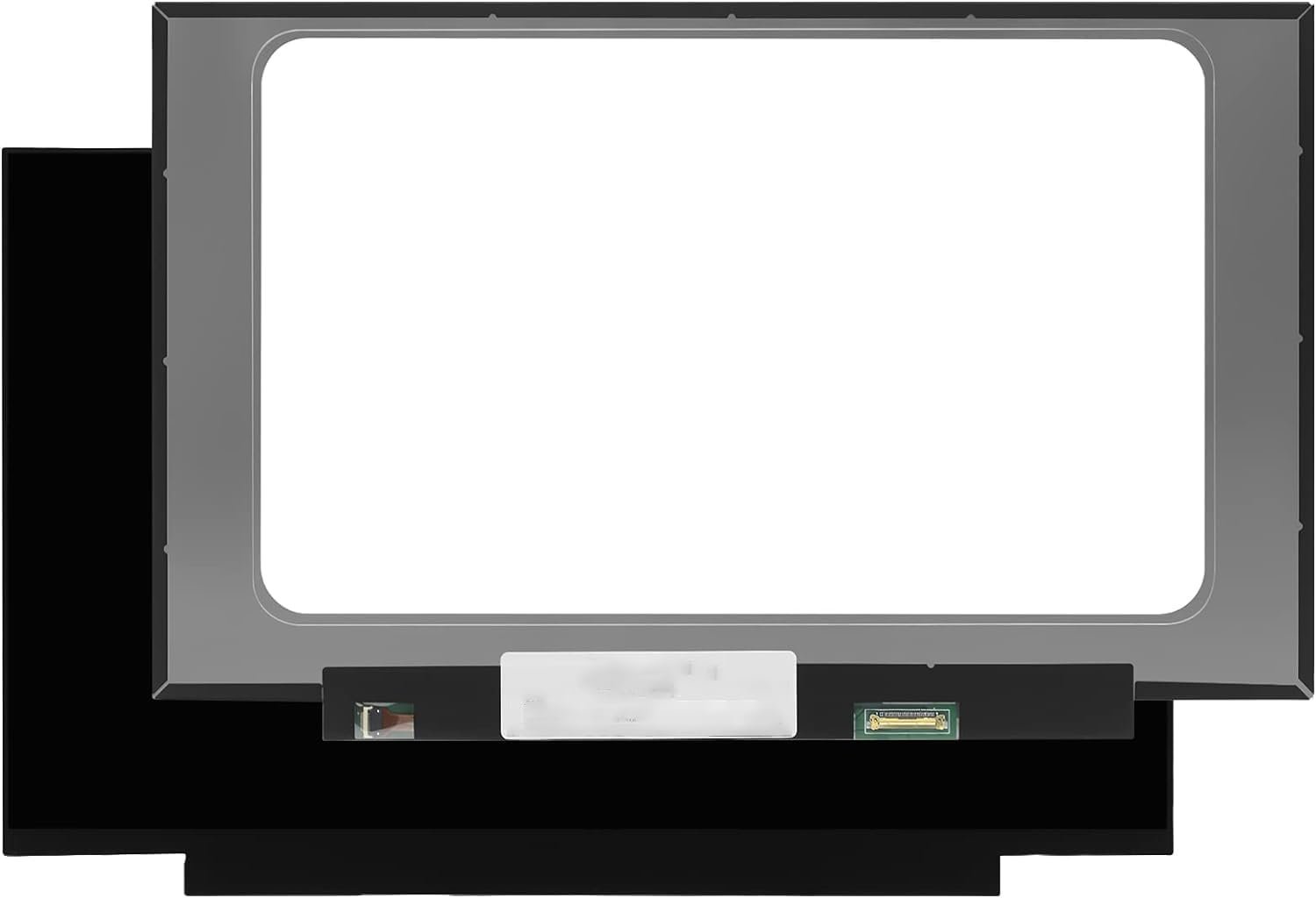
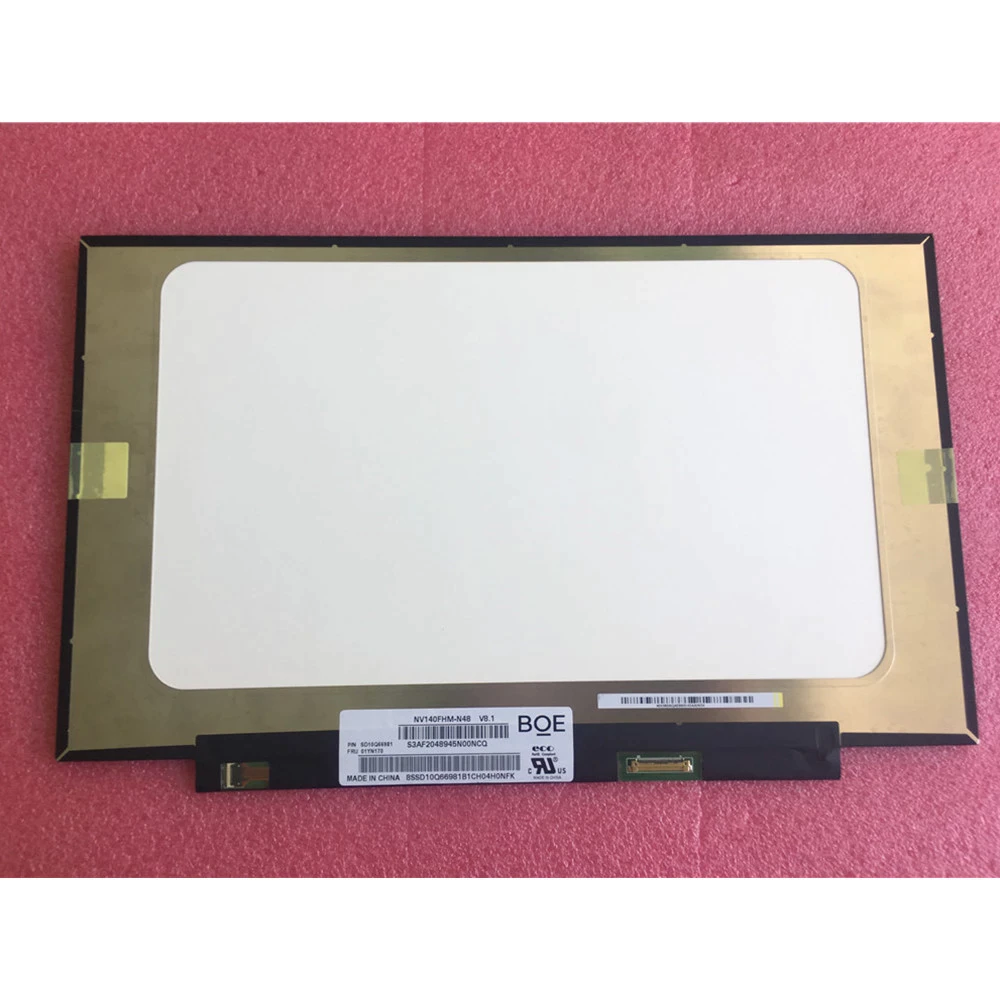
Size: 14.0″
Resolution Options: HD (1366 x 768) / FHD (1920 x 1080) / WQHD (2560 x 1440) / UHD 4K (3840 x 2160)
Backlight Type: LED
Backlight Lamp: DIODE
Connector: EDP
Pin Connection: 30 Pins / 40 Pins (depending on model)
Side: Bottom Right Connector
Finish: Matte / Glossy (specify in checkout note to avoid RMA fees)
Condition: NEW
Commodity: Non-Touch / Touch (depending on variant)
Technology: IPS LCD
Dead Pixel Policy: In Accordance with ISO 13406-2 norm
Source: Factory Direct
Packaging: Fragile Customized Package
Compatibility: OEM – Lenovo ThinkPad T490 Series

Hurry and get discounts on all Apple devices up to 20%
Sale_coupon_15
KSh10,000.00 excl. VAT
Payment Methods:

At Lansotech Solutions, we are the trusted laptop sellers and repair specialists in Nairobi, offering professional solutions for Lenovo ThinkPads and other premium laptop brands. One of the most frequent issues faced by Lenovo ThinkPad T490 users is a damaged or malfunctioning screen. Since this model is widely used by professionals and corporate clients, a faulty display can seriously affect productivity.
This detailed guide explains everything you need to know about Lenovo T490 screen replacement – including common screen issues, compatible specifications, replacement procedures, and why Lansotech Solutions is your number-one choice in Nairobi.
The Lenovo ThinkPad T490 is a high-performance business laptop known for its durability, portability, and excellent display. However, even with its rugged design, the screen is still vulnerable to damage. The most common reasons for replacement include:
Cracked or shattered screen from accidental drops.
Display flickering, dimming, or black screen due to backlight issues.
Dead pixels, vertical/horizontal lines, or discoloration.
Touchscreen malfunctions (on touch-enabled models).
A faulty screen not only reduces usability but can also slow down work efficiency, especially for professionals who rely on clear visuals.
The T490 series comes with different screen options. Before replacement, it’s important to confirm your laptop’s specific screen type. The most common screen options for the T490 include:
Size: 14.0 inches
Resolution Options:
HD (1366 x 768)
Full HD (1920 x 1080) – IPS, Anti-glare
WQHD (2560 x 1440) – IPS, Anti-glare
UHD 4K (3840 x 2160) – Dolby Vision (on premium models)
Technology: IPS LCD (some models include touchscreen)
Backlight Type: LED
Connector: 30-pin or 40-pin EDP connector depending on model
Finish: Matte / Glossy (depending on variant)
At Lansotech Solutions, we supply genuine OEM Lenovo screens for all T490 variants, ensuring compatibility, performance, and durability.
Replacing the ThinkPad T490 screen requires technical expertise due to its slim design and multiple screen options. Our technicians at Lansotech Solutions follow a safe and professional process:
Power off the laptop and disconnect the charger.
Remove the external battery (if applicable) and discharge static electricity using proper tools.
Use precision prying tools to detach the screen bezel.
Care is taken not to crack the frame or damage internal clips.
Unscrew the brackets securing the display panel.
Carefully tilt the screen forward to access the video cable.
Gently unplug the 30-pin or 40-pin EDP connector at the back of the screen.
Inspect the connector for damage before installing the new screen.
Connect the replacement screen securely to the video cable.
Align it properly in the frame and screw it back in place.
Reattach the bezel.
Power on the laptop to confirm display quality.
Verify brightness levels, resolution clarity, and absence of flickering or dead pixels.
On touchscreen models, test touch functionality thoroughly.
This method ensures a seamless installation with full display performance restored.
As Nairobi’s leading Lenovo repair center, we offer unmatched expertise for Lenovo ThinkPad repairs. Customers trust us because:
We provide authentic Lenovo replacement screens for all T490 models.
Our technicians have years of hands-on experience in corporate-grade laptop repairs.
Same-day replacement service is available for most cases.
We offer affordable prices without compromising on quality.
All repairs come with a warranty on parts and service.
We give after-service support and guidance on laptop care.
At Lansotech Solutions, our goal is to deliver professional, fast, and reliable laptop repair services that keep your business running smoothly.
After installing a new screen, proper care is essential to maximize its lifespan. We recommend:
Always store your laptop in a shockproof protective bag.
Avoid placing heavy objects on the laptop lid.
Keep liquids away to prevent accidental spills.
Use a screen protector to minimize scratches and glare.
Clean the display only with a soft microfiber cloth.
Get the Lenovo t490 screen Replacement service from Lansotech Solutions now!

 Laptop Computers
 Desktop Computers
 Desktop peripherals
 Laptop Accessories
 Laptop Components
 Network
 Printers
 Server
 Software
No account yet?
Create an Account






