














Hurry and get discounts on all Apple devices up to 20%
Sale_coupon_15
KSh6,000.00 excl. VAT
Payment Methods:

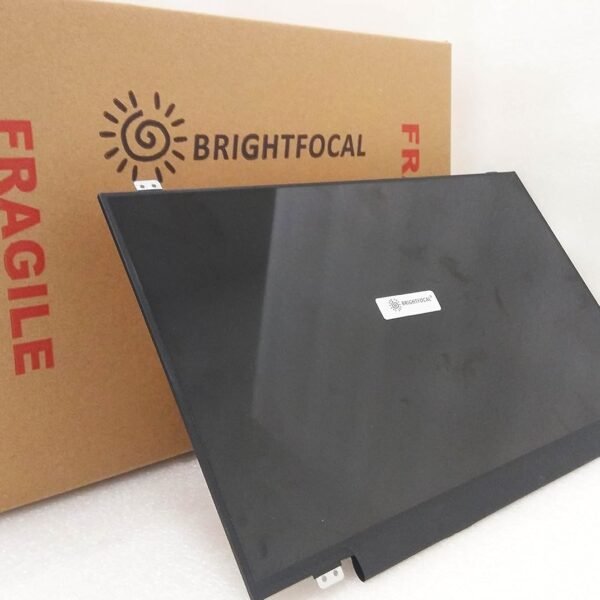
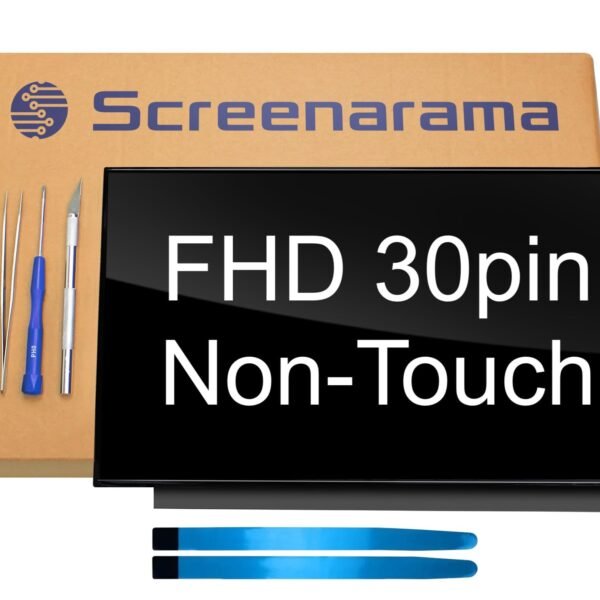
Is your Lenovo ThinkPad E480 screen cracked, flickering, or showing strange lines? At Lansotech Solutions, we specialize in professional Lenovo laptop screen replacement services in Nairobi. We use genuine Lenovo screens to ensure your laptop works like new.
✔ Cracked or shattered glass
✔ Black spots or dead pixels
✔ Flickering or dim display
✔ Lines across the screen
✔ No display but the laptop powers on
If you notice any of these problems, don’t wait—get a professional replacement today.
The price depends on your screen type:
✔ HD (1366 × 768)
✔ Full HD (1920 × 1080)
Water can damage internal components, cause short circuits, and leave permanent streaks. Instead, always use:
✔ A soft microfiber cloth
✔ Screen-safe cleaning solution
This keeps your screen safe and looking new.
1. How long does the screen replacement take?
Usually 30–45 minutes.
2. Do you offer onsite replacement?
Yes! We provide onsite screen installation in Nairobi and countrywide delivery.
3. Is there a warranty?
Yes, all our screens come with a warranty.
4. Can I replace the screen myself?
It’s possible but risky. Professional service ensures zero damage.
Never clean with water
Use a laptop sleeve for protection
Avoid placing heavy objects on the laptop
Close the lid gently
Get the Lenovo e480 screen Replacement service from Lansotech Solutions now!

No account yet?
Create an Account
















