






 Laptop Computers
 Desktop Computers
 Printers
 Network
 Software
 Laptop Accessories
 Laptop Components
 Office
 Desktop peripherals
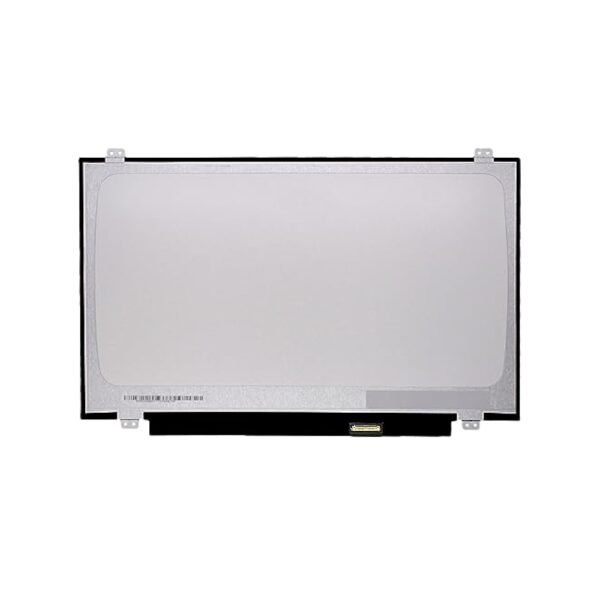
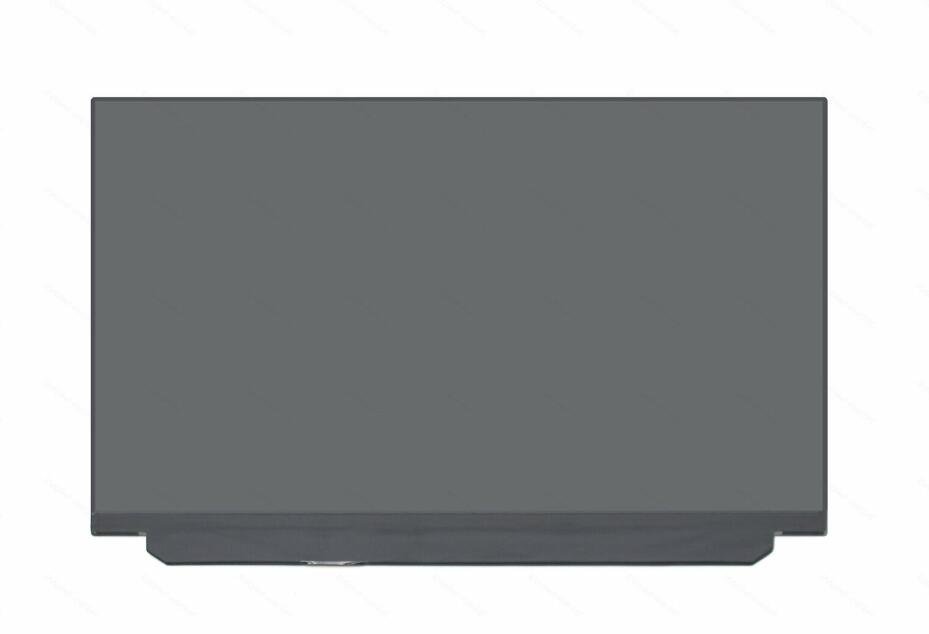
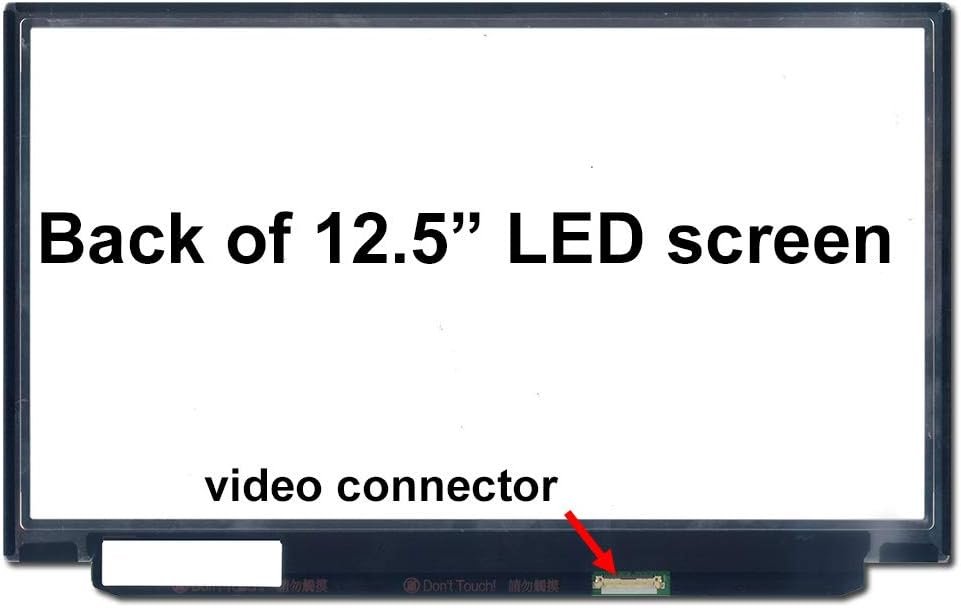
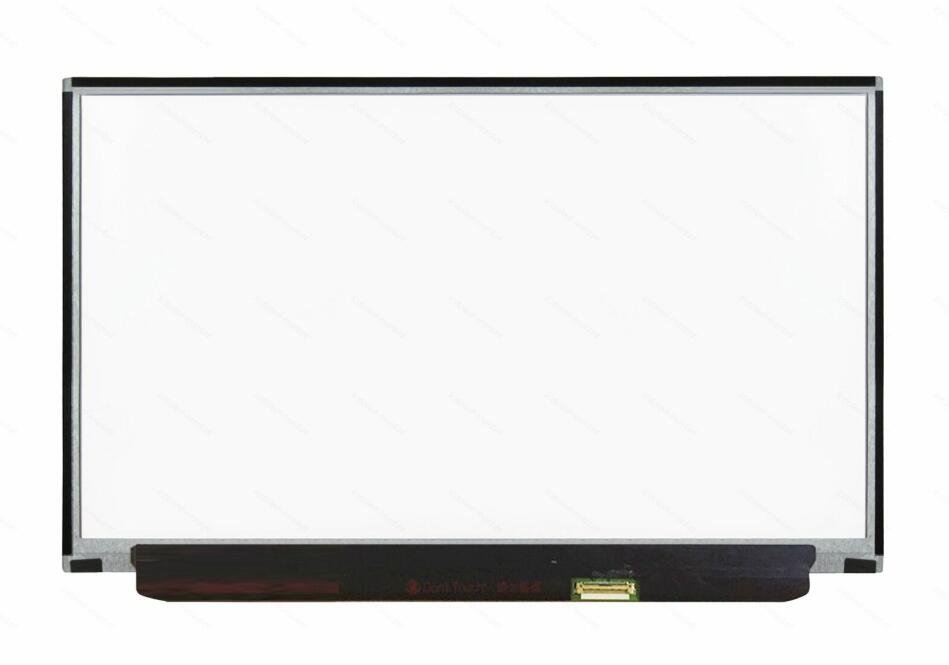
Size: 12.5″
Resolution: HD (1366 x 768)
Pixels: 1366 x 768
Backlight Type: LED
Backlight Lamp: DIODE
Connector: eDP
Pin Connection: 30 Pins
Side: Bottom Left
Finish: Matte/Glossy (specify in checkout note)
Condition: NEW
Commodity: Non-Touch Screen
Technology: LCD Panel
Dead Pixel Policy: In Accordance with ISO 13406-2 norm
Source: Factory Direct
Packaging: Fragile Customized Package
Compatibility: OEM – Lenovo ThinkPad X260

Hurry and get discounts on all Apple devices up to 20%
Sale_coupon_15
KSh6,500.00 excl. VAT
Payment Methods:

At Lansotech Solutions, we sell new and genuine Lenovo X260 screen replacements in Nairobi. The ThinkPad X260 is a durable business laptop known for its portability, reliability, and excellent performance. However, like any laptop, its screen can get damaged due to accidents, pressure, or internal faults. We provide OEM Lenovo screens and professional installation to restore your laptop’s sharp display and vibrant performance.
We are Nairobi’s leading Lenovo specialists. Here’s why customers trust us:
Brand-new Lenovo OEM replacement screens.
Professional same-day screen installation.
Affordable, transparent pricing.
Warranty coverage on parts and service.
Experienced technicians with expertise in Lenovo ThinkPads.
Bulk replacement services for businesses and institutions.
With us, you are assured of quality, durability, and excellent service.
After installing a new screen, it’s important to keep it safe from scratches and cracks. Here are some preventive measures:
Use a screen protector to shield against scratches.
Always close the laptop gently without applying excess pressure.
Store in a padded laptop bag or sleeve during travel.
Keep objects off the keyboard area before closing the lid.
Clean with a microfiber cloth only to avoid permanent marks.
By following these steps, you can extend the lifespan of your new Lenovo X260 screen replacement.
You may need a screen replacement if your X260 shows any of these issues:
Cracked or physically broken display after impact.
Backlight failure or dim display making it hard to see.
Vertical or horizontal lines running across the screen.
Black spots, dead pixels, or discoloration reducing visibility.
Completely blank screen even though the laptop powers on.
A new Lenovo replacement screen ensures smooth performance, clear visuals, and long-lasting reliability.
Get the Lenovo x260 screen Replacement service from Lansotech Solutions now!
 Laptop Computers
 Desktop Computers
 Desktop peripherals
 Laptop Accessories
 Laptop Components
 Network
 Printers
 Server
 Software
No account yet?
Create an Account






