







 Laptop Computers
 Desktop Computers
 Printers
 Network
 Software
 Laptop Accessories
 Laptop Components
 Office
 Desktop peripherals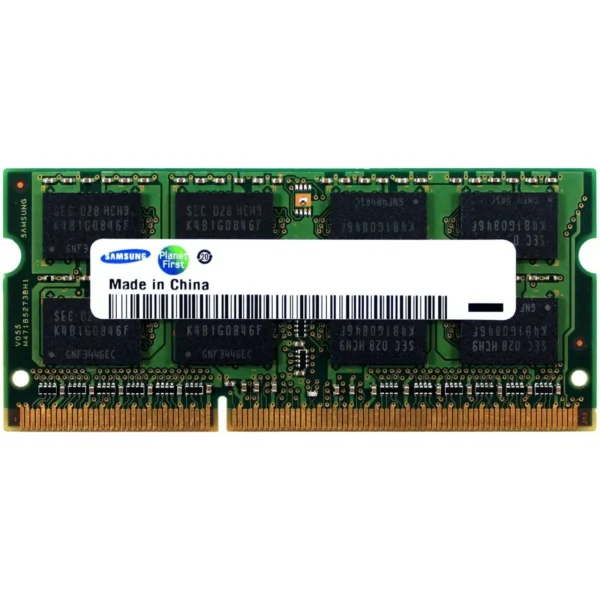
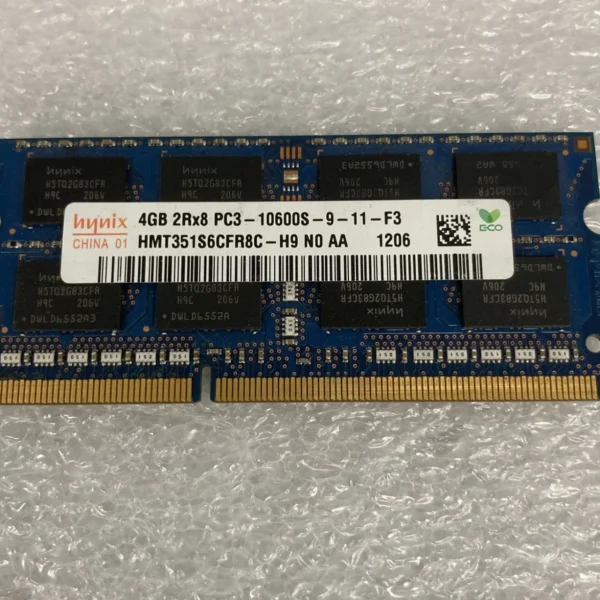
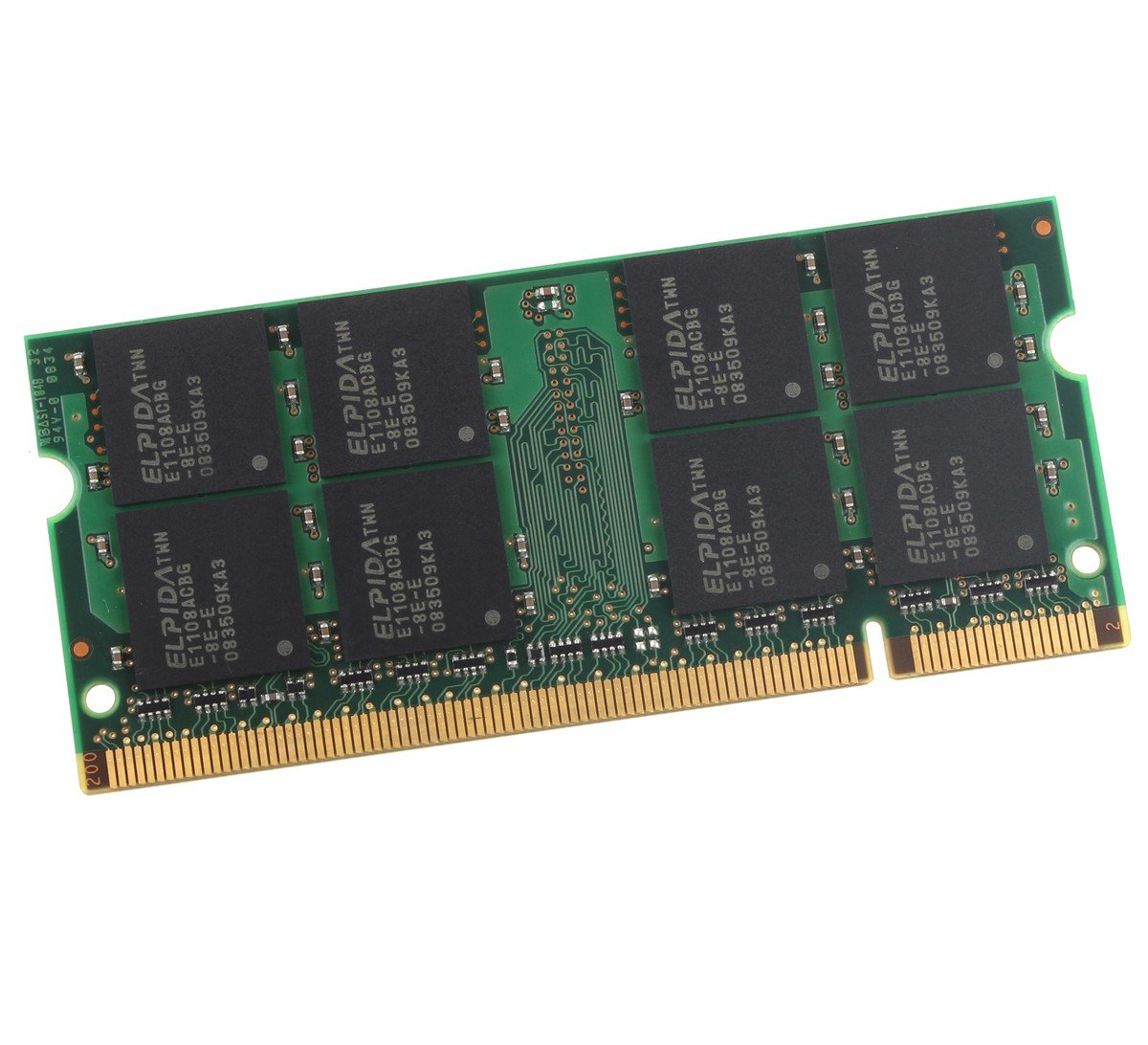
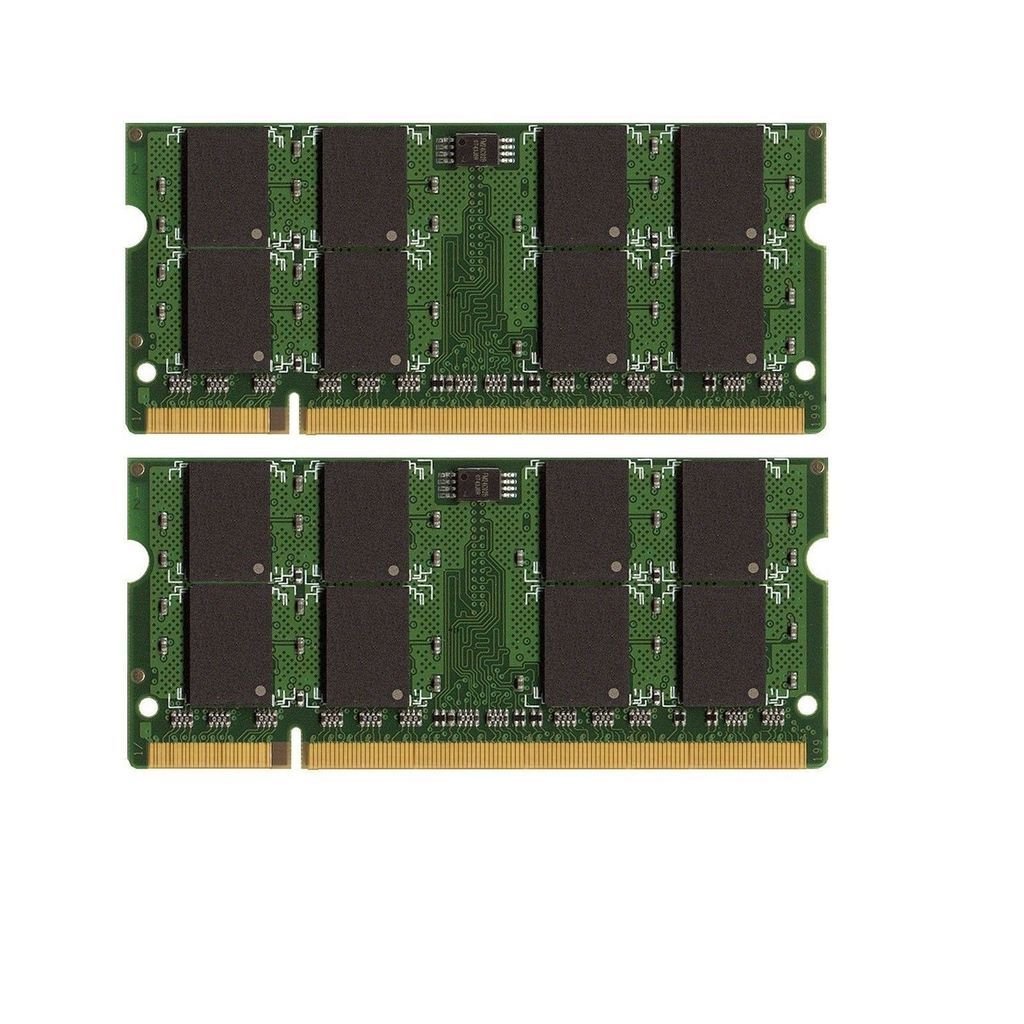
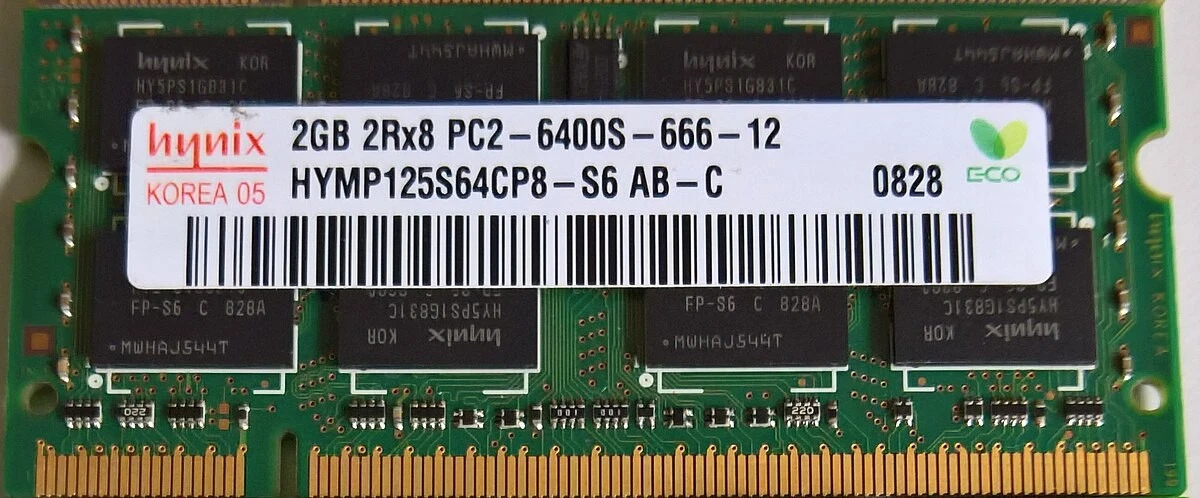
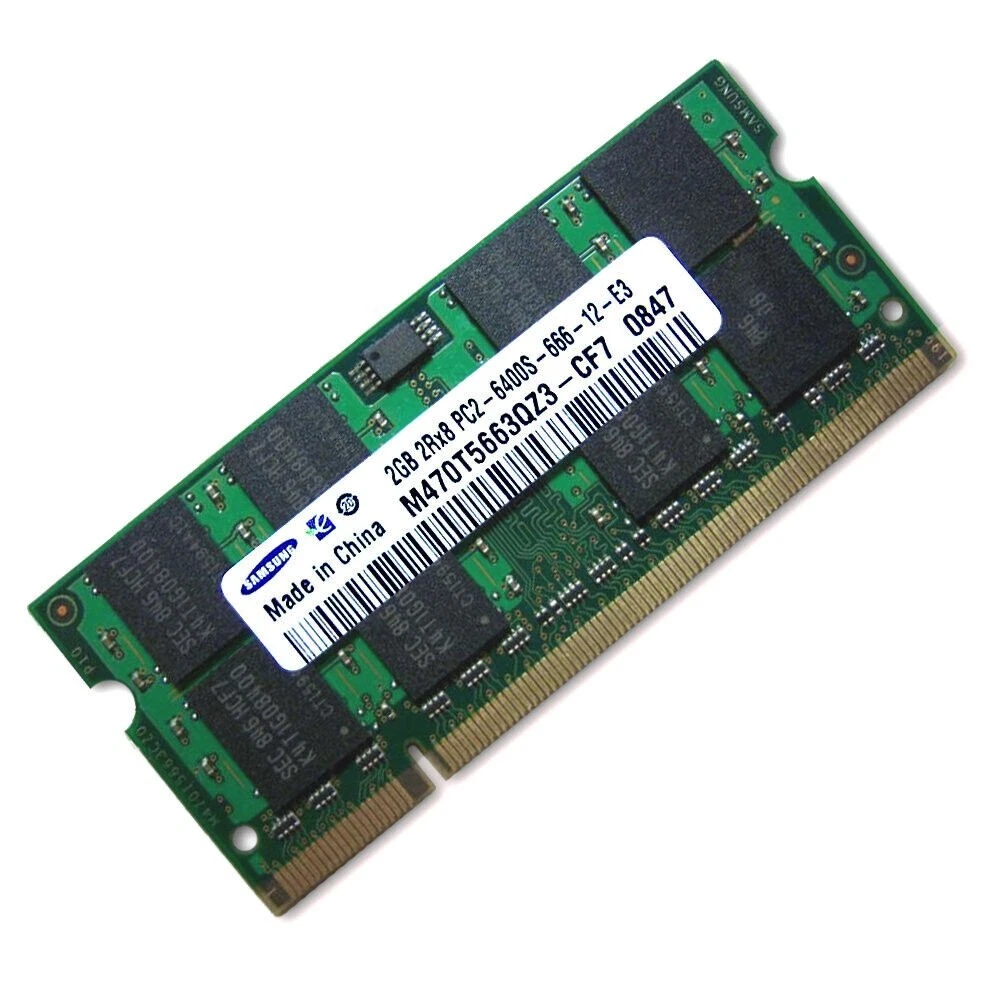
Capacity: 2GB (1x2GB)
Type: DDR2
Form Factor: SODIMM 200-pin
Speed/Frequency: 800MHz
PC Rating: PC2-6400
Voltage: 1.8V
Compatibility: Laptops supporting DDR2 SODIMM 200-pin modules
Use Case: Legacy laptop performance, multitasking, office applications, light computing

Hurry and get discounts on all Apple devices up to 20%
Sale_coupon_15
KSh1,000.00 excl. VAT
Payment Methods:

At Lansotech, we understand the importance of reliable RAM for maintaining smooth laptop performance. The Laptop Memory 2GB DDR2 PC2-6400 800MHz SODIMM is an ideal solution for older laptops that need improved speed, stability, and multitasking capability. Designed for legacy systems, this module allows laptops to run everyday applications more efficiently and extends their useful life.
Laptops with limited memory often experience:
Slow boot and application load times
Frequent system freezes and lag
Reduced multitasking capability
Installing 2GB DDR2 RAM provides:
Enhanced performance for everyday tasks such as web browsing, document editing, and email.
Improved multitasking – Run multiple lightweight applications simultaneously without slowdowns.
Extended laptop lifespan – Keeps older laptops operational and responsive.
Stable system performance – Reduces memory-related errors and crashes.
The PC2-6400 800MHz specification ensures compatibility with a wide range of laptops that support DDR2 SODIMM memory.
Operating at 800MHz, this DDR2 RAM module provides consistent data transfer rates, ensuring smooth operation for legacy laptops running basic applications.
The 200-pin SO-DIMM design makes it easy to install in laptops and ensures broad compatibility across older laptop models.
The module operates at 1.8V, consuming low power while reducing heat generation. This makes it ideal for laptops used for extended periods, such as for schoolwork, business, or light gaming.
Even though it is DDR2 memory, the module ensures stable operation, minimizing system crashes and providing consistent performance for everyday computing needs.
With 2GB DDR2 RAM, users can run web browsers with multiple tabs, office applications, and lightweight media programs more efficiently. Switching between tasks is smoother, and overall system responsiveness improves.
Older laptops often struggle with low memory capacity, resulting in crashes or slowdowns. Upgrading to 2GB ensures better system stability and a more reliable computing experience.
Many older laptops run legacy software that requires stable memory performance. This RAM module allows your laptop to continue running such applications without issues.
The 1.8V DDR2 operation reduces heat and power consumption, maintaining system efficiency and helping laptops run cooler for extended periods.
Proper care ensures optimal performance and longevity of your DDR2 SODIMM RAM:
Keep the laptop clean – Dust and debris can affect RAM slots and system performance.
Avoid overheating – Ensure proper airflow and consider a cooling pad.
Handle RAM with care – Ground yourself to prevent static discharge during installation.
Monitor system usage – Avoid excessive multitasking beyond the module’s capacity.
Update BIOS and drivers – Ensure your laptop recognizes and optimizes the RAM properly.
Prevent physical damage – Install the module gently and align it correctly in the slot.
Following these steps helps maintain long-term performance and reliability.
The 200-pin SODIMM form factor ensures compatibility with laptops supporting DDR2 PC2-6400 memory. Installation steps:
Power off the laptop and remove the battery if possible.
Open the memory compartment carefully.
Align the RAM module with the slot, ensuring the notch matches the key.
Press gently until the module clicks into place.
Close the compartment and power on the laptop.
Most legacy laptops will automatically detect the new RAM, immediately improving system speed and stability.
Reliable legacy upgrade – Optimized for older laptops.
Stable DDR2 performance – Ensures smooth operation for everyday tasks.
Energy-efficient – Low voltage minimizes heat and preserves battery life.
Easy installation – Standard 200-pin SODIMM form factor.
Affordable – Boosts performance without the cost of a new laptop.
No account yet?
Create an Account







 ASUS
ASUS






