






 Laptop Computers
 Desktop Computers
 Printers
 Network
 Software
 Laptop Accessories
 Laptop Components
 Office
 Desktop peripherals
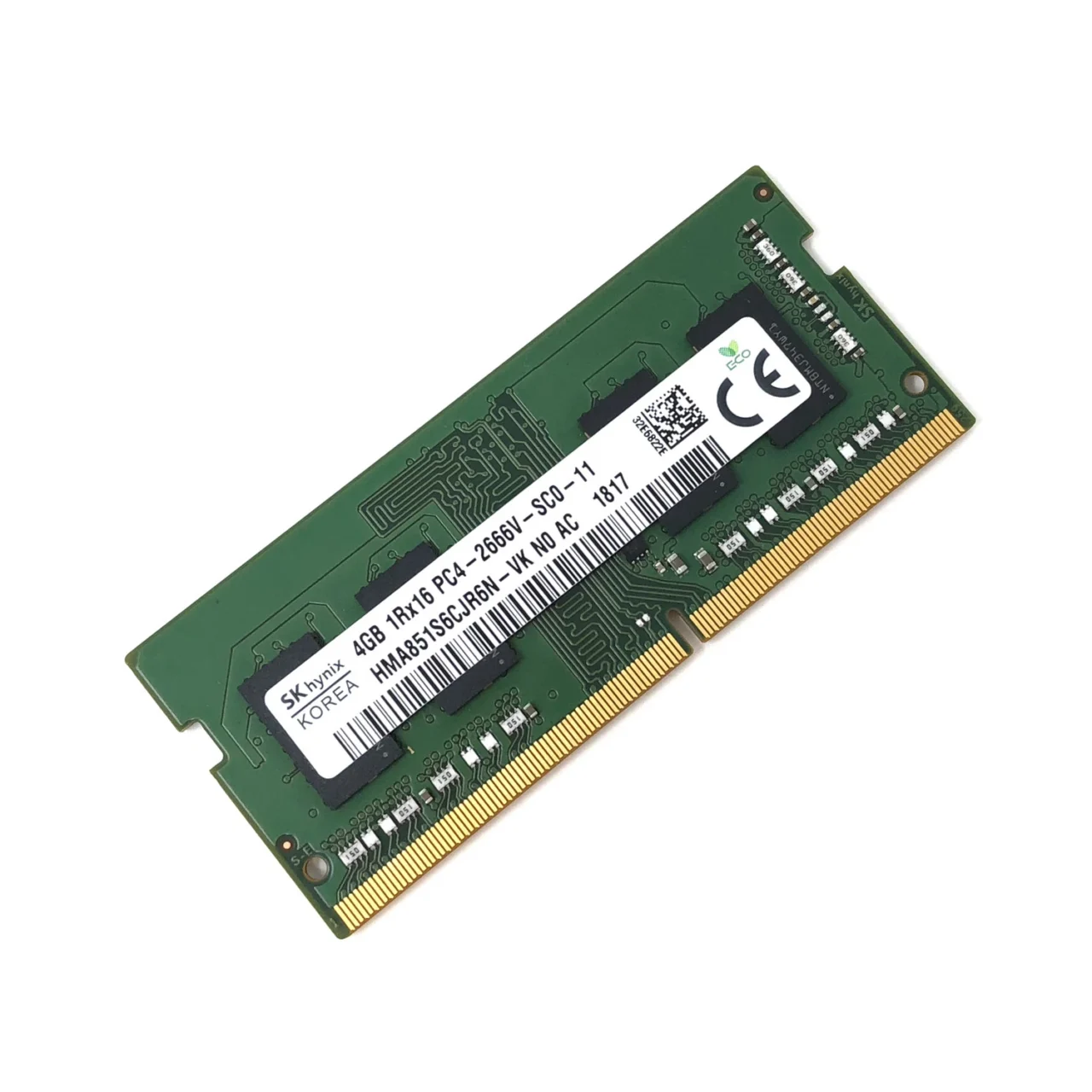
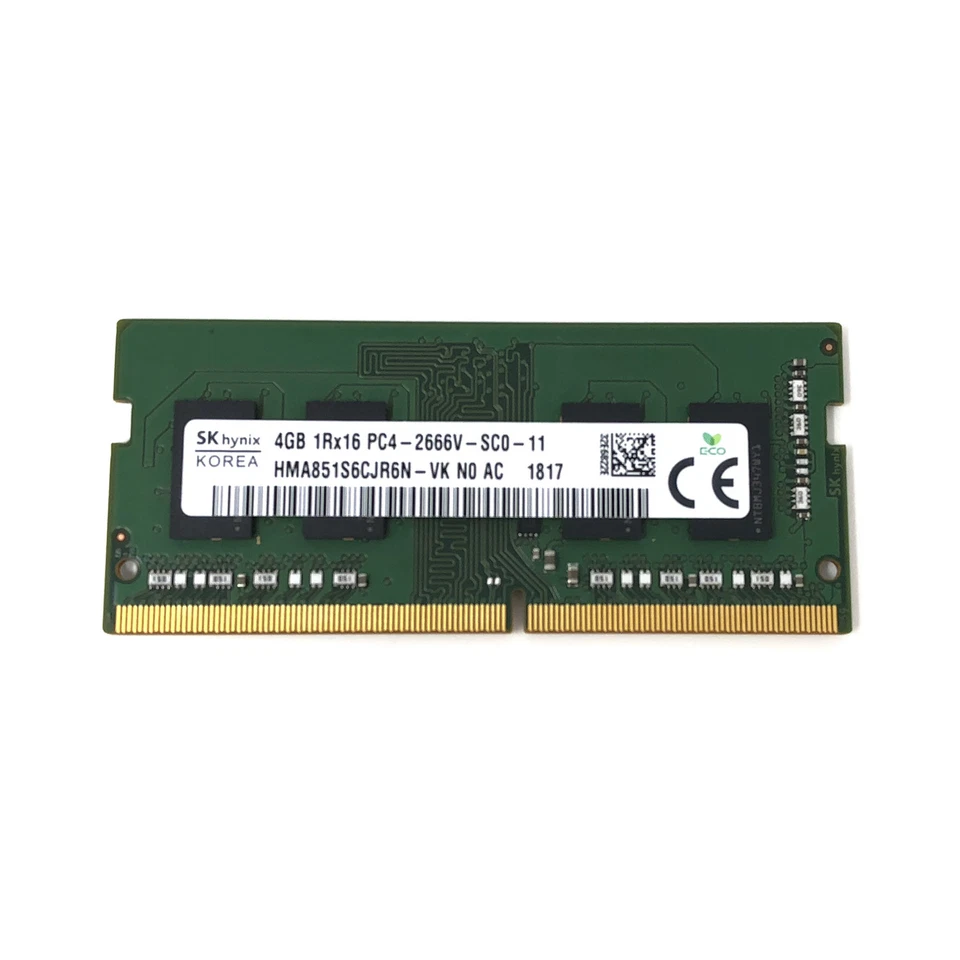
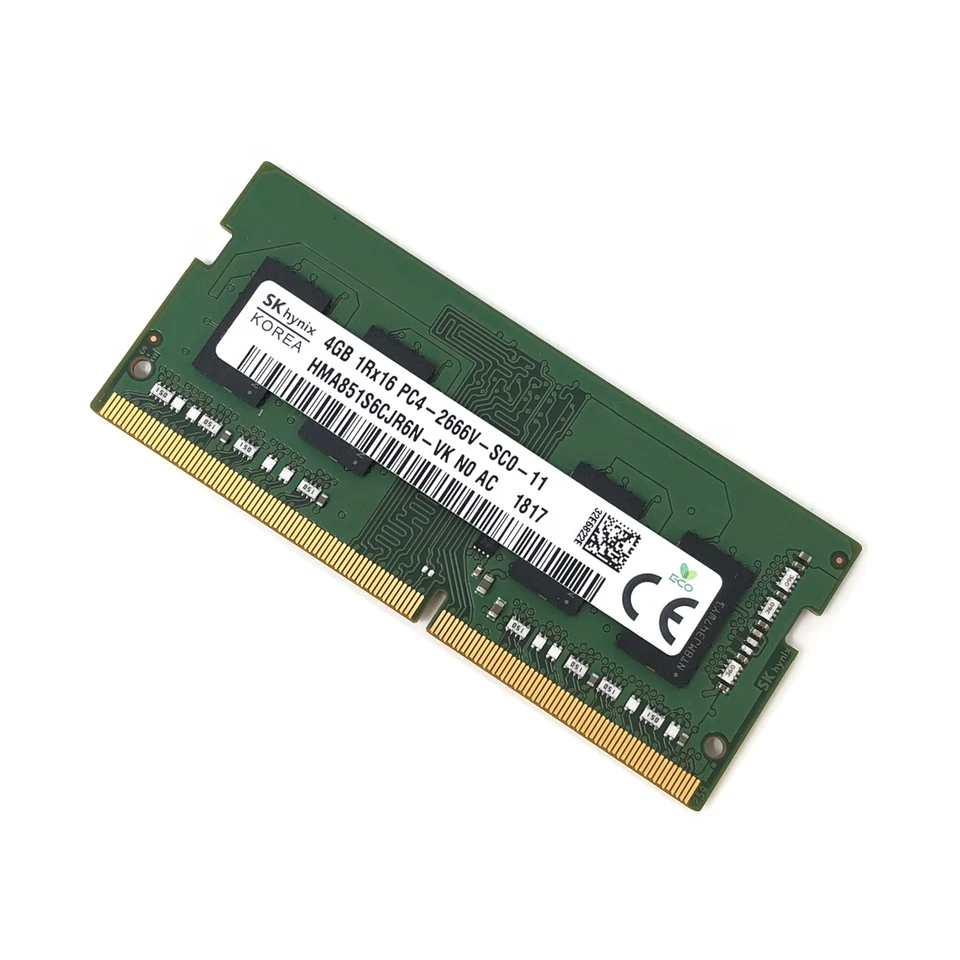
Brand: SK Hynix
Capacity: 4GB
Type: DDR4
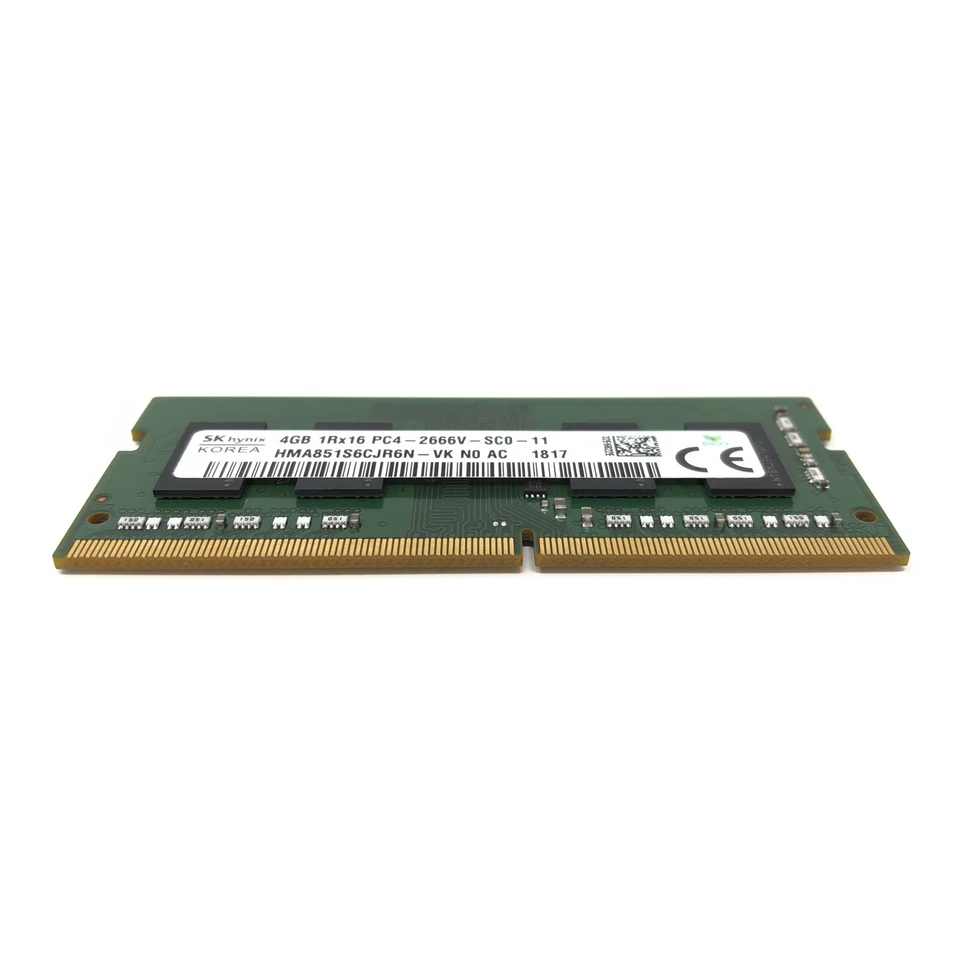
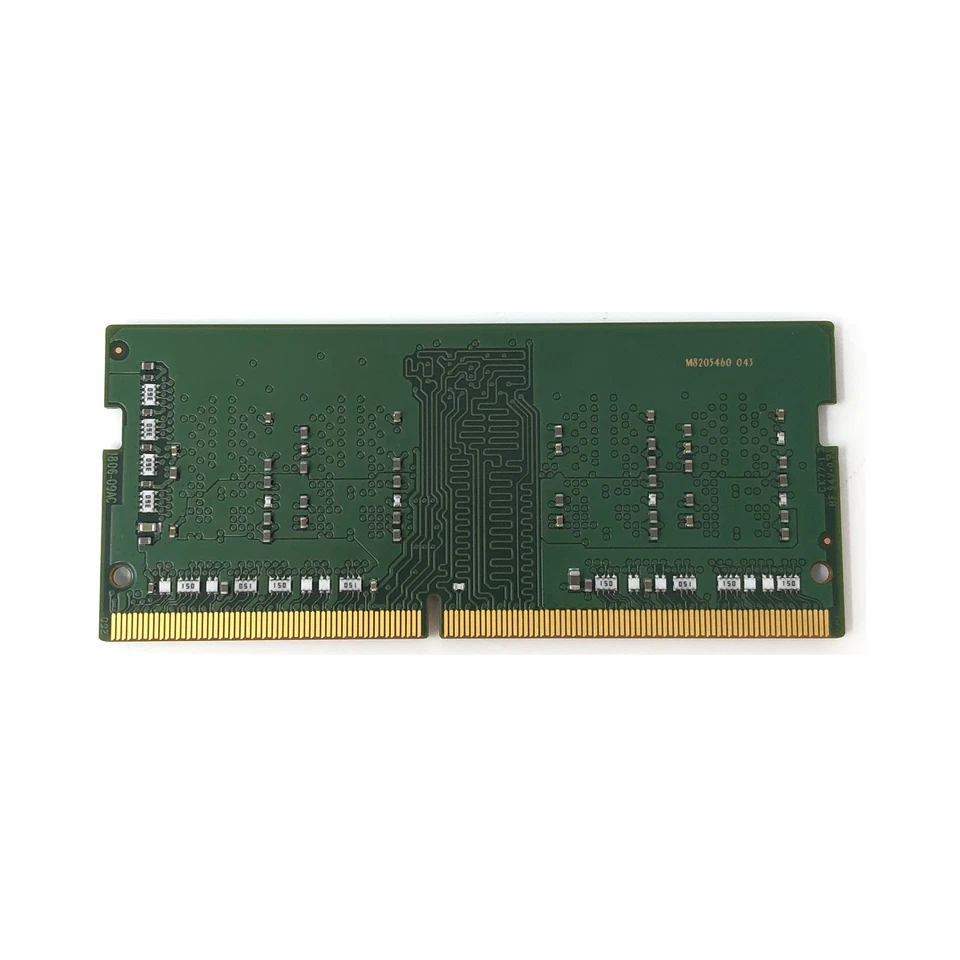
Form Factor: SO-DIMM 260-pin
Speed/Frequency: 2400MHz
PC Rating: PC4-19200
Module Configuration: 1Rx16 (Single Rank)
Voltage: 1.2V
Compatibility: Laptops supporting DDR4 SO-DIMM 260-pin modules
Use Case: Multitasking, light gaming, office applications, system stability

Hurry and get discounts on all Apple devices up to 20%
Sale_coupon_15
KSh2,500.00 excl. VAT
Payment Methods:

At Lansotech Solutions, we specialize in high-quality laptop memory solutions that enhance performance and extend system life. The SK Hynix HMA851S6CJR6N 4GB 1Rx16 DDR4 SO-DIMM PC4-19200 2400MHz Laptop Memory is a trusted choice for users who need smooth multitasking, improved speed, and reliable performance. Whether for office work, multimedia, or casual gaming, this DDR4 SO-DIMM module ensures your laptop runs efficiently. Knowing how to know your laptop RAM is getting old is equally important for maintaining peak system performance.
Laptops with limited or aging memory can experience:
Slow system performance
Lag when switching between applications
Frequent crashes or freezes
Upgrading to 4GB DDR4 RAM provides:
Improved multitasking – Run multiple applications, browser tabs, and background processes smoothly.
Faster system responsiveness – Quick boot times, software launch, and data access.
Better stability – Reduces memory-related errors and system crashes.
Future-proofing for moderate workloads – Supports lightweight gaming, office suites, and multimedia tasks.
The SK Hynix DDR4 2400MHz module offers balanced performance, stability, and energy efficiency.
Operating at 2400MHz, this RAM module provides fast data transfer rates for seamless multitasking and improved application performance. The PC4-19200 specification ensures adequate bandwidth for modern laptops performing everyday tasks.
The 1Rx16 single-rank design optimizes memory addressing and ensures compatibility with most DDR4 laptops, offering smooth performance without memory conflicts.
With a standard 1.2V low-voltage design, this module reduces heat generation and conserves laptop battery life while maintaining reliable performance during extended use.
SK Hynix is a global leader in memory technology, ensuring every module is tested for quality, reliability, and compatibility. The HMA851S6CJR6N offers stable, long-term performance and low failure rates.
With 4GB DDR4 RAM, users can run multiple lightweight applications such as Microsoft Office, web browsers, and media players without noticeable slowdowns. Switching between tasks becomes more responsive, improving productivity and workflow efficiency.
Low or aging memory can cause system crashes, errors, or slowdowns. The SK Hynix 4GB module ensures stable operation, reducing interruptions and enhancing overall laptop reliability.
The low-voltage design helps maintain cooler operation and conserves battery power, making it ideal for long working sessions or portable computing.
Knowing how to know your laptop RAM is getting old is crucial for maintaining performance. Common signs include:
Frequent system crashes or blue screens – Memory errors often indicate failing RAM.
Slower program launches and overall performance – Applications take longer to open or respond.
Random freezes or lag during multitasking – Tasks that were smooth previously may now stutter.
Frequent memory error notifications – Error messages during normal use can signal RAM degradation.
Corrupted files or unexpected application closures – Poor memory reliability can affect file integrity.
If you notice these signs, upgrading or testing your RAM can prevent system instability and improve performance.
The DDR4 SO-DIMM 260-pin form factor ensures broad compatibility with laptops supporting DDR4 2400MHz memory. Installation is simple:
Power off your laptop and remove the battery if possible.
Open the memory compartment carefully.
Align the RAM module with the slot and ensure the notch matches the key.
Press gently until the module clicks into place.
Close the compartment and power on the laptop.
Most laptops will automatically detect the new RAM, enhancing performance immediately.
Proper care helps maintain optimal RAM performance and longevity:
Keep your laptop clean – Use compressed air to remove dust from memory slots.
Prevent overheating – Ensure proper airflow and consider using a cooling pad.
Handle RAM carefully – Ground yourself to prevent static electricity during installation.
Monitor usage – Avoid running too many heavy applications simultaneously.
Update BIOS and drivers – Ensures proper memory recognition and stability.
Avoid physical damage – Insert modules gently and align correctly.
No account yet?
Create an Account







 ASUS
ASUS






