






 Laptop Computers
 Desktop Computers
 Printers
 Network
 Software
 Laptop Accessories
 Laptop Components
 Office
 Desktop peripherals
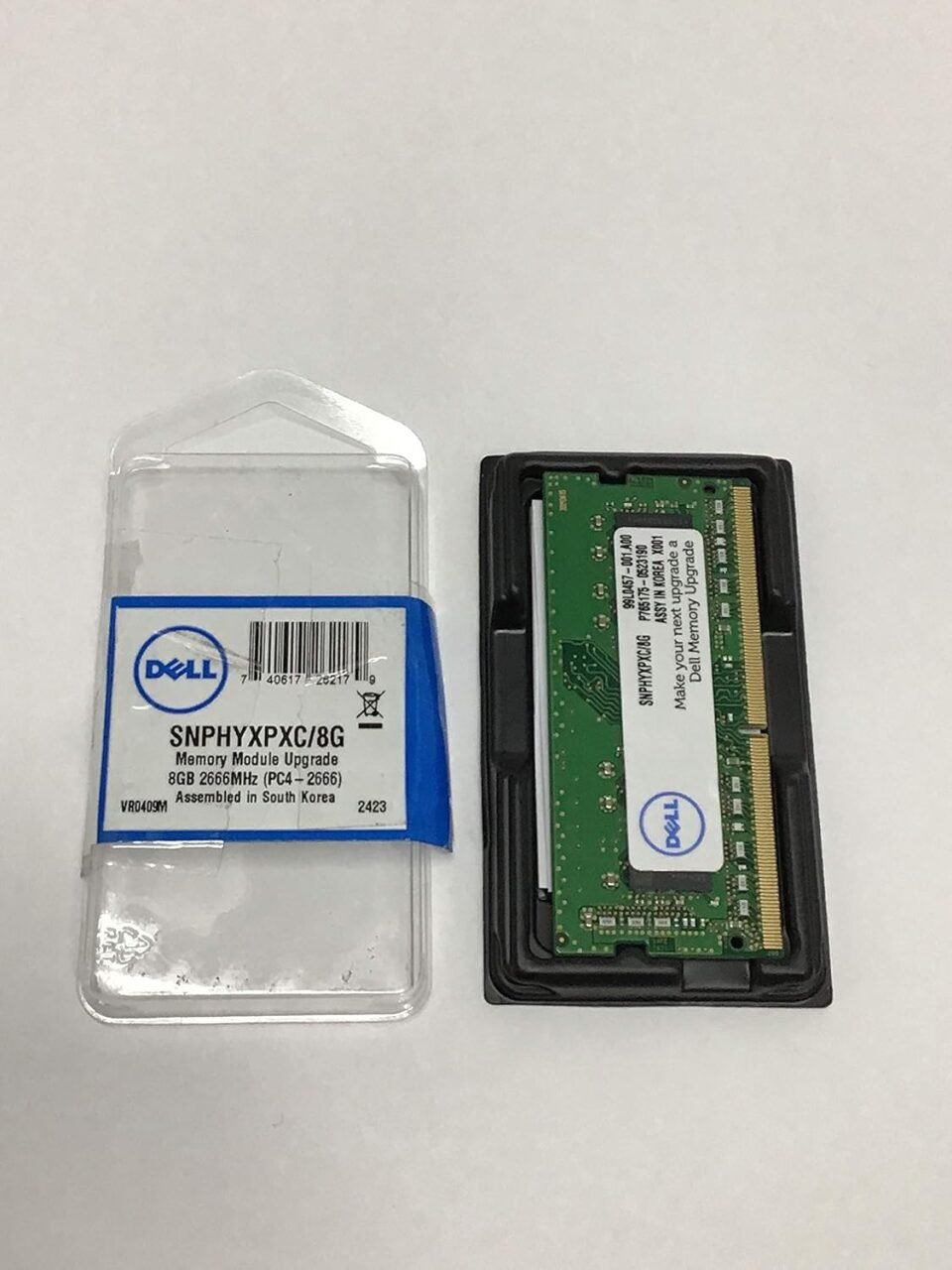
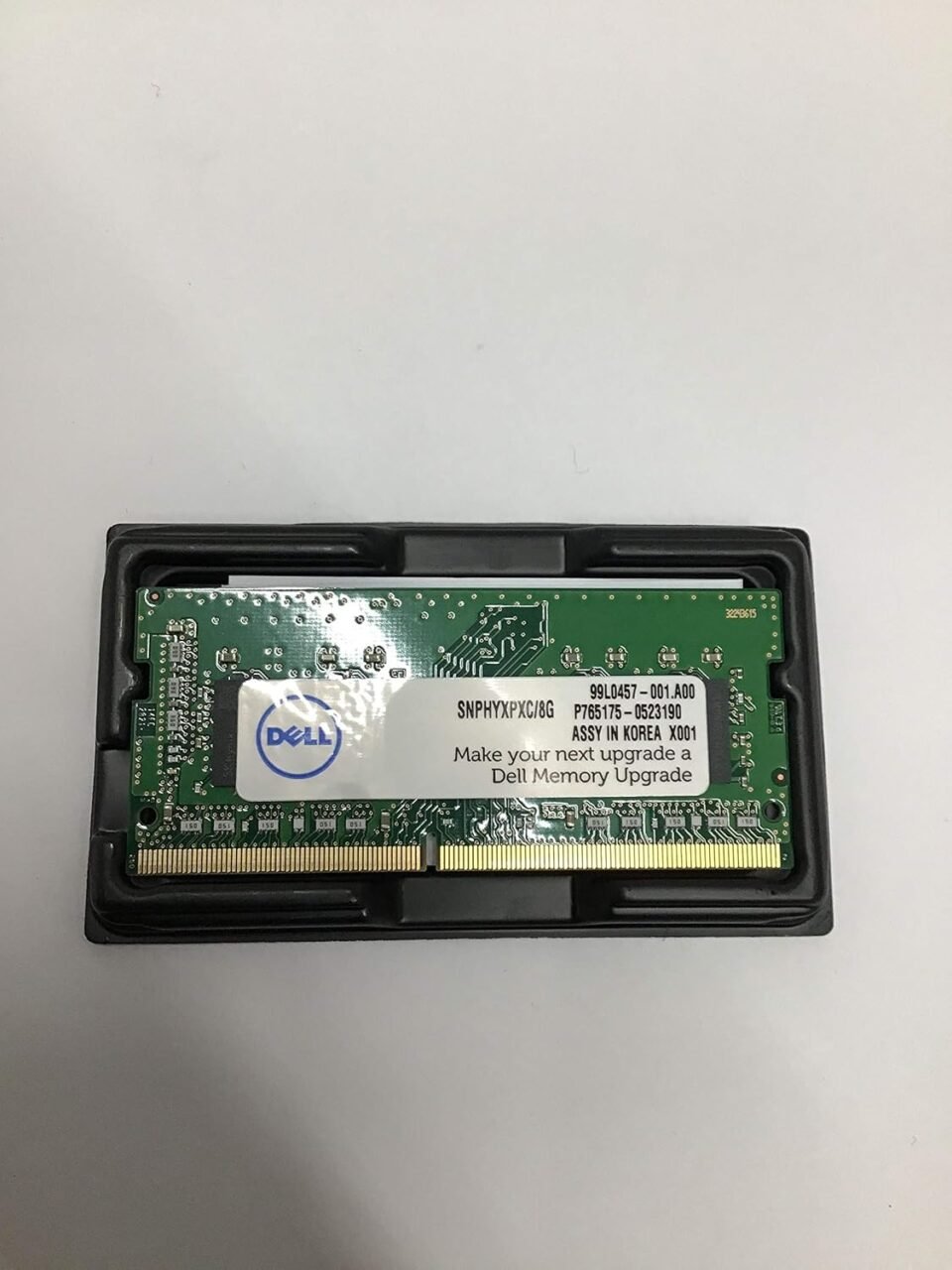
Brand: Dell
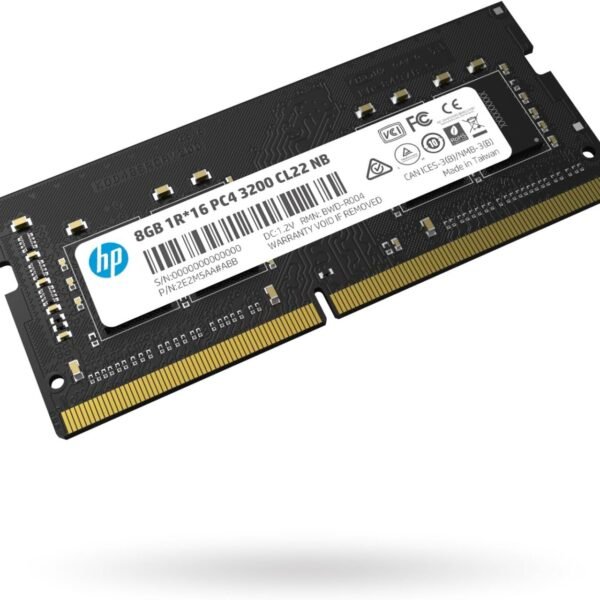
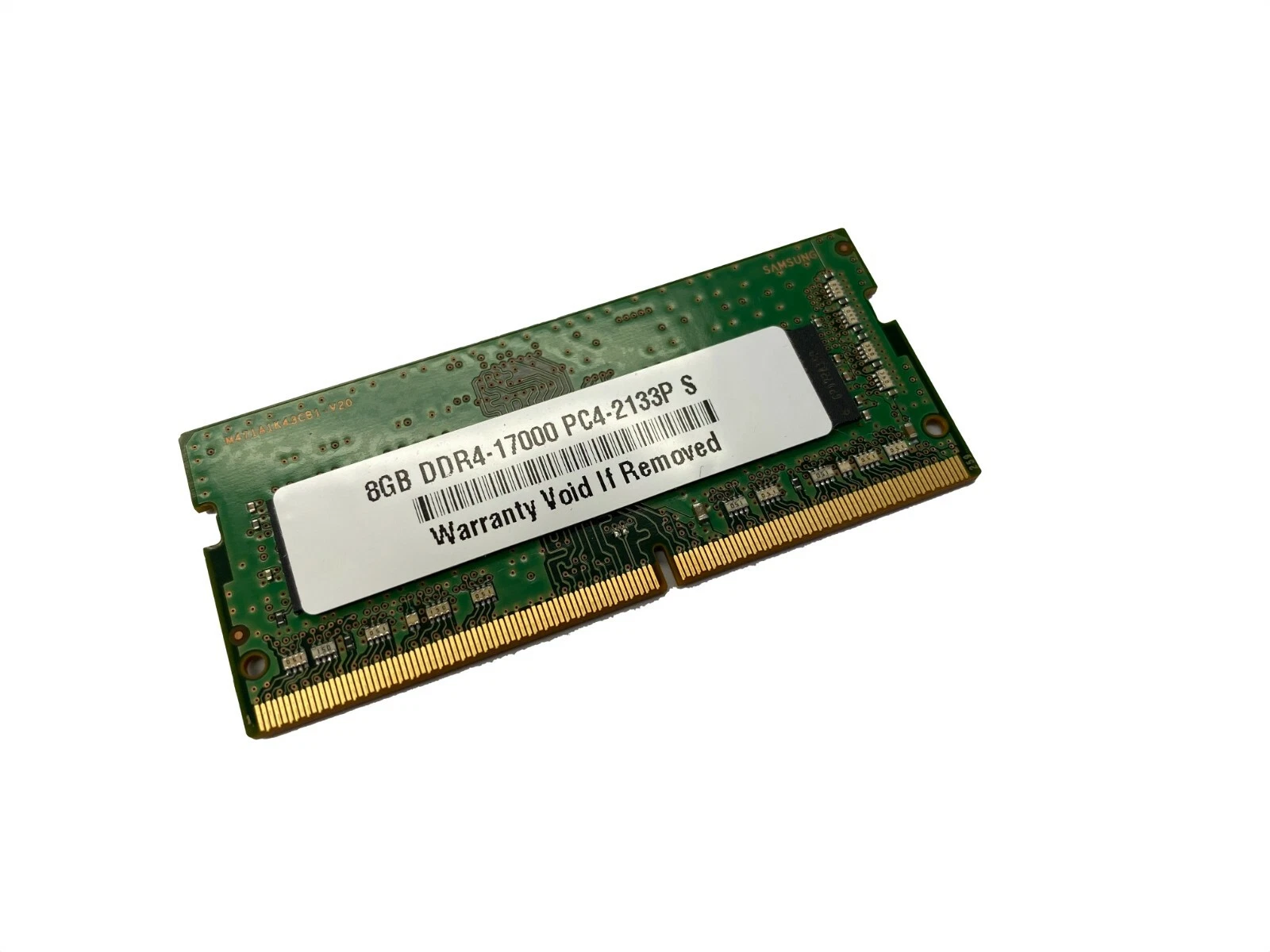
Capacity: 8GB
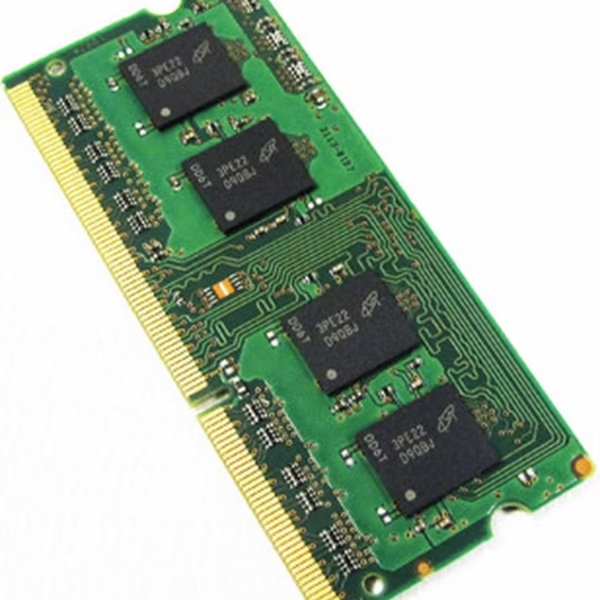
Memory Type: DDR4 SO-DIMM
Speeds Available: 2133MHz, 2400MHz, 2666MHz, 3200MHz
Voltage: 1.2V DDR4 standard
Rank Configuration: 1Rx8 (Single Rank)
Pin Count: 260-Pin
Form Factor: Laptop SO-DIMM
Compatibility: Dell laptops and other DDR4-supported notebooks
Primary Usage: Office productivity, web browsing, education, multimedia, and general computing

Hurry and get discounts on all Apple devices up to 20%
Sale_coupon_15
KSh4,000.00 excl. VAT
Payment Methods:

In today’s fast-paced computing world, laptop performance, multitasking efficiency, and system stability are critical for students, professionals, and everyday users. At Lansotech Solutions, we offer genuine, high-performance Dell 8GB DDR4 laptop RAM upgrades, designed to enhance your laptop’s speed and reliability. Available in 260-pin SO-DIMM modules with speeds of 2133MHz, 2400MHz, 2666MHz, and 3200MHz, these memory upgrades are ideal for improving system responsiveness and handling modern software demands.
This article will explain why you need a RAM upgrade and why choosing Dell DDR4 memory is the smart choice for laptops in Kenya.
Many laptop users overlook the impact of insufficient memory on system performance. Common issues with laptops that have limited RAM include:
Slow boot times and application launches
System lag during multitasking
Freezing when multiple browser tabs or applications are open
Reduced performance in office software, educational tools, or multimedia applications
A RAM upgrade resolves these issues by:
Providing more memory space for applications
Allowing faster switching between programs
Reducing system slowdowns
Future-proofing your laptop for upcoming software updates
For anyone asking “why you need a RAM upgrade,” the answer is simple: it directly improves your laptop’s speed, efficiency, and multitasking capabilities, making everyday computing smoother and more productive.
Our Dell 8GB DDR4 modules are available in multiple speeds to match your laptop’s specifications:
2133MHz: Reliable performance for office and educational tasks
2400MHz: Balanced speed for multitasking and web applications
2666MHz: Enhanced performance for professional and creative workloads
3200MHz: Maximum throughput for gaming, editing, and heavy multitasking
Higher memory speed ensures faster data transfer, reduced latency, and smoother overall system performance, making your laptop more responsive for both work and entertainment.
Designed specifically for laptops and notebooks, the 260-pin SO-DIMM form factor provides:
Easy installation in compatible laptops
Stable electrical connectivity for consistent performance
Support for dual-channel and single-channel operation
Compatibility with most Dell laptop models and other DDR4-supported laptops
Always verify that your laptop supports DDR4 memory and the chosen frequency to achieve optimal performance.
Dell DDR4 modules operate at 1.2 volts, providing:
Lower power consumption and heat generation
Longer battery life on portable laptops
Enhanced laptop stability during heavy workloads
Energy-efficient operation without compromising performance
This makes them ideal for mobile professionals, students, and anyone needing reliable laptop performance throughout the day.
The 1Rx8 single-rank configuration ensures:
Stable electrical performance
Efficient communication with laptop memory controllers
Reliable multitasking across multiple applications
Broad compatibility with business, educational, and consumer laptops
This design guarantees smooth system performance with minimal errors or slowdowns.
Enhanced performance in Microsoft Office, spreadsheets, and email workflows.
Smooth experience for online classes, research applications, and multitasking.
Seamless switching between browser tabs, media players, and communication apps.
Upgrading RAM extends the usable life of laptops, ensuring faster performance for years to come.
Upgrading Dell DDR4 RAM is straightforward:
Power off the laptop and disconnect any external power sources
Open the laptop’s memory compartment
Insert the 260-pin SO-DIMM module securely into the slot
Restart the laptop to detect the new memory automatically
After installation, users immediately notice faster boot times, smoother multitasking, and improved system responsiveness.
 Laptop Computers
 Desktop Computers
 Desktop peripherals
 Laptop Accessories
 Laptop Components
 Network
 Printers
 Server
 Software
No account yet?
Create an Account






