












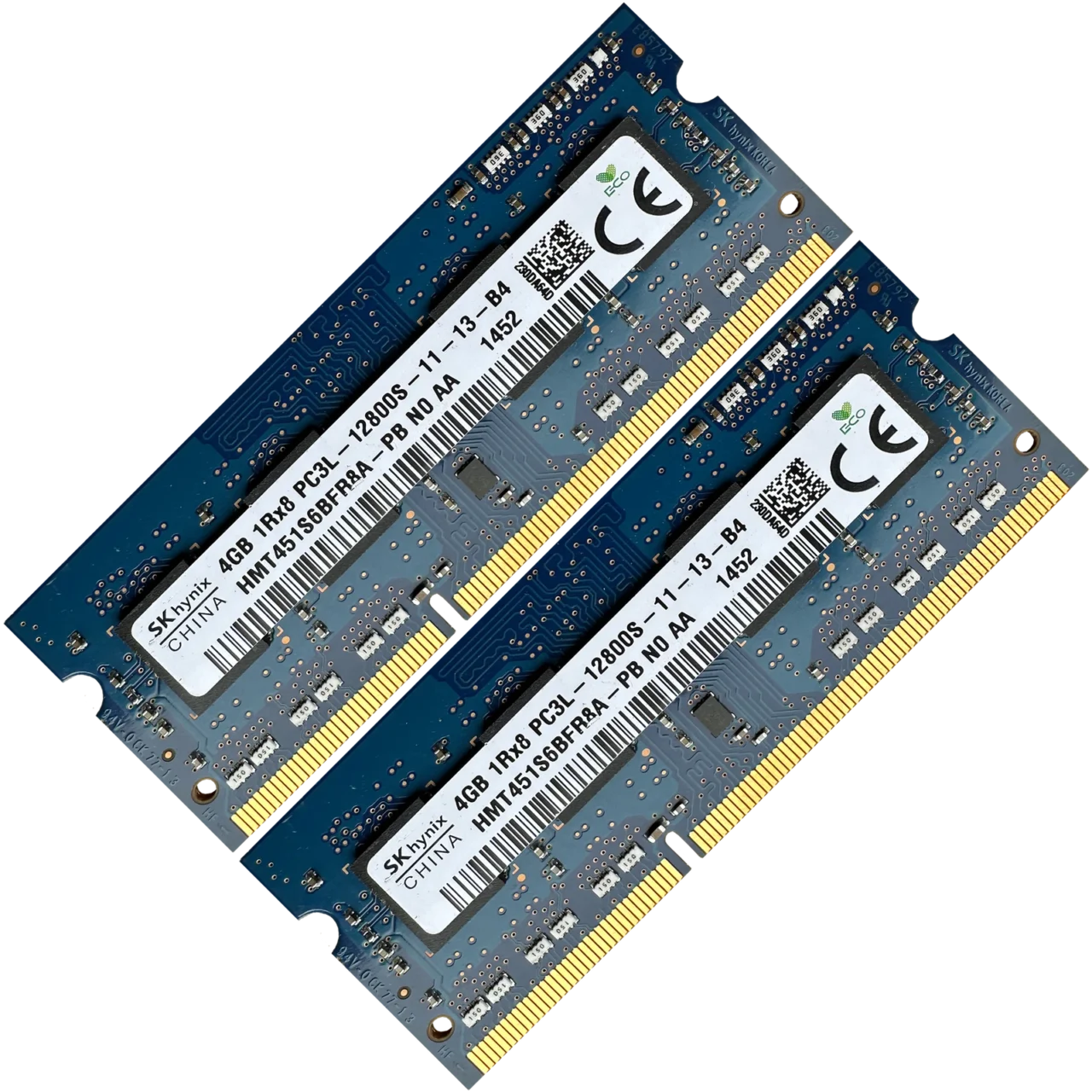

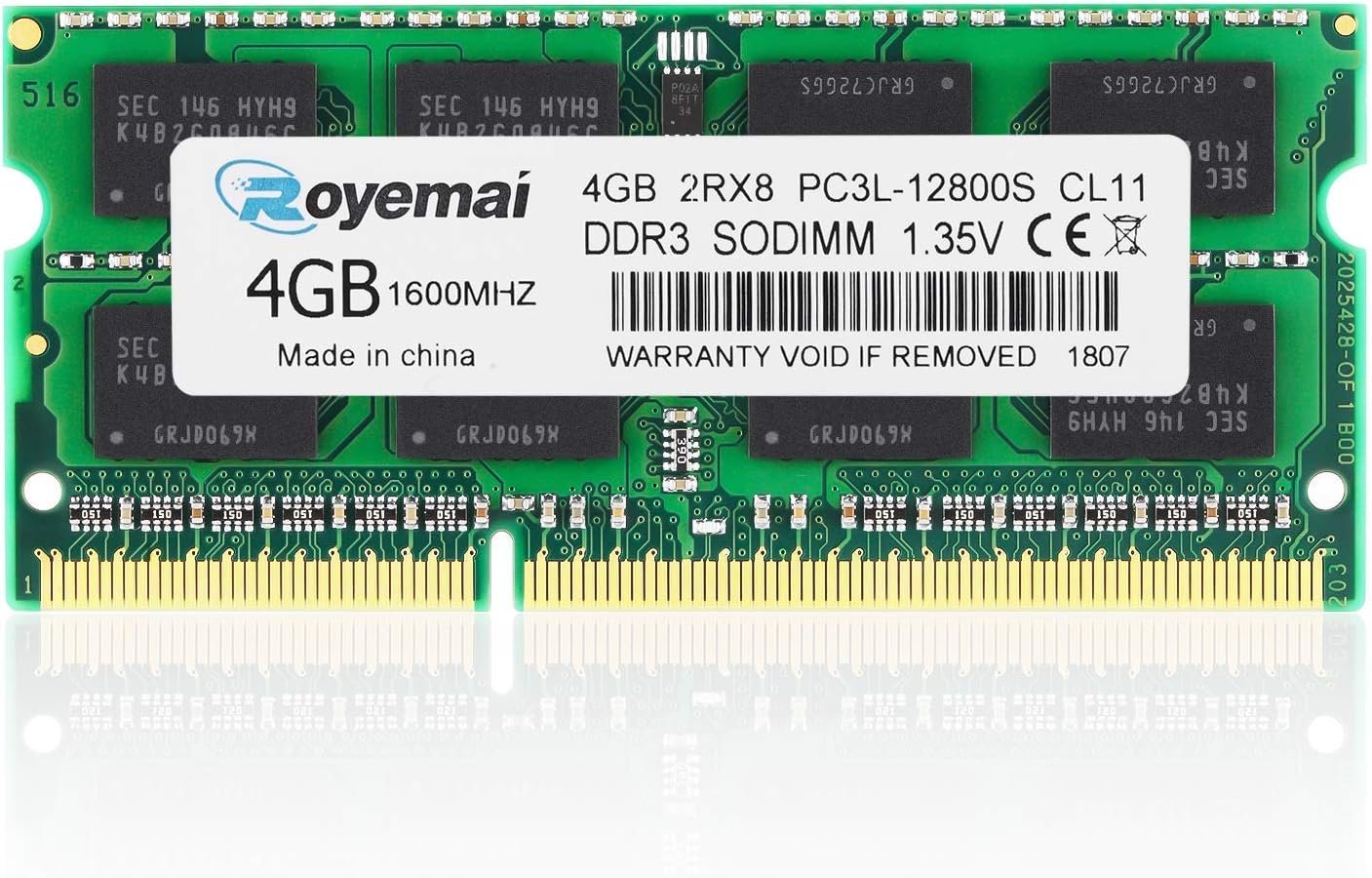
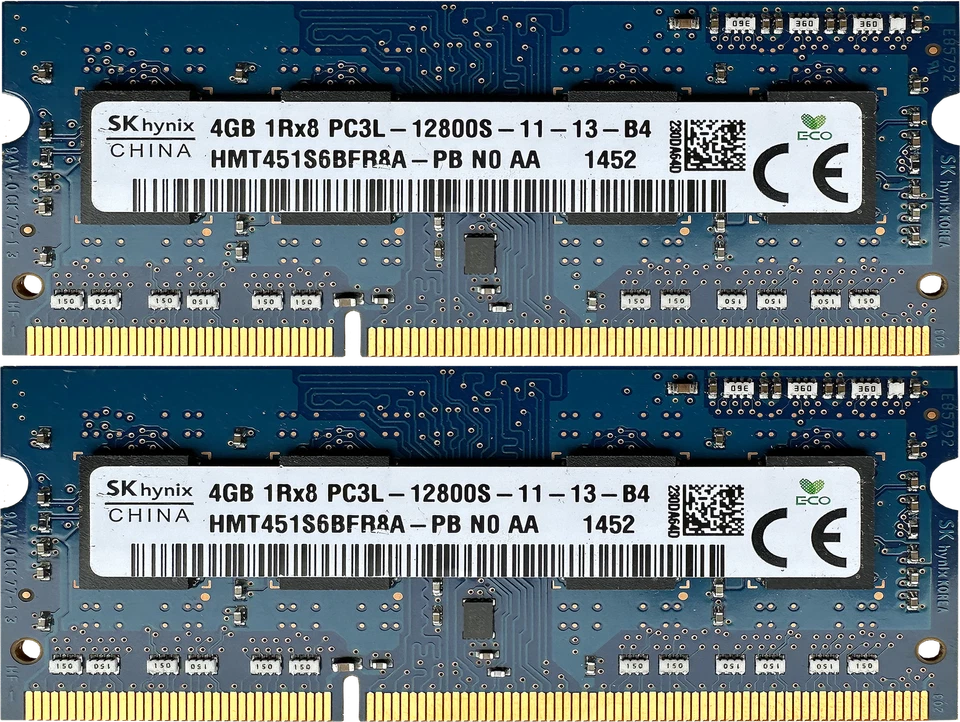

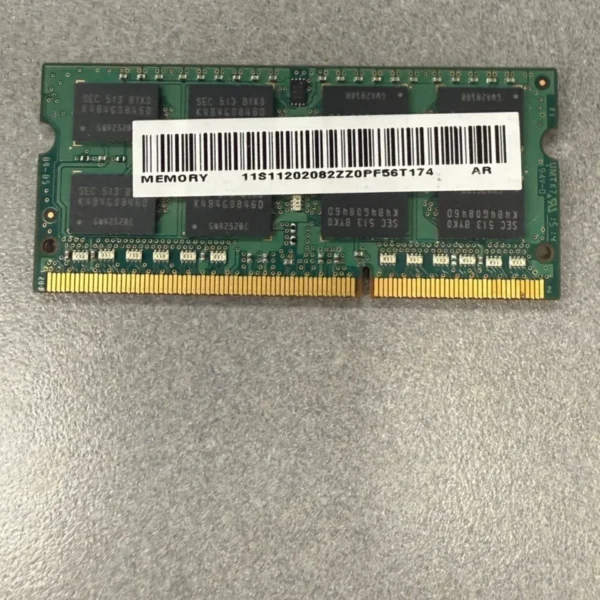
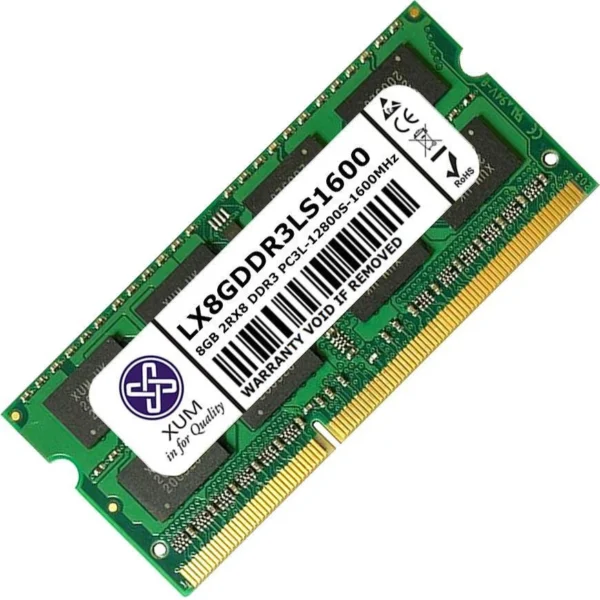
Capacity: 4GB
Memory Type: DDR3L
Speed: 1600MHz
PC Rating: PC3L-12800
Voltage: 1.35V
Form Factor: 204-Pin SODIMM
Configuration: 1x4GB

Hurry and get discounts on all Apple devices up to 20%
Sale_coupon_15
KSh1,400.00 excl. VAT
Payment Methods:

Upgrade your laptop performance with a 4GB DDR3L 1600 SODIMM Laptop RAM Memory module, designed to improve system speed, responsiveness, and multitasking capability. This memory upgrade is ideal for older laptops that support DDR3L technology and need a cost-effective performance boost.
The 4GB DDR3L 1600MHz (PC3L-12800) SODIMM memory module is engineered for laptops requiring low-voltage DDR3L RAM. It enhances everyday computing tasks such as browsing, office work, streaming, and basic productivity applications.
If your laptop currently runs on 2GB RAM, upgrading to 4GB can significantly improve overall system performance.
Provides sufficient memory for basic multitasking and smoother operation of standard applications.
Delivers stable data transfer rates suitable for everyday computing needs.
Consumes less power than standard DDR3 (1.5V), offering:
Better battery efficiency
Reduced heat generation
Improved hardware longevity
Specifically designed for laptops and compact systems.
Upgrading to 4GB DDR3L 1600MHz RAM helps:
Improve boot times
Reduce freezing and lag
Enhance multitasking capability
Increase overall system responsiveness
Provide smoother browsing and office performance
Before purchasing, confirm that your laptop:
Supports DDR3L memory
Uses 204-pin SODIMM modules
Supports 1600MHz speed (or compatible downclocking)
Some systems that support DDR3 1.5V may also support DDR3L, but compatibility should always be verified.
Students
Office users
Basic home use
Older laptops needing performance improvement
If your laptop feels slow during normal use, a memory upgrade is one of the simplest and most cost-effective performance improvements available. Insufficient RAM forces the system to rely on slower storage (HDD or SSD) for temporary data, which significantly reduces speed.
Installing 4GB DDR3L 1600MHz RAM reduces this bottleneck and allows your system to operate more efficiently.
You may benefit from upgrading if you notice:
Slow startup times
Frequent system freezing
Delays when switching between applications
Browser lag with multiple tabs open
High memory usage in Task Manager
If your system currently has 2GB RAM, upgrading to 4GB provides a noticeable performance improvement.
Upgrading laptop RAM is generally straightforward:
Power off the laptop completely.
Disconnect the charger and remove the battery (if removable).
Open the memory access panel.
Align the RAM module notch with the slot.
Insert at a 45-degree angle and press down until it clicks into place.
Reassemble and power on the device.
Most laptops automatically detect the new memory without additional configuration.
To ensure long-lasting performance:
Keep your laptop clean and dust-free.
Maintain proper airflow and ventilation.
Avoid overheating by using a cooling pad if necessary.
Handle RAM modules with anti-static precautions.
Avoid forcing the module into the slot.
Proper care helps maintain system stability and extends hardware lifespan.
The 4GB DDR3L 1600 SODIMM Laptop RAM is ideal for extending the usability of older laptops used for:
School assignments
Office applications
Web browsing
Email and communication tools
Light multimedia usage
It is an economical upgrade that improves responsiveness without replacing the entire laptop.
No account yet?
Create an Account
















