











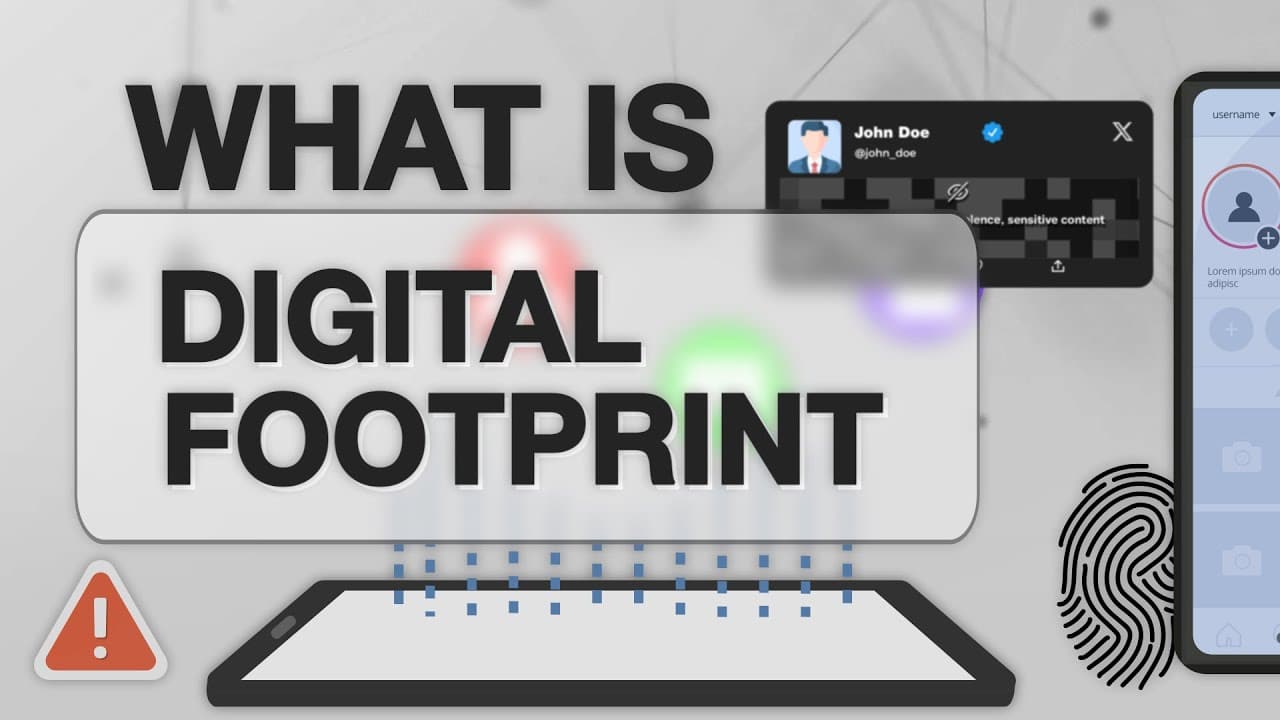
Many people believe that once a file is deleted and the Recycle Bin is emptied, the data is gone forever. The reality is very different. In the world of digital forensics, deleted information can often remain hidden on a storage device long after it appears to be gone. This is one reason why investigators, cybersecurity professionals, and data recovery specialists can sometimes recover files that users thought had disappeared permanently.
Understanding how this works can help you better protect your privacy, safeguard sensitive information, and make smarter decisions when using computers and the internet.
What Is Slack Space?
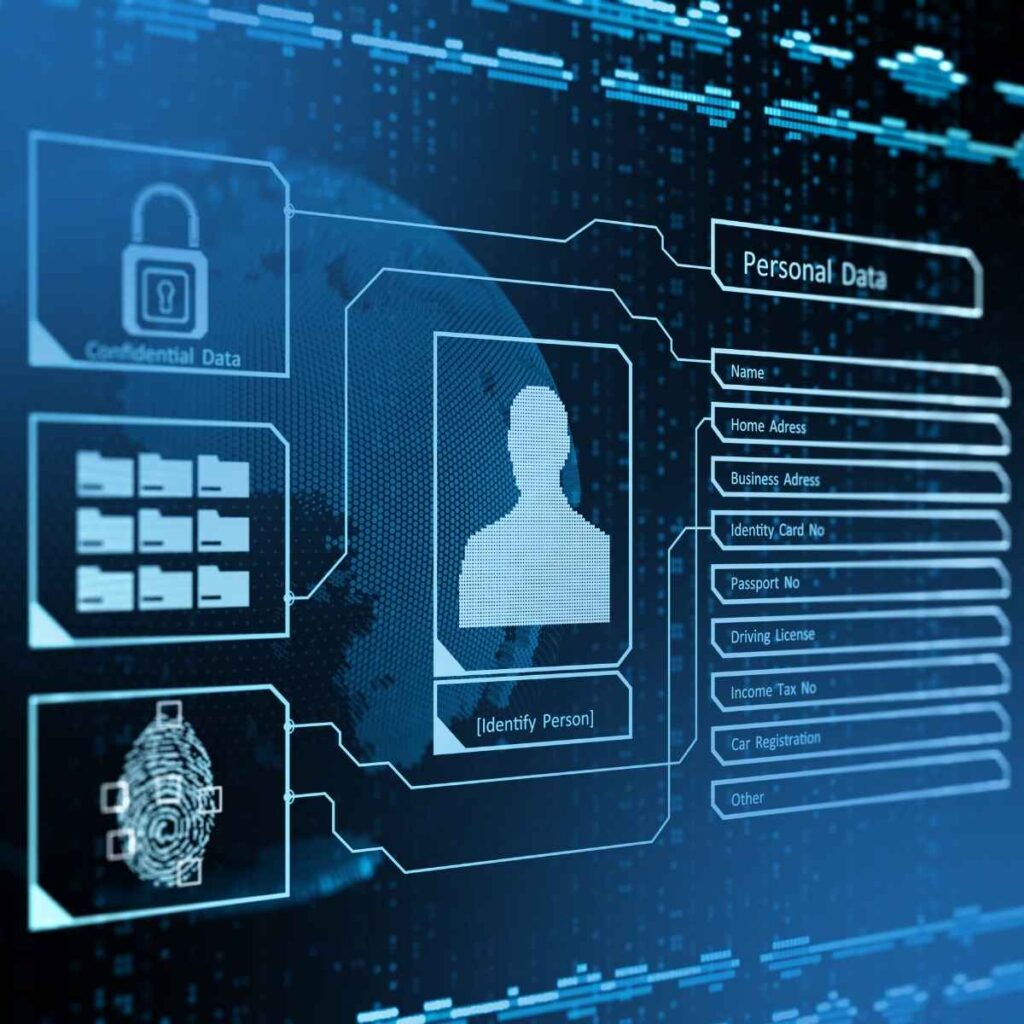
Every file stored on a computer occupies a certain amount of disk space. However, storage systems organize data into fixed-size blocks known as clusters. When a file does not completely fill a cluster, the unused portion is called slack space. Slack space may contain remnants of previously stored information, fragments of deleted files, or other residual data that remains on the storage device. Although invisible during normal computer use, this data can sometimes be examined using specialized forensic tools.
Why Deleted Files Can Often Be Recovered
When you delete a file, your operating system usually removes the reference to the file rather than immediately erasing the underlying data. The storage space is simply marked as available for future use. Until new information overwrites that location, portions of the original data may remain recoverable.
This is why:
- Deleted documents can sometimes be recovered
- Old photographs may still exist on a drive
- Sensitive information may remain after deletion
- Data recovery services can often retrieve lost files
How Digital Forensics Works
Digital forensics is the process of identifying, preserving, analyzing, and presenting digital evidence. Forensic investigators use specialized tools to examine storage devices while preserving the integrity of the evidence. Their objectives may include:
- Recovering deleted files
- Investigating cyber incidents
- Identifying unauthorized access
- Tracing user activity
- Recovering business records
- Supporting legal investigations
Rather than simply viewing files through the operating system, forensic specialists analyze the storage media at a much deeper level.
Common Sources of Recoverable Data
Many users are surprised to learn how much information can remain behind on a device. Potential sources include:
Browser Activity
Web browsing history, cached content, downloads, and saved credentials may leave traces.
Temporary Files
Applications often create temporary working files that may remain after use.
Email Archives
Deleted emails can sometimes leave recoverable artifacts.
Storage Slack Space
Residual information may exist within unused portions of storage clusters.
Deleted Documents
Documents that appear deleted may still exist until overwritten.
System Logs
Operating systems maintain extensive records of user and system activity.
Why Online Conduct Matters
Everything you do online creates a digital footprint. This includes:
- Websites visited
- Files downloaded
- Emails sent
- Online purchases
- Social media activity
- Cloud storage usage
Many users underestimate how much information their devices retain. Practicing responsible digital behavior helps protect both personal privacy and organizational security.
Best Practices for Protecting Your Data
Use Strong Passwords
Avoid simple or predictable passwords and use unique credentials for different accounts.
Enable Multi-Factor Authentication
Adding an extra verification step significantly improves account security.
Keep Software Updated
Security updates help protect systems from known vulnerabilities.
Avoid Suspicious Downloads
Malicious software often disguises itself as legitimate files or applications.
Encrypt Sensitive Information
Encryption helps protect data even if a device is lost or stolen.
Back Up Important Files
Regular backups ensure critical information can be recovered if something goes wrong.
Think Before You Click
Phishing attacks often rely on users acting quickly without verifying information.
Protecting Business Data in the Digital Age
For businesses, protecting data is no longer optional. Customer information, financial records, intellectual property, and operational data are valuable assets that require proper security controls. Regular cybersecurity awareness training and proper data management practices can significantly reduce risk.
How LansotechSolutions Can Help
At Lansotechsolutions, we believe that informed users are safer users. Whether you need assistance with data recovery, cybersecurity awareness, storage solutions, system upgrades, or computer maintenance, our team is committed to helping individuals and businesses protect their valuable information.
Stay Secure, Stay Informed
Understanding how data is stored, recovered, and protected is an important step toward becoming a more responsible digital citizen. If you’re concerned about lost data, device security, or protecting sensitive information, contact Lansotechsolutions today for professional guidance and support.
























 ASUS
ASUS



