















Hurry and get discounts on all Apple devices up to 20%
Sale_coupon_15
KSh5,500.00 excl. VAT
Payment Methods:

Looking for a genuine HP Chromebook 11a-na0035nr screen replacement in Nairobi, Kenya? You’ve come to the right place. At Lansotech Solutions, we specialize in Chromebook screen replacements, supplying original, factory-tested displays and providing professional installation services at unbeatable prices.
As one of the most trusted laptop sellers and repair centers in Nairobi, we guarantee high-quality repairs for all HP Chromebook models, ensuring your laptop’s screen looks and performs just like new.
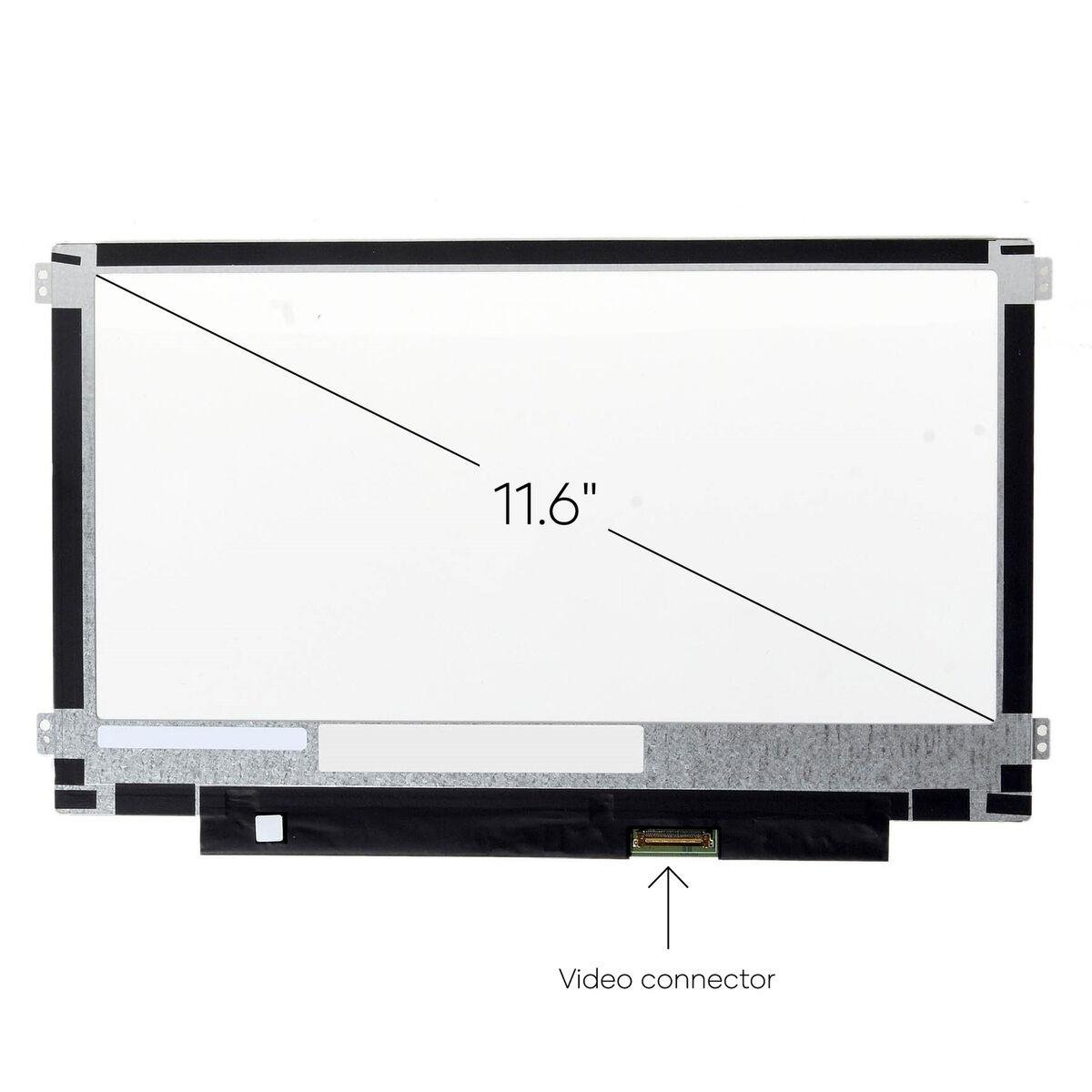
The HP Chromebook 11a-na0035nr is a compact, lightweight device built for learning, browsing, and productivity. It features an 11.6-inch HD LED display that delivers sharp visuals and long battery life. However, once the screen cracks, flickers, or stops displaying properly, a genuine replacement is essential to maintain quality and performance.
At Lansotech Solutions, we stock new, genuine HP Chromebook 11a-na0035nr replacement screens that perfectly match your laptop’s original specifications.
A damaged or failing screen can make your Chromebook difficult or impossible to use. Below are common signs that it’s time for a screen replacement:
Cracked or physically broken screen glass
Blank or black screen while the laptop powers on
Flickering display or color distortion
Dead pixels or white spots
Dim or uneven brightness
Touchscreen not working (for touchscreen models)
Lines or flickers appearing on the display
If your HP Chromebook 11a-na0035nr shows any of these symptoms, visit Lansotech Solutions for a professional diagnosis and genuine replacement service.
Before purchasing a replacement, it’s important to make sure the new screen is compatible with your Chromebook model. Here’s how you can check:
Check Your Chromebook Model Number
Flip your laptop over and locate the sticker at the back.
Look for the model label “HP Chromebook 11a-na0035nr” printed clearly.
Determine if It’s a Touch or Non-Touch Screen
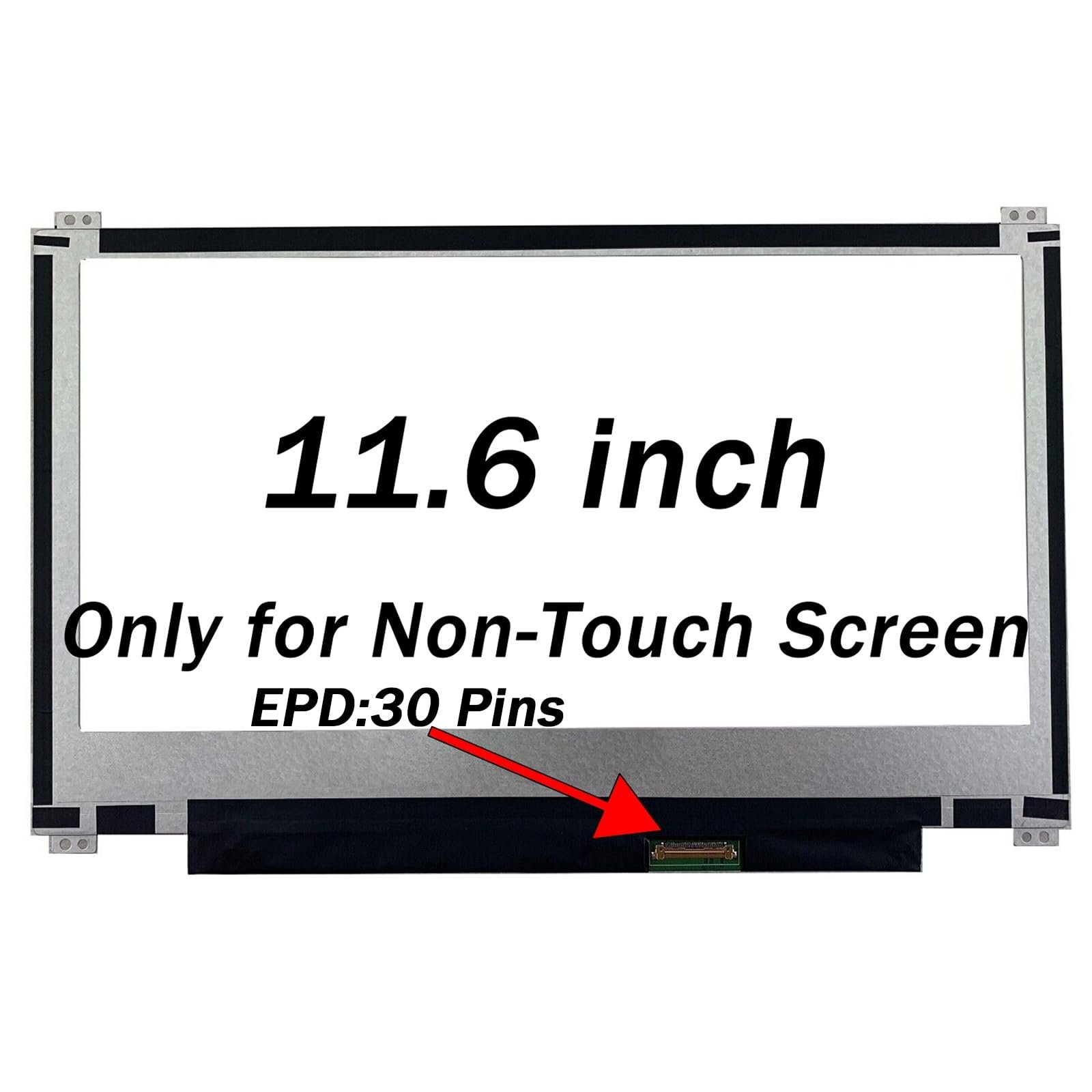
Try using touch gestures. If it responds, you’ll need a touchscreen replacement.
Confirm Screen Resolution
Go to Settings → Device → Display to confirm your screen resolution (typically HD 1366×768).
Check Connector Type
The HP 11a-na0035nr commonly uses a 30-pin eDP connector.
Ask a Professional
Bring your laptop to Lansotech Solutions, and our technicians will verify compatibility before installation.
This ensures that you buy the right screen for your Chromebook, avoiding display or connector issues.
Get the HP chromebook 11a na0035nr service from Lansotech Solutions now!
 Laptop Computers
 Desktop Computers
 Desktop peripherals
 Laptop Accessories
 Laptop Components
 Network
 Printers
 Server
 Software
 Hardware & Components
No account yet?
Create an Account






