






 Laptop Computers
 Desktop Computers
 Printers
 Network
 Software
 Laptop Accessories
 Laptop Components
 Office
 Desktop peripherals

Hurry and get discounts on all Apple devices up to 20%
Sale_coupon_15
KSh6,500.00 excl. VAT
Payment Methods:

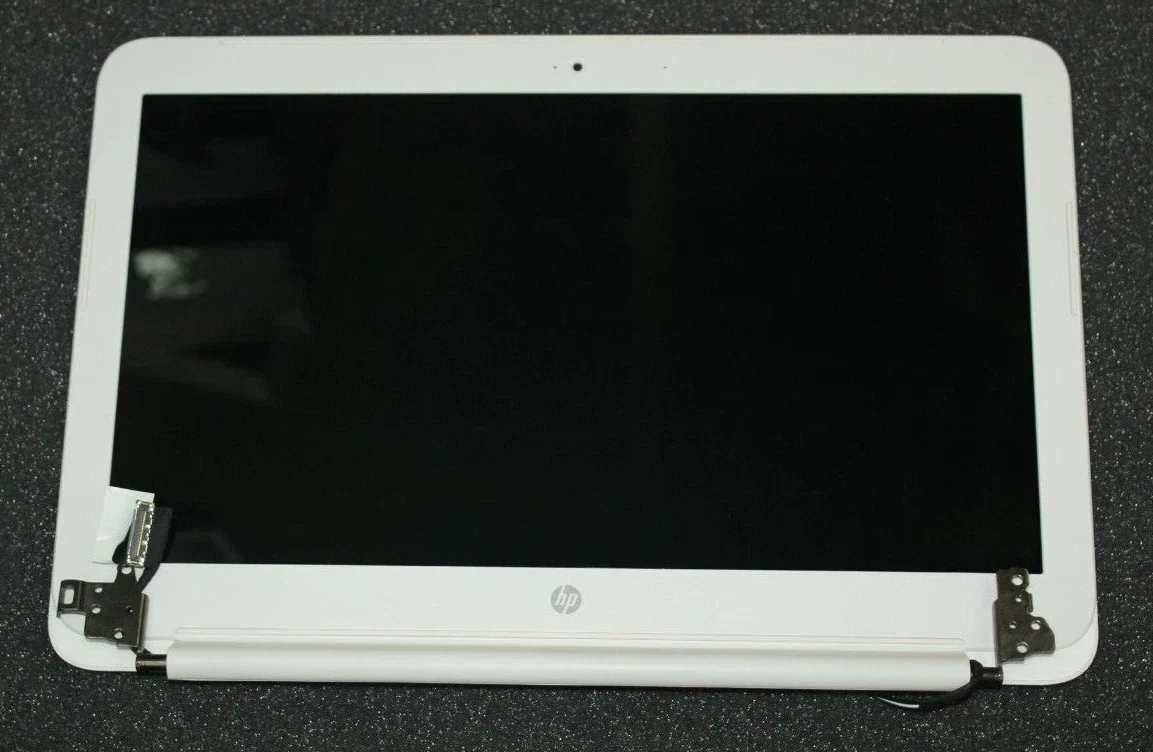
Has your HP Chromebook 14 SMB screen cracked, gone blank, or started flickering? Don’t worry — at Lansotech Solutions, we provide professional HP Chromebook 14 SMB screen replacement services in Nairobi, Kenya, using genuine HP screens that restore your display’s original brightness and clarity.
As one of the best laptop shops in Nairobi CBD, we specialize in HP screen replacements, laptop repairs, and authentic laptop parts. Whether your Chromebook screen is broken, dim, or unresponsive, our technicians ensure your laptop looks and works as good as new.
The HP Chromebook 14 SMB is a reliable, lightweight device designed for education and business use. Unfortunately, its screen can be vulnerable to cracks, pressure damage, or display failure over time.
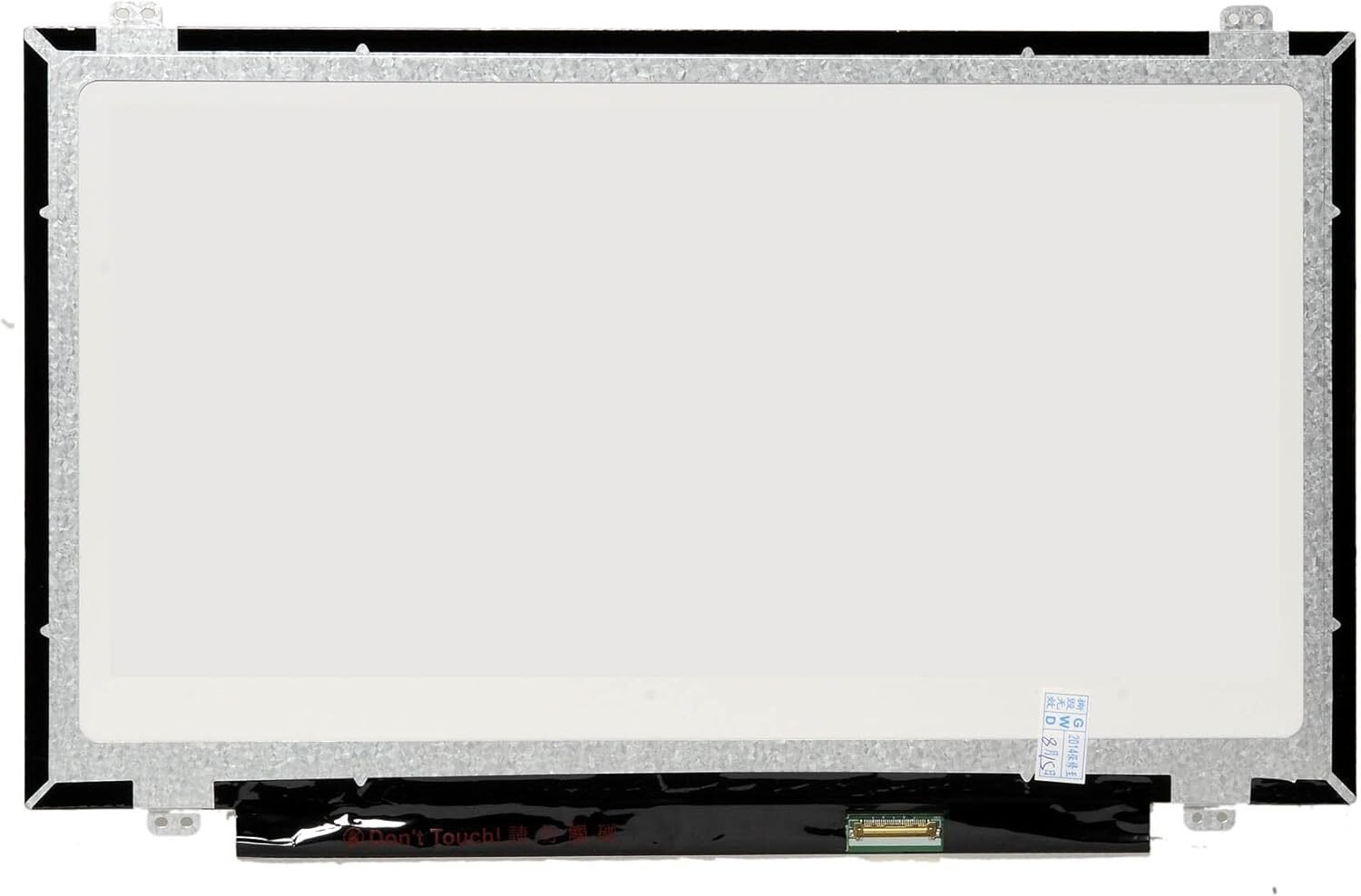
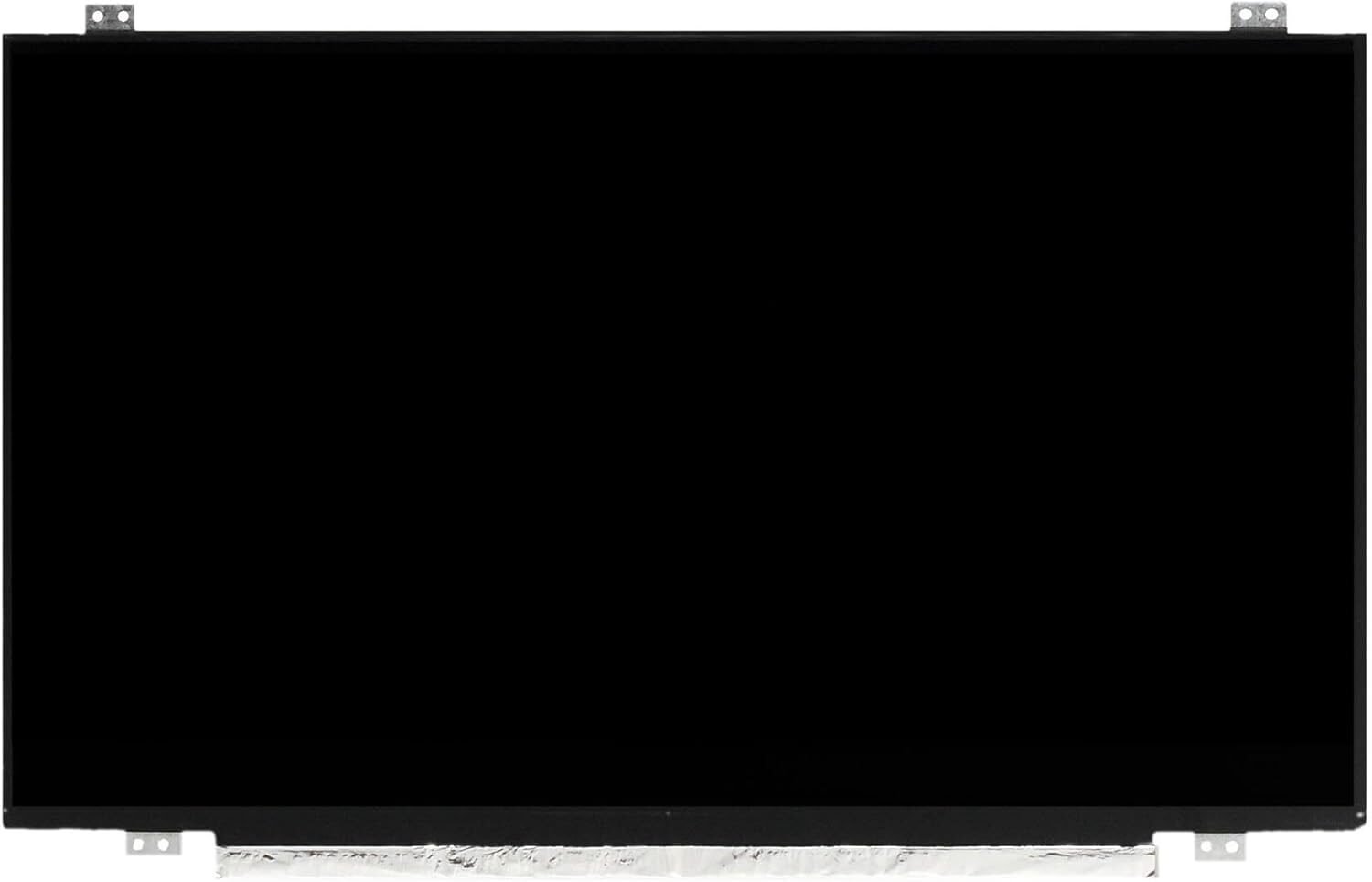
At Lansotech Solutions, we stock brand-new HP Chromebook 14 SMB replacement screens, ensuring perfect compatibility with your device. Every screen is tested for quality, offering clear, bright visuals and long-lasting durability.
We source only OEM-quality screens directly from trusted suppliers, meaning your Chromebook will perform exactly like it did when new — or even better.
Knowing when to replace your screen can save you time and prevent further laptop damage. Look out for these signs:
Cracked or shattered glass
Flickering or distorted display
Black screen even when powered on
White patches or color bleeding
Touchscreen not responding
Lines, spots, or dead pixels
If you notice any of these problems, it’s best to visit Lansotech Solutions, one of the top laptop shops in Nairobi CBD, for a quick and professional diagnosis.
We provide same-day screen replacement for most HP Chromebook models.
Before ordering or replacing your screen, make sure it matches your device specifications. Here’s how:
Confirm Model Number
Flip your Chromebook and check the sticker on the underside.
You’ll see the model written as HP Chromebook 14 SMB or HP Chromebook 14-xxxx series.
Identify Screen Type
Determine whether your device uses a touchscreen or non-touchscreen panel.
Check Connector Type
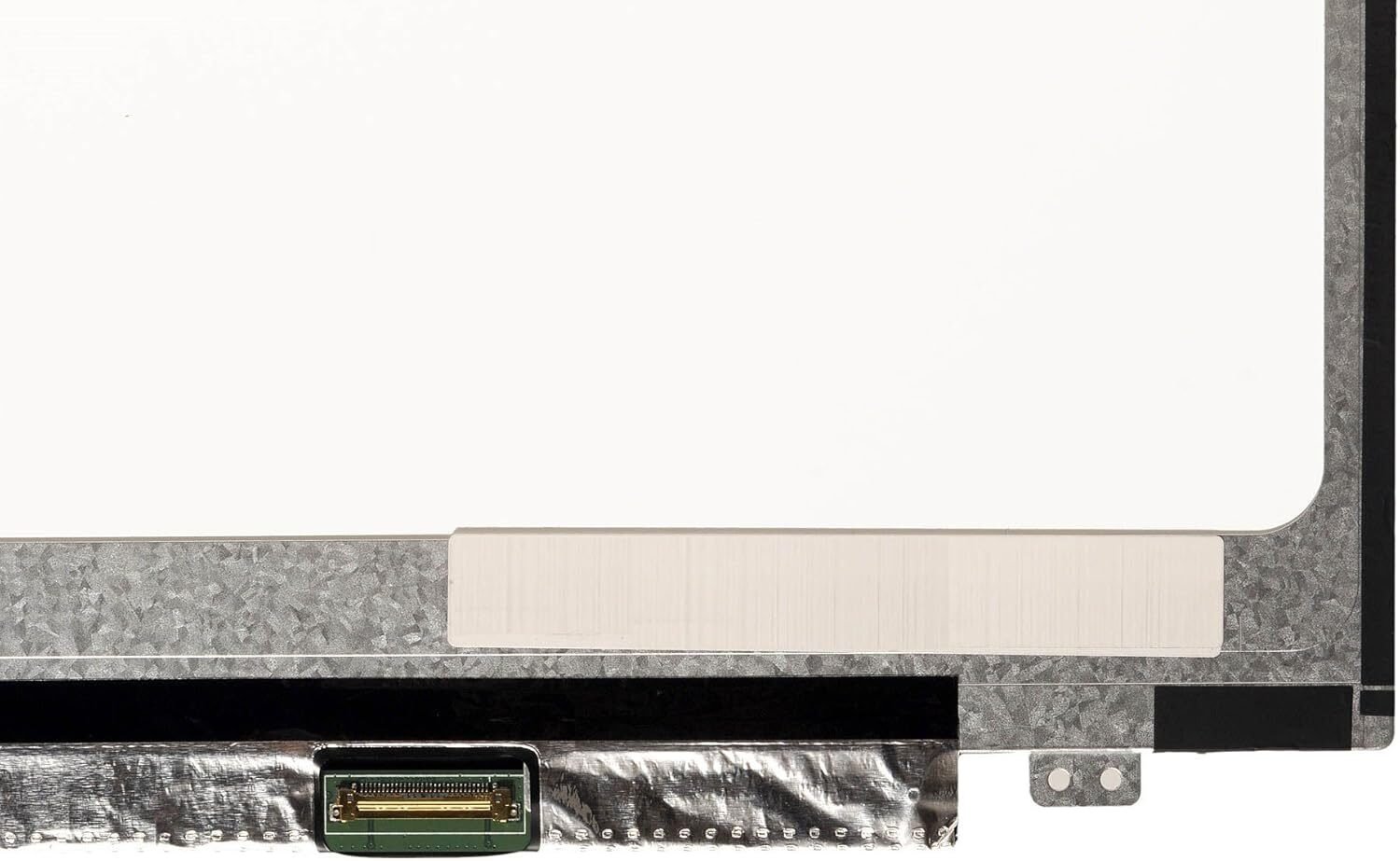
Most HP Chromebook 14 SMB screens use a 30-pin eDP connector.
Consult Experts
Bring your laptop to Lansotech Solutions — we’ll confirm compatibility before installation to avoid any mismatches.
With our expertise, you’ll always get the right screen for your HP Chromebook 14 SMB.
We follow a systematic and careful approach to ensure perfect screen installation:
Diagnosis – Confirm the issue and screen specifications.
Quotation – Provide a transparent cost estimate.
Disassembly – Carefully remove the damaged screen.
Replacement – Fit the genuine HP screen securely.
Testing – Verify display brightness, color, and performance.
Quality Check – Ensure your Chromebook is fully functional.
This process ensures a flawless display and long-lasting performance after replacement.
Choosing an original HP screen ensures you enjoy:
Vibrant, crisp HD or Full HD visuals
Perfect compatibility with your Chromebook
Energy efficiency and longer battery life
Durable performance
Comfortable anti-glare display for long hours
Avoid cheap, generic screens — they may fit, but they often lead to poor image quality, short lifespan, and motherboard damage.
Get the HP hromebook 14 smb service from Lansotech Solutions now!
 Laptop Computers
 Desktop Computers
 Desktop peripherals
 Laptop Accessories
 Laptop Components
 Network
 Printers
 Server
 Software
No account yet?
Create an Account






