







 Laptop Computers
 Desktop Computers
 Printers
 Network
 Software
 Laptop Accessories
 Laptop Components
 Office
 Desktop peripherals

Hurry and get discounts on all Apple devices up to 20%
Sale_coupon_15
KSh7,000.00 excl. VAT
Payment Methods:

Is your Dell Chromebook 3100 P29T screen cracked, showing lines, or not turning on? Don’t worry — Lansotech Solutions, the leading laptop repair and parts supplier in Nairobi, Kenya, offers professional Dell Chromebook 3100 P29T screen replacement services using genuine Dell screens.
We understand how essential your Chromebook is for work, school, or business, and we aim to deliver fast, affordable, and high-quality screen replacements — restoring your device’s display to perfect condition.
The Dell Chromebook 3100 P29T is a durable education-grade laptop designed for students and professionals who need reliability. However, even the toughest devices can suffer from screen damage due to drops, pressure, or accidents.
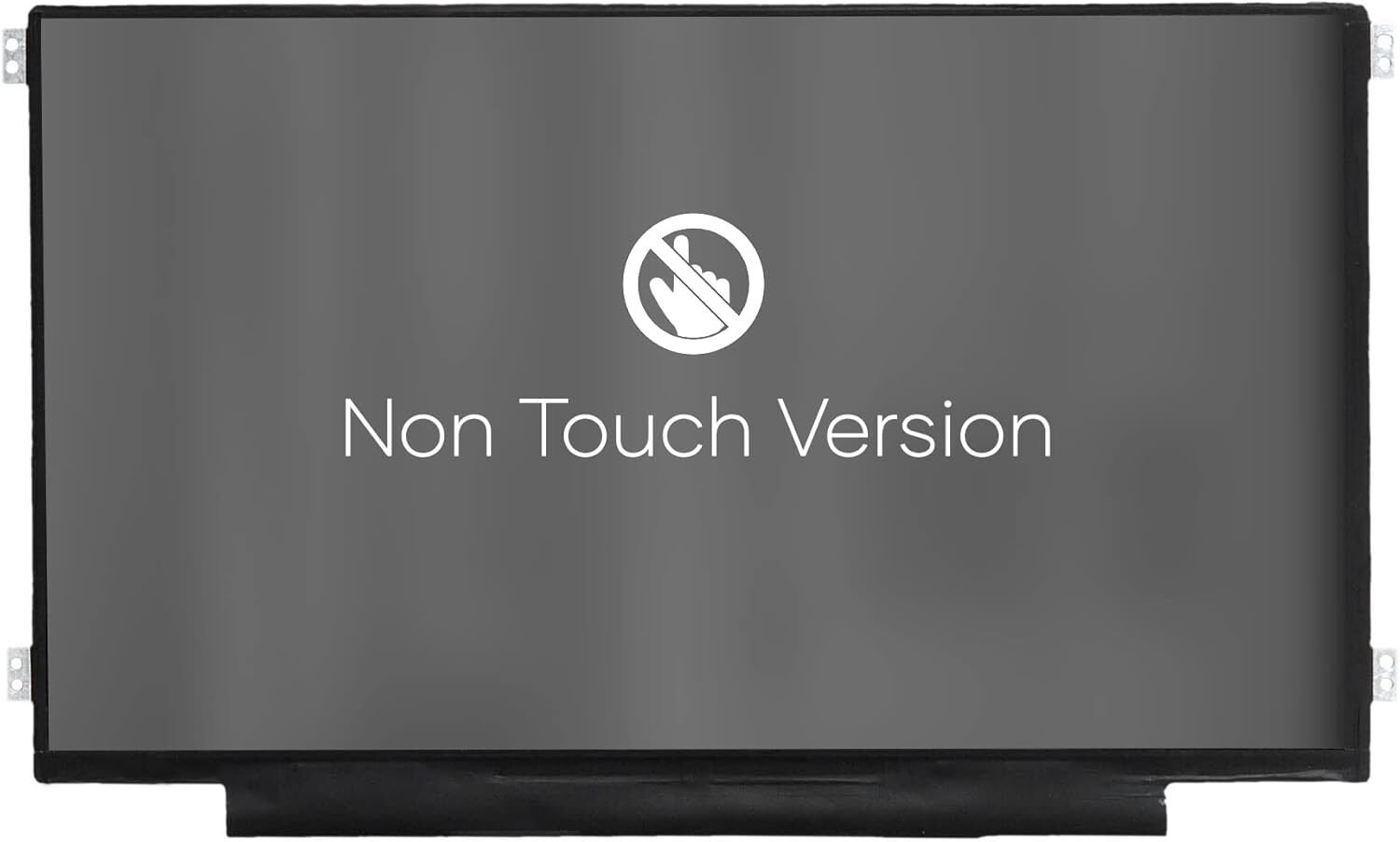
At Lansotech Solutions, we stock brand-new, genuine Dell Chromebook 3100 screens, tested and verified for brightness, resolution, and connector compatibility. Whether your Chromebook has a non-touch or touchscreen display, we’ll help you find the perfect replacement.
All our screens are OEM-grade, ensuring long-lasting durability, crisp visuals, and original performance.
Wondering whether your Chromebook screen needs replacing? Look for these common signs:
Cracked or shattered display glass
Black or blank screen even when the laptop is powered on
Flickering or dim brightness
Colored or vertical lines across the screen
White patches, dead pixels, or display discoloration
Touchscreen not responding properly (if touch-enabled)
If you experience any of these issues, it’s best to bring your Chromebook to Lansotech Solutions for a professional diagnosis and replacement. We offer same-day service for most models.
Choosing the right screen replacement is crucial to ensure proper functionality. Here’s how you can confirm compatibility:
Check Your Laptop Model Number
Turn your Chromebook over and look at the bottom label.
You should see Chromebook 3100 or Model P29T.
Determine the Display Type
Confirm whether your Chromebook is touchscreen or non-touch.
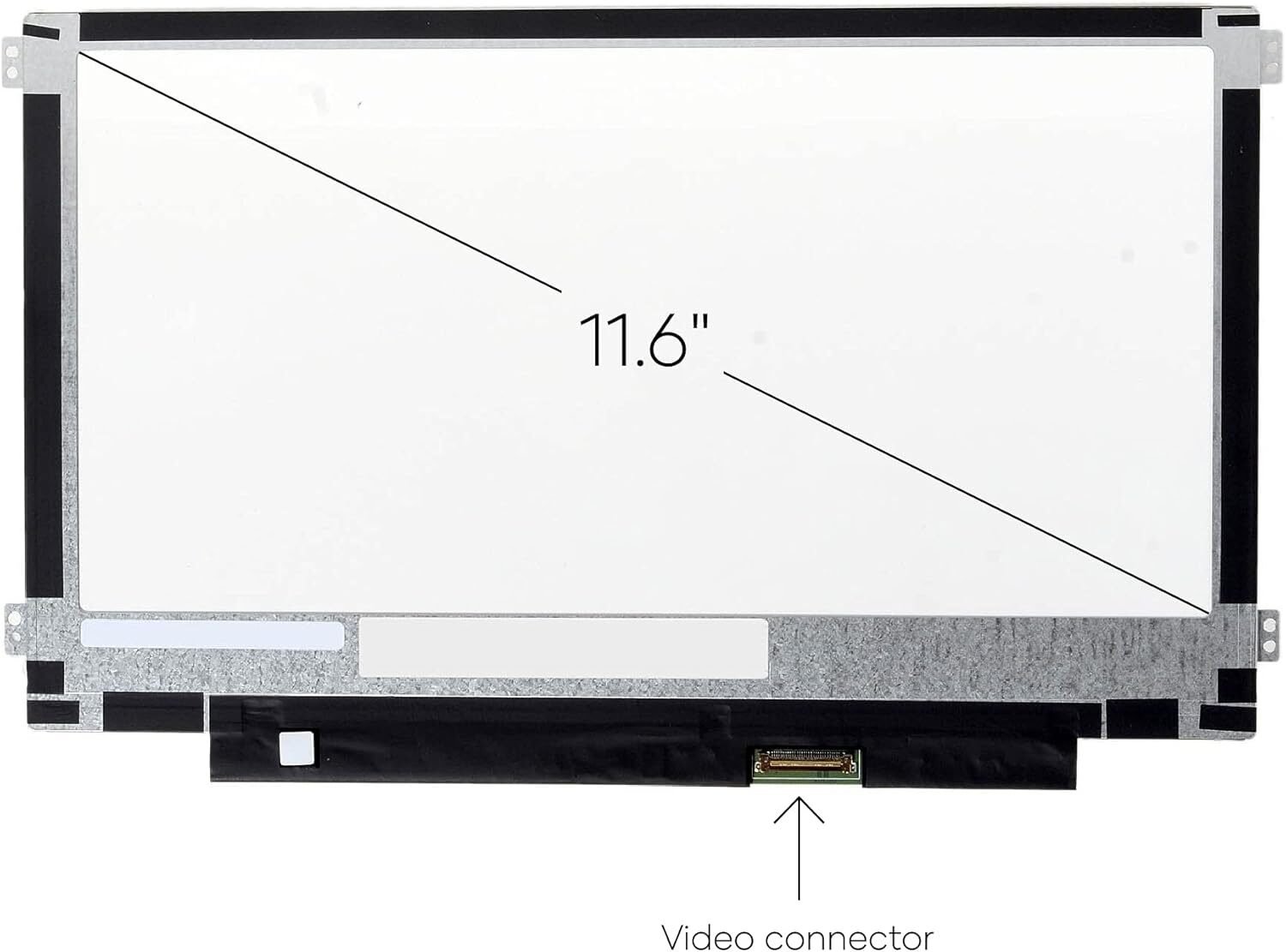
Confirm the Connector Type
The standard model uses a 30-pin eDP connector.
Consult an Expert
At Lansotech Solutions, we verify your Chromebook’s screen model before installation to avoid any mismatches.
This ensures you get the correct, fully compatible replacement screen every time.
Get the Dell chromebook 3100 p29t service from Lansotech Solutions now!
 Laptop Computers
 Desktop Computers
 Desktop peripherals
 Laptop Accessories
 Laptop Components
 Network
 Printers
 Server
 Software
No account yet?
Create an Account






