














Hurry and get discounts on all Apple devices up to 20%
Sale_coupon_15
KSh6,500.00 excl. VAT
Payment Methods:

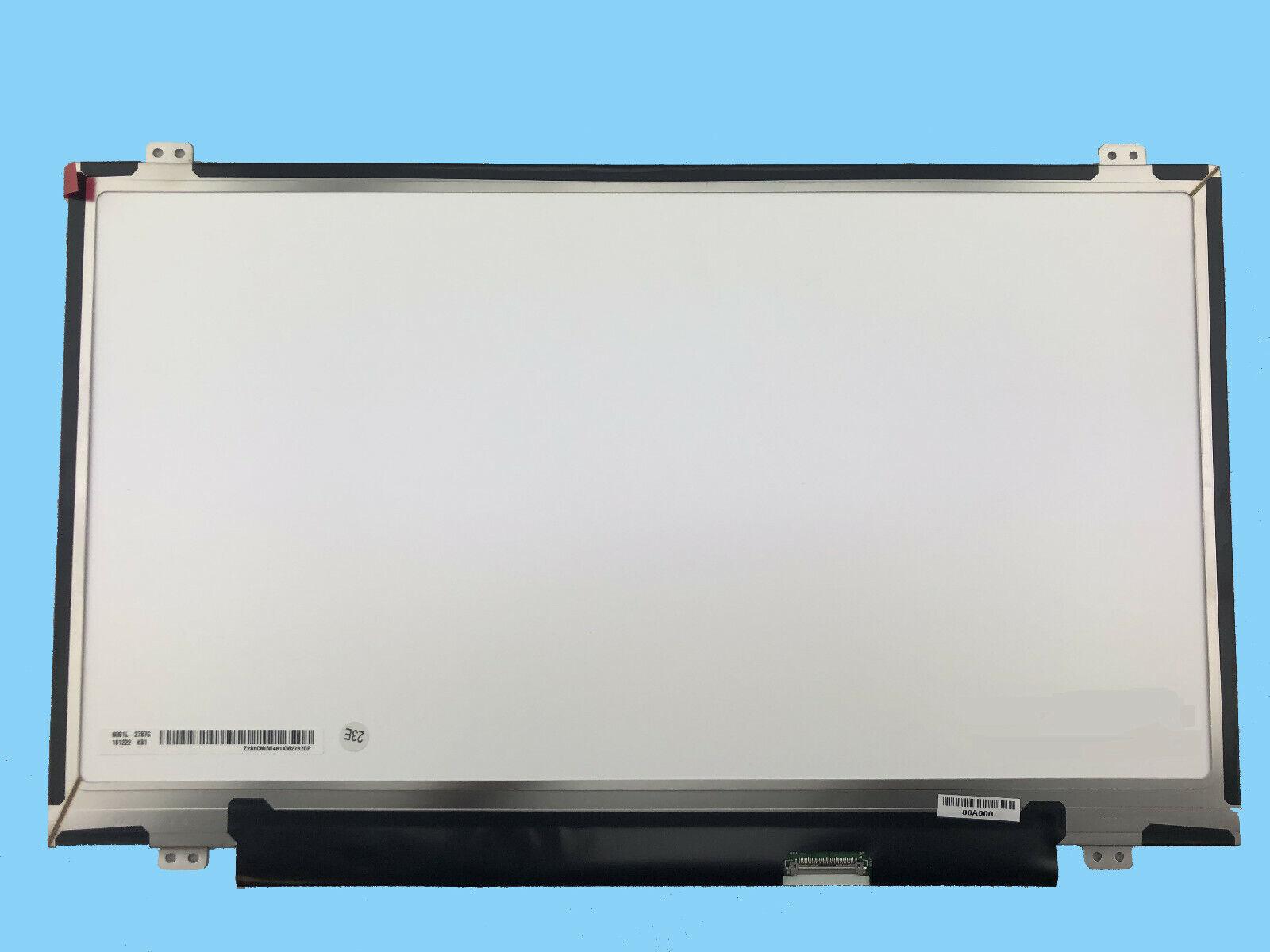
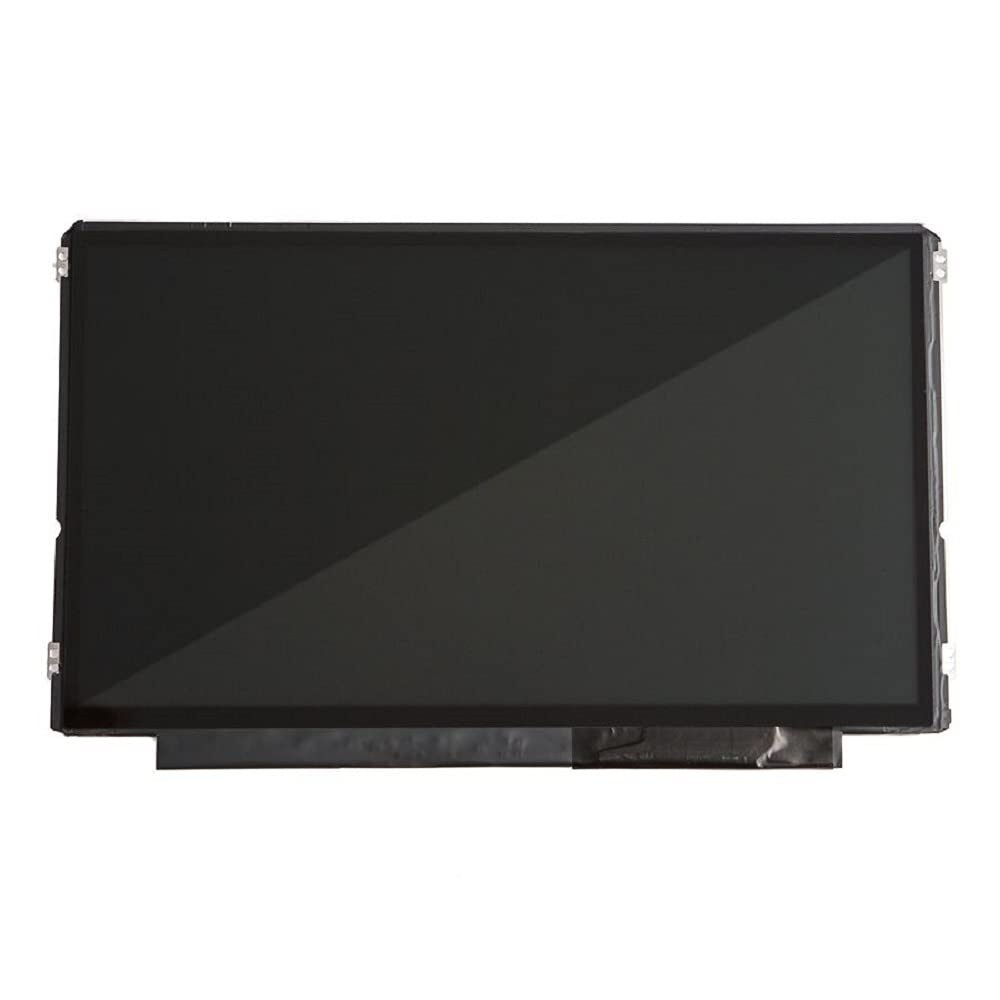
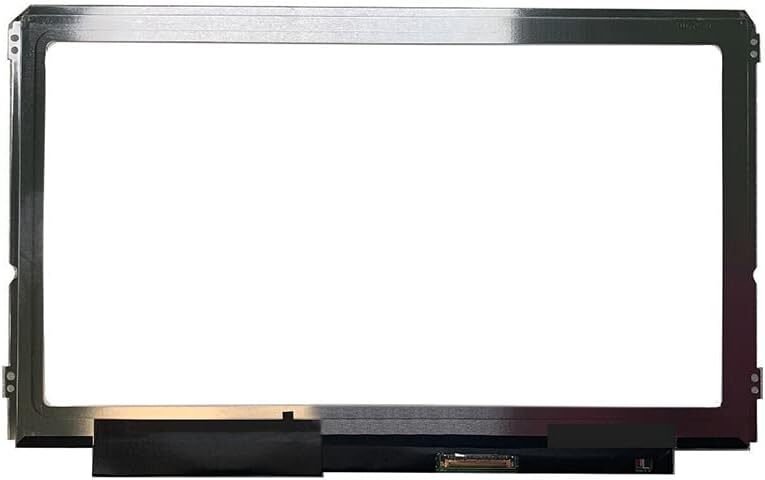
If your Dell Chromebook 11 CB1C13 screen is cracked, broken, or showing display issues, it’s time for a professional screen replacement. At Lansotech Solutions, we specialize in genuine Dell Chromebook screen replacements across Nairobi, Kenya. Our expert technicians provide fast, reliable, and affordable screen repair services for your Chromebook, restoring it to perfect working condition.
We are Nairobi’s trusted laptop experts, known for offering authentic parts and professional installation services for all laptop brands — including Dell, HP, Lenovo, and Acer.
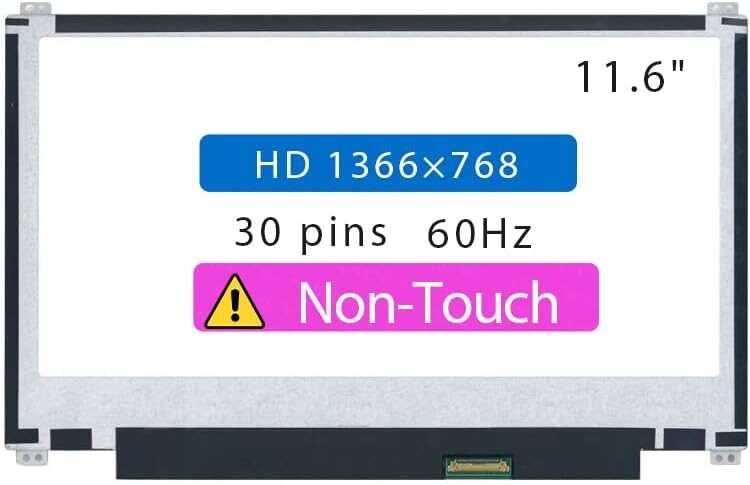
The Dell Chromebook 11 CB1C13 is a durable and efficient laptop used widely in schools, offices, and by personal users. Its compact 11.6-inch HD display provides clear visuals and excellent battery performance. However, once damaged, it’s important to replace it with a compatible, genuine screen to maintain quality and performance.
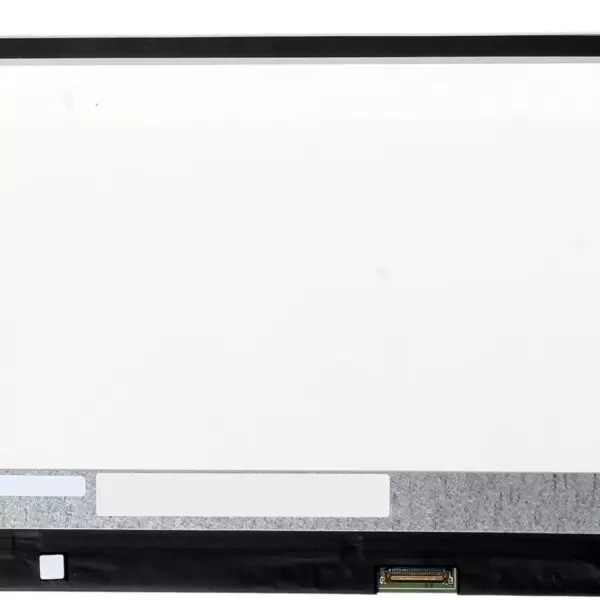
At Lansotech Solutions, we stock brand-new Dell Chromebook 11 CB1C13 screens, fully tested and verified for compatibility. We only use original or OEM-grade screens, ensuring your Chromebook retains its brightness, resolution, and durability.
Your Chromebook’s display is one of its most delicate components. If you notice any of the following issues, it’s a clear sign you need a screen replacement:
Cracked or shattered glass
Distorted or flickering images
Dark or blank screen even though the laptop is on
Colored vertical or horizontal lines on display
Uneven brightness or backlight bleeding
Black spots or display discoloration
Ignoring these issues can worsen the damage over time. At Lansotech Solutions, we provide same-day screen replacement for the Dell Chromebook 11 CB1C13, ensuring minimal downtime for our clients.
To ensure you purchase the right replacement screen, follow these simple steps:
Check the Model Number:
Turn your Chromebook over and check the label on the bottom. The model should read Dell Chromebook 11 CB1C13.
Identify Display Type:
Determine whether your Chromebook has a touchscreen or non-touch display (most CB1C13 models are non-touch).
Confirm the Connector Type:
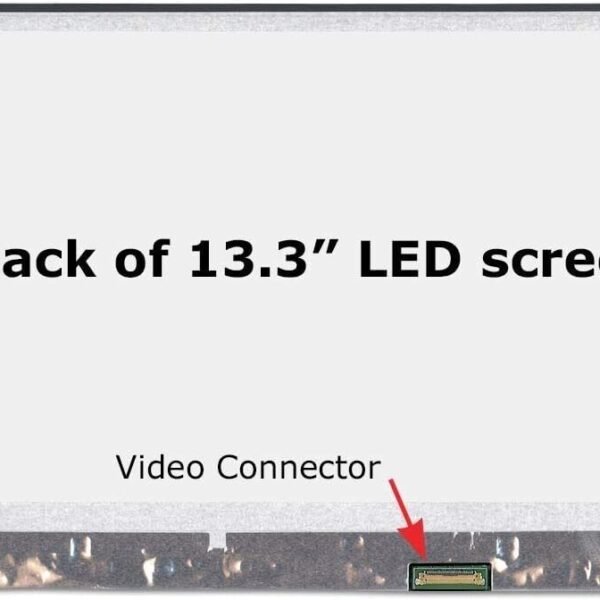
The Dell Chromebook 11 CB1C13 typically uses a 30-pin eDP connector.
Consult an Expert:
If unsure, bring your Chromebook to Lansotech Solutions. Our technicians will verify compatibility before installation to prevent errors or mismatches.
Get the Dell chromebook 11 cb1c13 service from Lansotech Solutions now!
No account yet?
Create an Account
















