






 Laptop Computers
 Desktop Computers
 Printers
 Network
 Software
 Laptop Accessories
 Laptop Components
 Office
 Desktop peripherals

Hurry and get discounts on all Apple devices up to 20%
Sale_coupon_15
KSh4,000.00 excl. VAT
Payment Methods:

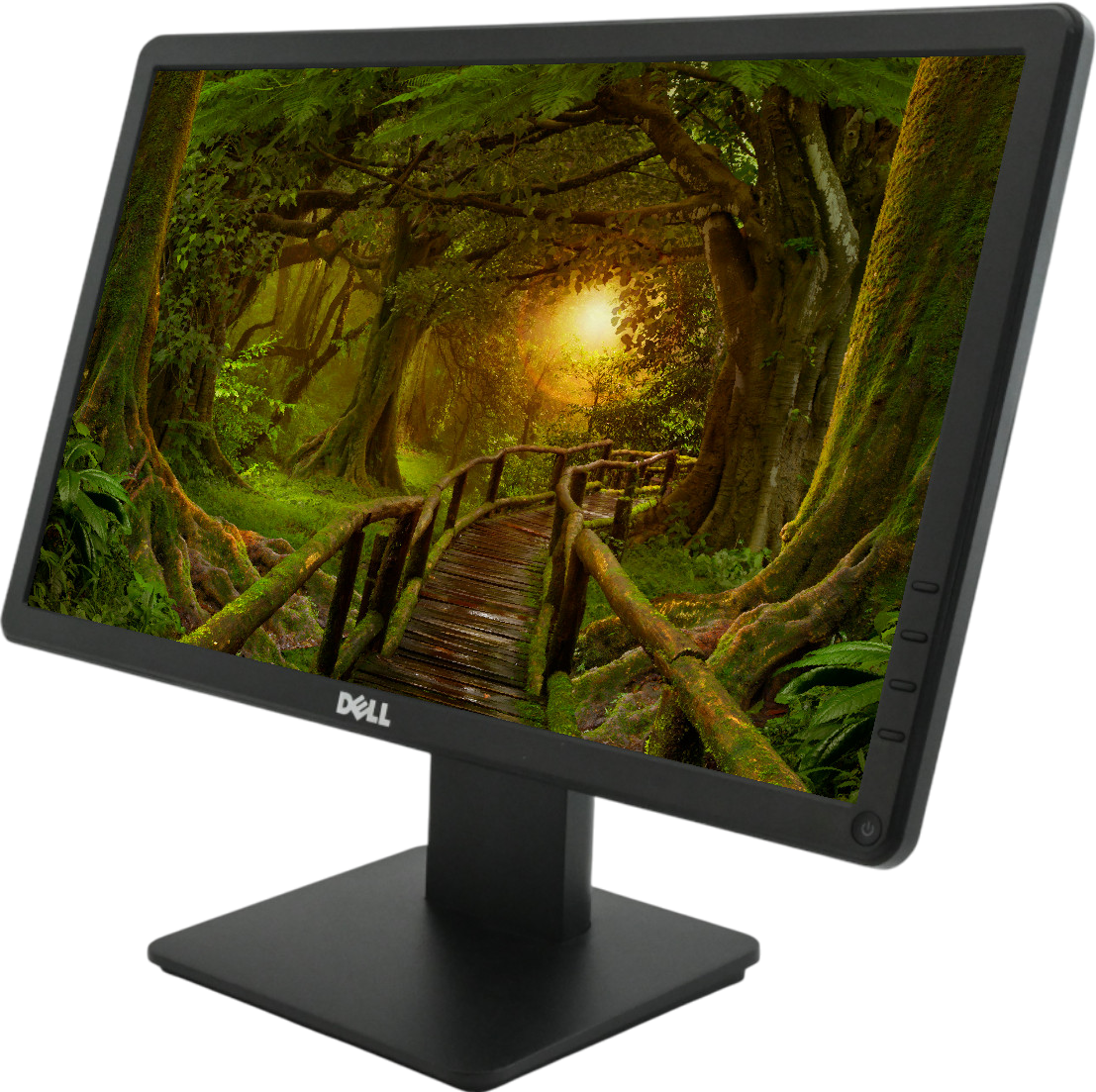
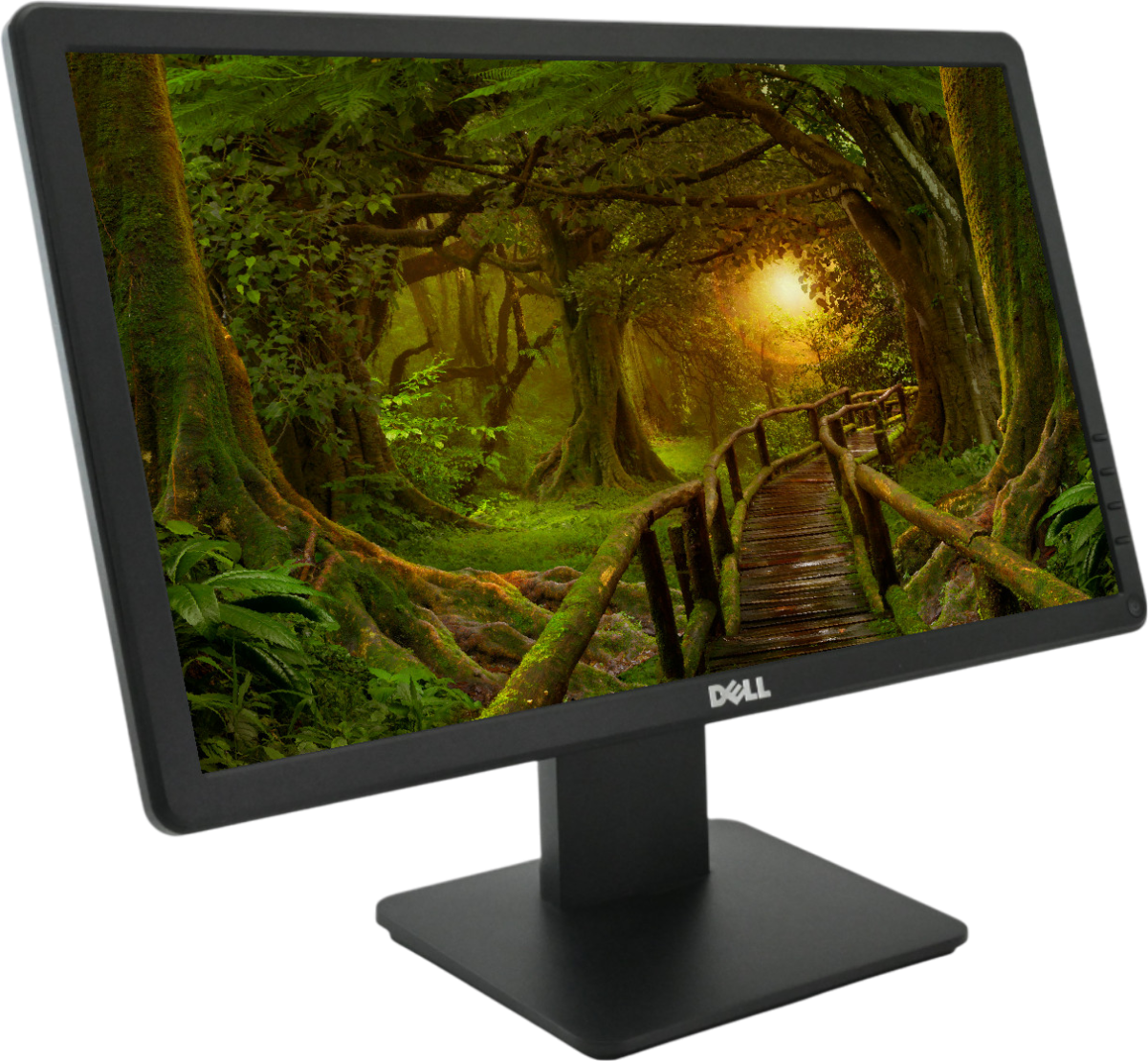
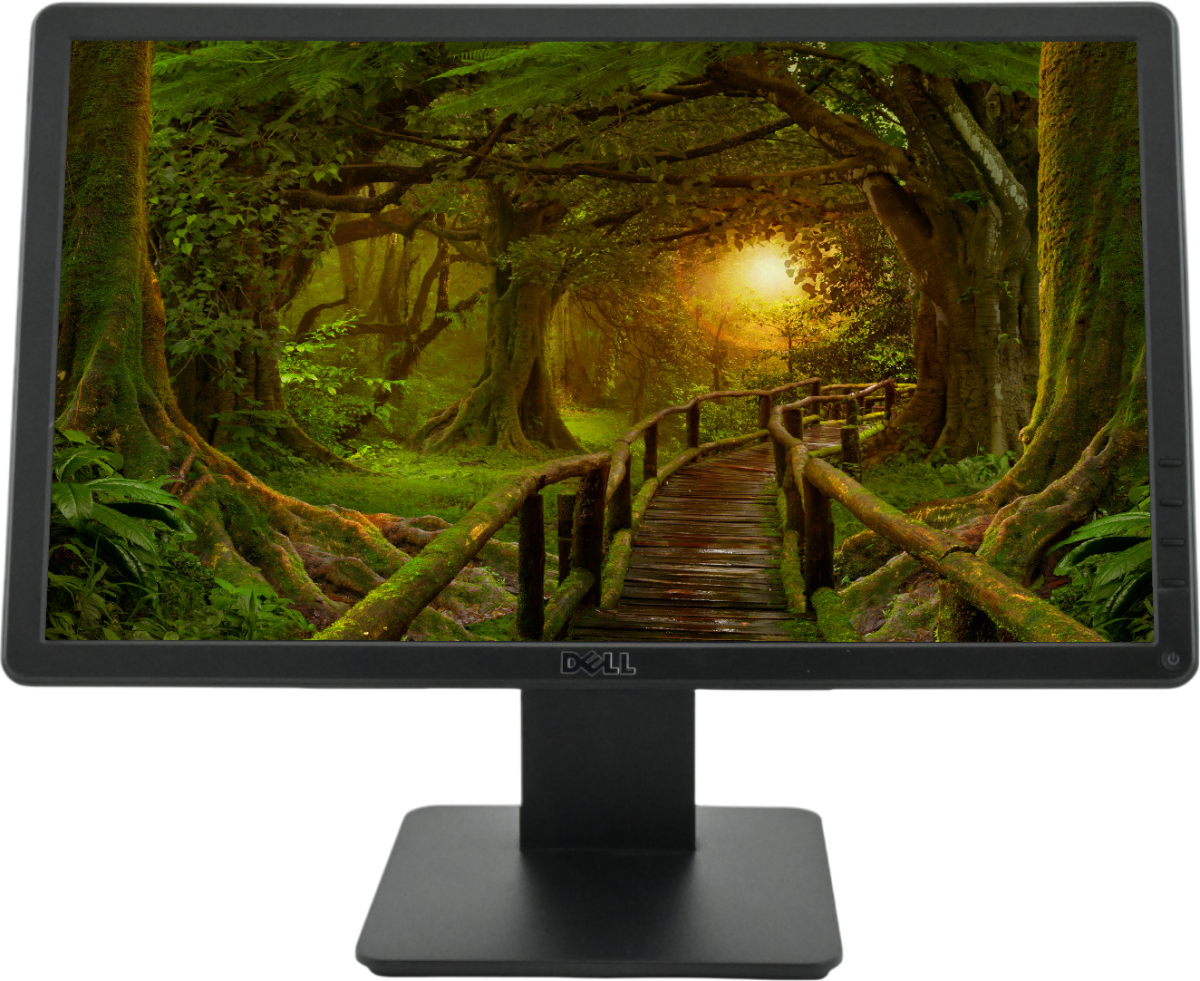
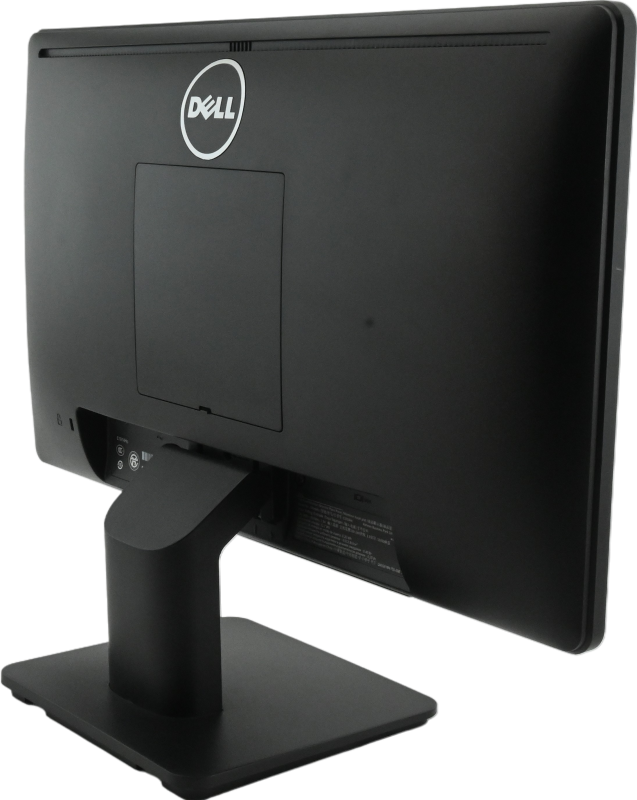
The Dell E1914Hc 19-Inch Widescreen HD LED LCD Monitor is a compact desktop display designed for everyday office work, business applications, education, and general computing. Featuring LED backlighting, a 1366 × 768 HD resolution, a widescreen 16:9 aspect ratio, and a space-saving design, this monitor provides the essential display functionality required for routine computer tasks.
Whether you are setting up an office workstation, equipping a reception desk, supporting administrative operations, or creating a study area, the Dell E1914Hc offers a practical display solution for compatible computer systems.
Its compact footprint makes it suitable for desks where space is limited, while the widescreen format provides a convenient viewing area for documents, spreadsheets, emails, web pages, and business applications. The monitor also features a tilt-adjustable stand and a VGA video connection, supporting straightforward installation with compatible desktop computers.
For businesses and individual buyers looking for an affordable, straightforward display, the Dell E1914Hc LED monitor is worth considering, particularly when the priority is dependable everyday functionality rather than advanced display features.
The Dell E1914Hc belongs to Dell’s E1914H monitor family, which has an approximately 18.5-inch viewable screen marketed within the 19-inch monitor category.
Its widescreen format offers a 16:9 aspect ratio, making it suitable for standard desktop applications, online research, document editing, and general business use.
The compact screen size is particularly useful in environments where several workstations must fit into a limited area. It can also serve as a replacement display for compatible computers used in administrative offices, schools, reception areas, and small businesses.
Users can comfortably organise everyday tasks such as checking emails, entering data, preparing documents, and navigating web-based applications.
The monitor supports a native resolution of 1366 × 768 pixels at 60Hz. This HD resolution is suitable for common computing activities, including word processing, spreadsheets, web browsing, presentations, and business software.
The 16:9 aspect ratio provides a familiar widescreen viewing experience, allowing compatible applications and standard video content to fit naturally across the display.
For routine office tasks, the resolution offers a practical balance between display space and basic visual clarity. However, users who regularly work with large spreadsheets, detailed images, or multiple application windows may benefit from comparing larger Full HD monitors.
When purchasing a monitor, it is important to match the resolution to the intended workload and ensure that the computer supports the required display settings.
The Dell E1914Hc uses LED backlighting to illuminate its LCD panel. LED-backlit monitors are widely used in desktop computing because they provide a relatively slim display design and can operate with modest power consumption.
The E1914H family has a typical power consumption of approximately 12 watts under specified operating conditions, although actual consumption depends on usage and settings.
This makes the monitor a practical option for standard workstations where everyday efficiency matters.
Its LED backlighting supports routine tasks such as reading documents, entering data, accessing online services, and viewing presentations.
The Dell E1914H monitor family features an anti-glare screen coating with a hard coating rated at 3H. This coating is designed to help reduce distracting reflections and protect the display surface during normal use.
The feature can be useful in offices with overhead lighting, shared workspaces, and study areas where reflections may interfere with screen visibility.
The monitor offers typical brightness of 200 cd/m², making it most appropriate for standard indoor environments with reasonable lighting conditions.
For a better viewing experience, position the monitor away from direct sunlight and adjust the screen angle to minimise reflections.
The Dell E1914H has a typical response time of 5 milliseconds, measured using the manufacturer’s black-to-white specification.
Response time describes how quickly a pixel transitions between specified display states. It can influence the appearance of moving content, although it is not the only factor affecting motion clarity.
For everyday office activities, this specification is suitable for document editing, browsing, email communication, and routine multimedia viewing.
The monitor is designed primarily for standard computing rather than competitive gaming or specialist applications requiring high refresh rates and advanced motion performance.
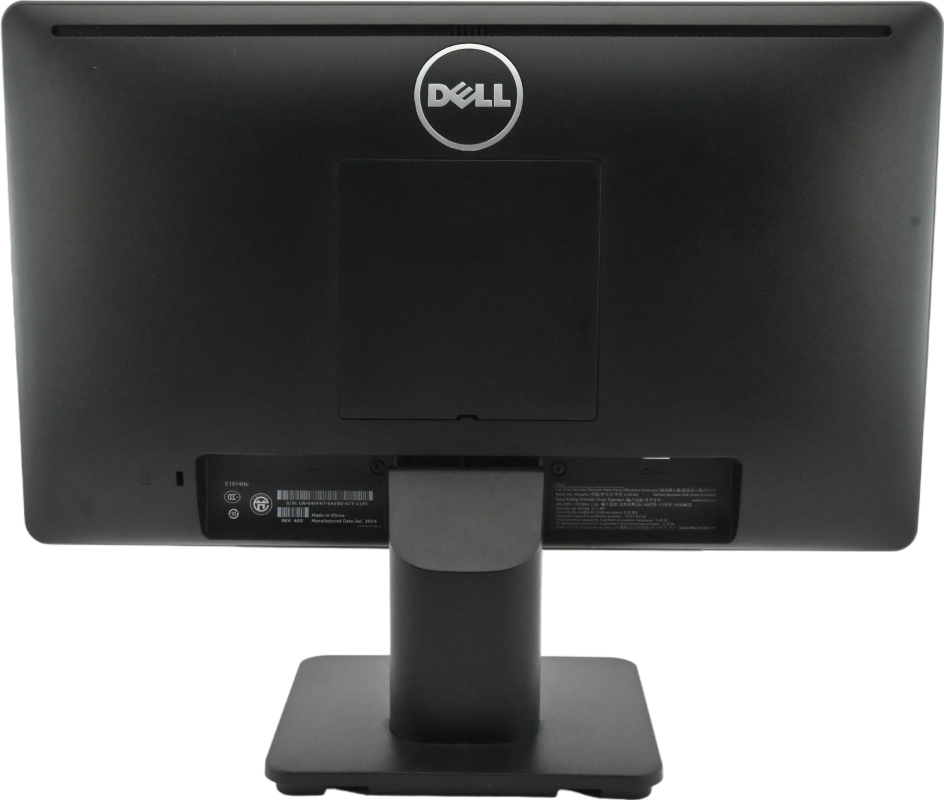
The Dell E1914H provides a VGA input for connecting compatible desktop computers and other devices with analogue video output.
VGA remains relevant when working with older computer systems, certain office workstations, and equipment that does not provide a direct digital video connection.
Before purchasing, check whether the computer has a VGA output. If it uses HDMI or DisplayPort exclusively, a suitable active or passive adapter may be required, depending on the equipment and signal conversion involved.
The correct connection helps ensure that the monitor can display the computer’s output at its supported resolution and refresh rate.
The Dell E1914H comes with a stand that supports tilt adjustment. This allows users to angle the display to suit their seating position and desk arrangement.
Tilt adjustment can help users find a more comfortable viewing angle and minimise reflections from surrounding light sources.
The stand does not provide the full height, swivel, and pivot adjustments found on some professional monitors. Buyers who require more extensive ergonomic flexibility may wish to consider a compatible VESA mounting solution or a monitor with a more adjustable stand.
The E1914H family supports a 100 × 100 mm VESA mounting interface, allowing compatible mounting hardware to be considered where appropriate.
The Dell E1914H’s compact design makes it suitable for workstations where desk space is at a premium.
It can be used in reception areas, administrative offices, school computer rooms, small businesses, and home study spaces.
The monitor’s simple design also makes it a practical choice when replacing an existing display without making substantial changes to the workstation.
For organisations managing multiple computers, compact monitors can help maintain an organised desk layout while providing the display functionality required for standard business applications.
Office workers regularly use applications that do not require specialised display technology. These include word processors, spreadsheets, email clients, accounting systems, and web-based management platforms.
The Dell E1914Hc provides a straightforward display solution for these activities. Its widescreen format accommodates standard business applications, while its compact design suits individual workstations and shared office spaces.
Students and educational institutions can use compatible monitors for basic computer training, research, online learning platforms, and document preparation.
The 19-inch category provides a manageable screen size for classroom workstations and study areas, while the HD resolution supports routine learning applications.
When purchasing for educational environments, check the condition of each unit, the availability of power and video cables, and compatibility with the computers being used.
Small businesses may require monitors for data entry, reception systems, inventory management, point-of-service applications, and general administrative work.
The Dell E1914Hc can serve these purposes when its screen size, resolution, and VGA connectivity meet the requirements of the intended computer system.
For specialised applications involving detailed graphics, advanced video editing, or extensive multitasking, a larger or higher-resolution monitor may be more appropriate.
The monitor’s VGA connection and conventional desktop design support a straightforward setup with compatible computers.
After connecting the power cable and video cable, users can configure the operating system to use the supported display resolution and adjust the screen settings through the monitor’s on-screen controls.
Because the E1914H family is an older model, buyers should verify the precise condition and included accessories before completing a purchase.
The Dell E1914Hc is worth considering when you need a compact monitor for routine computer tasks and your existing equipment is compatible with its connection and resolution requirements.
It may be suitable for:
However, it is important to consider the limitations of an older HD monitor. Its 1366 × 768 resolution offers less desktop space than a modern Full HD display, and its VGA-only video input may require an adapter when connecting to newer computers.
If you need more screen space, finer text detail, modern digital connectivity, or improved ergonomic flexibility, compare the E1914Hc with current-generation monitors before making your decision.
Because this model belongs to an older monitor family, a few checks can help you select a suitable unit.
Confirm the model number. The Dell E1914H is the documented base model. Check the product label to confirm whether the unit is identified as E1914H or E1914Hc, since regional naming and seller descriptions may vary.
Inspect the screen. If the monitor is used or refurbished, check for scratches, dead pixels, discolouration, flickering, and uneven backlighting.
Check the connection. Confirm that your computer has a compatible VGA output or that an appropriate adapter is available.
Verify the accessories. Confirm whether the power cable, VGA cable, stand, and any advertised accessories are included.
Review the warranty. Ask about the seller’s warranty, return policy, and available support.
Confirm current availability. Older monitor models may have limited stock, so verify the actual condition and availability of the unit before ordering.
These checks help ensure that the monitor is suitable for your requirements and that you understand what is included with the purchase.
If you need a compact desktop monitor for everyday office work, education, or a compatible legacy computer, the Dell E1914Hc is an option worth evaluating.
Its 19-inch-category widescreen design, HD resolution, LED backlighting, anti-glare coating, and tilt-adjustable stand provide essential functionality for standard computing tasks.
Visit Lansotech Solutions to explore available computer monitors and accessories. You can enquire about the Dell E1914Hc’s current price in Kenya, stock availability, product condition, warranty coverage, and included accessories.
Choose a display that matches your computer and workspace requirements for practical, everyday productivity.
No account yet?
Create an Account







 ASUS
ASUS






