






 Laptop Computers
 Desktop Computers
 Printers
 Network
 Software
 Laptop Accessories
 Laptop Components
 Office
 Desktop peripherals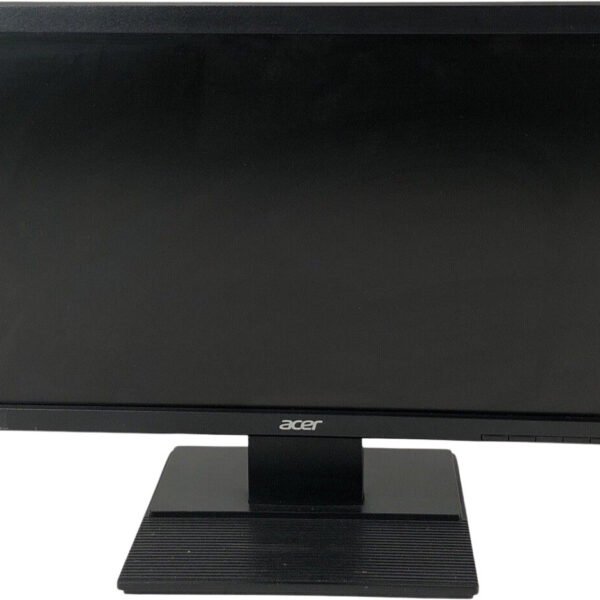
Brand: Acer
Model: V196HQL
Product Type: LED-backlit LCD monitor
Screen Size: 18.5-inch viewable display (marketed as 19-inch class)
Native Resolution: 1366 × 768 pixels (HD)
Aspect Ratio: 16:9 widescreen
Panel Technology: TN (Twisted Nematic)
Backlight Technology: LED
Refresh Rate: 60Hz
Response Time: 5ms
Brightness: Approximately 200–250 cd/m², depending on submodel
Contrast Ratio: Varies by version; confirm the exact submodel
Supported Colours: Approximately 16.7 million
Horizontal Viewing Angle: Approximately 90°
Vertical Viewing Angle: Approximately 65°
Video Input: VGA on the standard version listed by Acer; some variants may include HDMI
Screen Surface: Anti-glare
Stand Adjustment: Tilt, approximately -5° to +25°
Height Adjustment: Not supported by the standard stand
Typical Power Consumption: Approximately 11.5W on certain versions
Compatibility: Computers with compatible video outputs; an adapter may be required for VGA-only versions

Hurry and get discounts on all Apple devices up to 20%
Sale_coupon_15
KSh3,500.00 excl. VAT
Payment Methods:

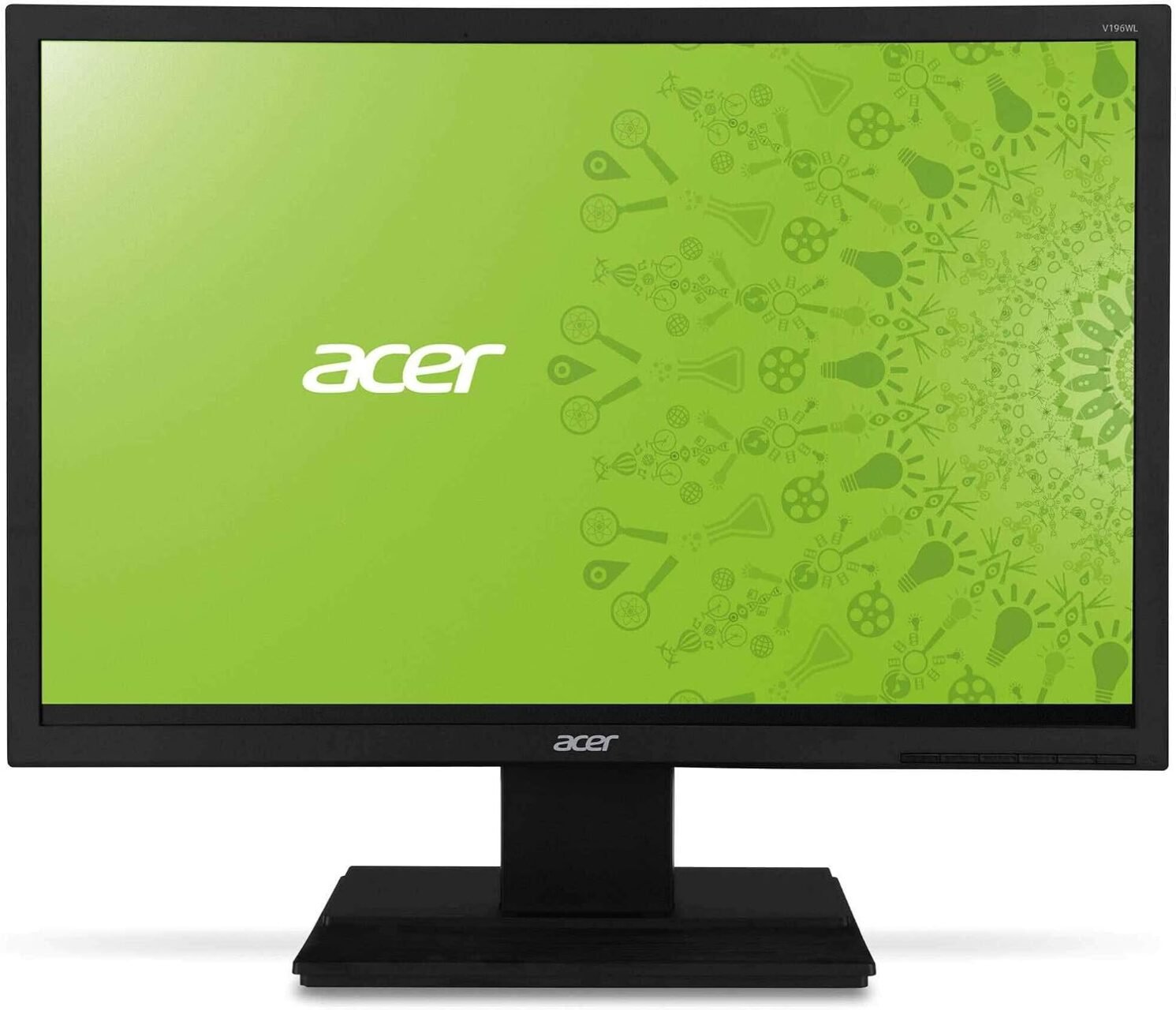
The Acer V196HQL 19-Inch Monitor is a compact and practical display designed for office workstations, educational institutions, small businesses, and everyday home computing. Featuring an approximately 18.5-inch viewable screen, LED backlighting, and a black finish, this monitor provides essential display functionality for users who need a straightforward solution for routine computer tasks.
With its 1366 × 768 HD resolution and 16:9 widescreen aspect ratio, the Acer V196HQL supports common activities such as document editing, spreadsheet management, web browsing, email communication, and educational applications. Its compact design makes it particularly useful for workspaces where desk space is limited or where multiple computers need to be accommodated.
The monitor also features a 5ms response time, an anti-glare screen surface, and an adjustable tilt stand. These practical features make it suitable for standard desktop environments where simplicity, compatibility, and everyday usability are important.
At Lansotech Solutions Kenya, we help customers identify computer equipment that meets their operational requirements. The Acer V196HQL is worth considering for users seeking a compact monitor for basic productivity and general computing.
The Acer V196HQL features a native resolution of 1366 × 768 pixels, providing an HD widescreen display for everyday computing tasks. Although this resolution is lower than Full HD, it remains suitable for many basic office applications, educational software, and general desktop use.
For office users, the monitor can support word processing, email, basic spreadsheets, online research, and business applications. Students can use it for assignments, browsing, and learning platforms, while home users can rely on it for routine computer activities.
Its 16:9 aspect ratio provides a widescreen layout that accommodates standard desktop interfaces and video content. The compact screen size also makes it practical for smaller desks, reception counters, and workstations where a larger display may not be necessary.
Users who regularly work with large spreadsheets, multiple windows, high-resolution images, or detailed design applications may prefer a Full HD monitor with greater workspace. For basic computing, however, the Acer V196HQL offers a straightforward display solution.
The Acer V196HQL uses LED backlighting to illuminate its LCD panel. LED technology supports a relatively slim monitor design and can provide efficient operation compared with older display technologies that use conventional fluorescent backlights.
Depending on the specific submodel, the monitor’s rated brightness is approximately 200–250 cd/m². This is generally suitable for ordinary indoor environments, including offices, home workstations, and classrooms.
The display supports approximately 16.7 million colours, allowing it to reproduce the colours required for common business applications, websites, presentations, and everyday multimedia content. Its image performance is intended for practical desktop use rather than specialist colour-critical production.
The monitor uses TN (Twisted Nematic) panel technology. TN panels are commonly used in conventional business displays, although their viewing angles and colour consistency can be more limited than those of many IPS monitors. For the best viewing experience, users should position the screen directly in front of their normal seating position.
The Acer V196HQL has a specified 5ms response time, describing the time required for supported pixel transitions. This is suitable for everyday computing, including office software, web browsing, educational applications, and general multimedia playback.
The response time supports normal desktop operation without requiring the advanced motion performance associated with specialist gaming monitors. Combined with its standard 60Hz refresh rate, the display is intended for routine computer use rather than competitive gaming.
For businesses, schools, and home users who need a monitor for standard applications, these specifications provide the functionality required for common daily tasks.
Users seeking higher refresh rates, advanced gaming features, or improved motion performance should consider a newer monitor designed specifically for those requirements.
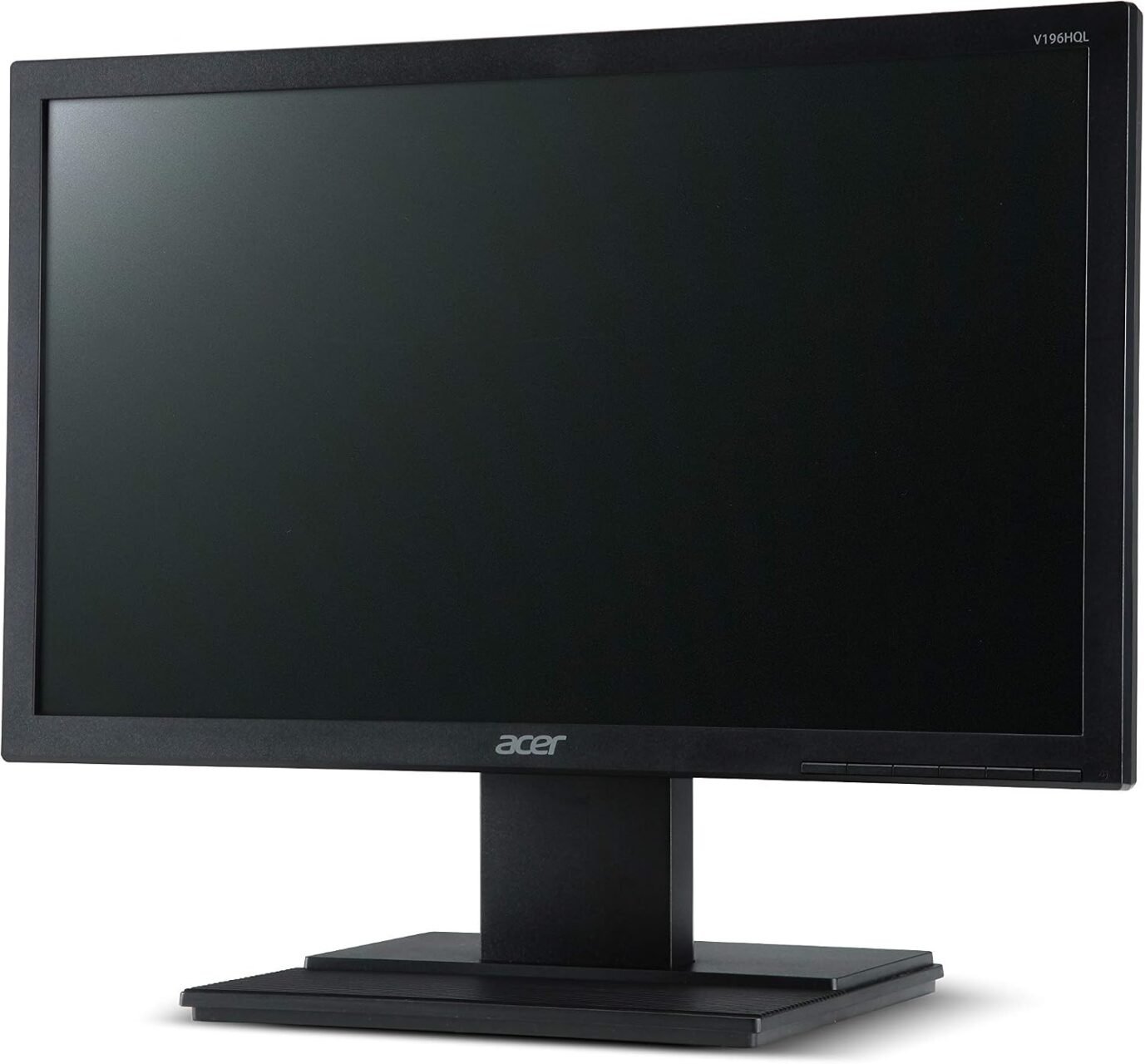
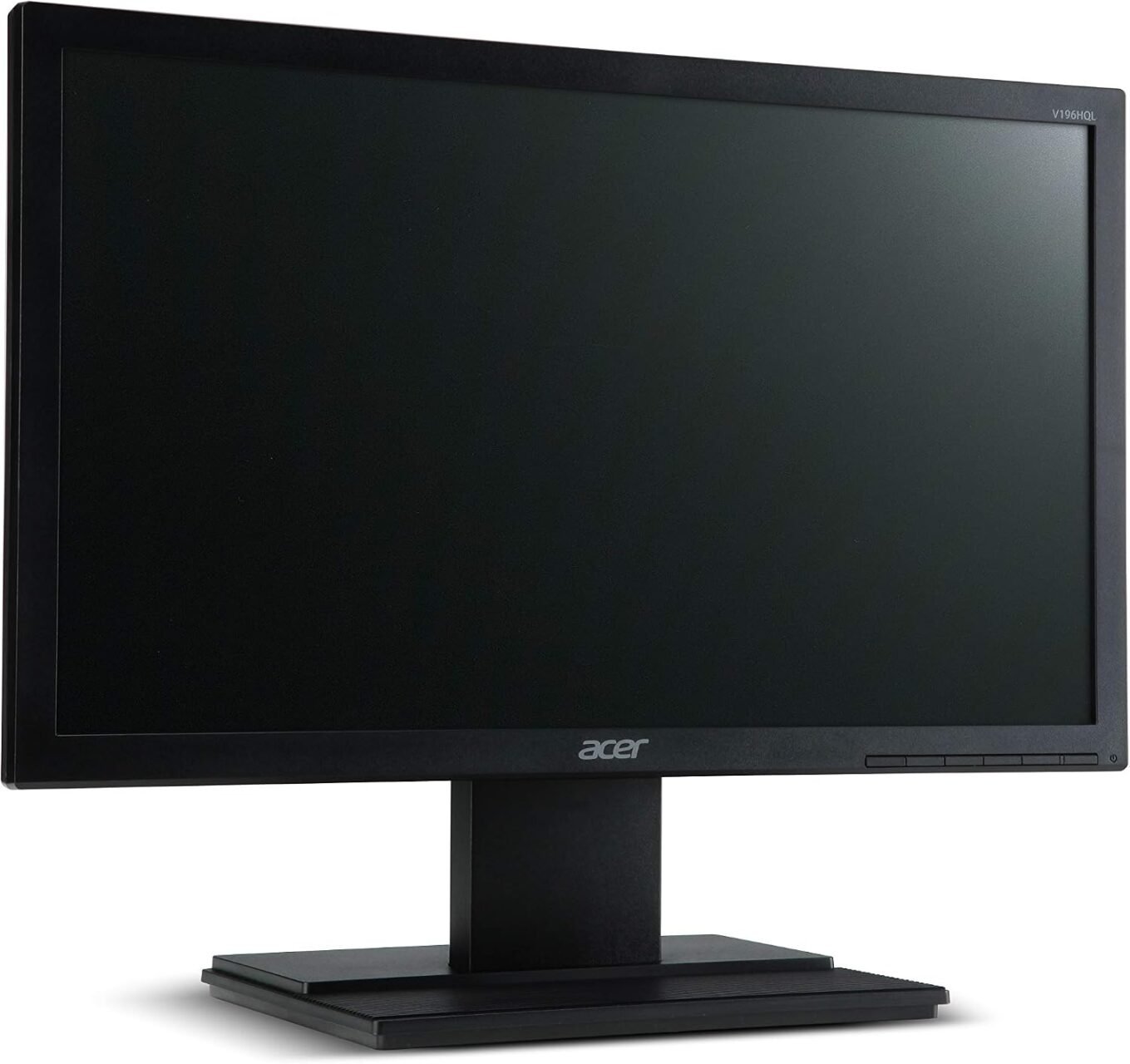
The Acer V196HQL has a compact black design that fits easily into many traditional office and home computing environments. Its approximately 18.5-inch viewable display helps conserve desk space, making it suitable for smaller workstations and areas where several computers must be installed.
The monitor’s simple appearance complements standard desktop computers and office accessories. It can be used in reception areas, administrative offices, computer laboratories, and home study spaces.
Its compact dimensions also make it practical for organisations that require basic displays for specialised business applications, data entry, and general computer access.
The standard stand provides tilt adjustment, allowing the screen angle to be changed to suit the user’s viewing position. However, it does not offer height adjustment, swivel, or pivot functionality. Users requiring greater ergonomic flexibility may wish to consider a compatible monitor arm, provided the exact model supports the required mounting arrangement.
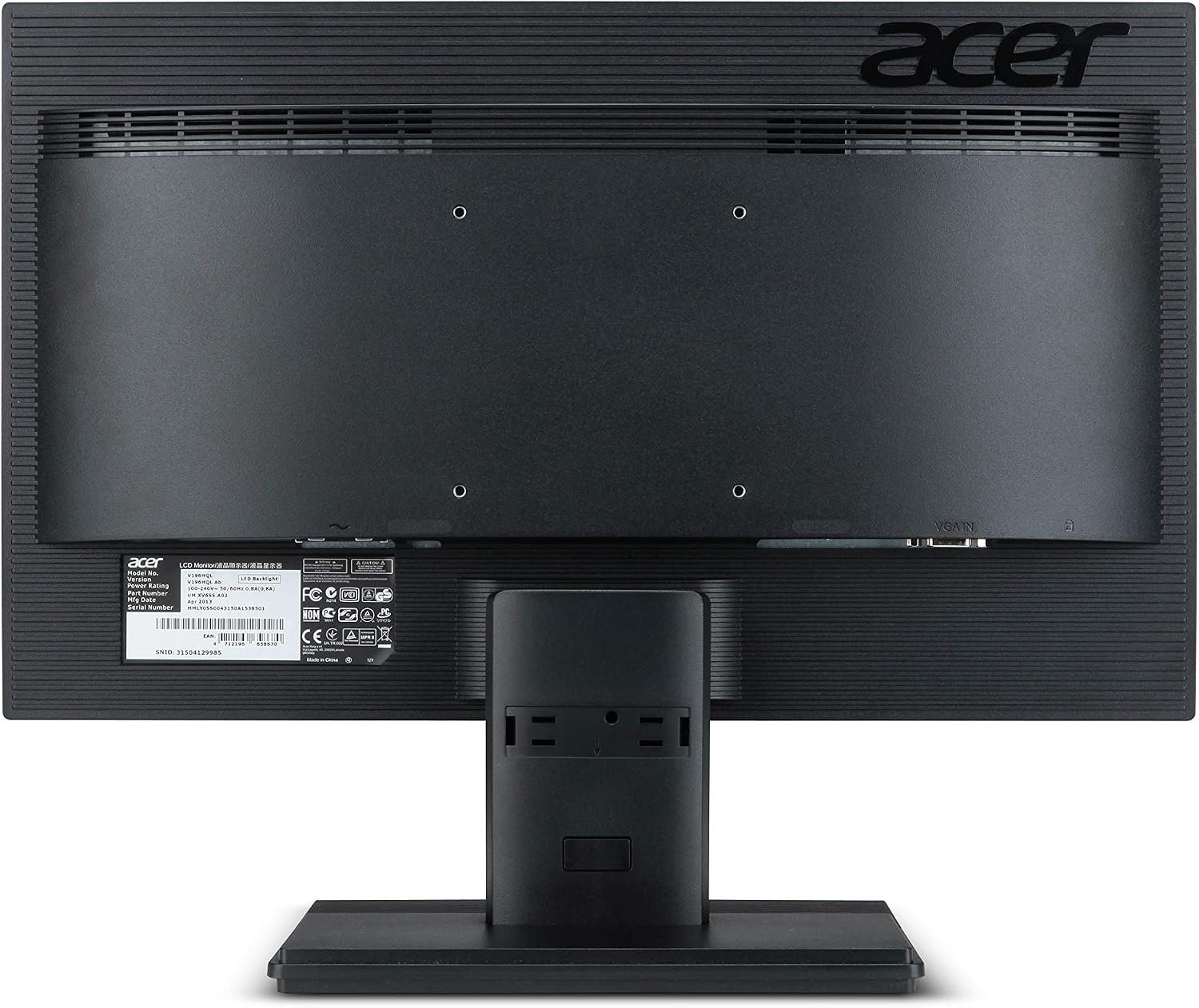
The standard Acer V196HQL configuration listed by Acer includes a VGA video input for connecting compatible desktop computers. VGA is an analogue video interface commonly found on older computers and some legacy business systems.
This connection can be useful for organisations that continue to operate compatible equipment and do not require newer digital display interfaces. It also makes the monitor a possible option for basic workstation installations where the computer already has a VGA output.
However, connectivity can vary among V196HQL submodels and regional variants. Some versions may offer HDMI alongside VGA, so customers should confirm the exact model code and inspect the available ports before purchasing.
If a computer only provides HDMI or DisplayPort output, an appropriate adapter or converter may be required when connecting it to a VGA-only version. Compatibility depends on the source output, the monitor input, and the type of conversion needed.
Checking connectivity before purchase helps avoid installation issues and ensures that the monitor can work with the intended computer.
The Acer V196HQL features an anti-glare screen surface designed to reduce distracting reflections from surrounding light sources. This is useful in office environments where overhead lighting or nearby windows can affect screen visibility.
The anti-glare surface can help users view documents, software interfaces, and other content more comfortably under typical indoor lighting conditions. For best results, the monitor should still be positioned away from strong direct reflections.
The display’s compact screen size and standard resolution make it suitable for routine office tasks, while its simple controls allow users to adjust supported display settings according to their preferences.
Although anti-glare technology can help reduce reflections, it does not eliminate eye fatigue. Users should also adjust screen brightness to match the environment, maintain a suitable viewing distance, and take regular breaks during prolonged computer use.
The Acer V196HQL’s standard stand supports tilt adjustment from approximately -5° to +25°, depending on the specific version. This allows users to angle the screen for a more comfortable viewing position and reduce unwanted reflections.
The monitor also supports a 100 × 100mm VESA mounting pattern on the model listed in Acer’s specifications. This can allow installation on a compatible monitor arm or wall-mount bracket, provided the exact submodel supports the required mounting arrangement.
Mounting the display can help free up desk space and improve workstation organisation. Before installation, users should confirm the monitor’s mounting compatibility, weight requirements, and the specifications of the chosen bracket.
The monitor does not include a fully adjustable ergonomic stand with height, swivel, and pivot controls. Users who need frequent repositioning may benefit from a compatible mounting solution.
The Acer V196HQL uses LED backlighting and is designed for conventional desktop operation. Published specifications for certain versions list active power consumption of approximately 11.5W, although actual consumption varies by submodel, brightness settings, and operating conditions.
The monitor also supports low-power standby operation when the connected computer or display settings allow it. Using compatible power-saving features can help reduce unnecessary energy consumption when the workstation is inactive.
For businesses operating multiple computers, efficient power management is a useful part of maintaining a practical IT environment. Users can switch off displays when they are not required and configure supported computer settings to reduce power consumption during periods of inactivity.
The Acer V196HQL’s straightforward design and simple controls make it suitable for environments where users need a functional monitor without advanced configuration requirements.
The Acer V196HQL can be considered for several everyday computing environments.
For users who need Full HD resolution, multiple digital inputs, wider viewing angles, or advanced gaming performance, comparing newer monitors may be more appropriate.
Choosing the right monitor requires consideration of screen size, resolution, connectivity, condition, and intended use. These factors help determine whether a display is suitable for a particular workstation or business environment.
Lansotech Solutions Kenya helps customers evaluate computer equipment and accessories for business, educational, and personal computing requirements. The Acer V196HQL is worth considering for users who need a compact display for everyday applications and compatible computer systems.
Before placing an order, customers should confirm the exact model or submodel, screen condition, available video inputs, included cables, power accessories, and warranty terms. These checks are particularly important when purchasing older monitor models or refurbished equipment.
For organisations equipping several workstations, confirming compatibility in advance can simplify installation and reduce the need for additional adapters. Customers should also consider whether the monitor’s HD resolution meets their software and workspace requirements.
The Acer V196HQL 19-Inch Monitor is a compact LED-backlit display designed for basic office productivity, education, and everyday home computing. Its approximately 18.5-inch viewable screen, 1366 × 768 resolution, 5ms response time, anti-glare surface, and tilt-adjustable stand provide the essential features needed for many conventional desktop applications.
Its compact design makes it useful for smaller workspaces, while VGA connectivity supports compatible computer systems. However, its lower-than-Full-HD resolution and limited ergonomic adjustments should be considered when comparing it with newer monitors.
For users who need a straightforward display for routine computer tasks, the Acer V196HQL can be a practical option. At Lansotech Solutions Kenya, we encourage customers to verify the exact model specifications and connectivity before purchase to ensure the monitor meets their requirements.
No account yet?
Create an Account







 ASUS
ASUS






