






 Laptop Computers
 Desktop Computers
 Printers
 Network
 Software
 Laptop Accessories
 Laptop Components
 Office
 Desktop peripherals

Hurry and get discounts on all Apple devices up to 20%
Sale_coupon_15
KSh18,000.00 excl. VAT
Payment Methods:

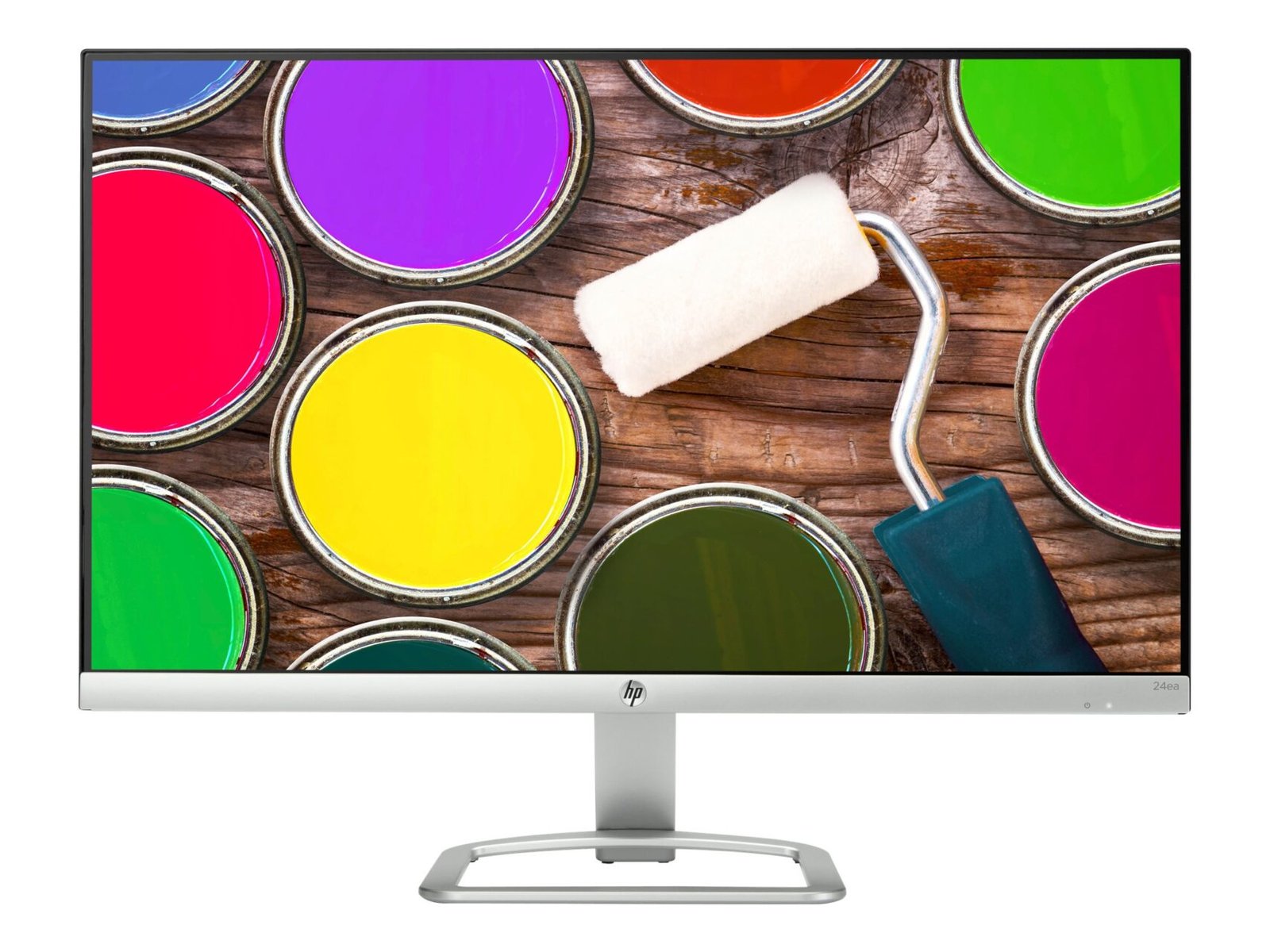
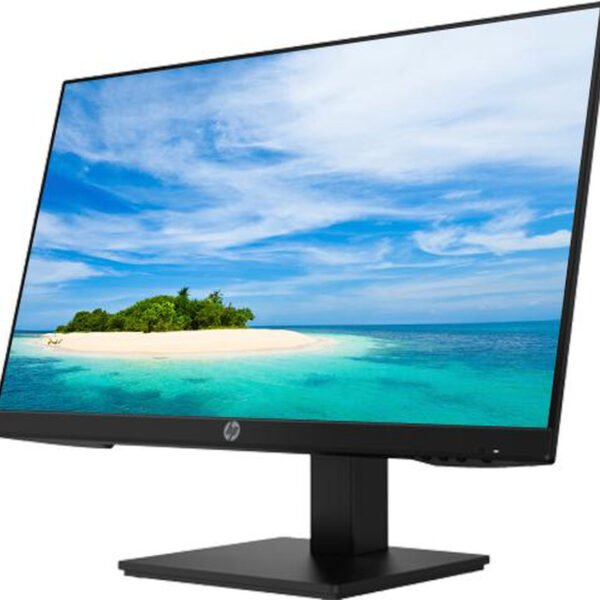
The HP 24ea Full HD 24-Inch IPS LED Monitor is a stylish and practical display designed for home offices, business workstations, educational environments, and everyday computing. Combining Full HD resolution, IPS panel technology, LED backlighting, and a slim modern design, this monitor provides clear visuals and reliable functionality for daily productivity.
With a 23.8-inch viewable display, commonly marketed as a 24-inch monitor, the HP 24ea offers a resolution of 1920 × 1080 pixels. This provides a suitable workspace for documents, spreadsheets, web browsing, presentations, online learning, and multimedia entertainment.
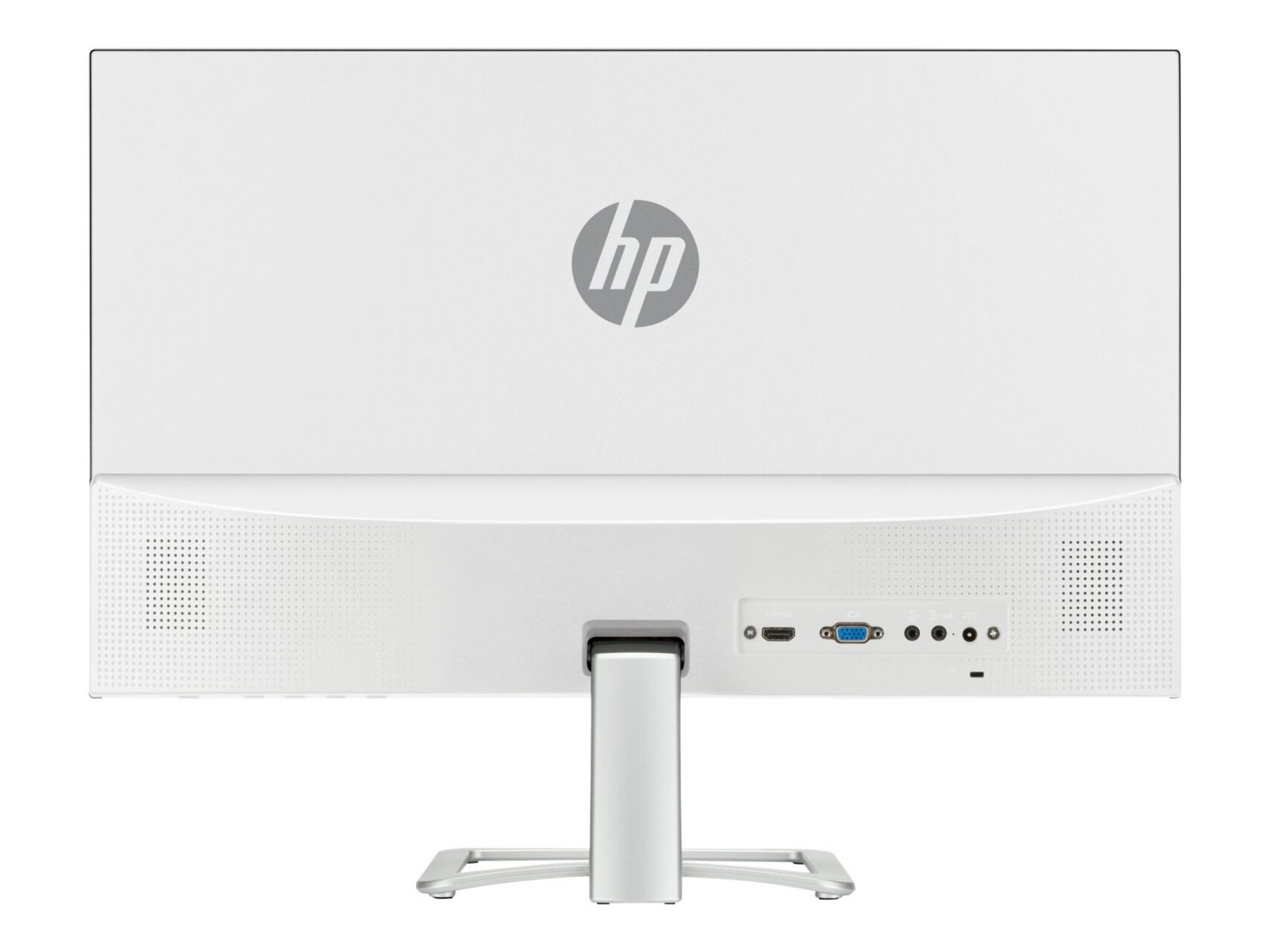
Its IPS panel delivers wide viewing angles, while the anti-glare screen helps minimise distracting reflections in typical indoor environments. The monitor also features HDMI and VGA connectivity, integrated stereo speakers, and a tilt-adjustable stand, making it a convenient option for users who want a straightforward desktop display.
Whether you are setting up a home computer, refreshing an office workstation, or equipping a study area, the HP 24ea combines attractive styling with practical display features.
The HP 24ea features a 23.8-inch diagonal screen with a native resolution of 1920 × 1080 pixels (Full HD). Its 16:9 widescreen aspect ratio is suited to modern digital content, including office applications, websites, online videos, and presentations.
Full HD resolution provides clear text and detailed graphics for common computing tasks. Users can work with spreadsheets, edit documents, manage email, attend online classes, and browse websites with a comfortable amount of screen space.
The 24-inch class display is a practical choice for desks where a larger monitor is preferred without moving to a much wider or physically larger screen. It is suitable for personal computers, compatible laptops, and other devices that provide supported video output.
For everyday office and home use, the combination of Full HD resolution and a widescreen layout offers a straightforward, versatile viewing experience.
One of the key features of the HP 24ea is its In-Plane Switching (IPS) panel. IPS technology helps maintain consistent image appearance when the screen is viewed from different angles.
HP specifies viewing angles of up to 178 degrees horizontally and vertically. This makes it easier to view content from the side, which can be useful when sharing a presentation, discussing a document, or adjusting the monitor’s position on a desk.
The display supports a typical static contrast ratio of 1000:1, helping distinguish light and dark areas in documents, images, and video content. Its colour support reaches up to 16.7 million colours using frame-rate control technology.
These specifications make the monitor suitable for everyday productivity, educational applications, web content, and general multimedia use. Users who require advanced colour accuracy for professional photography or colour-critical design should consider a display specifically calibrated for those workflows.
The HP 24ea uses LED backlighting to illuminate its LCD panel. This design supports its slim profile and provides the brightness needed for typical office and home environments.
With a typical brightness of 250 cd/m², the monitor is designed for standard indoor lighting conditions. Users can adjust the brightness to suit their surroundings and personal viewing preferences.
The display also incorporates an anti-glare screen treatment that helps reduce reflections from ambient light. Although it cannot eliminate every reflection, the matte-style surface can make text and other content easier to view in many workspaces.
HP lists a typical response time of 7ms grey-to-grey. This is appropriate for routine computing, presentations, video playback, and casual gaming, although the monitor is not intended to compete with high-refresh-rate gaming displays.
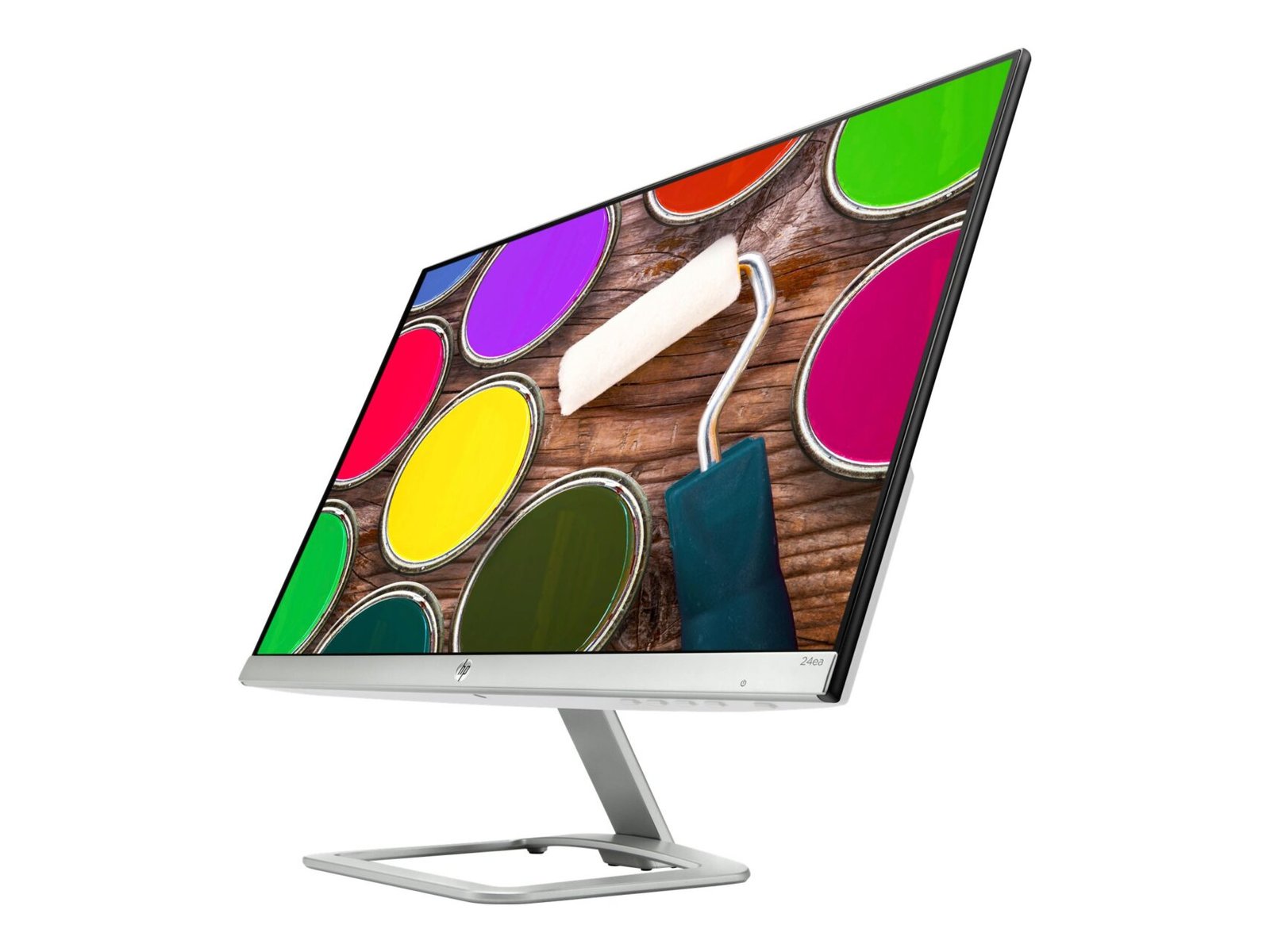
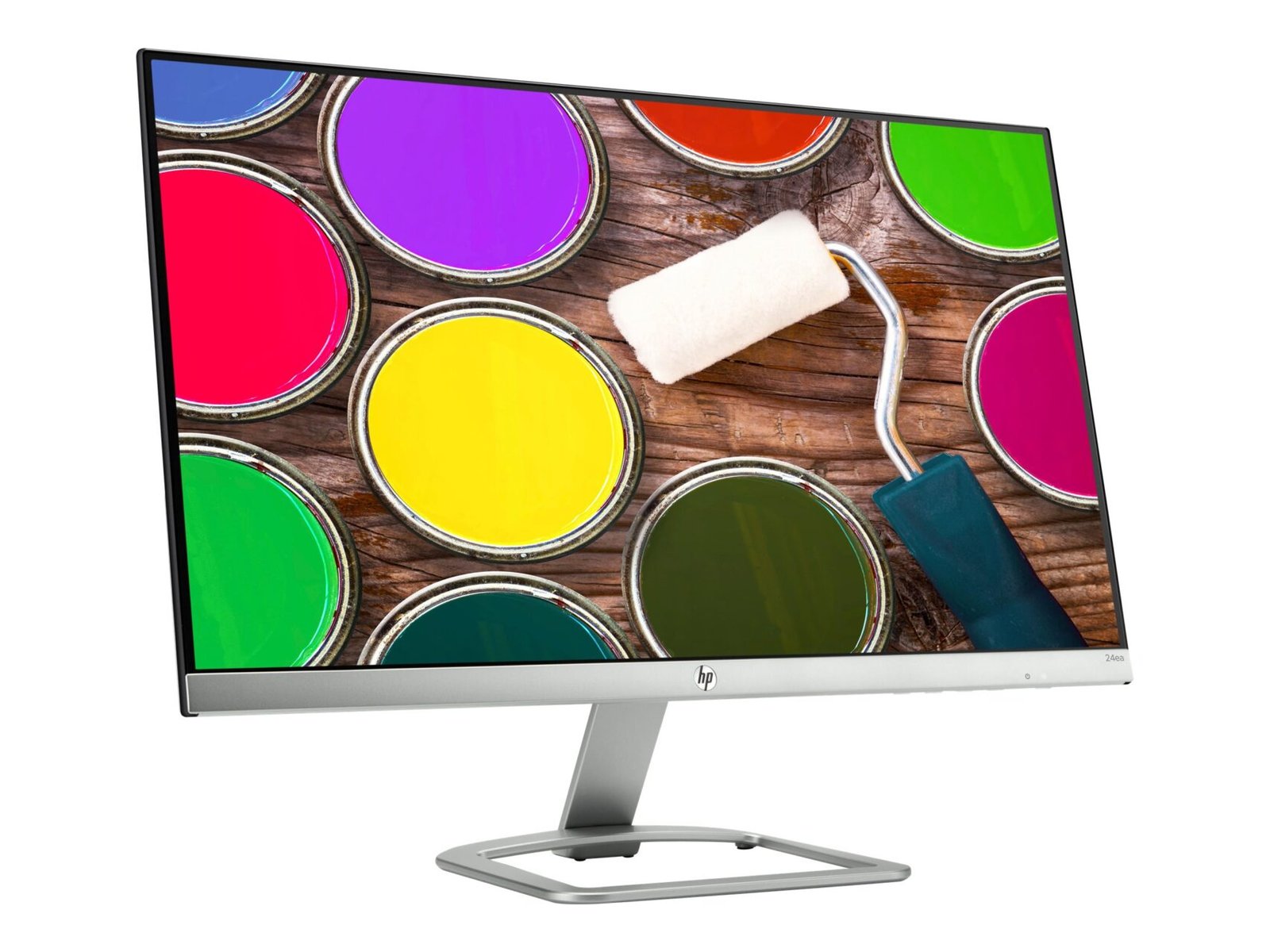
The HP 24ea features a minimalist design with a narrow profile and a modern appearance. Its slim styling makes it suitable for home offices, reception desks, study areas, and professional environments where a clean desktop arrangement is desirable.
The monitor’s compact footprint helps users organise their workspace around a computer, keyboard, mouse, and other accessories. Its simple design can also complement a variety of desk styles and room layouts.
Although the stand offers tilt adjustment rather than full ergonomic movement, the monitor can be positioned to suit many standard desk arrangements. Users who require height adjustment or portrait orientation can consider a compatible VESA mounting solution, provided the specific monitor and mount are confirmed to be compatible.
The HP 24ea includes two main video inputs, providing compatibility with a range of computers and devices.
This combination can be useful in homes, offices, and educational environments where computers may use different video standards.
Before connecting the monitor, check the output ports on the computer. A compatible adapter may be needed if the computer uses DisplayPort, USB-C, or another output that is not directly supported by the monitor.
The HP 24ea does not provide the extensive port selection or built-in USB hub found on some higher-end business monitors. Its connection options are focused on straightforward video input for everyday computing.
The HP 24ea includes built-in stereo speakers, allowing users to play audio without necessarily connecting separate desktop speakers.
HP documentation for this model lists speaker output of approximately 1.5W per channel in the relevant configuration. These speakers are useful for system sounds, online lessons, presentations, video calls, and casual video playback.
Integrated speakers can also help keep a desk uncluttered by reducing the need for additional audio equipment. For basic listening and routine computer tasks, they provide convenient built-in sound.
Users who need stronger bass, higher volume, or more detailed audio may prefer dedicated external speakers or headphones. Speaker performance can vary by product configuration, so buyers should confirm the exact unit’s audio specifications.
Its IPS panel, Full HD resolution, and anti-glare surface provide a practical combination for reading, writing, browsing, and viewing digital materials.
The display supports a tilt range of approximately -5 to +25 degrees, allowing users to adjust the screen angle to suit their seating position.
Correct monitor placement can improve workstation comfort. Ideally, position the display directly in front of you, at a comfortable viewing distance, and at an angle that allows you to read the screen without repeatedly leaning forward.
The HP 24ea does not offer the extensive height, swivel, and pivot adjustments available on some business-oriented monitors. Users who need more flexible positioning may benefit from a compatible mounting accessory, after checking the unit’s mounting specifications.
The HP 24ea uses LED backlighting and includes energy-management features designed for typical desktop use.
HP’s published specifications list typical power consumption of approximately 26W, a maximum of 30W, and standby consumption of around 0.3W under the stated conditions. Actual consumption varies according to brightness, settings, and operating circumstances.
HP also identifies environmental features including mercury-free LED backlighting, arsenic-free display glass, and low-halogen design characteristics.
These features can be relevant to organisations and households seeking displays with documented environmental and energy credentials. For multiple-monitor installations, power-saving settings can also help manage overall electricity consumption.
The HP 24ea is a versatile display for everyday computing rather than a specialist workstation monitor. Its screen size, resolution, and connectivity make it suitable for a variety of uses.
Office productivity: The Full HD screen supports spreadsheets, document editing, email, presentations, and business applications.
Home computing: It is suitable for browsing, online communication, personal projects, and routine computer tasks.
Education and online learning: Students and educators can use the display for research, online classes, educational videos, and digital assignments.
Multimedia entertainment: HDMI connectivity, stereo speakers, and the widescreen aspect ratio support everyday video playback and general entertainment.
Reception and administrative work: The simple design and standard video inputs make it a practical option for basic office workstations.
Casual gaming: The 7ms typical response time and 60Hz Full HD display can support casual gaming, although users seeking high refresh rates or advanced gaming features should look at a different monitor category.
The HP 24ea combines a modern slim design with the essential features needed for everyday computer use. Its 23.8-inch IPS panel delivers Full HD resolution and wide viewing angles, while the anti-glare surface helps reduce distracting reflections.
The HDMI and VGA inputs provide straightforward connectivity, and integrated stereo speakers offer convenient audio without requiring separate speakers for basic tasks. LED backlighting and documented energy-management features further support its use in home and office environments.
The monitor’s simple stand and limited connectivity are important considerations for users who require extensive ergonomic adjustment, USB connectivity, or multiple digital inputs. However, for a conventional desktop setup, its core features provide a practical balance of display quality and simplicity.
As an older monitor model, the HP 24ea may be available through selected sellers or as a refurbished or pre-owned unit. Before purchasing, check the screen for dead pixels, uneven illumination, scratches, or other signs of wear. Confirm the included power adapter, cables, warranty terms, and return policy as well.
 Laptop Computers
 Desktop Computers
 Desktop peripherals
 Laptop Accessories
 Laptop Components
 Network
 Printers
 Server
 Software
No account yet?
Create an Account






