






 Laptop Computers
 Desktop Computers
 Printers
 Network
 Software
 Laptop Accessories
 Laptop Components
 Office
 Desktop peripherals

Hurry and get discounts on all Apple devices up to 20%
Sale_coupon_15
KSh80,000.00 excl. VAT
Payment Methods:

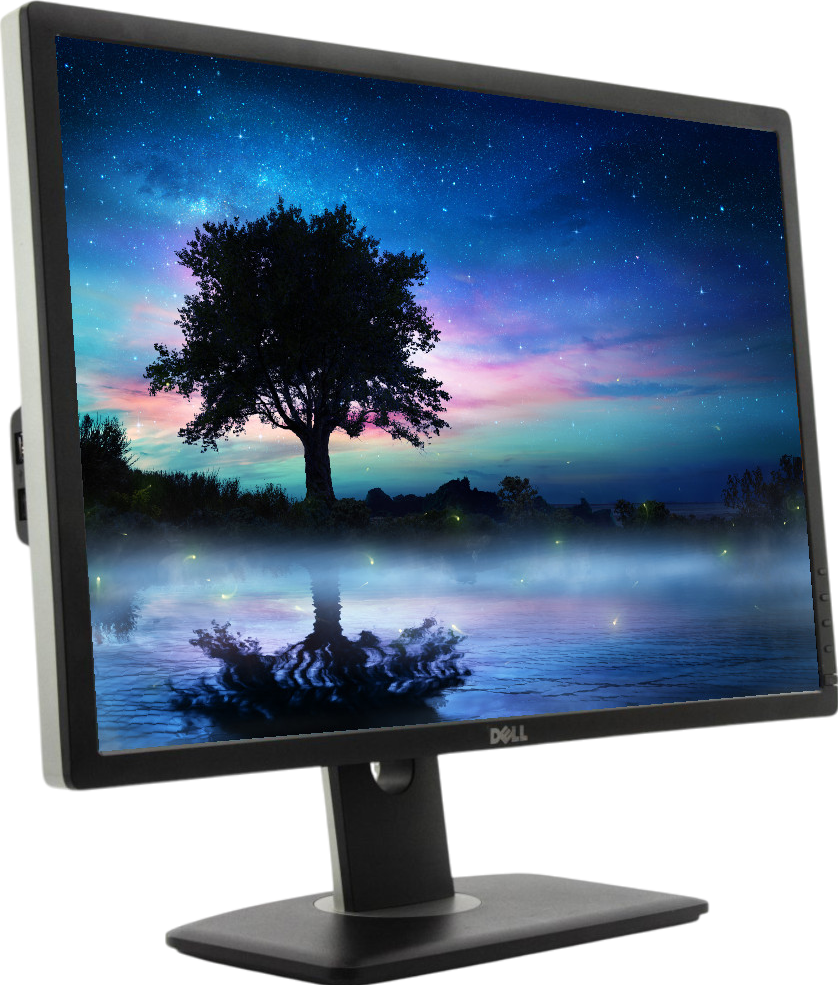
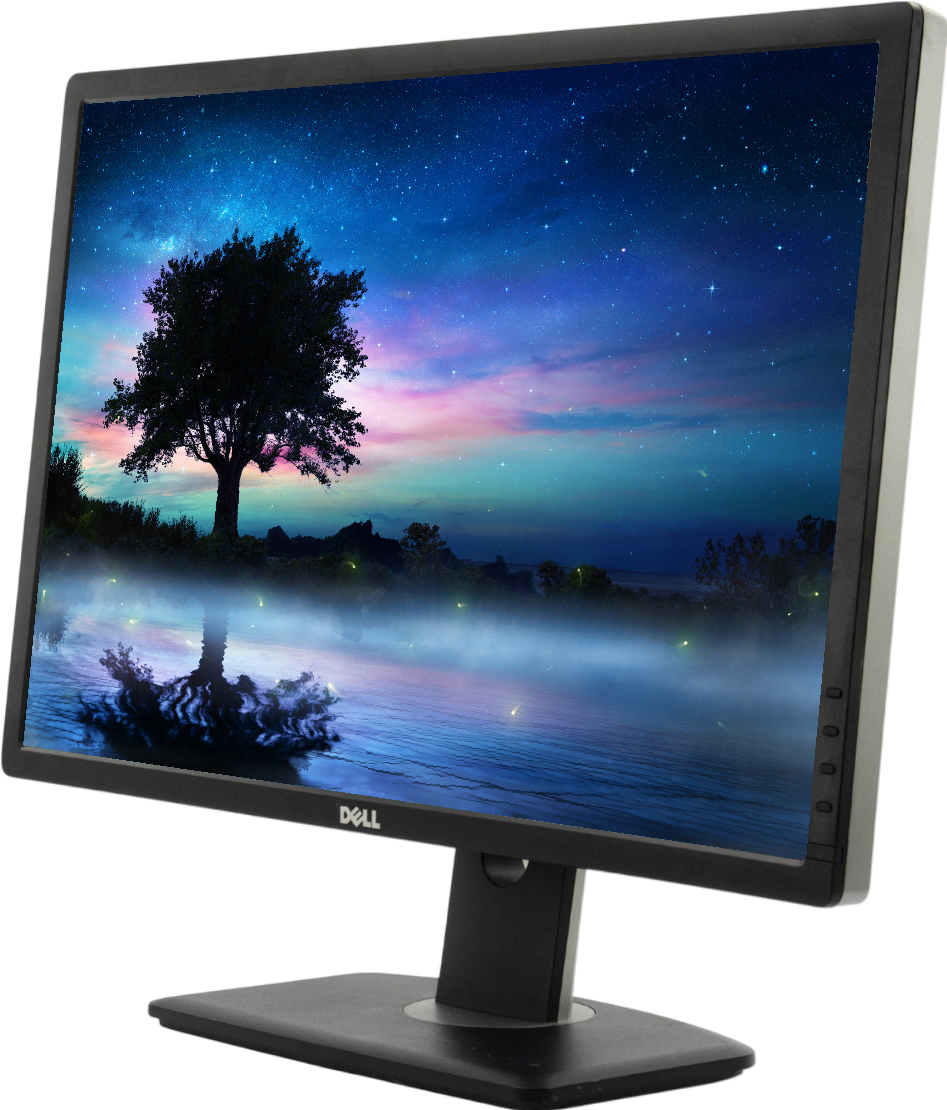
The Dell UltraSharp U2412MC 24-inch Widescreen IPS LED LCD Monitor is a professional display designed for office productivity, business applications, document editing, and everyday computing. It features a 1920 × 1200 resolution, IPS panel technology, and a 16:10 aspect ratio that provides more vertical workspace than a standard Full HD monitor.
Part of Dell’s UltraSharp monitor family, the U2412M series is known for its practical design, wide viewing angles, and ergonomic adjustability. The extra screen height is particularly useful for viewing long documents, working with spreadsheets, editing images, and managing multiple applications.
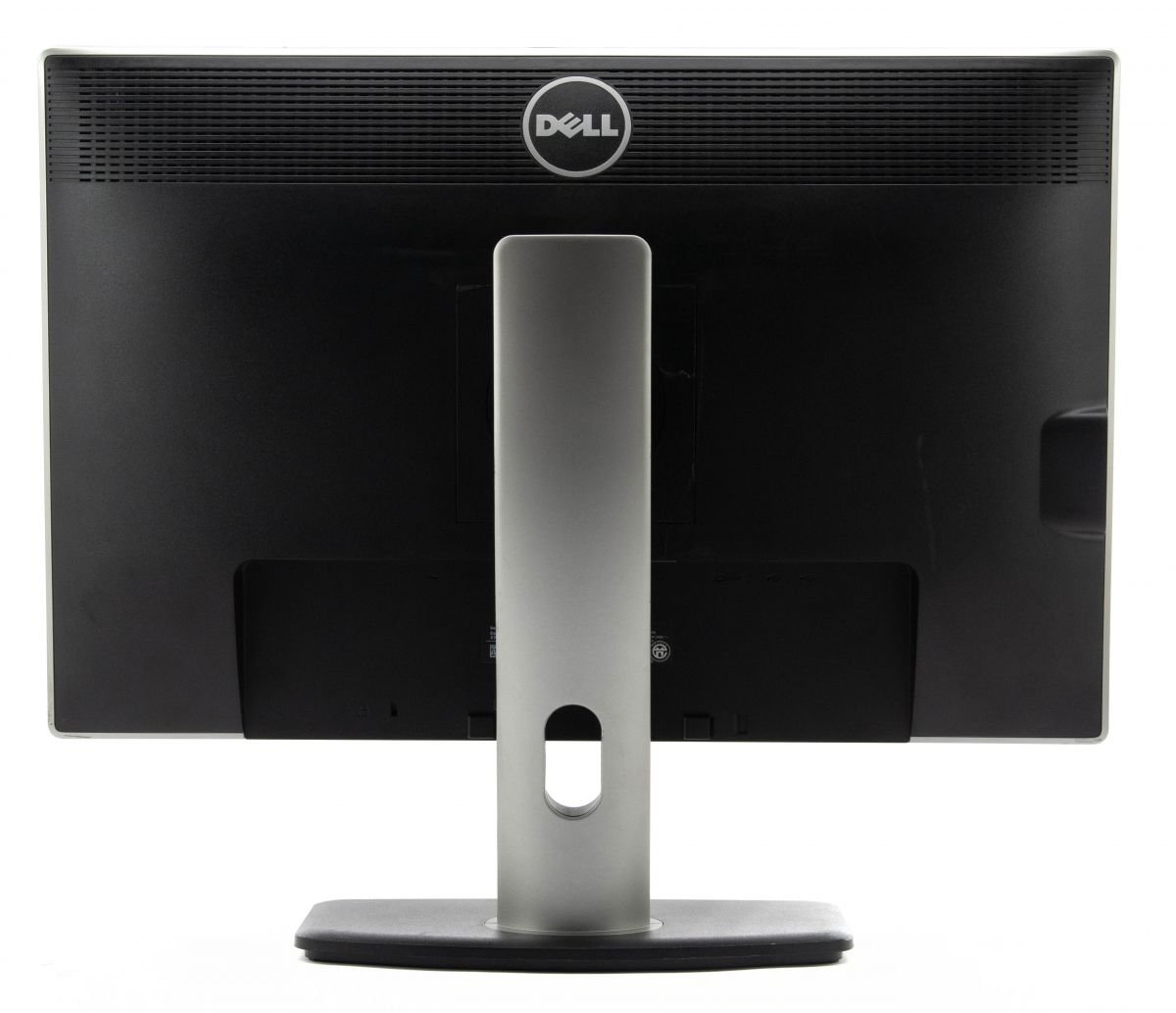
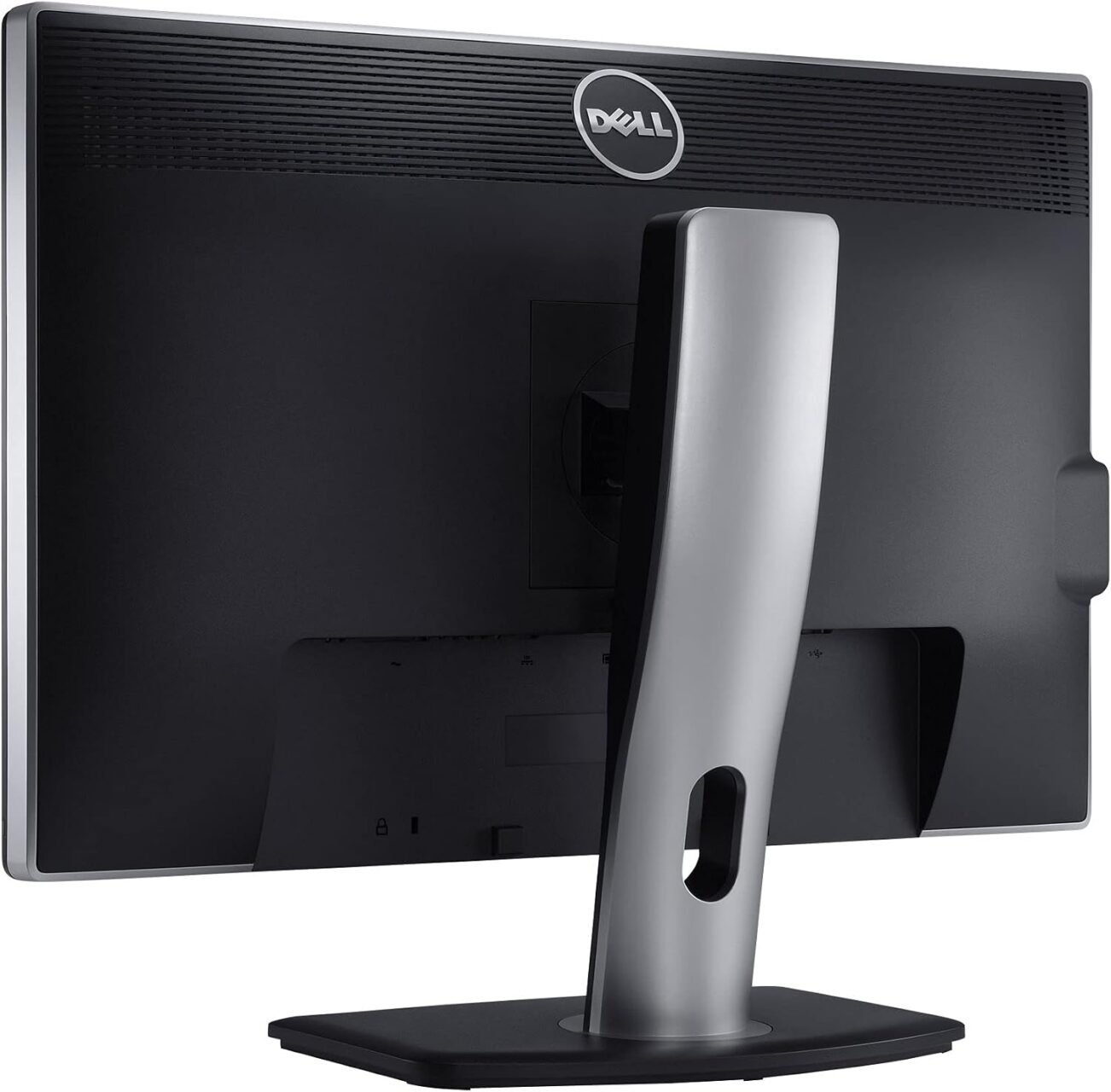
With DisplayPort, DVI-D, VGA, and USB hub connectivity, this monitor can accommodate a range of desktop computers and compatible laptops. Its adjustable stand also helps users create a more comfortable workstation for extended working sessions.
The Dell UltraSharp U2412MC is a good option for users who value workspace, dependable display performance, and ergonomic flexibility. Its 1920 × 1200 resolution provides 120 additional vertical pixels compared with a standard 1920 × 1080 Full HD monitor.
The IPS panel delivers wide viewing angles of up to 178 degrees horizontally and vertically, helping maintain consistent image quality when viewing the screen from different positions. This is useful in professional environments where colour consistency and readability matter.
Another advantage is its fully adjustable stand. Users can adjust the height, tilt, swivel, and pivot to find a suitable viewing position. The integrated USB hub also makes it easier to connect compatible peripherals without reaching for the computer’s ports.
Although this is an older monitor model, its resolution, ergonomic features, and range of connections can still make it a practical choice for many office tasks.
The Dell UltraSharp U2412M series uses a 24.1-inch display with a native resolution of 1920 × 1200 pixels. Its 16:10 aspect ratio offers more vertical workspace than a conventional 16:9 Full HD screen.
This additional space is useful for reading documents, reviewing spreadsheets, editing text, browsing websites, and working with software that displays extensive information vertically.
The In-Plane Switching (IPS) panel supports viewing angles of up to 178 degrees horizontally and vertically. This helps preserve image clarity and colour consistency when the display is viewed from different positions.
The monitor is suitable for general office graphics, presentations, photo viewing, and everyday image-editing tasks. Users working on colour-critical professional projects should still consider the calibration requirements of their particular workflow.
LED backlighting helps provide consistent screen illumination while supporting a slim monitor design. Combined with the IPS panel, it delivers a practical display for business applications, online research, and multimedia use.
The anti-glare screen surface also helps reduce distracting reflections from indoor lighting, making the display easier to use in many office environments.
The monitor’s stand supports height adjustment, tilt, swivel, and pivot. This allows users to raise or lower the screen, change its viewing angle, or rotate it into portrait orientation.
Portrait mode can be especially useful for reviewing lengthy documents, reading code, and working with vertically arranged content. The monitor also supports VESA mounting, allowing it to be installed on a compatible monitor arm or mounting bracket.
The Dell UltraSharp U2412M provides a range of video inputs to support different computer configurations. These include DisplayPort, DVI-D, and VGA.
DisplayPort provides a digital connection for compatible computers, while DVI-D supports compatible digital video sources. VGA can be useful when connecting older desktop systems. Check the available ports on your computer before choosing the appropriate cable.
The monitor includes a USB 2.0 hub with four downstream ports, allowing users to connect compatible accessories such as keyboards, mice, flash drives, and other peripherals.
This feature can help organise a desktop workstation and make frequently used USB connections more accessible. The monitor’s USB hub requires an appropriate upstream connection to the computer to function as intended.
The U2412M series is primarily intended for business and productivity use. Its 60Hz refresh rate is suitable for typical office applications, browsing, document editing, and video playback.
It is not designed as a modern high-refresh-rate gaming monitor, but its widescreen resolution and ergonomic features remain useful for many standard desktop tasks.
The Dell UltraSharp U2412MC is suitable for:
Since the U2412M is an older model, buyers should check the panel condition, available ports, stand functionality, and warranty before purchasing a used or refurbished unit.
Looking for a Dell UltraSharp 24-inch widescreen IPS monitor in Kenya? Contact Lansotech Solutions to enquire about availability, pricing, warranty coverage, and delivery options.
The Dell UltraSharp U2412M series offers useful features for productivity-focused users, including a 16:10 display, an ergonomic stand, and multiple video connections. Before purchasing, confirm the exact model number and condition, particularly if the monitor is refurbished or pre-owned.
No account yet?
Create an Account







 ASUS
ASUS






