






 Laptop Computers
 Desktop Computers
 Printers
 Network
 Software
 Laptop Accessories
 Laptop Components
 Office
 Desktop peripherals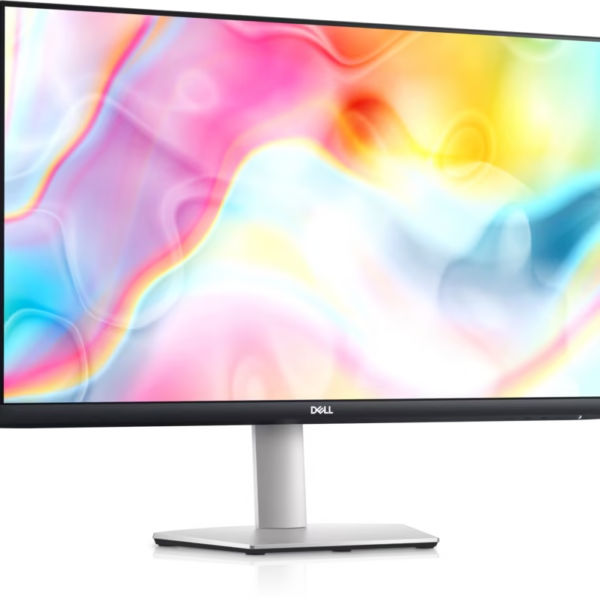

Hurry and get discounts on all Apple devices up to 20%
Sale_coupon_15
KSh25,000.00 excl. VAT
Payment Methods:

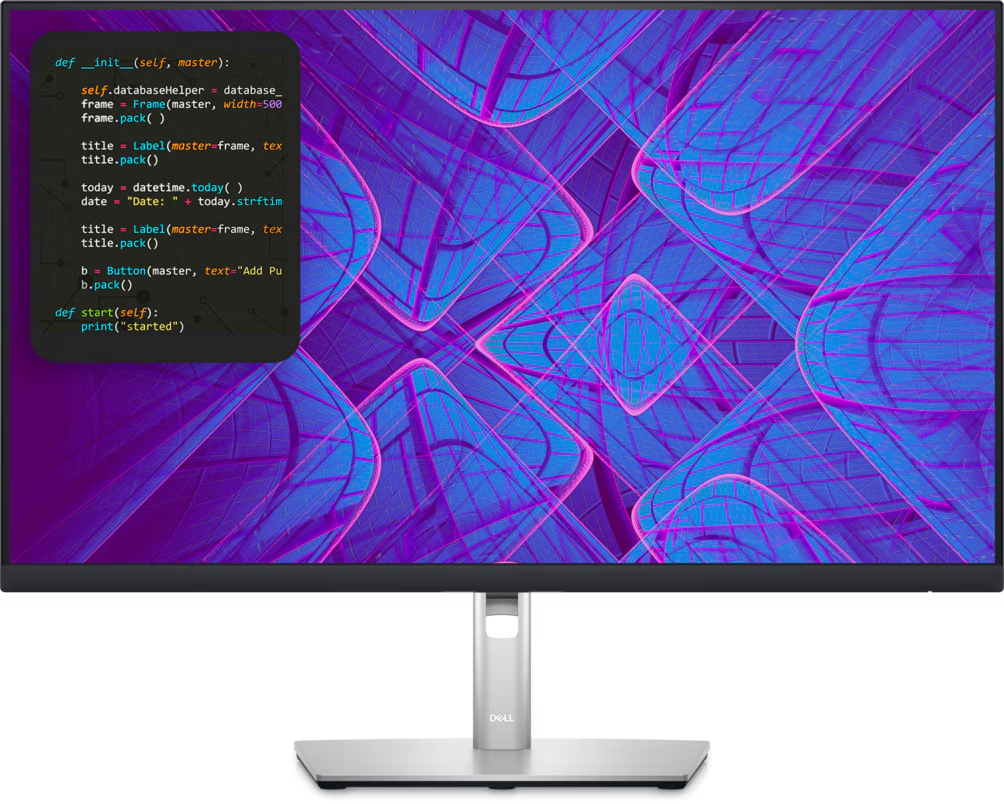
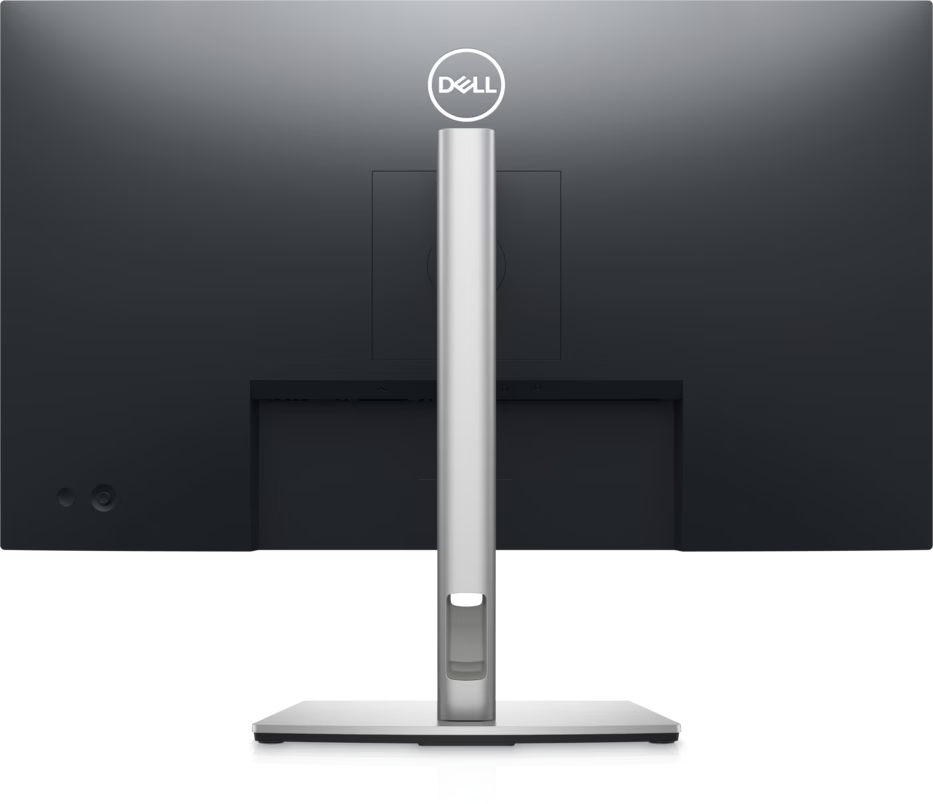
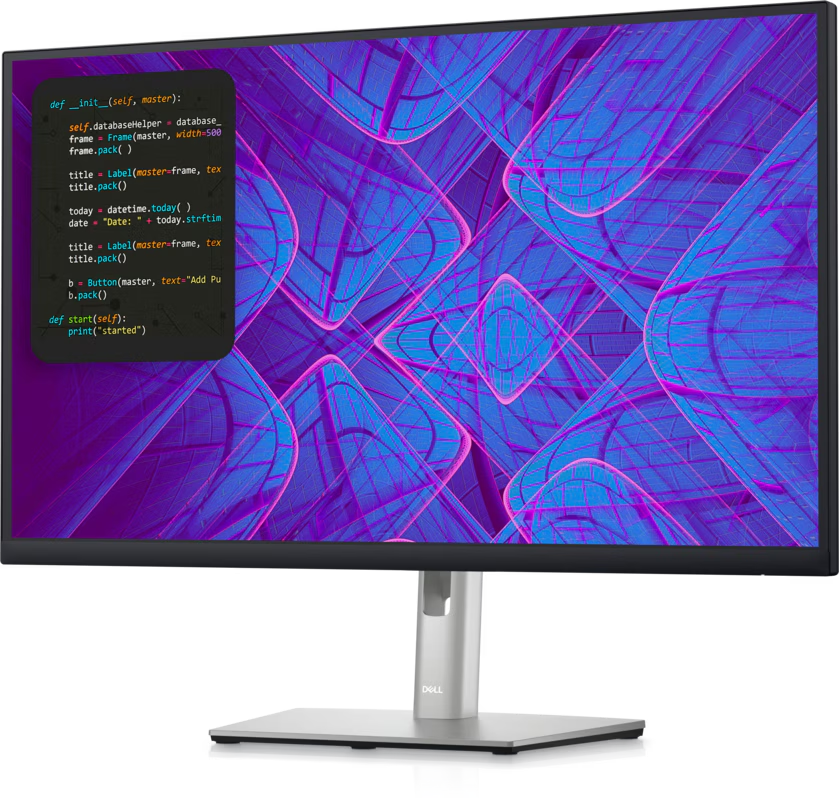
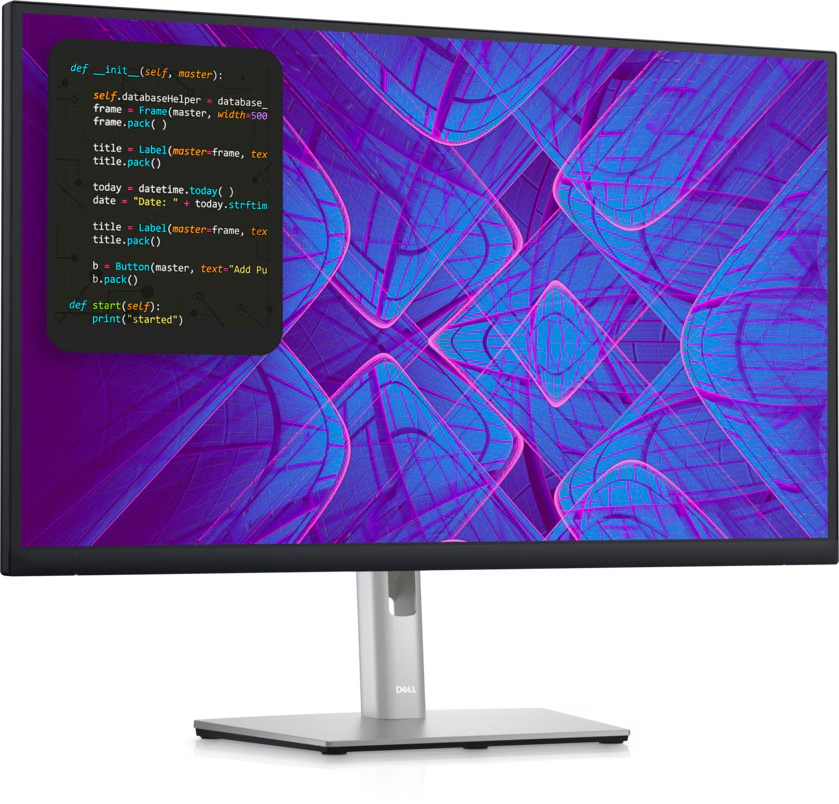
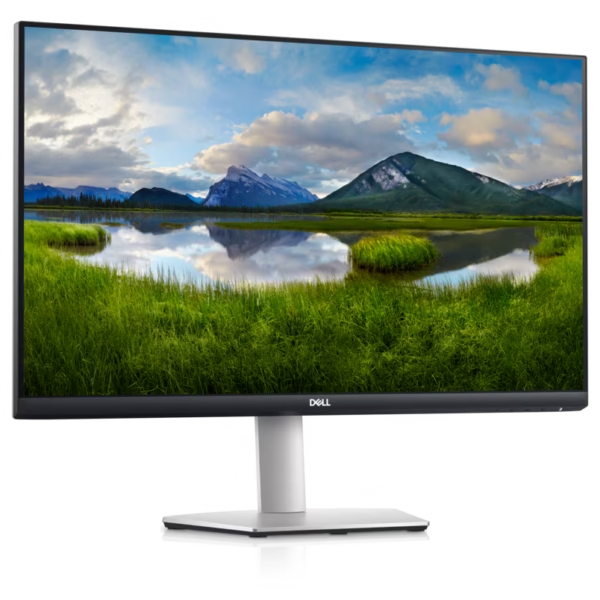
The Dell P2723QE 27-Inch 4K IPS USB-C Hub Monitor is a professional display designed for productivity, business environments, and demanding everyday computing tasks. With a 3840 × 2160 4K UHD resolution, IPS panel technology, USB-C connectivity with up to 90W power delivery, and an integrated USB hub, this monitor provides a practical solution for modern workstations.
Its 27-inch screen delivers detailed visuals for spreadsheets, documents, software development, presentations, and creative applications. The monitor also includes an Ethernet port, ergonomic stand adjustments, and Dell ComfortView Plus technology, making it suitable for office professionals, remote workers, developers, and organisations seeking a streamlined desktop setup.
The Dell P2723QE features a 27-inch display with a native resolution of 3840 × 2160 pixels. This 4K UHD resolution delivers four times the pixel count of Full HD, providing detailed text, sharp images, and additional desktop workspace.
The higher resolution is particularly useful when working with large spreadsheets, multiple application windows, detailed diagrams, and high-resolution photographs. Users can display more information on the screen while maintaining clear text and fine visual detail.
The monitor uses In-Plane Switching (IPS) technology, providing wide viewing angles of up to 178 degrees horizontally and vertically. This helps maintain consistent image appearance when viewing the screen from different positions.
The IPS panel is useful for collaborative work, presentations, and office environments where several people may need to view the same content. It also supports clear text and consistent colour reproduction for everyday professional tasks.
The Dell P2723QE supports 99% sRGB colour gamut coverage and displays up to 1.07 billion colours. These capabilities make it suitable for office graphics, web content, presentations, photography, and other colour-sensitive tasks that use the sRGB colour space.
Its typical brightness of 350 cd/m² and contrast ratio of 1000:1 provide practical performance for standard indoor working environments.
Although its colour coverage is useful for many professional applications, users who require specialised colour-critical production may prefer a display with a wider professional colour gamut and dedicated calibration features.
One of the monitor’s most valuable features is its USB-C connection with power delivery of up to 90W. When paired with a compatible laptop, a single USB-C cable can carry the video signal, transfer data, and provide power.
This helps reduce cable clutter and makes it easier to connect and disconnect a laptop from a desktop workstation. It is particularly useful for hybrid workers and professionals who regularly move between different work locations.
The USB-C connection supports DisplayPort Alternate Mode. Users should verify that their laptop supports video output over USB-C and that its charging requirements are compatible with the monitor’s available power delivery.
The Dell P2723QE functions as more than a standard display. It includes four USB downstream ports and a Gigabit Ethernet (RJ45) port.
The USB hub allows users to connect compatible peripherals, such as a keyboard, mouse, and other USB accessories. The Ethernet connection can provide wired network access through the monitor when the computer is connected appropriately.
These features help create a more organised workstation and can reduce the need for a separate docking station in compatible setups. The monitor’s HDMI and DisplayPort inputs also support connections to a variety of computers.
The monitor includes an adjustable stand with height, tilt, swivel, and pivot functionality. Users can raise or lower the display, adjust its viewing angle, turn it horizontally, or rotate it into portrait orientation.
Portrait mode can be useful for reading long documents, reviewing source code, working with reports, and viewing vertically arranged content.
The P2723QE also supports VESA 100 × 100 mm mounting, allowing users to install it on a compatible monitor arm or mounting solution.
Dell ComfortView Plus is designed to reduce blue-light emissions while maintaining colour performance. The monitor also features an anti-glare screen coating to help reduce distracting reflections.
These features can support comfortable viewing during extended work sessions. Appropriate brightness settings, suitable room lighting, and regular breaks are also important when using a display for long periods.
The Dell P2723QE features a three-sided narrow-bezel design that gives the screen a clean, modern appearance. The reduced bezel width can also make the monitor a practical option for multi-monitor workstations, where narrow borders help create a more continuous viewing arrangement.
The Dell P2723QE combines high-resolution visuals, flexible connectivity, and ergonomic adjustments in a professional monitor.
Its main benefits include:
These features make the P2723QE suitable for professionals who need a detailed display and practical connectivity for everyday work.
Software developers often work with code editors, terminals, browser windows, debugging tools, databases, and technical documentation simultaneously. The Dell P2723QE’s 4K resolution provides a substantial amount of desktop space for organising these applications.
Its 163 pixels-per-inch density produces detailed text and interface elements. This can be especially useful when reviewing source code, examining complex diagrams, and working with large development environments.
The adjustable stand allows developers to customise their viewing position, while portrait rotation can be useful for long source files and documentation.
USB-C connectivity can simplify laptop-based development setups, and the integrated USB hub provides convenient access to compatible peripherals. The Ethernet port is another useful feature for developers who prefer a wired network connection at their desk.
Overall, the P2723QE is a strong option for developers who prioritise resolution, workspace organisation, and connectivity over high refresh rates.
Organisations need monitors that support employee productivity, straightforward connectivity, and efficient workstation arrangements. The Dell P2723QE offers a combination of features suitable for offices, educational institutions, corporate departments, and professional workspaces.
Its 4K resolution is useful for detailed spreadsheets, reports, presentations, business dashboards, and document management. The IPS panel supports wide viewing angles, while the adjustable stand helps employees position the screen for their individual workstations.
USB-C power delivery can simplify desk setups for compatible laptops, and the integrated USB hub reduces the need to connect every peripheral directly to the computer. The Ethernet port can also support wired networking in compatible configurations.
For organisations purchasing multiple units, it is important to verify laptop compatibility, network requirements, warranty terms, and local availability. Businesses should also consider whether their applications benefit from 4K resolution and whether their computers can drive the display at its native resolution and refresh rate.
The Dell P2723QE is suitable for several types of users:
Users who primarily need competitive gaming performance should consider a monitor designed for higher refresh rates. The P2723QE is focused on professional productivity and operates at 60Hz.
Setting up the Dell P2723QE is straightforward when using compatible hardware and cables.
For best results, ensure that the computer’s graphics hardware and selected cable support 4K output at 60Hz. USB hub and Ethernet functionality also depend on the appropriate upstream connection between the monitor and computer.
The Dell P2723QE 27-Inch 4K IPS USB-C Hub Monitor is a capable professional display that combines 4K UHD resolution, IPS technology, 99% sRGB colour coverage, and USB-C power delivery of up to 90W.
Its integrated USB hub, Gigabit Ethernet port, ergonomic stand, and ComfortView Plus technology make it a practical option for developers, office professionals, remote workers, and organisations looking to create efficient workstations.
Although it does not offer a high refresh rate or built-in speakers, its high resolution and extensive connectivity make it well suited to productivity-focused environments. Buyers should verify the computer’s USB-C capabilities, local availability, and warranty coverage before purchasing.
No account yet?
Create an Account







 ASUS
ASUS






