






 Laptop Computers
 Desktop Computers
 Printers

 Network
 Software
 Laptop Accessories
 Laptop Components
 Office
 Desktop peripherals
 Server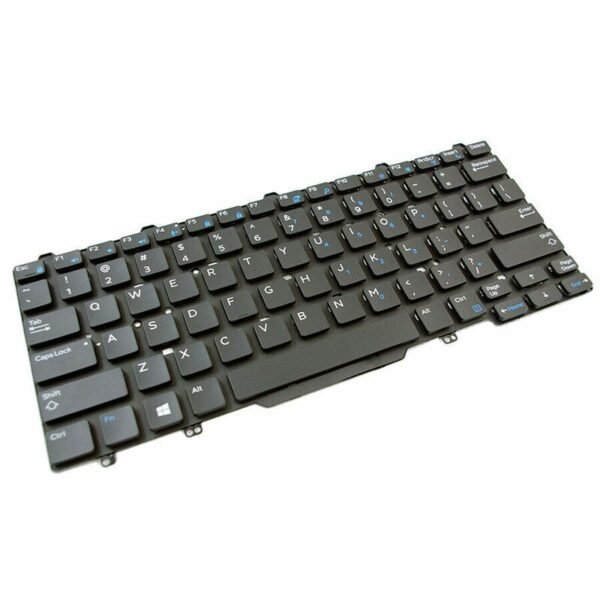
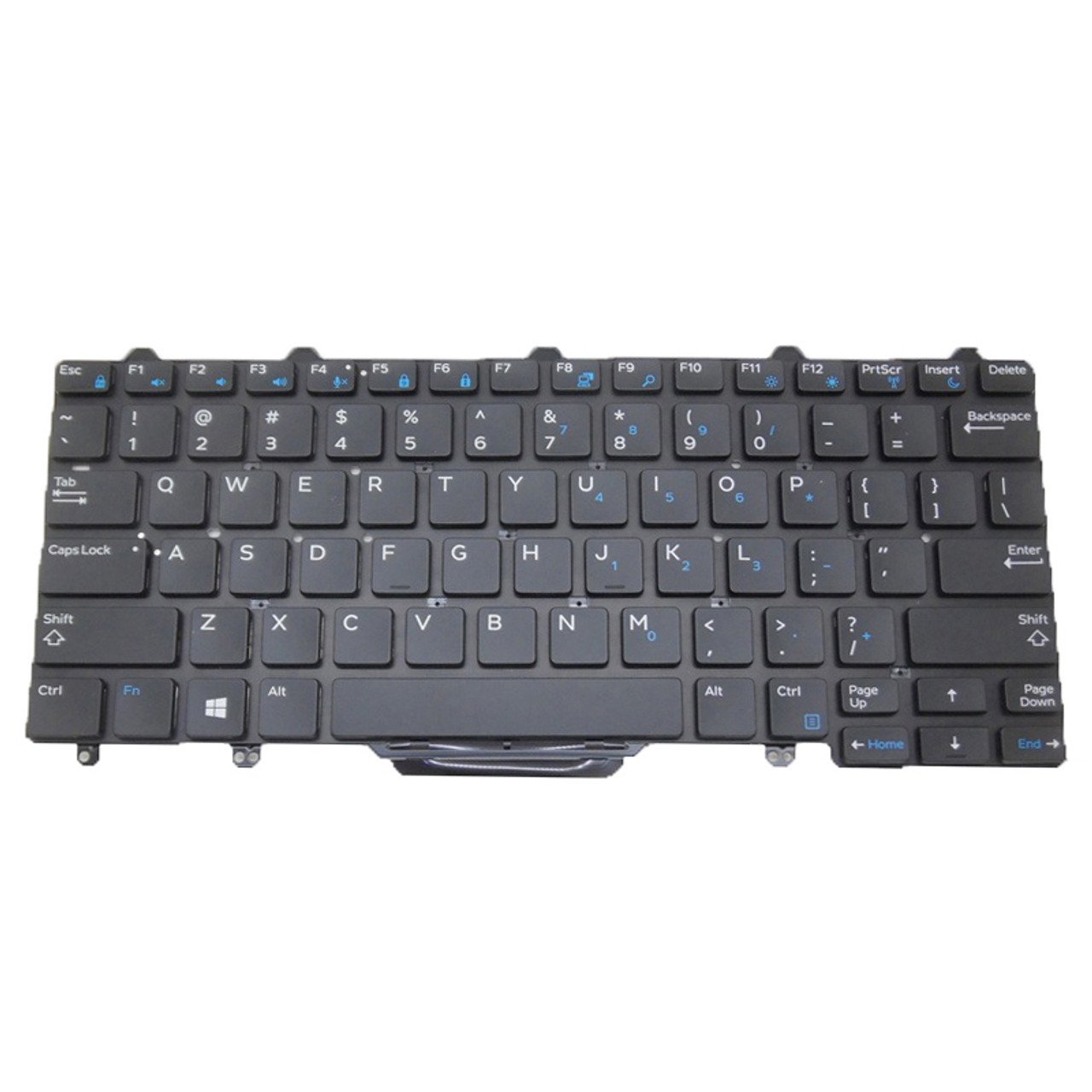
Compatible Models: E5270, E7270, E7250
Layout: US Standard QWERTY
Color: Black
Condition: Brand New – Genuine Dell Part (Model 44K3X)
Features:
LED backlit keys for low-light use
Silent, responsive typing experience
OEM fit with smooth installation
Durable and professional-grade materials
Ideal for developers, students, and mobile workers

Hurry and get discounts on all Apple devices up to 20%
Sale_coupon_15
KSh3,500.00 excl. VAT
Payment Methods:

At Lansotech Solutions, we specialize in high-quality Dell laptop repairs and original keyboard replacements for the professional, student, or developer on the go. If you own a Dell Latitude E5270, E7270, or E7250 and your keyboard is unresponsive, damaged, or missing keys, our US Backlit Keyboard (Model: 44K3X) is the ideal solution for restoring full performance with premium backlit functionality.
This replacement offers not only excellent tactile response but also the added benefit of LED backlighting—perfect for working in low-light or night-time environments.
Keyboard issues can affect everything from productivity to comfort. With a genuine Dell replacement keyboard, you can expect:
✅ Precise compatibility with E5270, E7270, and E7250 Latitude models
✅ Soft-touch, responsive keys built for comfort and quiet typing
✅ Backlit keys for enhanced visibility in dim environments
✅ OEM-grade build that fits seamlessly into your device
✅ Long-lasting materials and a premium typing experience
✔ Dell Latitude E5270
✔ Dell Latitude E7270
✔ Dell Latitude E7250
Layout: US Standard QWERTY
Color: Black
Backlit: Yes – White LED
Condition: Brand New – Genuine Dell Part (Model 44K3X)
Step 1 – Full Diagnosis
We verify that the keyboard is the root cause of the issue, eliminating any software conflicts.
Step 2 – Safe Opening Process
Using Dell-compliant tools, we carefully disassemble your laptop to protect internal components.
Step 3 – Old Keyboard Removal
We safely detach the faulty keyboard, avoiding any damage to internal parts.
Step 4 – Backlit Keyboard Installation
We install and align your new backlit keyboard, ensuring proper cable connection and fit.
Step 5 – Functionality Testing
All keys and backlight functions are tested before we clean and return your laptop.
Turn off backlight when not in use to conserve power and extend LED life
Clean with compressed air and a soft cloth weekly
Avoid spills and moisture near your keyboard
Use a keyboard protector if working in dusty or outdoor environments
Avoid pressing keys with excessive force to maintain responsiveness
✔ Trained Dell-certified technicians
✔ Use of only genuine replacement parts
✔ Fast turnaround and competitive rates
✔ Warranty coverage included with each installation
✔ Trusted by corporates, schools, and tech professionals across Nairobi
Restore your Dell laptop’s performance and experience a new level of productivity with our backlit keyboard replacement service
No account yet?
Create an Account











 ASUS
ASUS



